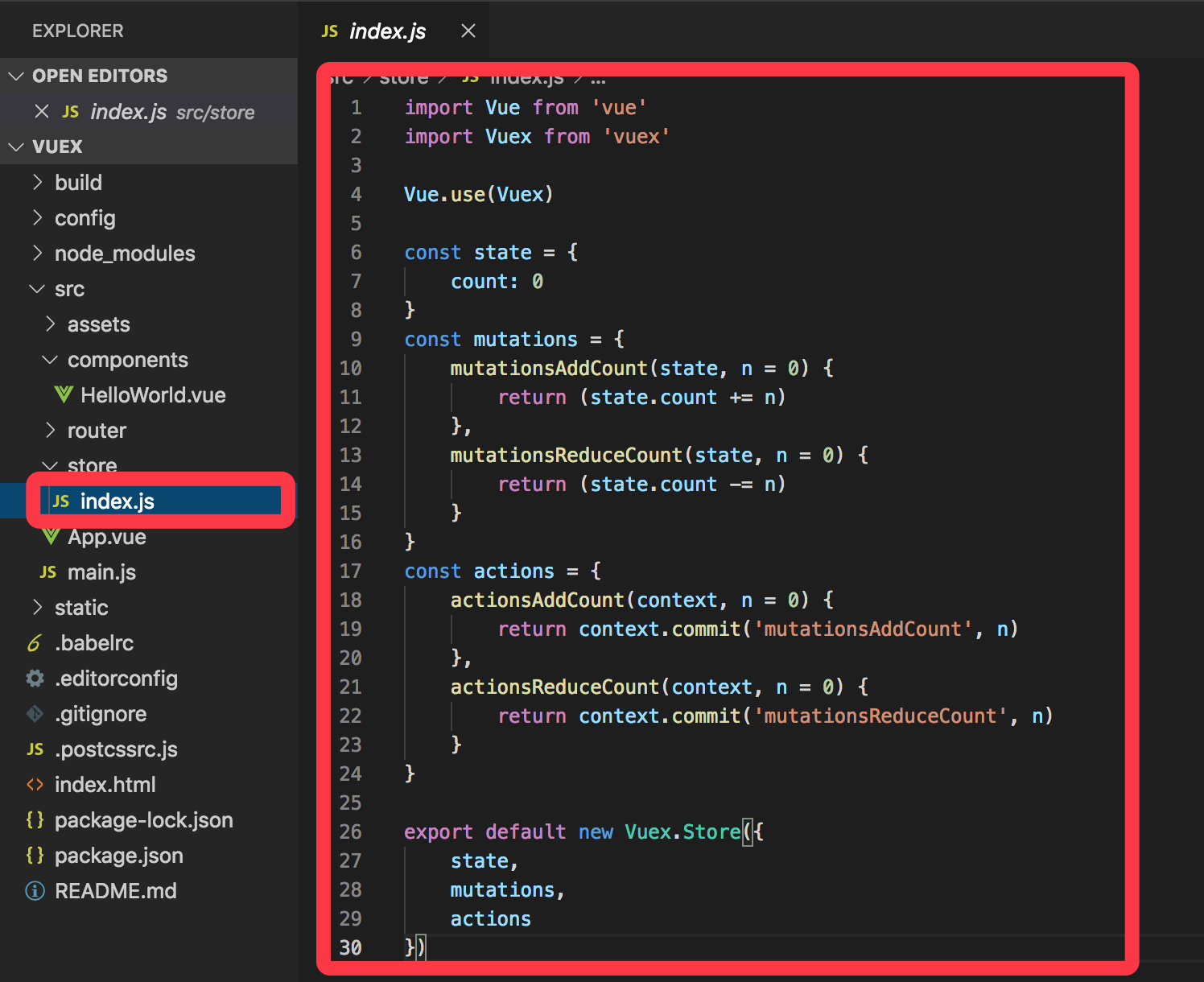
state文件下的index.js
 1 import Vue from 'vue'
 2 import Vuex from 'vuex'
 3
 4 Vue.use(Vuex)
 5
 6 const state = {
 7     count: 0
 8 }
 9 const mutations = {
10     mutationsAddCount(state, n = 0) {
11         return (state.count += n)
12     },
13     mutationsReduceCount(state, n = 0) {
14         return (state.count -= n)
15     }
16 }
17 const actions = {
18     actionsAddCount(context, n = 0) {
19         return context.commit('mutationsAddCount', n)
20     },
21     actionsReduceCount(context, n = 0) {
22         return context.commit('mutationsReduceCount', n)
23     }
24 }
25
26 export default new Vuex.Store({
27     state,
28     mutations,
29     actions
30 })
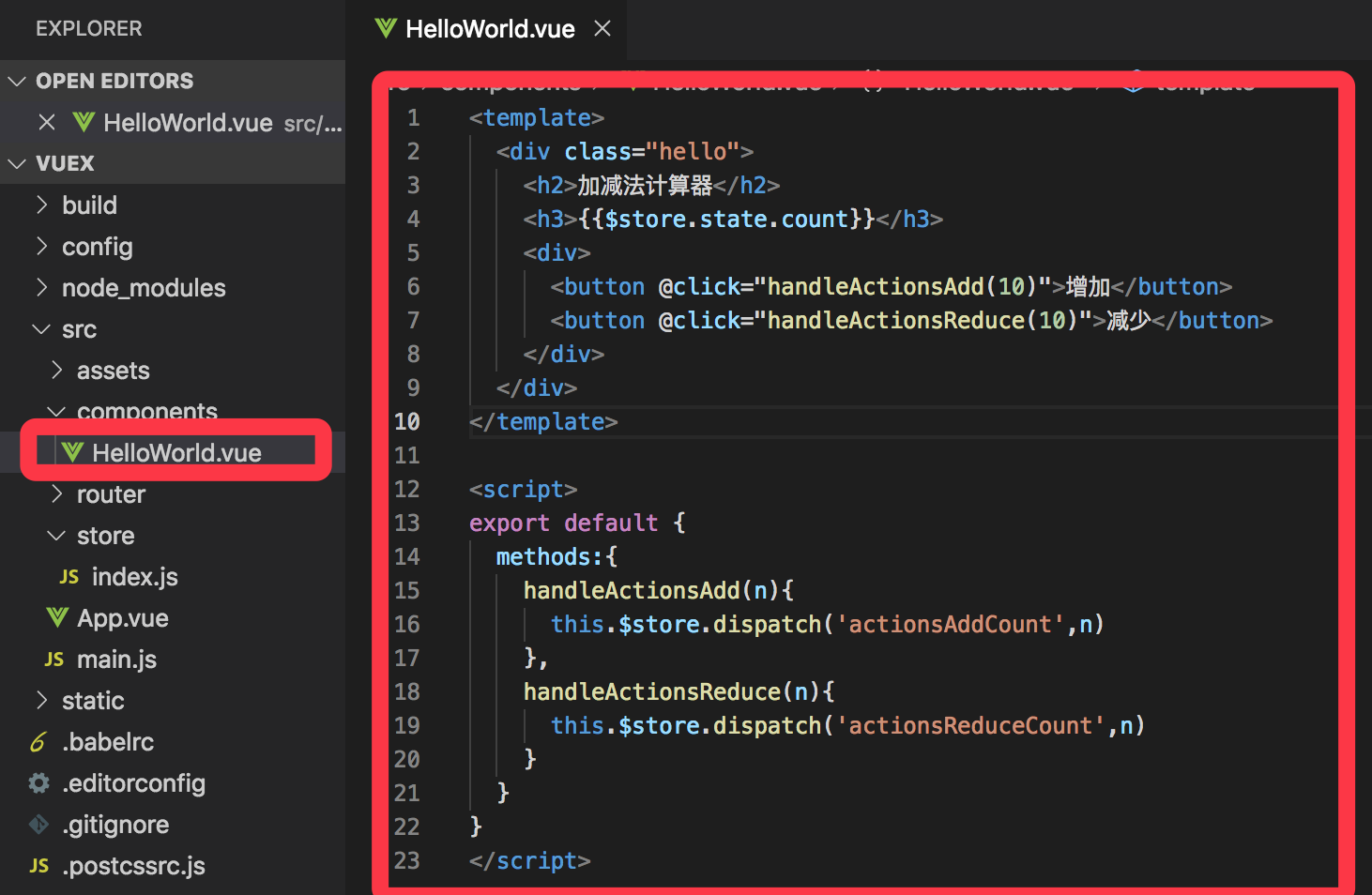
使用页面的代码
 1 <template>
 2   <div class="hello">
 3     <h2>加减法计算器</h2>
 4     <h3>{{$store.state.count}}</h3>
 5     <div>
 6       <button @click="handleActionsAdd(10)">增加</button>
 7       <button @click="handleActionsReduce(10)">减少</button>
 8     </div>
 9   </div>
10 </template>
11
12 <script>
13 export default {
14   methods:{
15     handleActionsAdd(n){
16       this.$store.dispatch('actionsAddCount',n)
17     },
18     handleActionsReduce(n){
19       this.$store.dispatch('actionsReduceCount',n)
20     }
21   }
22 }
23 </script>