refer to: https://www.udemy.com/course/the-web-developer-bootcamp
帮助文档: https://mongoosejs.com/docs/queries.html
- insert many
index.js

const mongoose = require('mongoose');
mongoose.connect('mongodb://localhost:27017/MovieDB', { useNewUrlParser: true, useUnifiedTopology: true })
    .then(() => {
        console.log("Connected")
    })
    .catch(err => {
        console.log("error!")
        console.log(err)
    })
// 如何缩进?选中代码块,右键,foramt selection.


//Schema,相当于创建一个指定数据类型的数据表
const movieSchema = new mongoose.Schema({
    title: String,
    year: Number,
    score: Number,
    rating: String
});

//model.用我们所设定的shema来实力化的东西
// An instance of a model is called a document.
//Models are responsible for creating and reading documents from the underlying MongoDB database.
const Movie = mongoose.model('Movie', movieSchema);   //Mongo will create a collection called movies by our input "Movie"

Movie.insertMany([
    { title: 'Amelie', year: 2001, score: 8.3, rating: 'R' },
    { title: 'Alien', year: 1979, score: 8.1, rating: 'R' },
    { title: 'The Iron Giant', year: 1999, score: 7.5, rating: 'PG' },
    { title: 'Stand By Me', year: 1986, score: 8.6, rating: 'R' },
    { title: 'Moonrise Kingdom', year: 2012, score: 7.3, rating: 'PG-13' }
])
    .then(data => {
        console.log("IT WORKED!")
        console.log(data);
    })
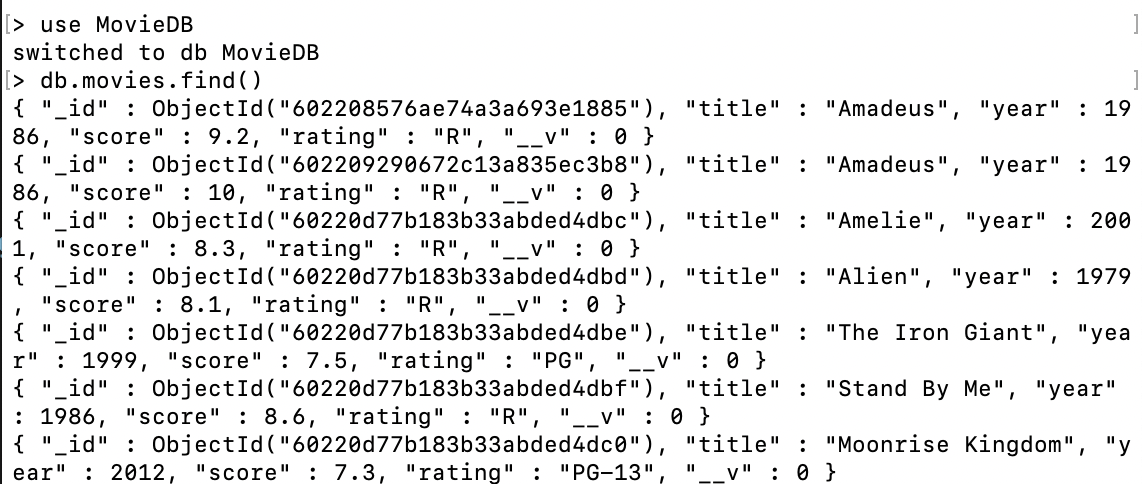
运行node->.load index.js

然后到mongo shell查看
- find
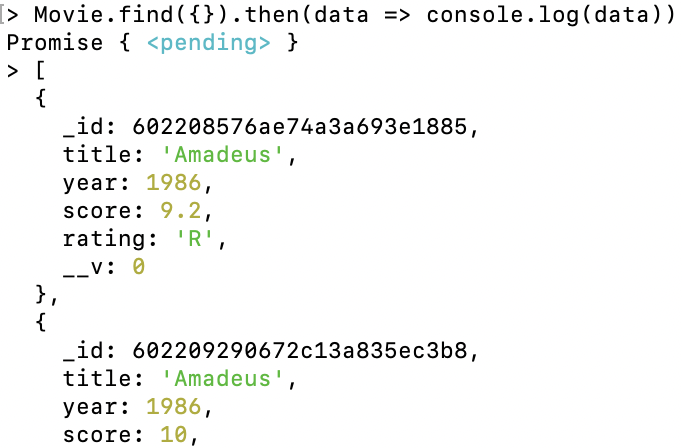
- 查找所有的movies: find({ })
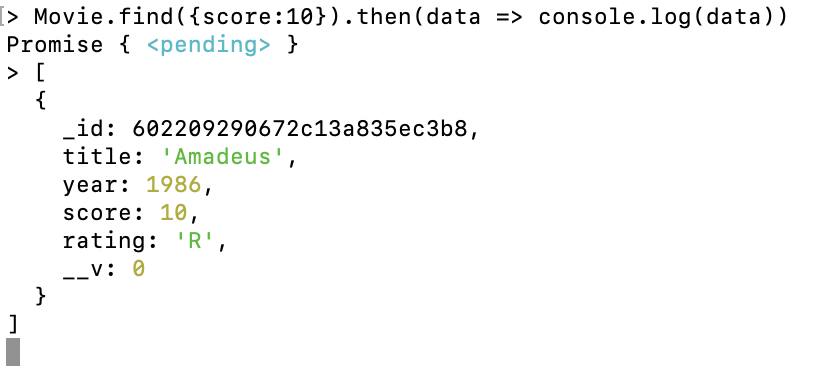
2. 查找指定movie: Movie.find({条件})。
- find the first match: findOne
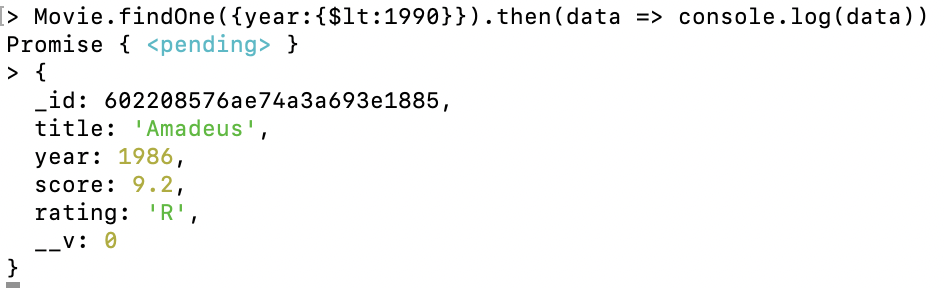
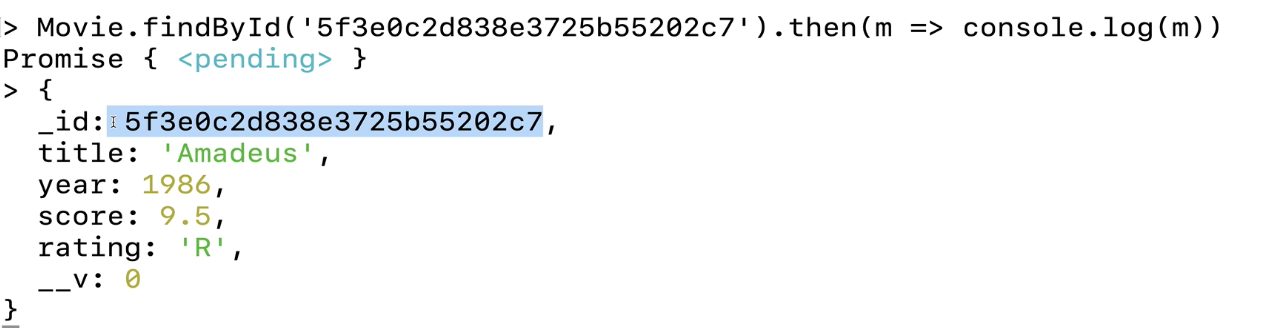
- findByID:
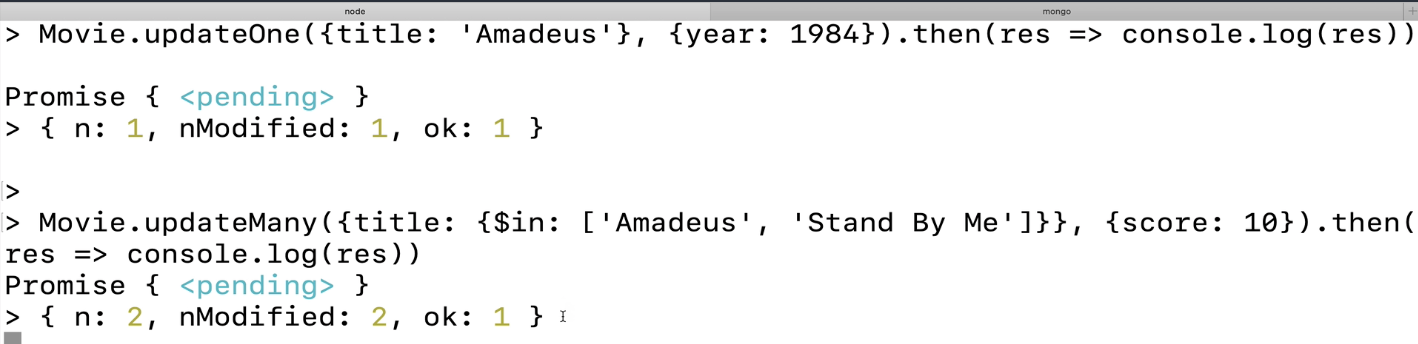
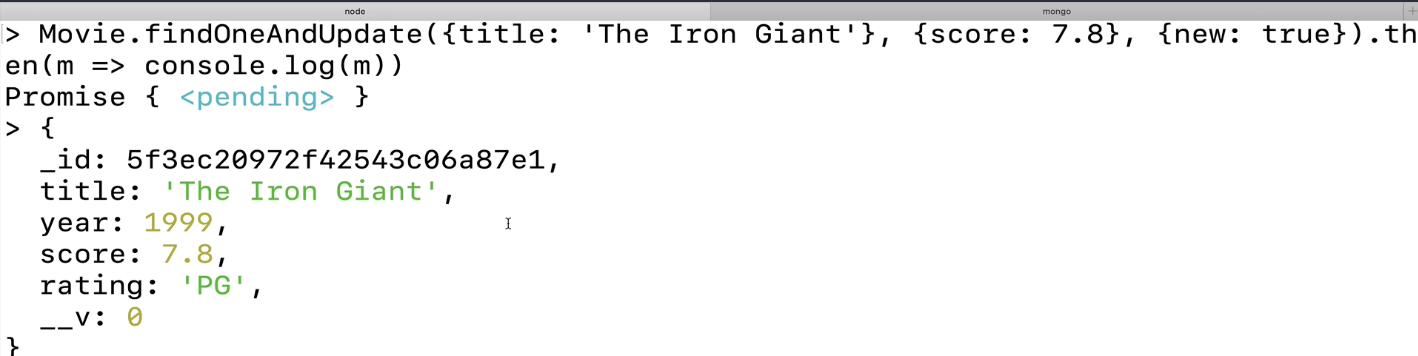
- Updating, updateOne to update the first matching ,直接使用updateOne/updateMany不会返回具体信息,findOneAndUpdate会返回具体信息
返回修改后的结果{new: true}, score 改成了7.8
- delete
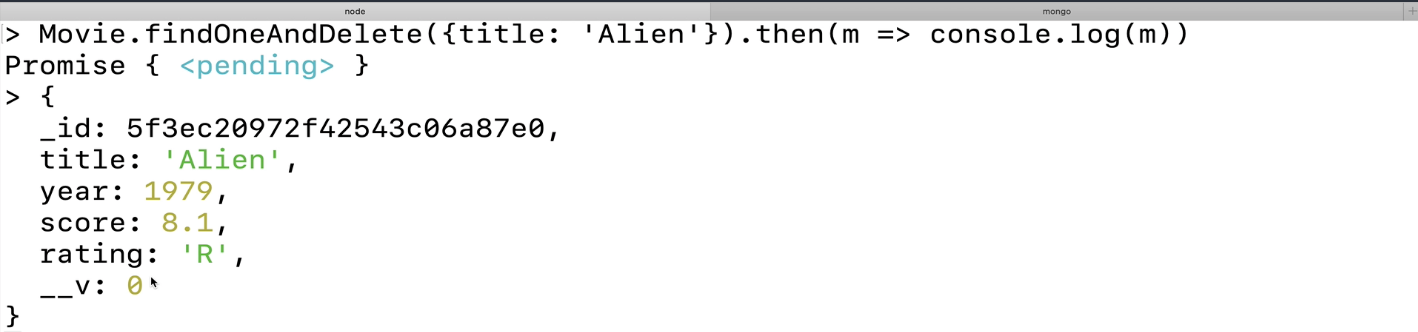
remove不会立马返回我们删除的对象信息,如果使用findOneAndDelete的话会有返回结果。