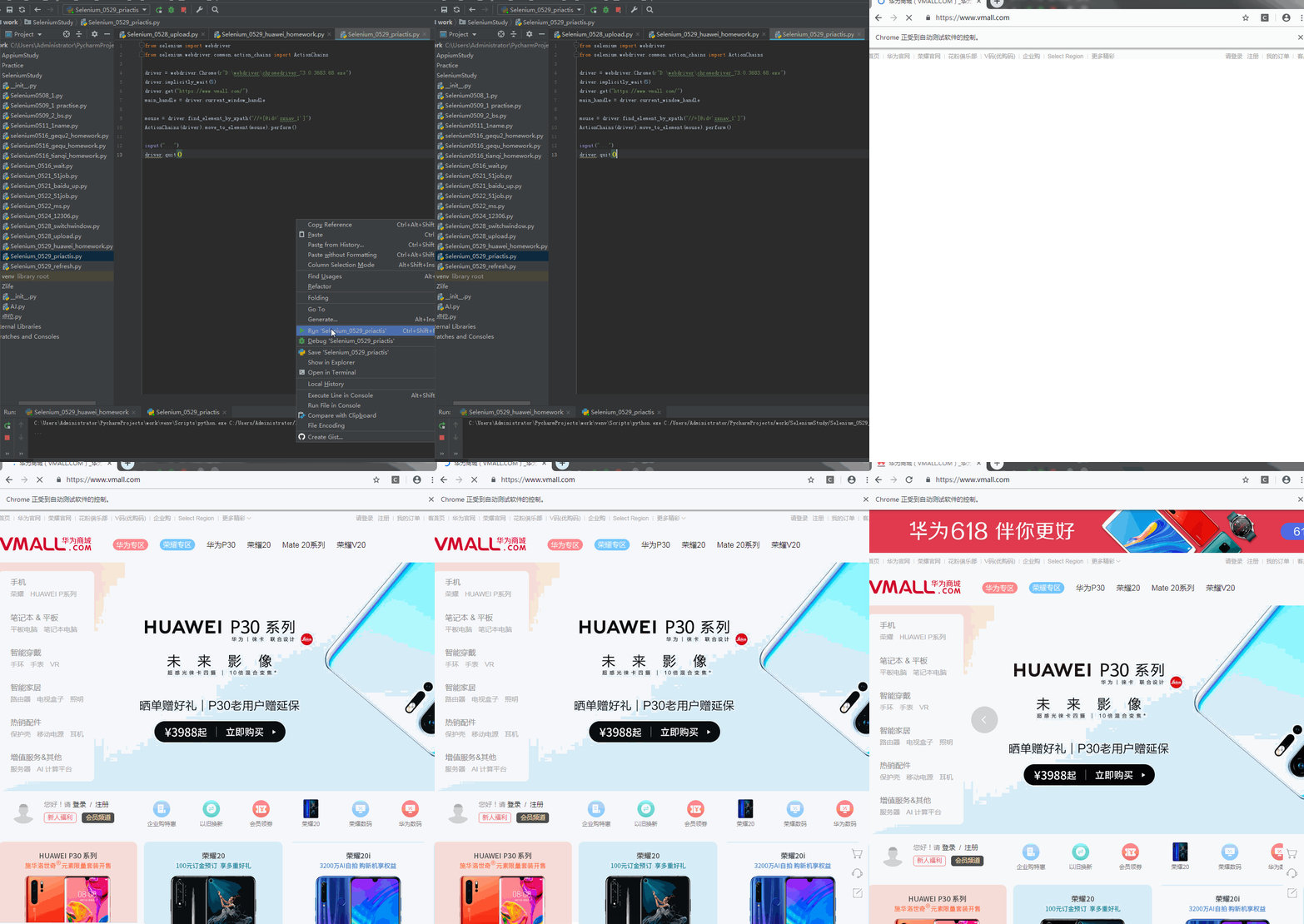
1. 引用
from selenium.webdriver.common.action_chains import ActionChains
(ActionChains支持一连串的动作。例如: ActionChains(driver).move_to_element(mouse).ac1().ac2().perform()。最后要以perform结尾)
2. 使用
mouse = driver.find_element_by_xpath("//*[@id='zxnav_1']")
ActionChains(driver).move_to_element(mouse).perform()
from selenium import webdriver
from selenium.webdriver.common.action_chains import ActionChains

driver = webdriver.Chrome(r"D:webdriverchromedriver_73.0.3683.68.exe")
driver.implicitly_wait(5)
driver.get("https://www.vmall.com/")
main_handle = driver.current_window_handle

mouse = driver.find_element_by_xpath("//*[@id='zxnav_1']")
ActionChains(driver).move_to_element(mouse).perform()

input("...")
driver.quit()