DatagramChannel
Java NIO中的DatagramChannel是一个能收发
UDP包的通道。
操作步骤:
打开 DatagramChannel
接收/发送数据
服务端
    @Test
    public void receive() throws IOException{
        DatagramChannel dc = DatagramChannel.open();

        dc.configureBlocking(false);

        dc.bind(new InetSocketAddress(8082));

        //选择器
        Selector selector = Selector.open();

        dc.register(selector, SelectionKey.OP_READ);

        while(selector.select() > 0){
            Iterator<SelectionKey> it =  selector.selectedKeys().iterator();

            while(it.hasNext()){
                SelectionKey sk = it.next();

                if(sk.isReadable()){
                    ByteBuffer buf = ByteBuffer.allocate(1024);

                    //接收数据
                    dc.receive(buf);
                    buf.flip();
                    System.out.println(new String(buf.array(),0,buf.limit()));

                }
            }
            it.remove();
        }
    }
客户端:
    @Test
    public void send() throws IOException{

        DatagramChannel dc = DatagramChannel.open();

        dc.configureBlocking(false);

        ByteBuffer buf = ByteBuffer.allocate(1024);

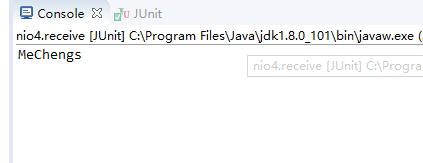
        buf.put("MeChengs".getBytes());
        buf.flip();
        dc.send(buf, new InetSocketAddress("127.0.0.1", 8082));

        dc.close();
    }