首先我们看下这个标签到底是干什么的!
W3C的定义:

然后兼容性:
然后与之配套使用的另一个标签:
<area/>规定其区域;
我们来看看<map>标签支不支持全局属性;=====》
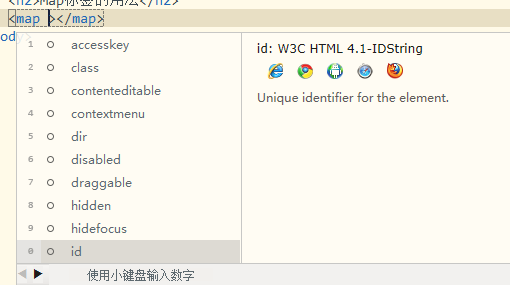
发现它是支持全局属性的;
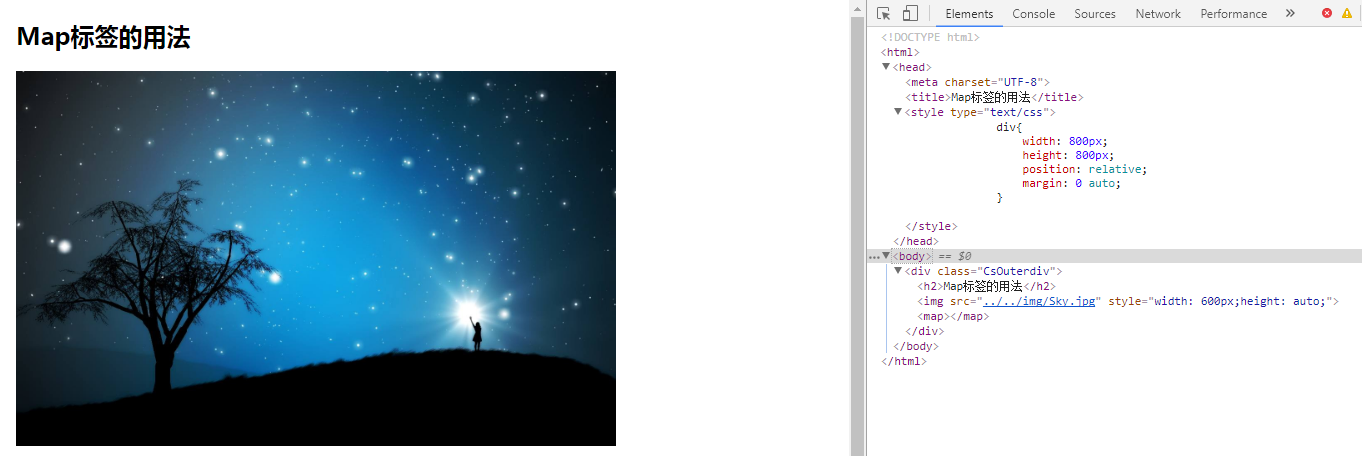
使用方法:其实<map>只是给浏览器做了一个说明,我要对一个图片创建一个区域映射;所以我们还得有一张图片指向<map>标签。作为指向那么是唯一的;所以我们可以设置id与图片对应;还可以设置name与其进行对应;
如下code;


<!DOCTYPE html>
<html>

    <head>
        <meta charset="UTF-8">
        <title>Map标签的用法</title>
        <style type="text/css">
            div{
                width: 800px;
                height: 800px;
                position: relative;
                margin: 0 auto;
            }
        </style>
    </head>

    <body>
        <div class="CsOuterdiv">
            <h2>Map标签的用法</h2>
            <img src="../../img/Sky.jpg" style=" 600px;height: auto;" />
            <map></map>
        </div>
    </body>

</html>
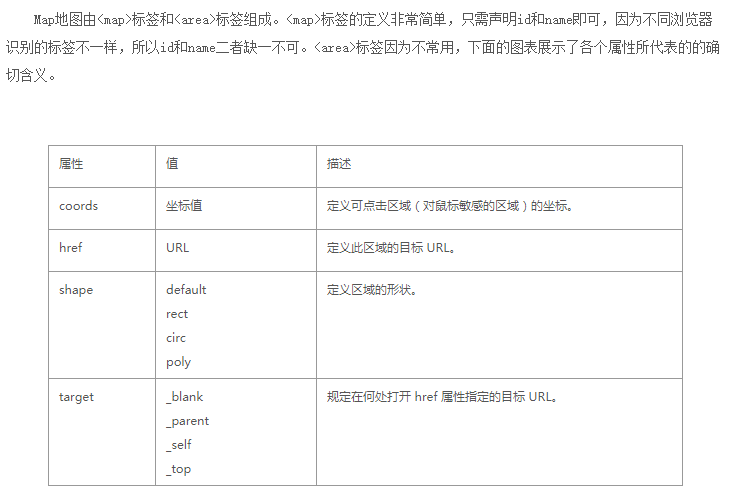
//首先注意:<area/>是个单标签;
它的属性有;
<!DOCTYPE html>
<html>

    <head>
        <meta charset="UTF-8">
        <title>Map标签的用法</title>
        <style type="text/css">
            div {
                width: 800px;
                height: 800px;
                position: relative;
                margin: 0 auto;
            }
        </style>
    </head>

    <body>
        <div class="CsOuterdiv">
            <h2>Map标签的用法</h2>
            <img src="../../img/Sky.jpg" style=" 600px;height: auto;" usemap="#MyfirstMap" border="0" alt="testimg" />
            <map id="MyfirestMap" name="MyfirstMap">
                <area shape="circle" coords="180,139,14" href ="http://www.baidu.com" alt="百度" />
                 <area shape="circle" coords="129,161,10" href ="http://jingdong.com" alt="京东" />
                  <area shape="rect" coords="0,0,110,260" href ="http://taobao.com" alt="淘宝" />
            </map>
        </div>
    </body>

</html>