




vim 文本换行
gq{motion} % format the line that {motion} moves over
{Visual}gq % format the visually selected area
gqq        % format the current line
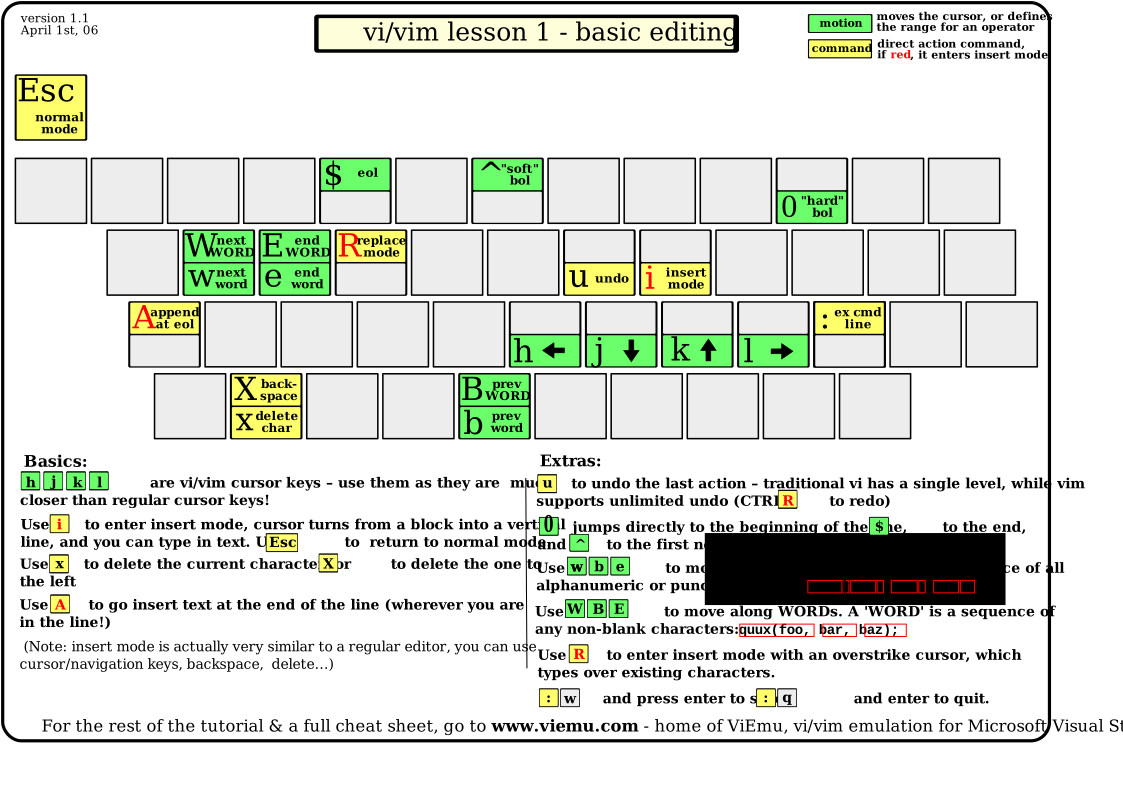
gf    open file under current cursor
VIM
setlocal all
setlocal   ...  Like ":set" but set only the value local to the current buffer or window.
setglobal  ...   Like ":set" bu set only the global value for a local option without changing the local value.
For buffer-local and window-local options:
        Command                      global value                  local value
      :set option=value                 set                           set
 :setlocal option=value                  -                            set
:setglobal option=value                 set                            -
     :set option?                      -                           display
 :setlocal option?                       -                           dispaly
:setglobal option?                     display                         -
VIM
'formatoptions' 'fo'  string(Vim default: "tcq", Vi default: "vt")
                      local to buffer
This is a sequence of letters which describes how automatic formatting is to be done.
NOTE: This option is set to the Vi default value when 'compatible' is set and to the Vim default value when 'compatible' is reset.
ls help
 u            an unlisted buffer (only displayed when [!] is used)
    %        the buffer in the current window
    #         the alternate buffer for ":e #" and CTRL-^
      a       an active buffer: it is loaded and visible
      h       a hidden buffer: It is loaded, but currently not displayed in a window
        -      a buffer with 'modifiable' off
        =     a read-only buffer
        ?      a terminal buffer without a job
          +    a modified buffer
          x    a buffer with read errors
Unless I'm missing something, Vim already does that. If I highlight some text using the mouse or by typing v and moving the cursor, I see at the bottom of the screen

-- VISUAL --                                        12

set showcmd

echo len("foo")
echo strlen("foo")
zf{motion} or {Visual}zf             Operator to create a fold.
                                               This only works when 'foldmethod' is "manual" or "marker". The new fold will be closed for the "manual" method. 'foldenable' will be set.
Also see |fold-create-marker|.

zo                            Open one fold under the cursor. When a count is given, that many folds deep will be opened. In Visual mode one level of folds is opened for all lines in the selected area.

zc                            Close one fold under the cursor. When a count is given, that many folds deep are closed. In Visual mode one level of folds is closed for all lines in the selected area. 'foldenable' will be set.
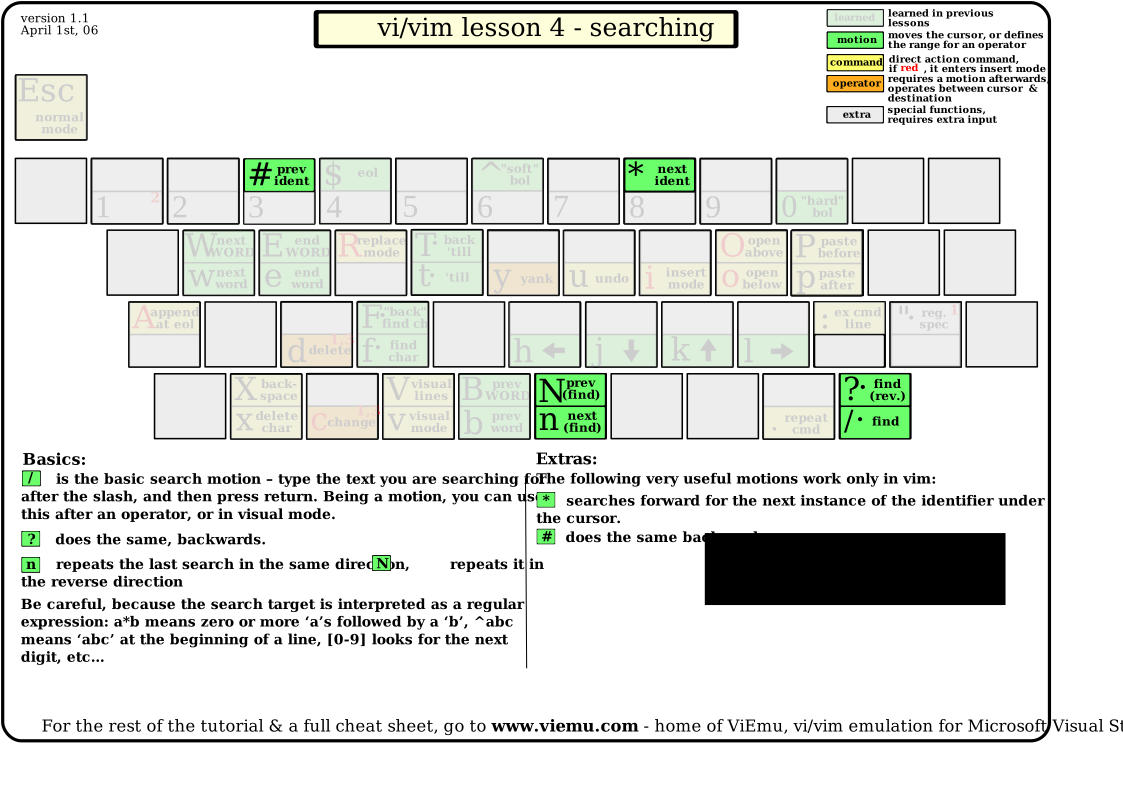
VIM Search
Multiple repeats                 multi-repeat
                                 :g  :global  E148

:[range]g[lobal]/{pattern}/[cmd]
                                    Execute the Ex command [cmd] (default ":p") on the
                                    lines within [range] where {pattern} matches.

:[range]g[lobal]!/{pattern}/[cmd]
                                    Execute the Ex command [cmd] (default ":p") on the
                                    lines within [range] where {pattern} does NOT match.

:[range]v[global]/{pattern}/[cmd]
                                    Same as :g!

Instead of the '/' which surrounds the {pattern}, you can use any other single
byte character, but not an alphabetic character, '\', '"' or '|'.
This is useful if you want to include a '/' in the search pattern or replacement
string.
VIM Echo
:!echo %                        --> filename
             The arguments of ":!" are expanded, see :_%
:!echo "%"                      --> filename or 'filename"
             Like the previous example. Whether you see the double
             quotes or not depends on your 'shell'.
:echo %                          --> nothing
              The '%' is an illegal character in an expression.
:echo "%"                       --> %
              This just echoes the '%' character.
:echo expand("%")          --> filename
              This calls the expand() function to expand the '%'.

                                           filename-modifiers
:_%   ::8   ::p   ::.   ::~  ::h  ::t  ::r  ::e  ::s  ::gs  ::S
    %:8  %:p  %:.  %:~  %:h  %:t  %:t  %:r  %:e  %:s  %:gs  %:S
The file name modifiers can be use after "%", "#", "#n", "<cfile>", "<sfile>",
"<afile>" or "<abuf>". They are also used with the fnamemodify() function.
Bibliography
http://www.viemu.com/a_vi_vim_graphical_cheat_sheet_tutorial.html
https://www.cs.swarthmore.edu/oldhelp/vim/silly.html
https://gist.github.com/awidegreen/3854277