1.下载命令expect
[root@m01 /shell4]# yum install -y expect
2.编写脚本
[root@m01 /shell4]# vim expect.sh
#!/usr/bin/env expect

#开启一个程序
spawn ssh 172.16.1.7
#捕获相关内容
expect {
        "(yes/no)?" { send "yes
";exp_continue }
        "password:" { send "123456
" }
}
interact

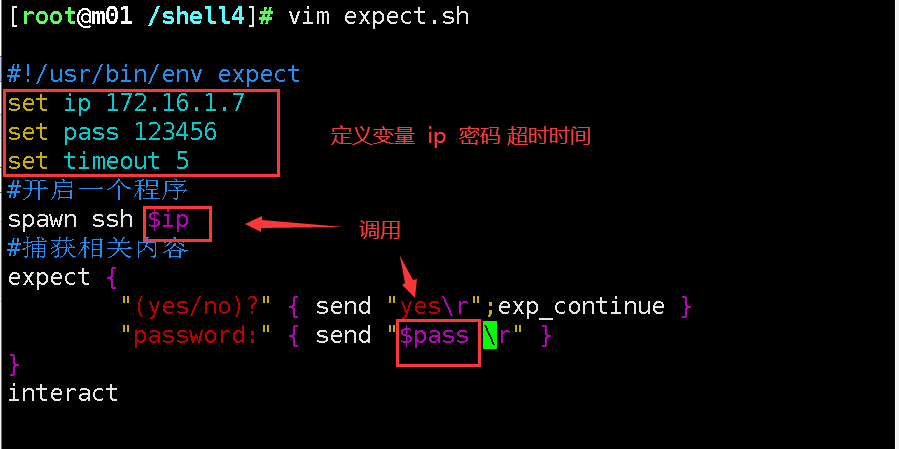
也可以这样写
[root@m01 /shell4]# vim expect.sh
#!/usr/bin/env expect
set ip 172.16.1.7
set pass 123456
set timeout 5
#开启一个程序
spawn ssh $ip
#捕获相关内容
expect {
        "(yes/no)?" { send "yes
";exp_continue }
        "password:" { send "$pass
" }
}
interact