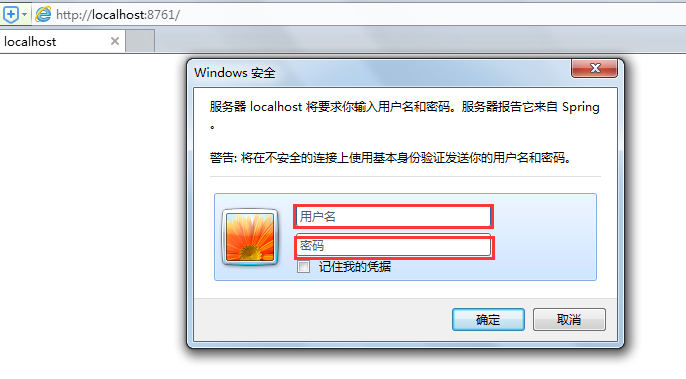
在Spring Cloud通过Eureka实现服务注册与发现时,默认提供web管理界面,但是如果在生产环境暴露出来,会存在安全问题。为了解决这个问题,我们可以通过添加权限认证进行控制,具体步骤如下:
【step1】:通过spring-security来进行用户认证,在pom中添加相关依赖
<dependency>
<groupId>org.springframework.boot</groupId>
<artifactId>spring-boot-starter-security</artifactId>
</dependency>
【step2】:application.yml中加上认证的配置信息
security.basic.enabled: true #开启认证
security.user.name: userName #你的用户名
security.user.password: password #你的密码
【step3】:同时,需要注册的应用需要修改配置文件,加上认证信息,否则注册会报401认证失败错误
eureka.client.serviceUrl.defaultZone: http://userName:password@localhost:8761/eureka/
测试:再次访问http://localhost:8761/,弹出如下认证页面,输入正确认证信息即可。