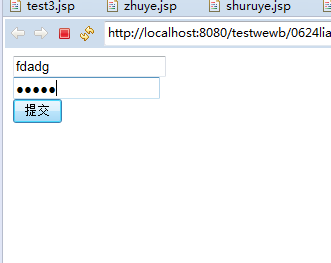
1、登录页代码
<%@ page language="java" contentType="text/html; charset=UTF-8"
    pageEncoding="UTF-8"%>
<!DOCTYPE html PUBLIC "-//W3C//DTD HTML 4.01 Transitional//EN" "http://www.w3.org/TR/html4/loose.dtd">
<html>
<head>
<meta http-equiv="Content-Type" content="text/html; charset=UTF-8">
<title>Insert title here</title>
</head>
<body>
<form action="zhuye.jsp" method="post">
<input type="text" name="name">
<br>
<input type="password" name="password">
<br>
<input type="submit" value="提交">

</form>
</body>
</html>
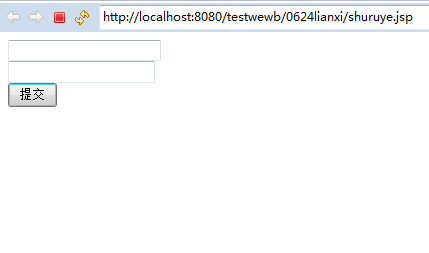
2、判断页代码
<%@ page language="java" contentType="text/html; charset=UTF-8"
    pageEncoding="UTF-8"%>
<!DOCTYPE html PUBLIC "-//W3C//DTD HTML 4.01 Transitional//EN" "http://www.w3.org/TR/html4/loose.dtd">
<html>
<head>
<meta http-equiv="Content-Type" content="text/html; charset=UTF-8">
<title>Insert title here</title>
</head>
<body>
<%
String name=request.getParameter("name");
String password=request.getParameter("password");
%>
<%
if(name.equals("name")&&password.equals("asd123456"))
{
    out.print("输入正确");


}else{%>
	<jsp:forward page="cuowuye.jsp"></jsp:forward>
<% }%>


</body>
</html>
3、跳转到的错误页代码并3秒后跳回登录页
<%@ page language="java" contentType="text/html; charset=UTF-8"
    pageEncoding="UTF-8"%>
<!DOCTYPE html PUBLIC "-//W3C//DTD HTML 4.01 Transitional//EN" "http://www.w3.org/TR/html4/loose.dtd">
<html>
<head>
<meta http-equiv="Content-Type" content="text/html; charset=UTF-8">
<title>Insert title here</title>
</head>
<body>
输入错误
<%
response.setHeader("refresh", "3;URL=shuruye.jsp");
%>
</body>
</html>
4、运行结果
(1)输入正确时运行结果
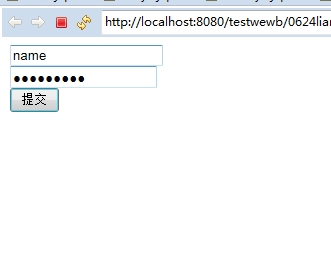
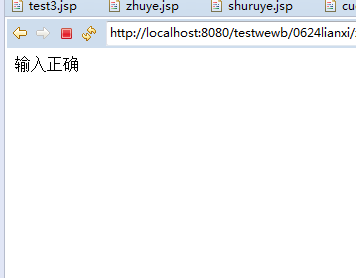
(2)输入错误时,运行结果