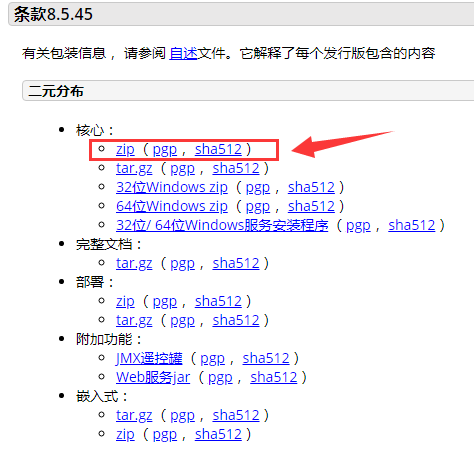
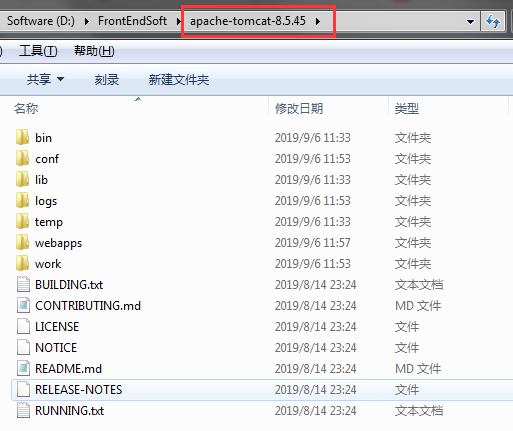
1、前提条件:有配置java环境,下载tomcat后解压https://tomcat.apache.org/download-80.cgi,得到如下目录
2、修改vue项目下config/index.js,注意dev和build都要改assetsPublicPath的配置
module.exports = {
  dev: {
    ...
    assetsPublicPath: './',
    ...
  },

  build: {
    ...
    assetsPublicPath: './',
    ...
  }
}
3、修改路由配置src/router/index.js,增加配置base: '/aoxinwechat/',如果这里不配置,会导致部署的项目首页访问一片空白,但不报错,且引入的文件有正常加载
export default new Router({
  //如打包文件存放在Tomcat/webapps/aoxinwechat下,
  //那么base就这么写
  base: '/aoxinwechat/',
  mode: 'history',
  routes: [
      ...
  ]
})
4、执行npm run build,将打包生成的dist目录下的所有东西粘贴到Tomcat/webapps/aoxinwechat路径下,aoxinwechat是自定义的项目名
5、启动tomcat,在tomcat下的bin目录中双击startup.bat文件,或者打开命令行去访问startup.bat,
访问路径格式>>ip:port/aoxinwechat,例如:http://localhost:8080/aoxinwechat/,即可访问到Vue项目。