使用方式
运行以下脚本即可
(v2
ay删除)
curl -Ls https://raw.githubusercontent.com/v2fly/fhs-install-v2
ay/master/install-release.sh | sudo bash

id
运用指令:cat /proc/sys/kernel/random/uuid 创建一个用户 id ,并记住这个id号
[root@vultr ~]# cat /proc/sys/kernel/random/uuid
08ef6234-dcc0-45d1-9954-f9490cb2beb2

配置
配置文件路径为/usr/local/etc/v2 ay/config.json
{
  "inbounds": [{
    "port": 12345,
    "protocol": "vmess",
    "settings": {
      "clients": [
        {
          "id": "08ef6234-dcc0-45d1-9954-f9490cb2beb2",
          "level": 1,
          "alterId": 64
        }
      ]
    }
  }],
  "outbounds": [{
    "protocol": "freedom",
    "settings": {}
  },{
    "protocol": "blackhole",
    "settings": {},
    "tag": "blocked"
  }],
  "routing": {
    "rules": [
      {
        "type": "field",
        "ip": ["geoip:private"],
        "outboundTag": "blocked"
      }
    ]
  }
}
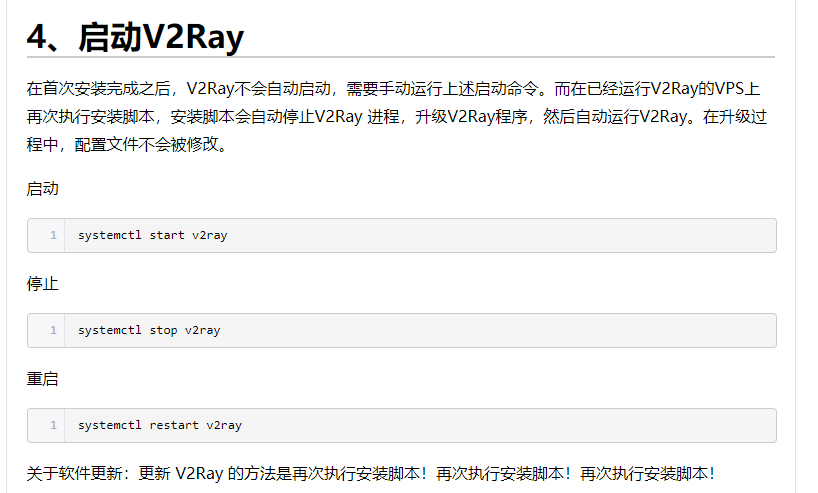
重启v2 ay
启动
systemctl start v2
ay
停止
systemctl stop v2
ay
重启
systemctl restart v2
ay