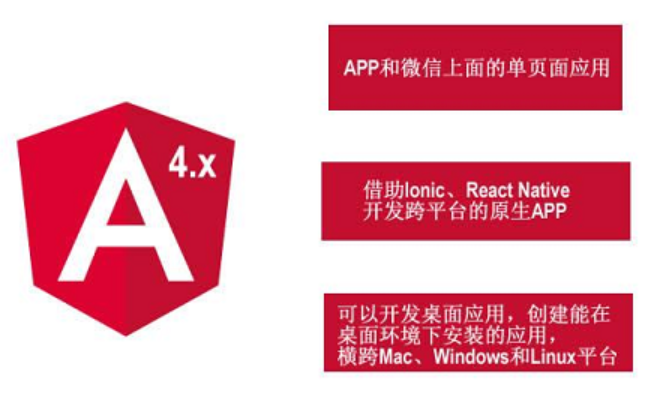
1、新建并启动项目:
1、安装:   npminstall -g @angular/cli
2、新建:   ng new mytest
3、进入项目:cd mytest
4、启动:   ng serve
5、打开项目: localhost:4200

注:拿到项目之后首先要:cnpm install  ,  然后才运行:ng serve
(安装依赖:项目要跑起来首先要依赖一些包,cnpm install后会自动找到package.json匹配相应的包,进行下载,下载完装在node_modules里)
2、新建组件:
ng g component header
注: 只需要记得在 app.component.html 中加入 <app-header></app-header> 就可以看到header.component.html中编辑的内容。访问 http://localhost:4200/ 将会看到。
3、组件和模块介绍:
(1)根模块
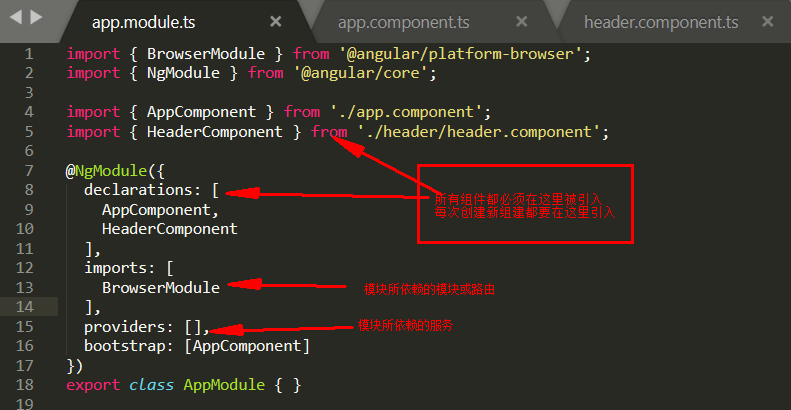
(2)根组件

(3)子组件
