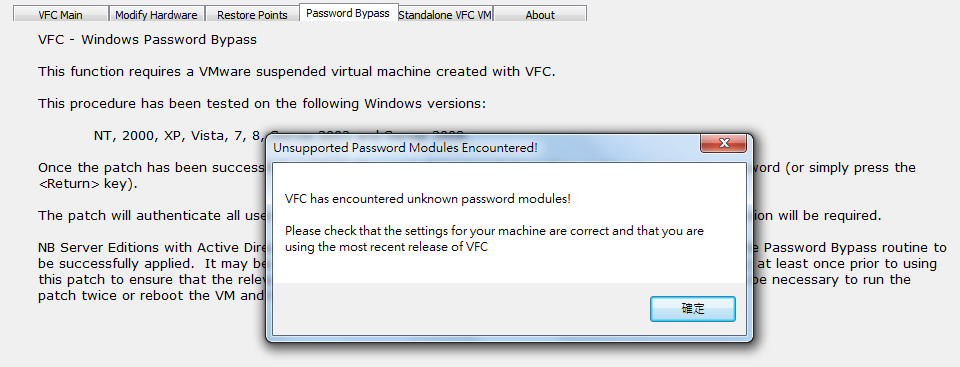
Usually we will use LiveView or VFC to "boot up" the evidence files acquired from suspect's computer or laptop. What if his/her OS is Win10? Win10 has two account types. One is Local User Account, and the other is Live ID Account. For VFC to bypass Local User Account is just a piece of cake(Sorry,not including Win10~). Let's see if VFC could bypass the password of Live ID Account. Unfortunately VFC failed to bypass and the error messges is as below:
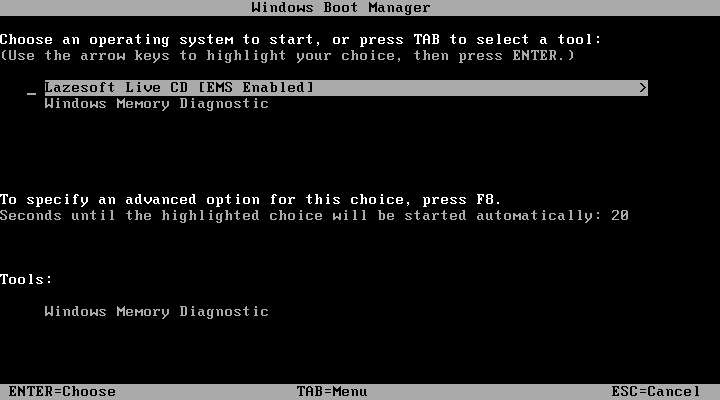
Now I show you another option "Lazesoft". Let's use it to take care of Win10 Local User Account first. I use Lazesoft to create a bootable Live CD/ISO so as to take care of Win10 logon password. Of course you should change boot priority first to boot from disc without fail.
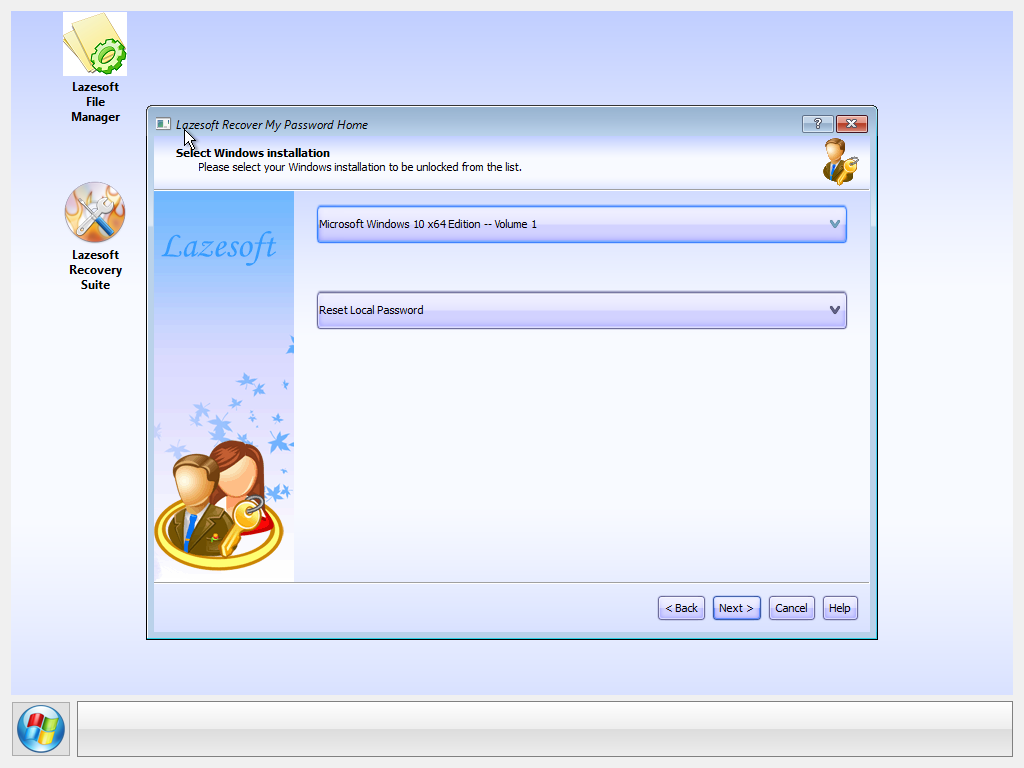
Let's proceed to reset Win10 logon password.
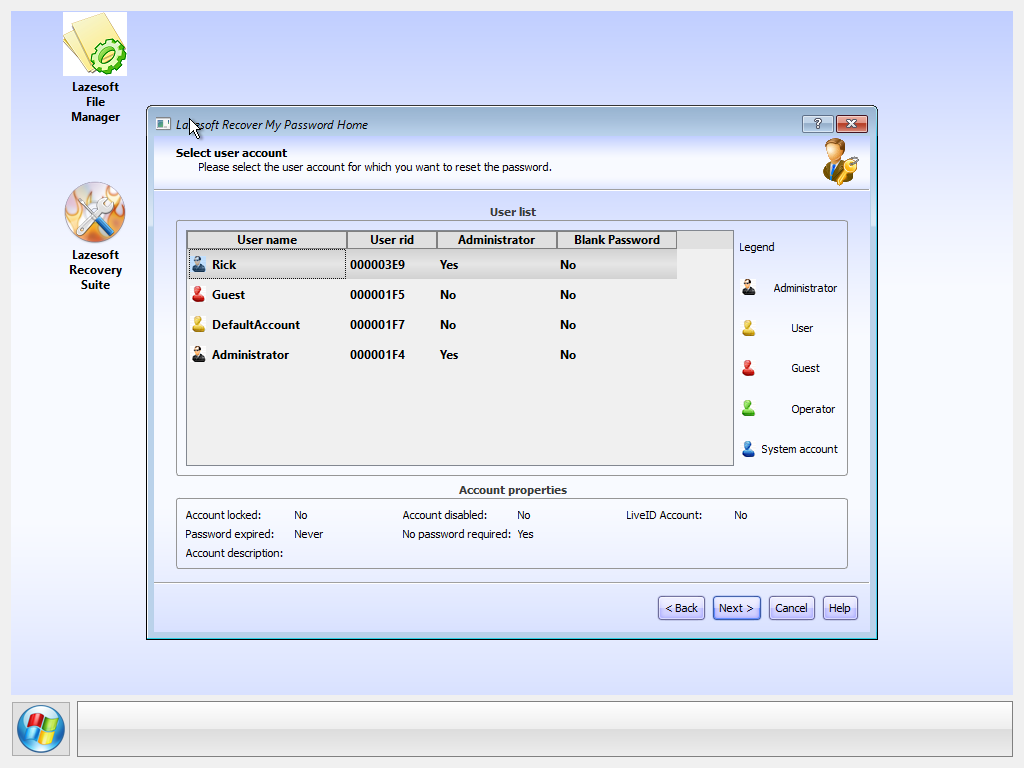
Now we'd like to reset the password of a local user account "Rick".
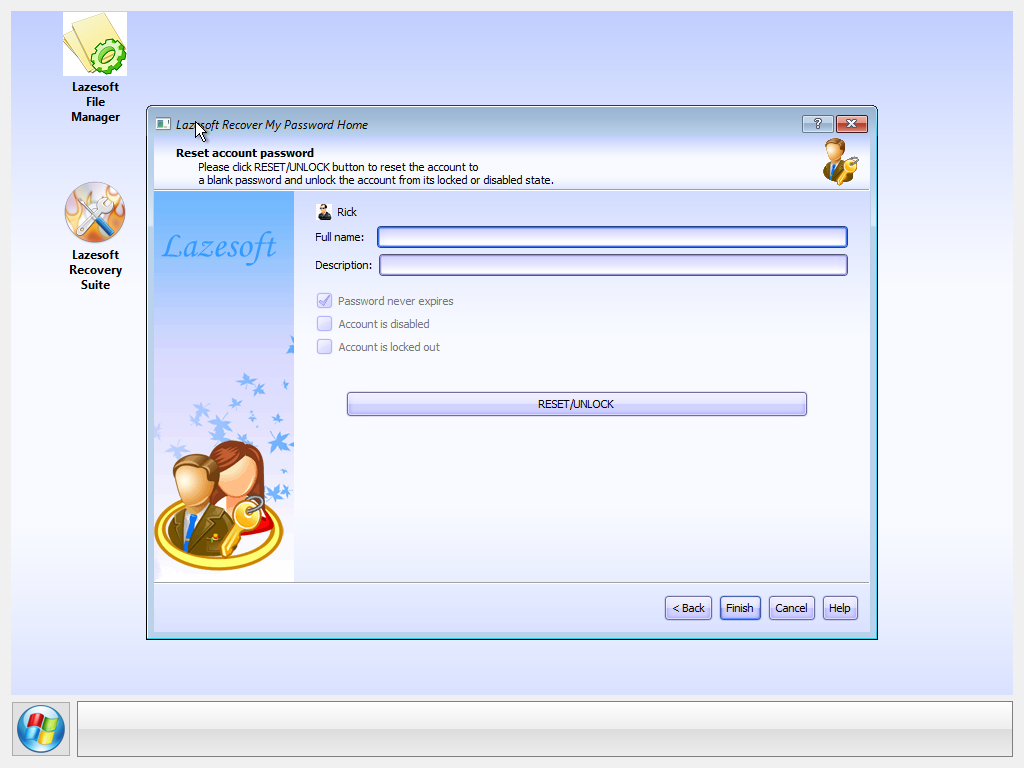
Good job~ It works~

Now the password is "empty" for this local user account "Rick". So we could log in and conduct a Live forensic.

What about Live ID account? The LiveID account credential "may" exist in this computer/laptop after user logging in.
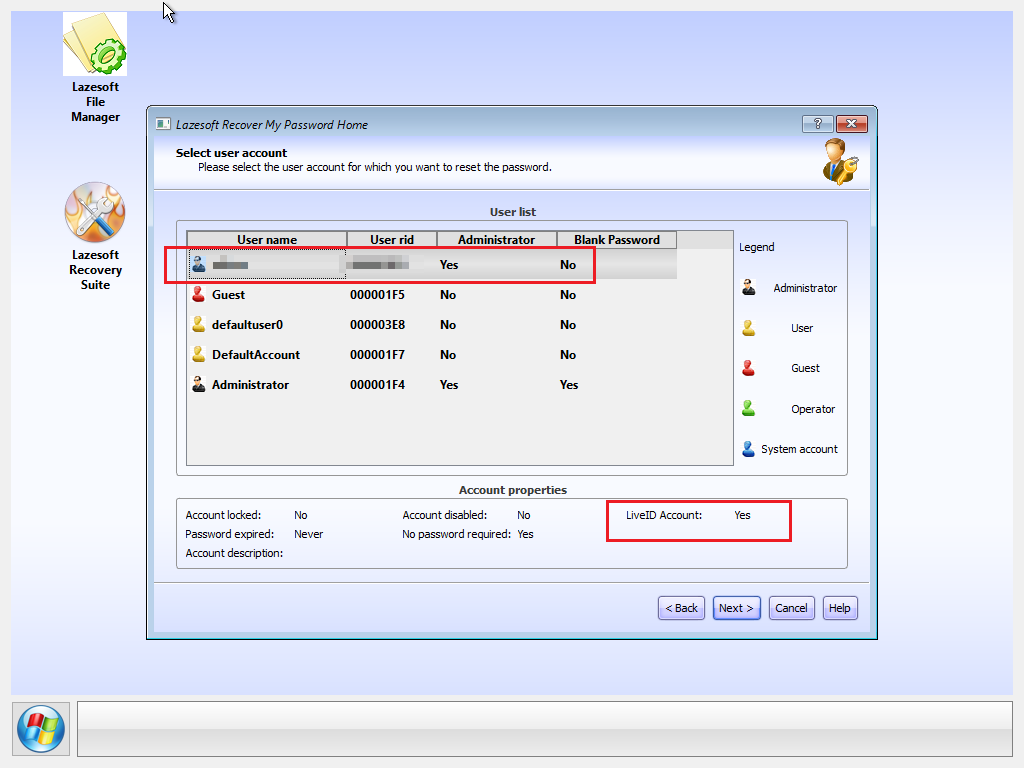
Unfortunately either Lazesoft or Elcomsoft failed to reset the password of a Live ID account.
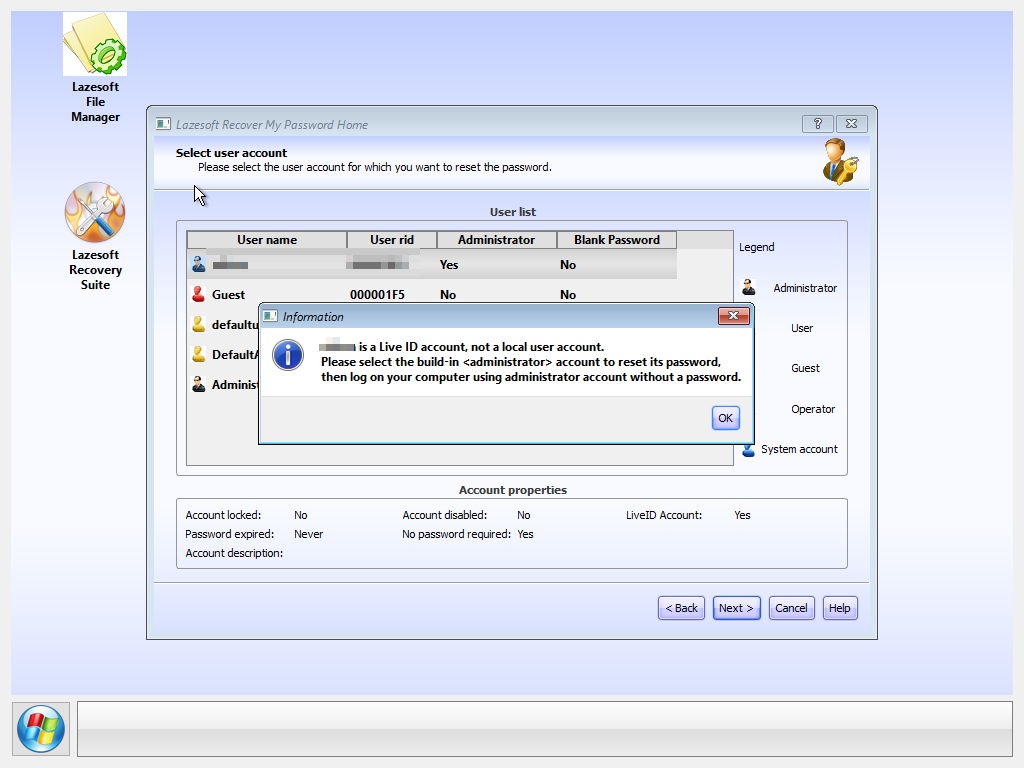
What about domain user account? If this computer/laptop is a member of a Active Directory domain, Lazesoft could not reset password of a domain user account. You should use Elcomsoft possword recovery to handle domain user account password.