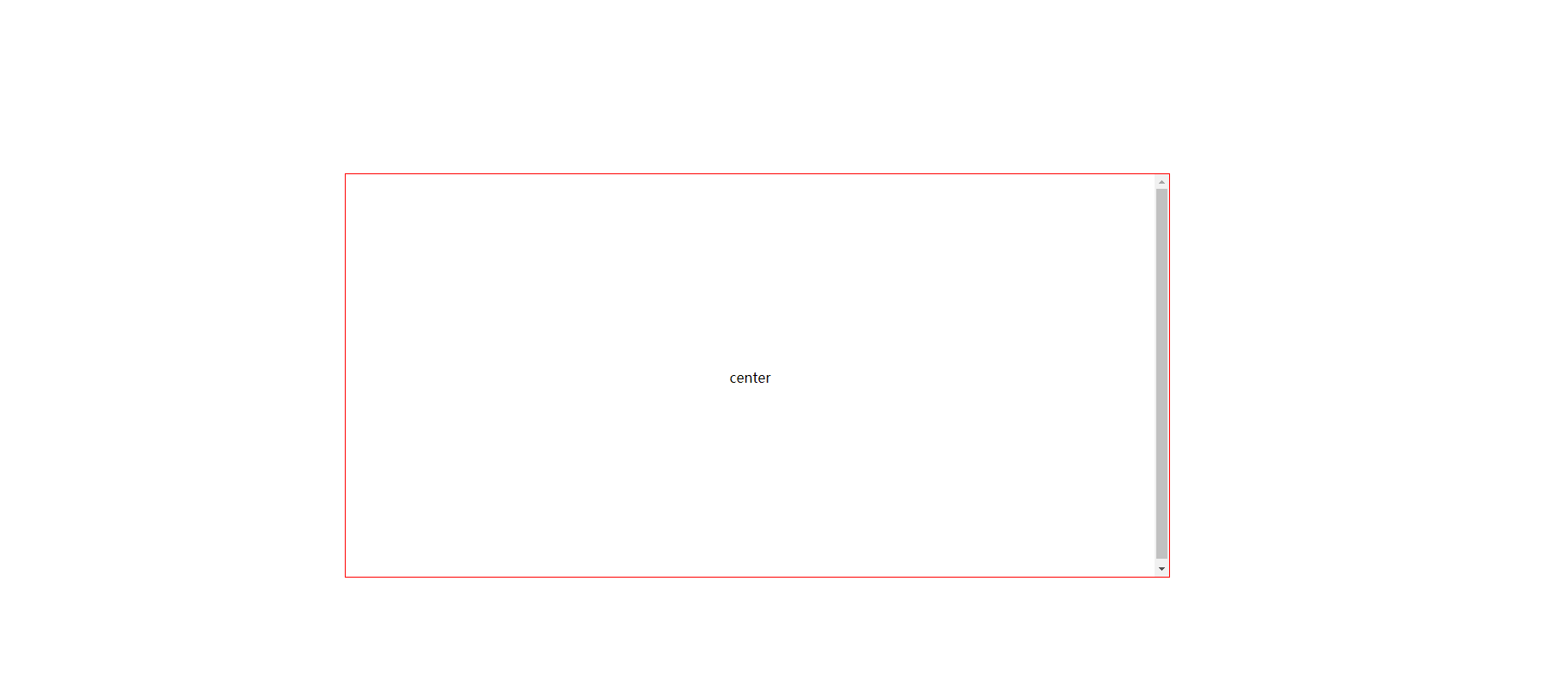
方法1:display:flex+align-items
只需要给父元素设置属性
 1 <style>
 2   .box {
 3            position: absolute;
 4            width: 100px;
 5            height: 100px;
 6            border: 1px solid red;
 7
 8            display: flex;
 9            justify-content:center;
10            align-items:center;
11         }
12  </style>
13 <div class="box">
14     <span>center</span>
15 </div>
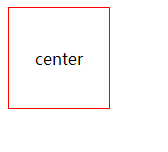
方法2:绝对定位和负边距
top、margin-top的区别:
1、top、bottom、left、right是绝对定位,必须设置position为absolute。 margin一系列设置是相对定位。注意:如果用top等,而position未设置为absolute,那设置是不起作用的。
2、top这些在绝对定位的前提下,这个绝对定位,是相对body 或者 position:relative的父级元素的绝对定位。margin的相对定位,是指相对相邻元素的定位。
 1 .box{
 2             position: relative;
 3             width: 200px;
 4             height: 200px;
 5             border: 1px solid red;
 6         }
 7         .box span{
 8             position: absolute;
 9             top: 50%;
10             left: 50%;
11             margin-left: -25px;
12             margin-top: -25px;
13             text-align: center;
14         }
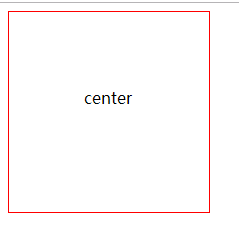
方法3:table-cell(只需要给父元素设置属性)
 1  <style>
 2     .box{
 3             display:table-cell;
 4             width: 100px;
 5             height: 100px;
 6             border:1px solid red;
 7             vertical-align: middle;
 8             text-align: center;
 9           }
10  </style>
方法4:绝对定位和 margin:auto和top,left,right,bottom都设置为0
(此时整个span元素都会居中,因为设置行高line-height和height相等,所以span元素内容居中)
 1 <style>
 2   .box span{
 3            position: absolute;
 4            width: 50%;
 5            height: 50%;
 6
 7            border:1px solid red;
 8            position:absolute;
 9            margin: auto;
10            overflow: auto;
11
12            top: 0;
13            left: 0;
14            bottom:0;
15            right:0;
16            text-align: center;
17            line-height: 473px;
18        }