小程序使用地图:
1.这是基本使用:使用下面的代码可以是进行位置的授权,获取当前的位置,得到腾讯的坐标系和当前的位置名称,街道啥的
2.微信公众平台有官方的map控件,可以进行使用,显示当前的地理位置等等,返回的是 gcj02 坐标系,
需要引入腾讯地图的api —— js:
从这下载:需要引入腾讯地图的api —— js:https://3gimg.qq.com/lightmap/xcx/jssdk/qqmap-wx-jssdk1.2.zip
// 引入SDK核心类
var QQMapWX = require('../../libs/qqmap-wx-jssdk.js');
var qqmapsdk;
Page({

    onLoad: function () {
        // 实例化API核心类
        qqmapsdk = new QQMapWX({
            key: '申请的key'
        });
    },
    onShow: function () {
        // 调用接口
        qqmapsdk.search({
            keyword: '酒店',
            success: function (res) {
                console.log(res);
            },
            fail: function (res) {
                console.log(res);
            },
        complete: function (res) {
            console.log(res);
        }
    });


})
  // 判断用户是否拒绝地理位置信息授权,拒绝的话重新请求授权
  getUserLocation: function () {
    let that = this;
    wx.getSetting({
      success: (res) => {
        // console.log(res)
        // res.authSetting['scope.userLocation'] == undefined    表示 初始化进入该页面
        // res.authSetting['scope.userLocation'] == false    表示 非初始化进入该页面,且未授权
        // res.authSetting['scope.userLocation'] == true    表示 地理位置授权
        if (res.authSetting['scope.userLocation'] != undefined && res.authSetting['scope.userLocation'] != true) {
          wx.showModal({
            title: '请求授权当前位置',
            content: '需要获取您的地理位置,请确认授权',
            success: function (res) {
              if (res.cancel) {
                wx.showToast({
                  title: '拒绝授权',
                  icon: 'none',
                  duration: 1000
                })
              } else if (res.confirm) {
                wx.openSetting({
                  success: function (dataAu) {
                    if (dataAu.authSetting["scope.userLocation"] == true) {
                      wx.showToast({
                        title: '授权成功',
                        icon: 'success',
                        duration: 1000
                      })
                      //再次授权,调用wx.getLocation的API
                      that.getLocation();
                    } else {
                      wx.showToast({
                        title: '授权失败',
                        icon: 'none',
                        duration: 1000
                      })
                    }
                  }
                })
              }
            }
          })
        } else if (res.authSetting['scope.userLocation'] == undefined) {
          //调用wx.getLocation的API
          that.getLocation();
        } else {
          //调用wx.getLocation的API
          that.getLocation();
        }
      }
    })
  },
  // 获取定位当前位置的经纬度
  getLocation: function () {
    let that = this;
    wx.getLocation({
      type: 'gcj02',
      success: function (res) {
        let latitude = res.latitude
        let longitude = res.longitude
        // app.globalData.lat = res.latitude; //
        // app.globalData.lng = res.longitude; //把onload定位时候的经纬度存到全局
        that.setData({
          longitude: res.longitude,
          latitude: res.latitude
        })
        that.getLocal(latitude, longitude)
      },
      fail: function (res) {
        console.log('fail' + JSON.stringify(res))
      }
    })
  },
  // 获取当前地理位置
  getLocal: function (latitude, longitude) {
    let that = this;
    qqmapsdk.reverseGeocoder({
      location: {
        latitude: latitude,
        longitude: longitude
      },
      success: function (res) {
        let province = res.result.ad_info.province
        let city = res.result.ad_info.city
        let district = res.result.ad_info.district;
        // 保存一下当前定位的位置留着后面重新定位的时候搜索附近地址用
        // app.globalData.currentLocation = district;
        that.setData({
          province: province,
          city: city,
          latitude: latitude,
          longitude: longitude,
          district: district
        })
        // console.log(res);
        if (that.getDisance(that.data.latitude, that.data.longitude, that.data.centralPositionLat, that.data.centralPositionLon) > that.data.attendValue.centralDistance) {
          that.setData({
            islocat: false
          })
        } else {
          that.setData({
            islocat: true
          })
        }
        that.setData({
          location: res.result.address
        })

        // console.log('这是距离', that.getDisance(that.data.latitude, that.data.longitude, that.data.centralPositionLat, that.data.centralPositionLon) , that.data.attendValue.centralDistance);

        // console.log('province', province, '--', 'city', '--', city, 'latitude', '--', latitude, 'longitude', '--', longitude, 'district', '--', district);

      },
      fail: function (res) {
        console.log(res);
      },
      complete: function (res) {
        // console.log(res);
      }
    });
  },
  // 测算距离是否在打卡范围内
  getDisance(lat1, lng1, lat2, lng2) {
    var dis = 0;
    var radLat1 = this.toRad(lat1);
    var radLat2 = this.toRad(lat2);
    var deltaLat = radLat1 - radLat2;
    var deltaLng = this.toRad(lng1) - this.toRad(lng2);
    var dis = 2 * Math.asin(Math.sqrt(Math.pow(Math.sin(deltaLat / 2), 2) + Math.cos(radLat1) * Math.cos(radLat2) * Math.pow(Math.sin(deltaLng / 2), 2)));
    return dis * 6378137;
  },
  toRad(d) {
    return d * Math.PI / 180;
  },
wx.onLocationChange()的使用
微信小程序 使用 wx.onLocationChange() https://www.jianshu.com/p/2c2e9402e66d
使用插件的进行显示:
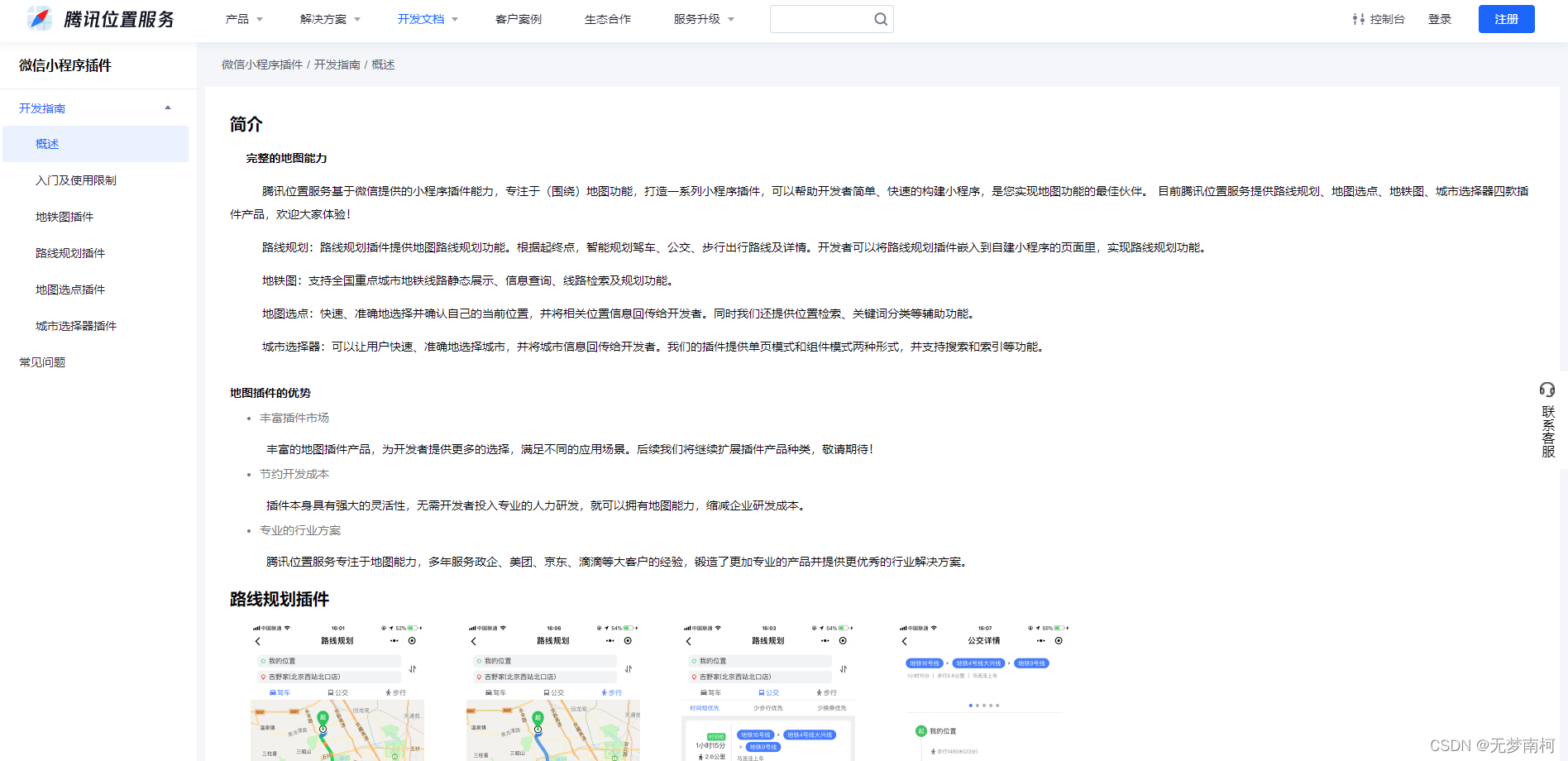
比如一些路线规划啥的,腾讯地图基本上是对小程序支持最好的了,毕竟是官方的,所以小程序提供了很多的插件,.
https://lbs.qq.com/miniProgram/plugin/pluginGuide/pluginOverview