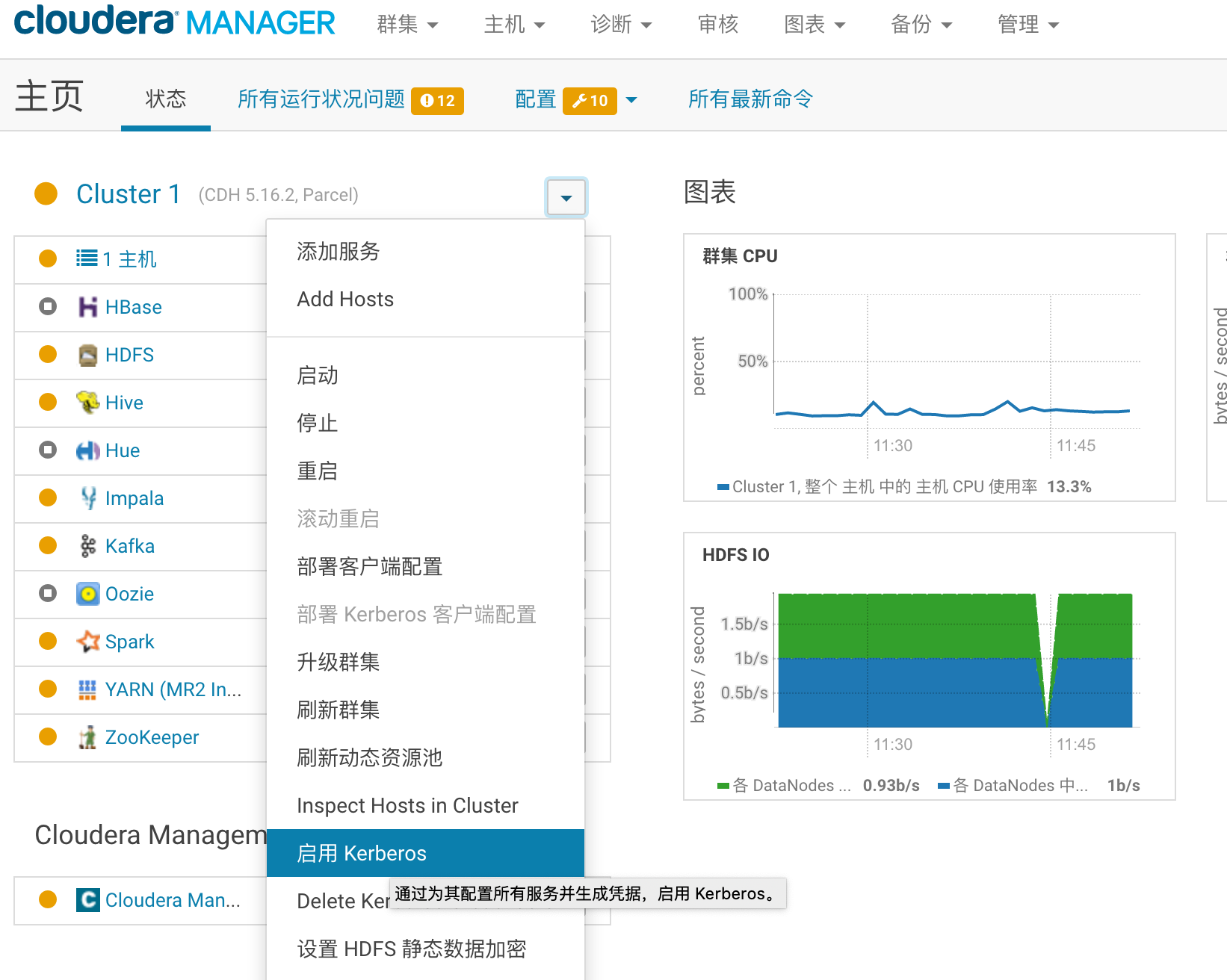
1.CDH集群启动kerberos
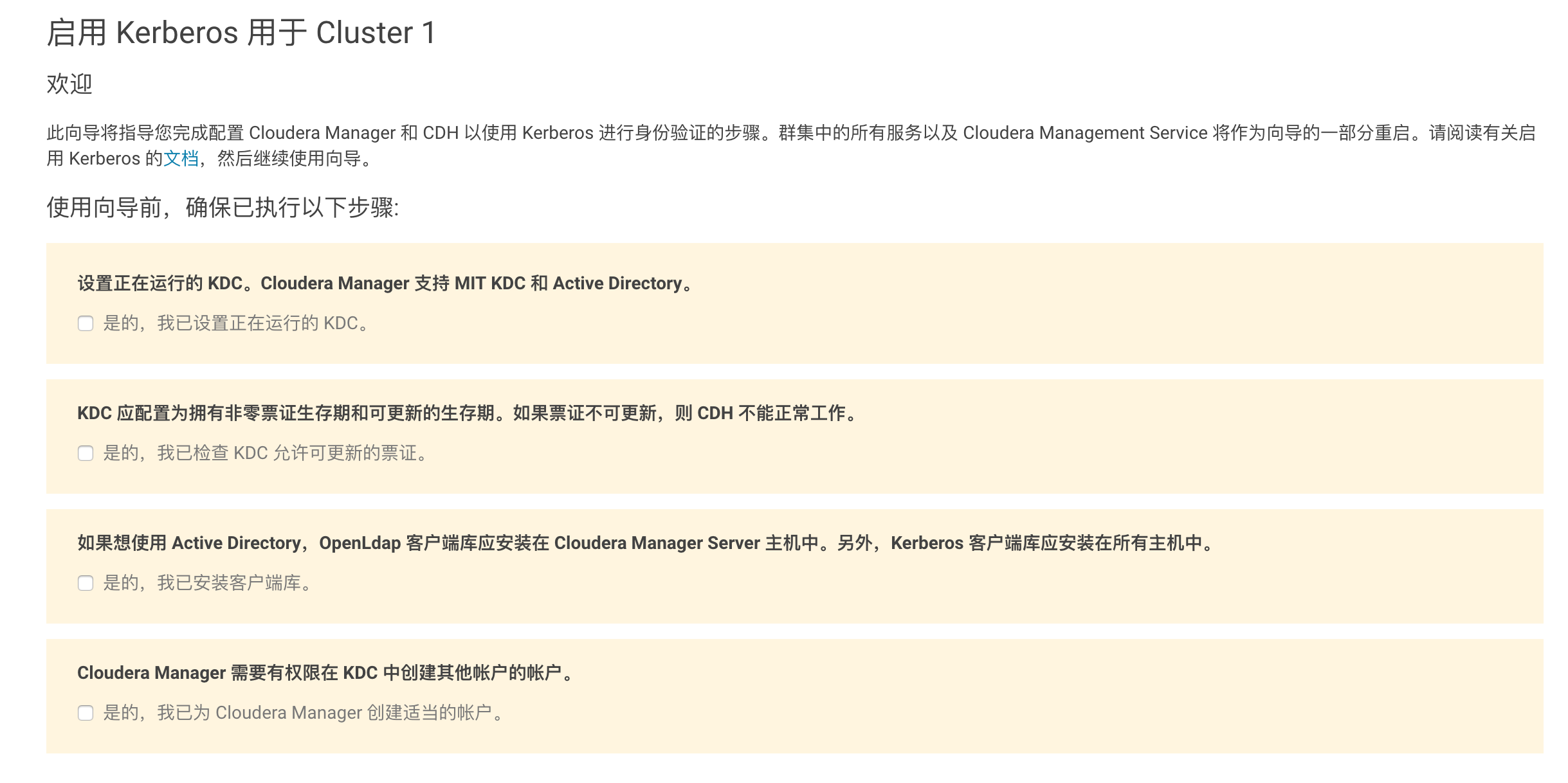
需要执行的步骤
安装安装KDC服务和管理员服务
sudo apt-get install krb5-kdc krb5-admin-server
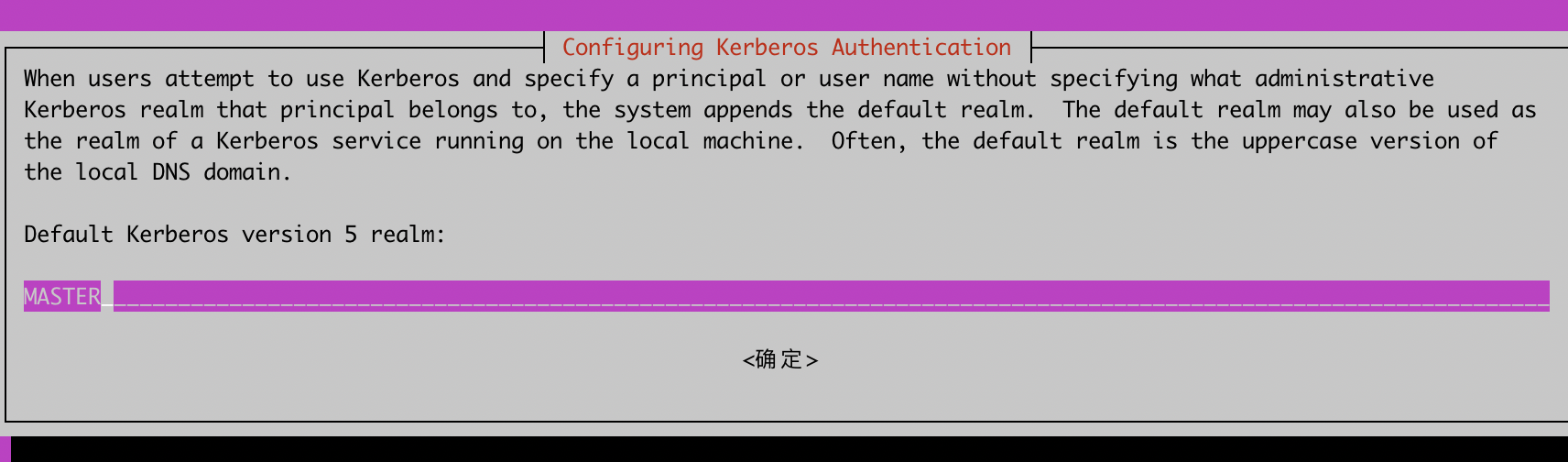
配置Realm域名
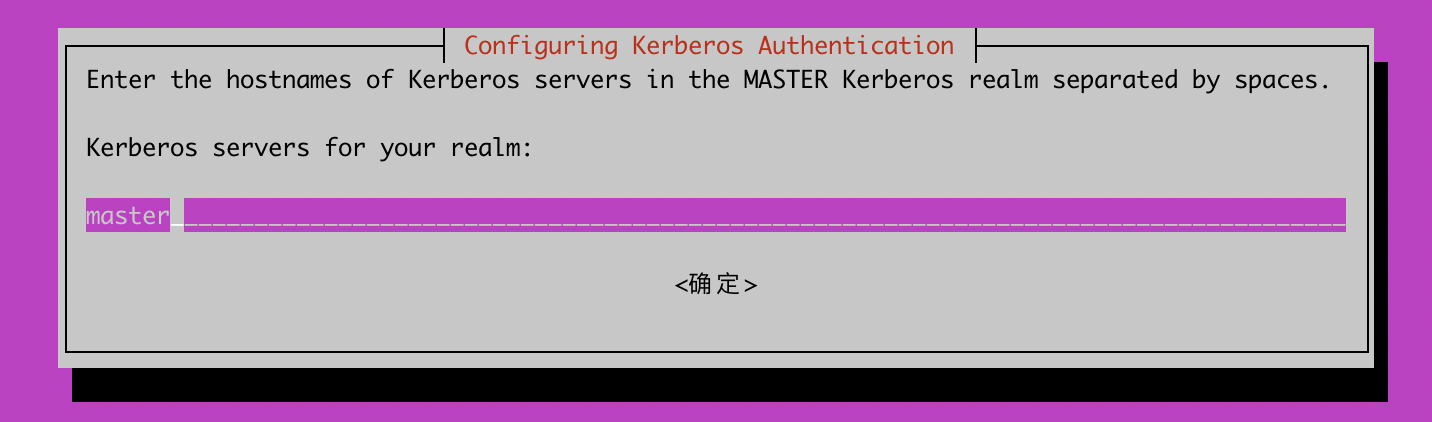
输入kerberos服务器的hostname
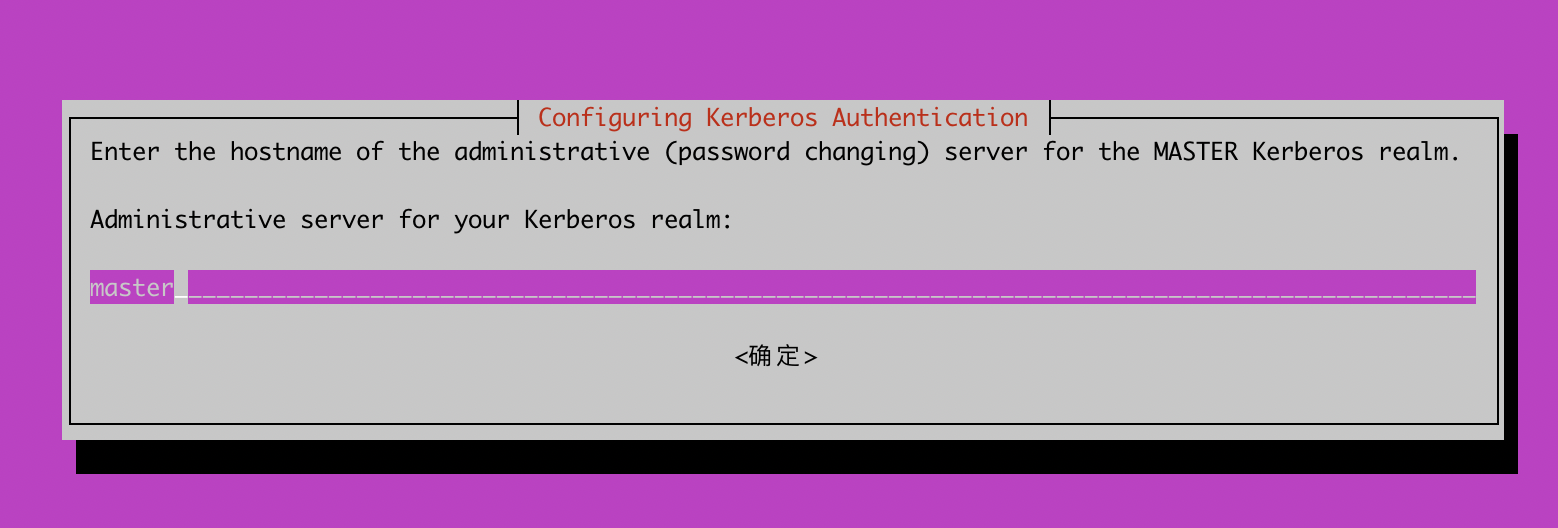
创建新的realm
lintong@master:~$ sudo krb5_newrealm
This script should be run on the master KDC/admin server to initialize
a Kerberos realm.  It will ask you to type in a master key password.
This password will be used to generate a key that is stored in
/etc/krb5kdc/stash.  You should try to remember this password, but it
is much more important that it be a strong password than that it be
remembered.  However, if you lose the password and /etc/krb5kdc/stash,
you cannot decrypt your Kerberos database.
Loading random data
Initializing database '/var/lib/krb5kdc/principal' for realm 'MASTER',
master key name 'K/M@MASTER'
You will be prompted for the database Master Password.
It is important that you NOT FORGET this password.
Enter KDC database master key:
Re-enter KDC database master key to verify:


Now that your realm is set up you may wish to create an administrative
principal using the addprinc subcommand of the kadmin.local program.
Then, this principal can be added to /etc/krb5kdc/kadm5.acl so that
you can use the kadmin program on other computers.  Kerberos admin
principals usually belong to a single user and end in /admin.  For
example, if jruser is a Kerberos administrator, then in addition to
the normal jruser principal, a jruser/admin principal should be
created.

Don't forget to set up DNS information so your clients can find your
KDC and admin servers.  Doing so is documented in the administration
guide.
创建一个管理员账户,需要设置密码
lintong@master:~$ sudo kadmin.local
Authenticating as principal root/admin@MASTER with password.
kadmin.local:  addprinc root/admin
WARNING: no policy specified for root/admin@MASTER; defaulting to no policy
Enter password for principal "root/admin@MASTER":
Re-enter password for principal "root/admin@MASTER":
Principal "root/admin@MASTER" created.
官方文档
https://docs.cloudera.com/documentation/enterprise/5-15-x/topics/cm_sg_intro_kerb.html
1.kerberos认证覆盖问题
先显示指定KRB5CCNAME存储的路径
export KRB5CCNAME=/tmp/krb5cc_xxx
kinit -kt /home/xxx.keytab xxx