直接 使用 > pip install shapely 命令操作,可能会遇到
ERROR: Command "python setup.py egg_info" failed with error code 1 in C:UsersadminAppDataLocalTemppip-install-e6iko025shapely
的错误提示:

这种情况即使不能自动下载啦,那就下载压缩包,直接安装压缩包。
访问地址:
https://www.lfd.uci.edu/~gohlke/pythonlibs/
界面搜索 : shapely,
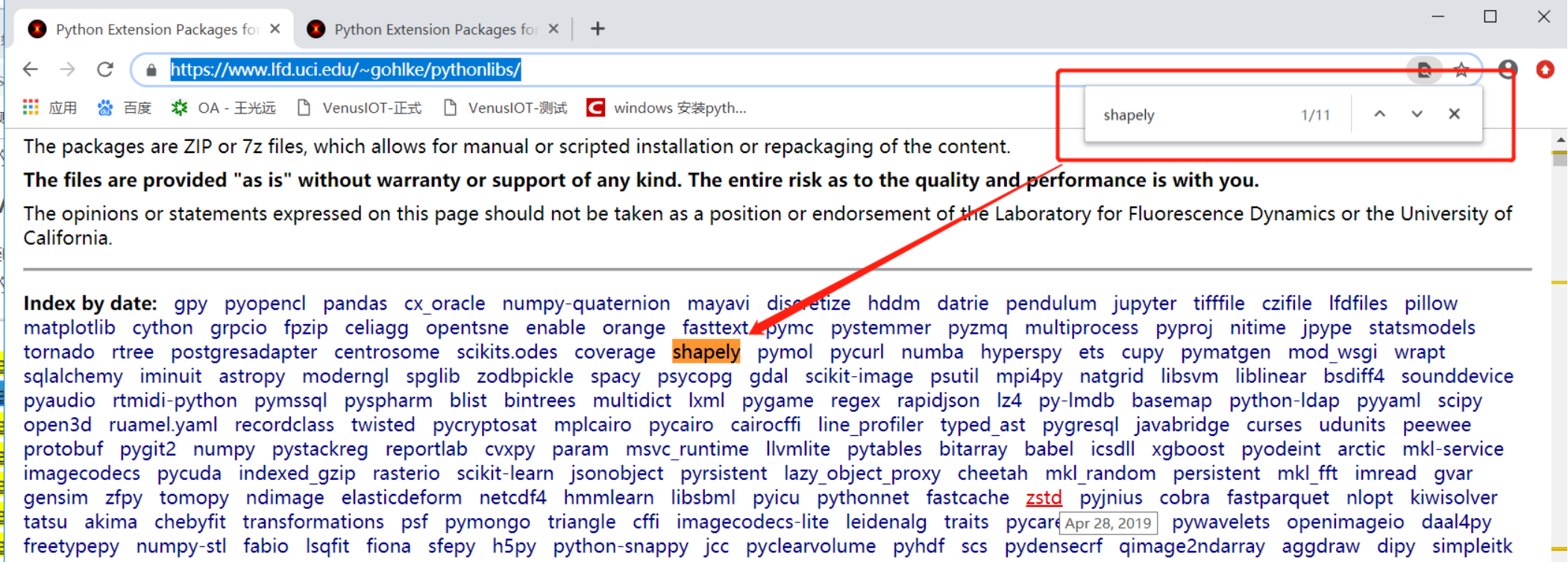
点进去,跳转到相应的下载包位置。(我的 python版本是 3.6 、 win 10 - 64)

一定要选好版本,如果版本不对会造成:
ERROR: **.whl is not a supported wheel on this platform. 错误

如果遇到 提示:
You are using pip version 10.0.1, however version 19.1.1 is available.
You should consider upgrading via the 'python -m pip install --upgrade pip' command.
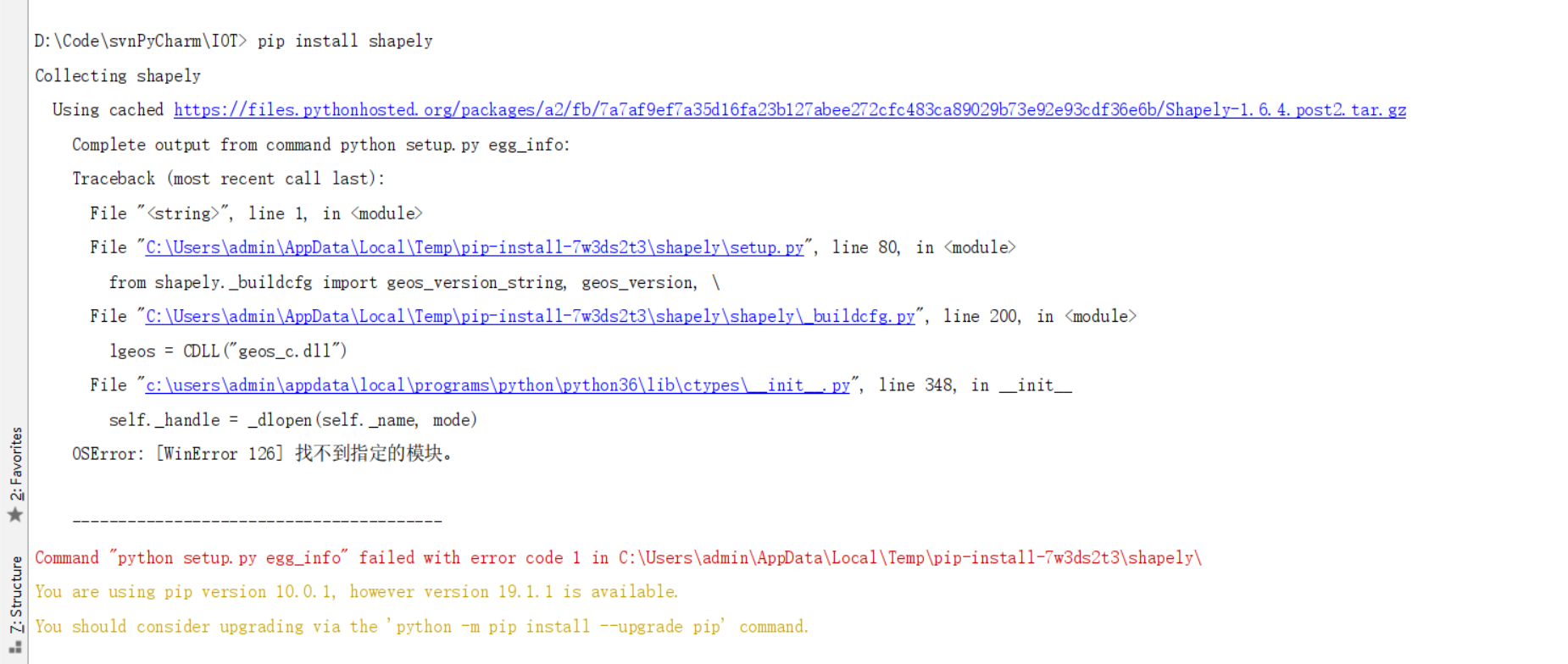
是说当前的命令版本不是最新,
那就老实的升级下命令版本:
> python -m pip install --upgrade pip

最终,安装好 下载的 . whl 包。

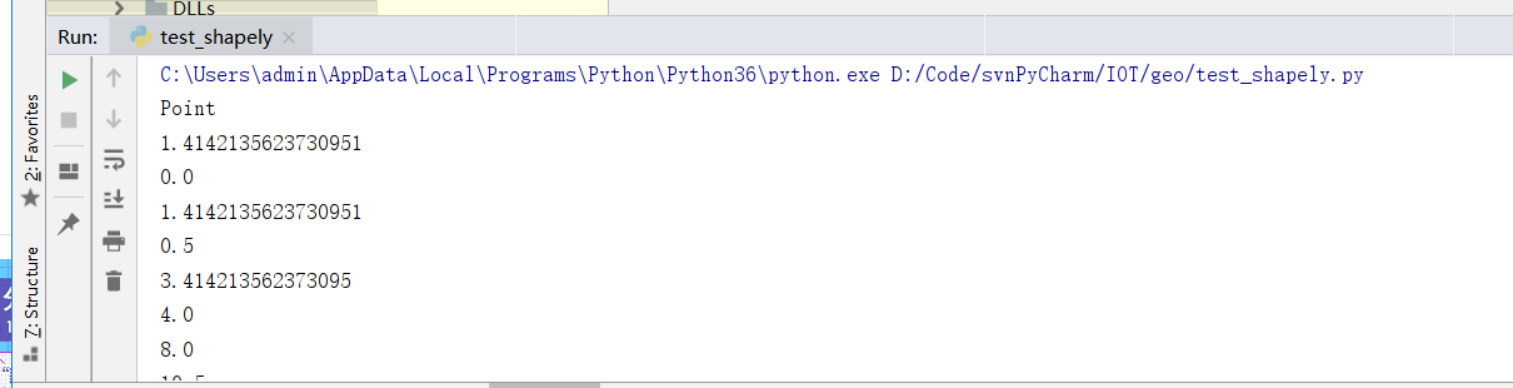
引入包测试运行:
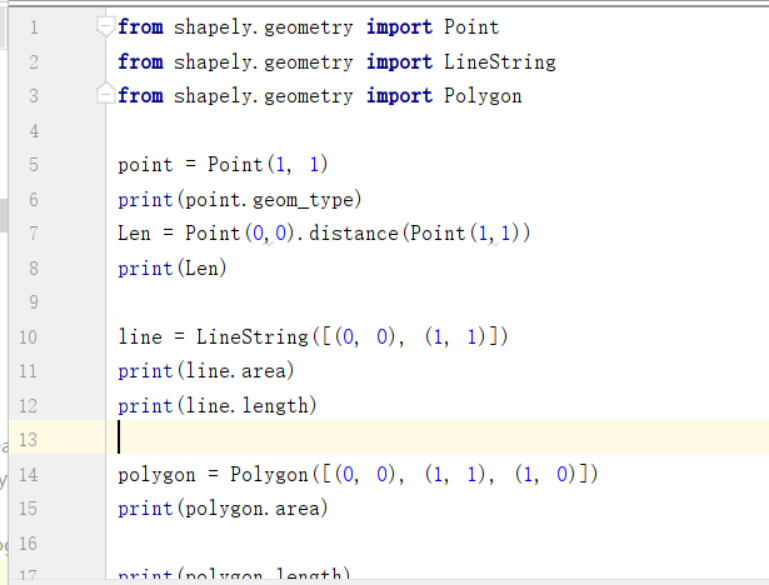
结果 当然 OK