忙里偷闲-给朋友定制迷你定制版小说阅读器,分享下,觉得有需要就去这里下载
PC定制版
http://wapidd.com/publish.htm
目的:实现一个小说阅读器,右下角显示,大小可调整,可同QQ托盘形式隐藏,双击恢复,可强制桌面显示顶端,透明度自定义及导航窗隐藏
效果图:
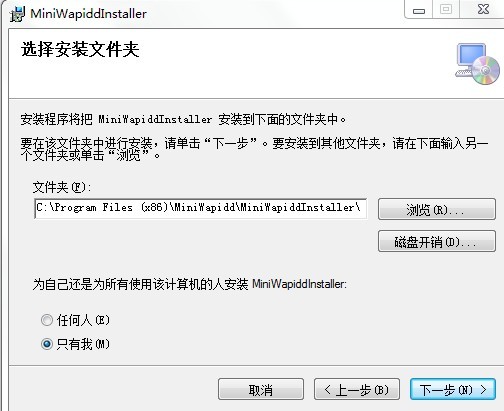
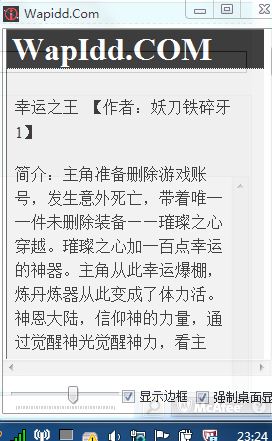
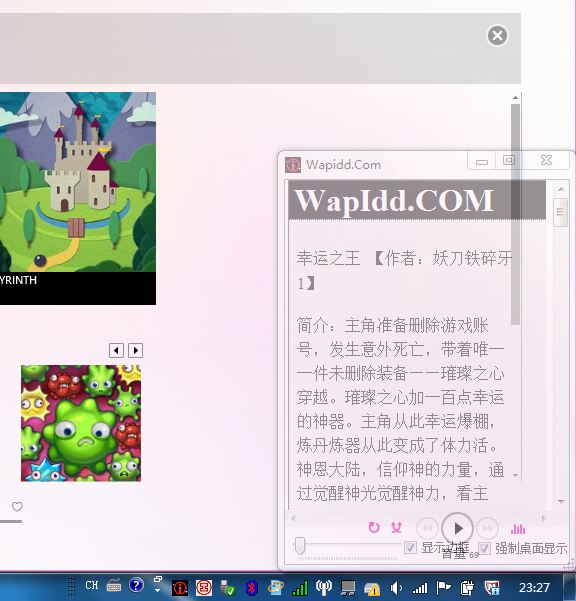
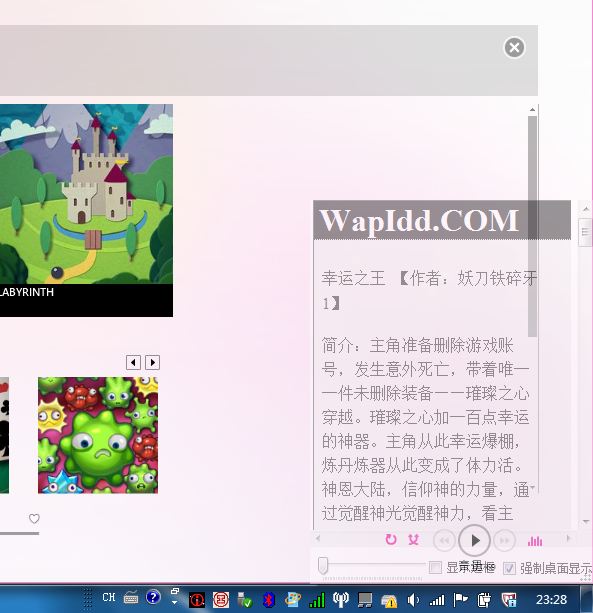


根据以上需求,写了各form,20多行代码:
 View Code

public Form1()
{
InitializeComponent();
//控制右下角显示
this.Location = new Point(SystemInformation.WorkingArea.Width - this.Width, SystemInformation.WorkingArea.Height - this.Height);
{
InitializeComponent();
//控制右下角显示
this.Location = new Point(SystemInformation.WorkingArea.Width - this.Width, SystemInformation.WorkingArea.Height - this.Height);
//网页加载
webBrowser1.Url = new Uri("http://wapidd.com");
}
private void TrayMinimizerForm_Resize(object sender, EventArgs e)
{
webBrowser1.Url = new Uri("http://wapidd.com");
}
private void TrayMinimizerForm_Resize(object sender, EventArgs e)
{
//判断最大最小事件触发
if (FormWindowState.Minimized == this.WindowState)
{
notifyIcon1.Visible = true;
this.ShowInTaskbar = false;
this.Hide();
}
else if (FormWindowState.Normal == this.WindowState)
{
notifyIcon1.Visible = false;
this.ShowInTaskbar = true;
}
}
private void notifyIcon1_MouseDoubleClick(object sender, MouseEventArgs e)
{
if (FormWindowState.Minimized == this.WindowState)
{
notifyIcon1.Visible = true;
this.ShowInTaskbar = false;
this.Hide();
}
else if (FormWindowState.Normal == this.WindowState)
{
notifyIcon1.Visible = false;
this.ShowInTaskbar = true;
}
}
private void notifyIcon1_MouseDoubleClick(object sender, MouseEventArgs e)
{
//双击托盘图标恢复
this.Show();
this.WindowState = FormWindowState.Normal;
}
this.Show();
this.WindowState = FormWindowState.Normal;
}
要源代码的@