一、message(消息框)
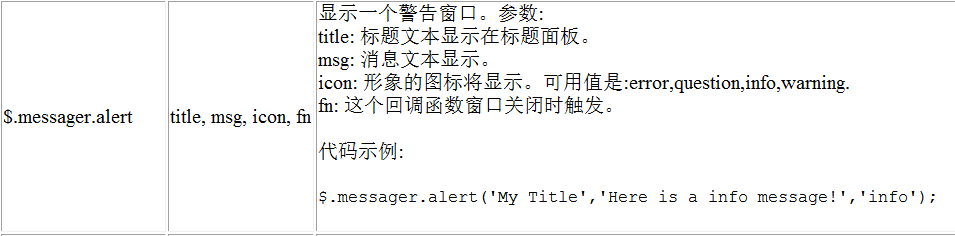
1.1 alert
<script type="text/javascript">
    $(function () {
        // alert方法——提示框
        $.messager.alert("标题", "内容", "question");
    });
</script>

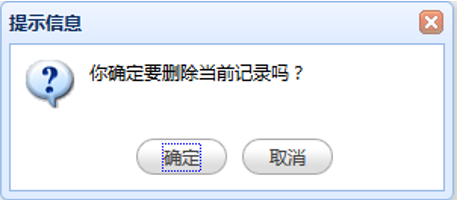
1.2 confirm

<script type="text/javascript">
    $(function () {
        // confirm方法——确认框
        $.messager.confirm("提示信息","你确定要删除当前记录吗?",function (r) {
            alert(r);
        })
    });
</script>
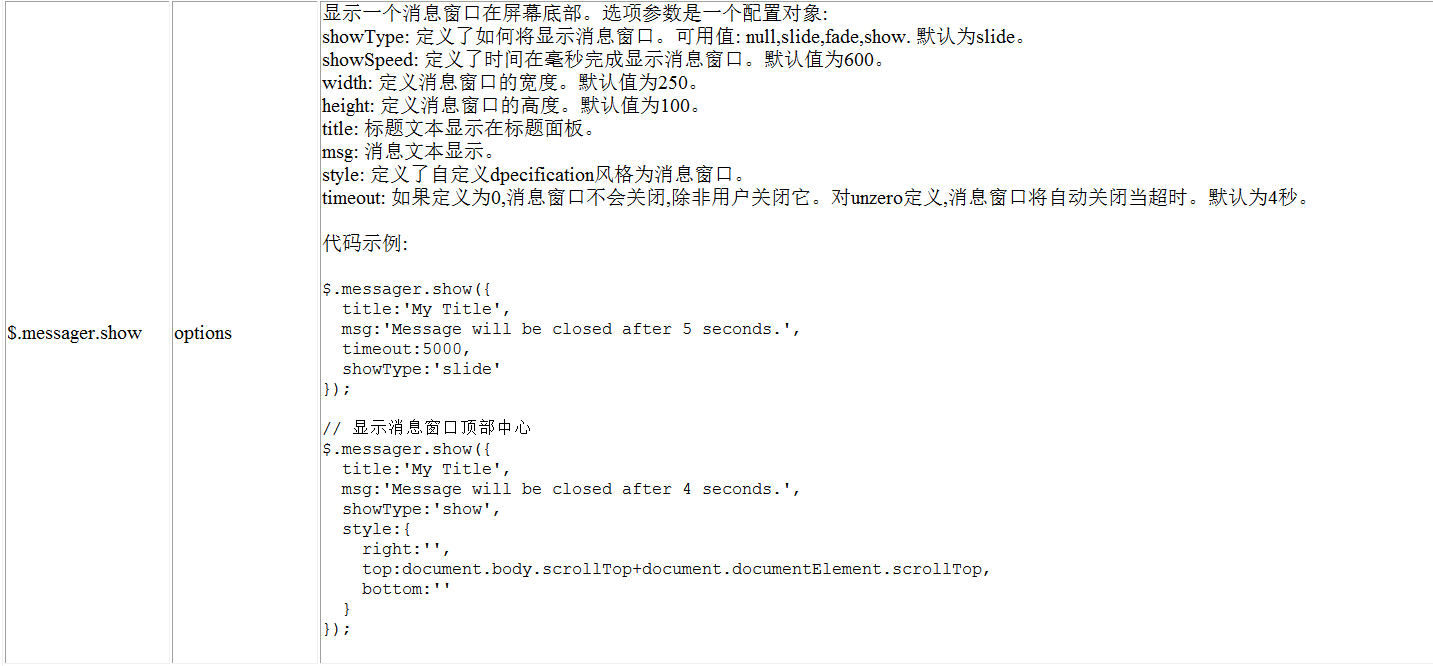
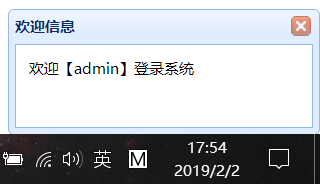
1.3 show
<script type="text/javascript">
    $(function () {
       // show方法——欢迎框
        $.messager.show({
            title:'欢迎信息',
            msg:'欢迎【admin】登录系统',
            timeout:5000,
            showType:'slide'
        });
    });
</script>
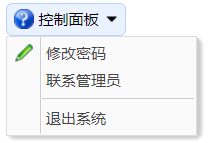
二、menubutton(菜单按钮)
<body>
    <!--制作菜单-->
    <a data-options="iconCls:'icon-help',menu:'#mm'" class="easyui-menubutton">控制面板</a>
    <!-- 使用div元素制作下拉菜单 -->
    <div id="mm">
        <div onclick="alert(111)" data-options="iconCls:'icon-edit'">修改密码</div>
        <div>联系管理员</div>
        <div class="menu-sep"></div>
        <div>退出系统</div>
    </div>
</body>