css3中@keyframes是写死的,如果需要动态修改则需要js,其实操作起来也很简单,只是一些用到了一些不常用的api
1、获取页面样式表并查找keyframes所在的styleSheet
2、删除原来的styleSheet里的动画帧
3、添加js动态修改过后的动画帧
实现三个步骤的代码
1、关于获取styleSheet这里给出了一个通用方法
function findKeyframesRule(rule) {
  //此处过滤非同源的styleSheet,因为非同源的无法访问cssRules,会报错
  var ss = Array.from(document.styleSheets).filter((styleSheet) => !styleSheet.href || styleSheet.href.startsWith(window.location.origin))
  for (var i = 0; i < ss.length; ++i) {
    for (var j = 0; j < ss[i].cssRules.length; ++j) {
      if (ss[i].cssRules[j].type === window.CSSRule.KEYFRAMES_RULE && ss[i].cssRules[j].name === rule) {
        return ss[i]
      }
    }
  }
  return null
}
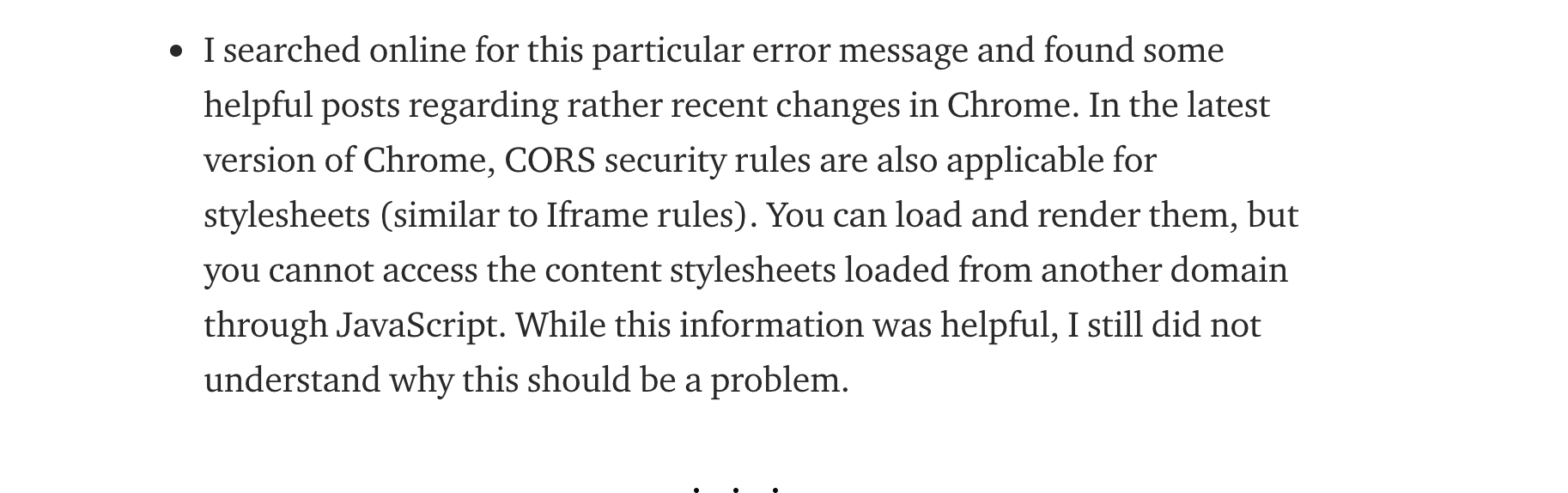
遍历获取styleSheet过程中如果遇到“Failed to read the 'cssRules' property from 'CSSStyleSheet': Cannot access rules”错误说明你的网页引入了跨域的css资源,
具体解决方法已经在代码中注释,关于这个问题详细可以参考:https://medium.com/better-programming/how-to-fix-the-failed-to-read-the-cssrules-property-from-cssstylesheet-error-431d84e4a139
大概内容我截图了:
2、调用deleteRule删除对应规则,不熟悉这个api的可以参考mdn
mdn链接:https://developer.mozilla.org/zh-CN/docs/Web/API/CSSStyleSheet/insertRule
const kfs =findKeyframesRule('animationName')
kfs.deleteRule(index)//index是styleSheet里你要删除那一条的数组里对应的index
3、insertRule添加新的规则,具体参考mdn
   kfs.insertRule(`@keyframes animationName {
            0% {
                top: 0px;
                opacity: 1;
            }
            98% {
                top: -10px;
                opacity: 1;
            }
            100% {
                top: -20px;
                opacity: 0;
            }
        }`)
如果没生效,js获取下dom元素,更新下元素的animation样式设置
参考:
https://css-tricks.com/controlling-css-animations-transitions-javascript/