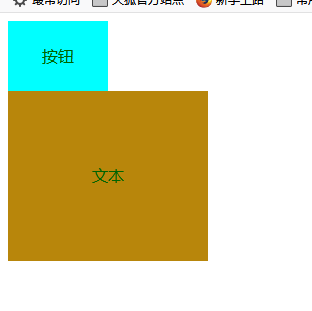
对div进行操作document的练习
步骤 做div------找到要挂事件的div命名它---------挂入事件完成对对象的操作
<style type="text/css">
    #first{
         100px;
        height: 70px;
        background-color: aqua;
        text-align: center;
        line-height: 70px;
        color: darkgreen;

    }
    #second{
         200px;
        height: 170px;
        background-color: darkgoldenrod;
        text-align: center;
        line-height: 170px;
        color: darkgreen;

    }

        </style>
    </head>
    <body>
        <div id="first">
            按钮
        </div>
        <div id="second">
            文本
        </div>
        <div id="sixth"></div>
        <div id="not"></div>
    </body>

</html>
<script type="text/javascript">
 //找到要挂事件的div
    var first = document.getElementById("first");
    //挂事件
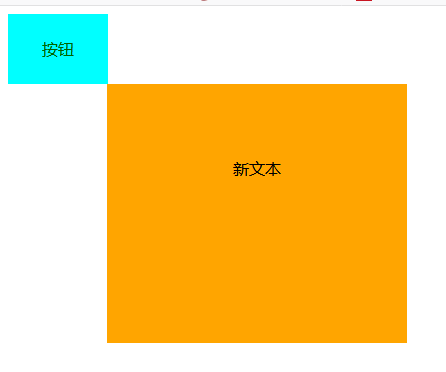
    first.onclick = function(){
        var second = document.getElementById("second");
        second.innerHTML = "新文本";
        second.style.transition = "3s";
        second.style.width = "300px";
        second.style.height = "260px";
        second.style.backgroundColor = "orange";
        second.style.color = "black";
        second.style.marginLeft = "100px";
    }


</script>
鼠标点击div产生变化