一。 本组课题
简易文件资源管理器
需求分析
- 查找文件功能:可以根据指定的目录名与待查找的文件,在指定目录中进行查找,并返回结果
- 实现文件的拷贝与粘贴功能
- 实现文本类文件(.txt, .java, .ini, .bat, )的预览功能(比如实现对前100行文本在某个小窗口中进行预览)
- 实现文件的重命名功能
- 实现对某个文件夹进行统计功能(如统计文件夹中文件数目)
在安卓系统上实现
本人任务
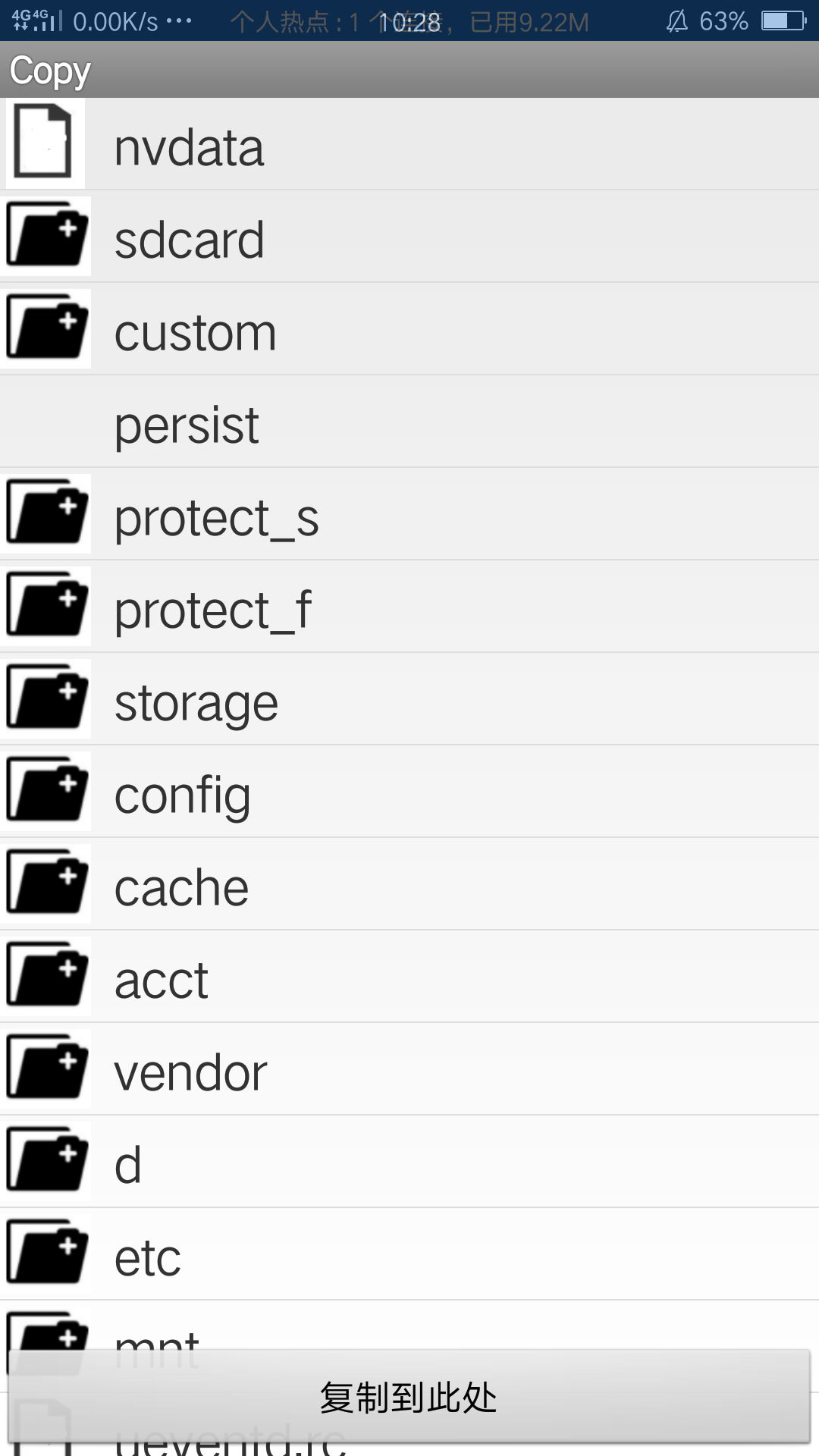
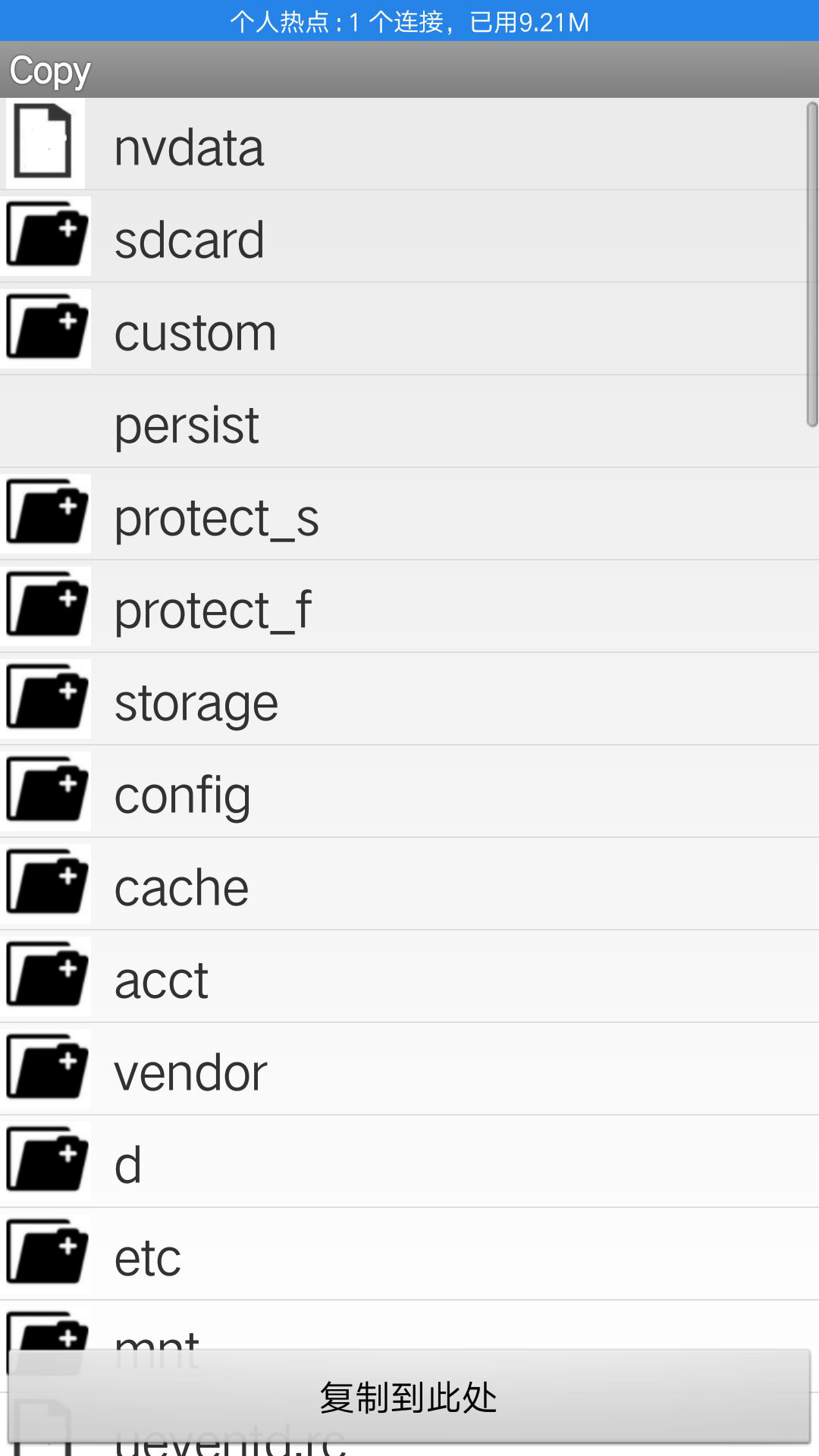
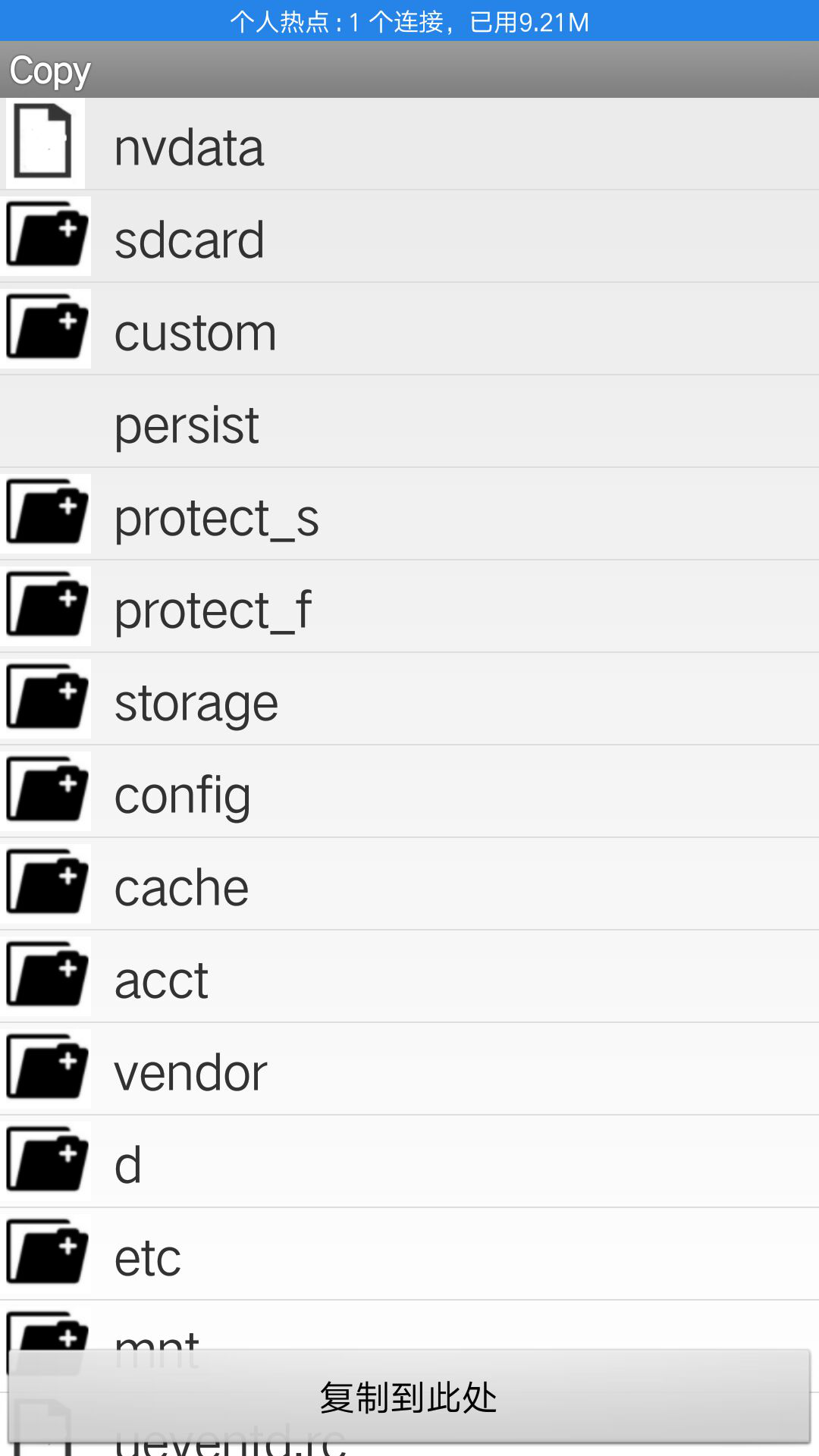
1. 对文件及文件夹进行拷贝和剪切的功能。
二. 总体设计(概要设计)
主要设计为Folder类和Filel类

Folder类
提供绝对路径为参数获取对象
可获得目录的各种信息
并提供格式化size数据的方法

Filel类
直接继承File类,简化设计
提供复制文件或为文件夹的方法
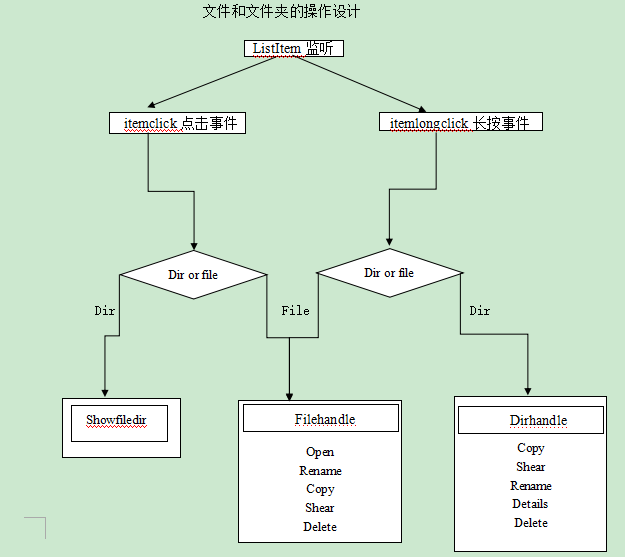
APP基于安卓API18
主Activiy继承于ListView直接显示根目录
视图使用Listview与继承自BaseAdapter的自定义适配器组合
适配器getview中使用convertView,holder静态类加快UI流畅性
三. 是西安功能的主要代码块
package test;


import java.io.File;
import java.io.FileInputStream;
import java.io.FileOutputStream;
import java.io.IOException;

public class File1 extends File{

	public File1(String path) {
		super(path);
		// TODO Auto-generated constructor stub
	}
	/**
	 * 复制选择
	 * @param destDir
	 * @param delscr
	 * @return
	 */
	public boolean copyTo(String destDir,boolean delscr){
		File file = new File(super.getPath());
		if(file.isDirectory())
			return copyDirectory(super.getPath(), destDir,delscr);
		else
			return copyFile(super.getPath(), destDir,delscr);

	}
	/**
	 * 复制文件
	 * @param scrPath
	 * @param destDir
	 * @param delscr
	 * @return
	 */
	private  boolean copyFile(String scrPath, String destDir,boolean delscr) {
		boolean flag = false;
		File file = new File(scrPath);
		String filename =file.getName();
		String destPath ;
		if(destDir.equals("/")){
			destPath = destDir+filename;
		}
		else{
			destPath = destDir+"/"+filename;
		}
		File destFile = new File(destPath);
		if(destFile.exists()&&destFile.isFile()){
			System.out.println("目标目录下已有同名文件");
			return false;
		}
		File newfile = new File(destPath);
		try{
			FileInputStream fis = new FileInputStream(scrPath);
			FileOutputStream fos = new FileOutputStream(newfile);
			byte[]buf =new byte[1024];
			int c;
			while((c=fis.read(buf))!=-1){
				fos.write(buf,0,c);
			}
			fis.close();
			fos.close();
			flag=true;
		}catch(IOException e){

		}
		if(flag){
			System.out.println("复制成功");
		}
		if(delscr == true){
			file.delete();
		}
		return flag;
	}
	/**
	 * 复制文件夹
	 * @param scrPath
	 * @param destDir
	 * @param delscr
	 * @return
	 */
	private  boolean copyDirectory(String scrPath, String destDir,boolean delscr) {
		boolean flag = false;
		File scrFile = new File(scrPath);
		String dirName = scrFile.getName();
		String destPath ;
		if(destDir.equals("/")){
			destPath = destDir+dirName;
		}
		else{
			destPath = destDir+"/"+dirName;
		}
		File[] files = scrFile.listFiles();
		File desdir = new File(destPath);
		if(desdir.exists()&&desdir.isDirectory()){
			return false;
		}
		desdir.mkdir();
		for(File f:files){
			if(f.isDirectory()){
				copyDirectory(f.getPath(),desdir.getPath(),delscr);
			}
			if(f.isFile()){
				copyFile(f.getPath(),destPath,delscr);
				flag = true;
			}

		}
		if(delscr == true){
			scrFile.delete();
		}
		return flag;
	}
}
四. 功能运行的成功界面