一,制作winform 窗体
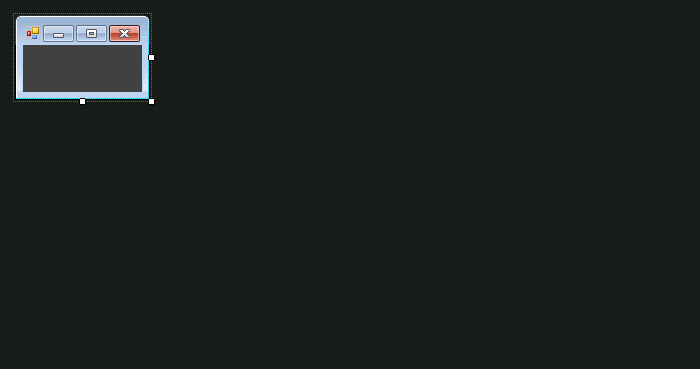
窗体要做小一点,你见过500*500的悬浮框吗?
二,去掉边框和标题栏
this.FormBorderStyle = FormBorderStyle.None;
运行出来如下所示:

三,在窗体中拖放label 控件
因为准备在悬浮框中放置gif动画,
          labelex.AutoSize = false;
                labelex.Left = 0;
                labelex.Top = 0;
                labelex.Width = this.Width;
                labelex.Height = this.Height;
四,拖拉label事件

const int WM_NCHITTEST = 0x0084;
        const int HTCLIENT = 0x0001;
        const int HTCAPTION = 0x0002;
        private Point ptMouseCurrrnetPos, ptMouseNewPos, ptFormPos, ptFormNewPos;
        public  bool blnMouseDown = false;

        [DllImport("user32.dll")]
        public static extern bool ReleaseCapture();
        [DllImport("user32.dll")]
        public static extern bool SendMessage(IntPtr hwnd, int wMsg, int wParam, int lParam);

        public const int WM_SYSCOMMAND = 0x0112;
        public const int SC_MOVE = 0xF010;
        //public const int HTCAPTION = 0x0002;

        const int WM_NCLBUTTONDBLCLK = 0xA3;
        public const int WM_RBUTTONDOWN = 0x0204;
        public const int WM_LBUTTONDOWN = 0x0201;
 private void labelex_MouseDown(object sender, MouseEventArgs e)
        {
            if (e.Button == MouseButtons.Left)
            {
                blnMouseDown = true;
                // Save window position and mouse position
                ptMouseCurrrnetPos = Control.MousePosition;
                ptFormPos = Location;
            }

            ReleaseCapture();
            //SendMessage(this.Handle, WM_SYSCOMMAND, SC_MOVE + HTCAPTION, 0);
        }

        private void labelex_MouseUp(object sender, MouseEventArgs e)
        {
            if (e.Button == MouseButtons.Left)
                //Return back signal
                blnMouseDown = false;
        }

        private void labelex_MouseMove(object sender, MouseEventArgs e)
        {
            if (blnMouseDown)
            {
                //Get the current position of the mouse in the screen
                ptMouseNewPos = Control.MousePosition;
                //Set window position
                ptFormNewPos.X = ptMouseNewPos.X - ptMouseCurrrnetPos.X + ptFormPos.X;
                ptFormNewPos.Y = ptMouseNewPos.Y - ptMouseCurrrnetPos.Y + ptFormPos.Y;
                //Save window position
                Location = ptFormNewPos;
                ptFormPos = ptFormNewPos;
                //Save mouse position
                ptMouseCurrrnetPos = ptMouseNewPos;

            }
        }
    }
五,将窗体置于最顶端
将窗体属性TopMost = True,这样窗体就可以不被其他窗体覆盖,置于屏幕的最顶端了。

六,这样一个简单的悬浮框 就做好了。可以手动尝试一下。