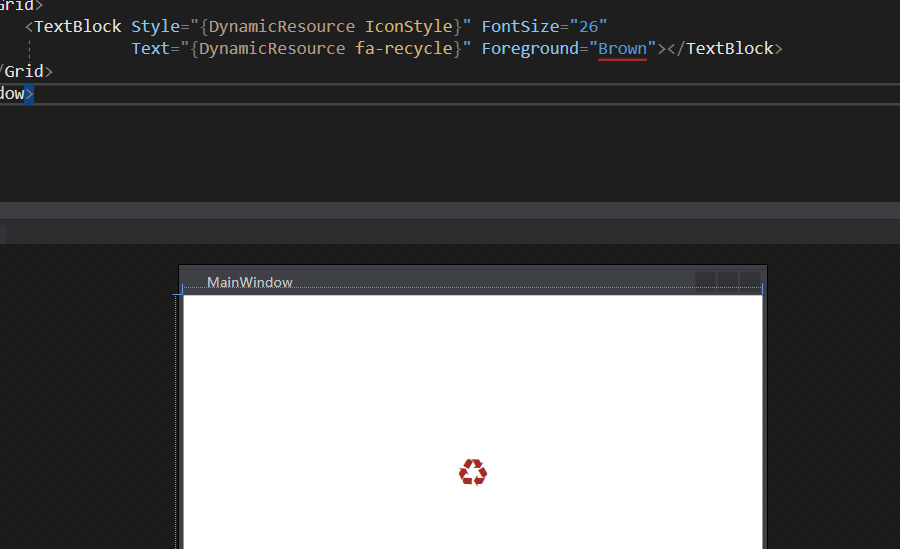
Font Awesome 在网站开发中,经常用到。今天介绍如何在WPF应用程序中使用Font Awesome 。
如果是自定义的图标字体,使用方法相同。
下载图标字体
-
在官方网站或github上下载资源
-
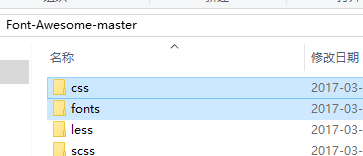
解压下载的文件(我是在github上下载的源码),我们要使用的是其中css和fonts文件夹中的内容
在项目中加入字体
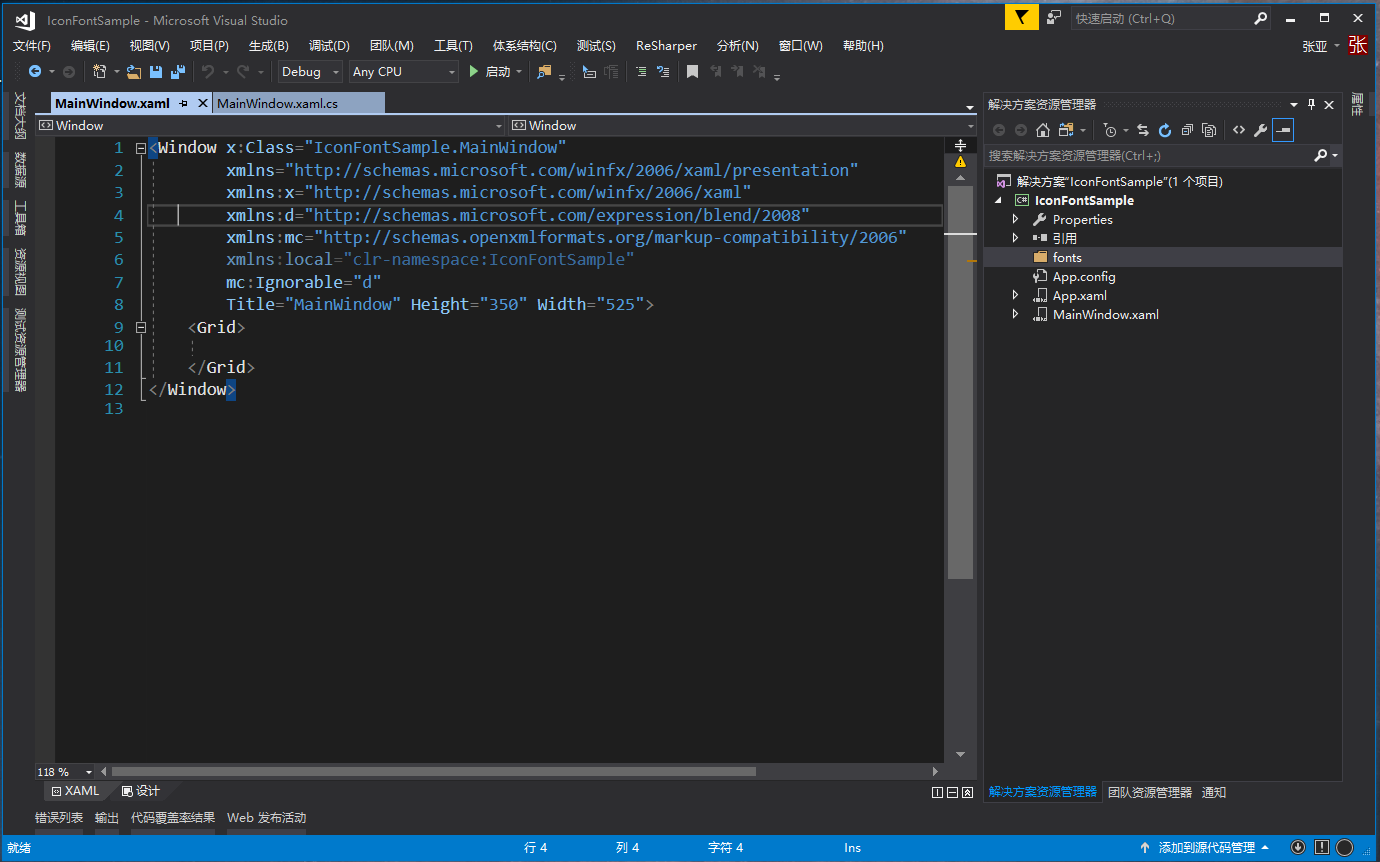
- 新建WPF应用,并新建存放字体的文件夹;
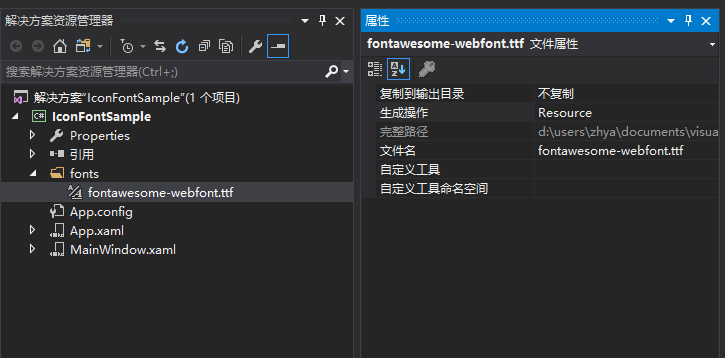
- 把下载的fonts文件夹中的fontawesome-webfont.ttf复制到项目中存放字体的文件夹中,并设置其生成操作为Resource(默认即是);
-
新建资源文件,存放所有图标相关的资源;

-
加入字体样式;
首先加入字体的资源
<FontFamily x:Key="IconFont">/IconFontSample;component/fonts/fontawesome-webfont.ttf#Fontawesome</FontFamily>
然后加入样式
  <Style x:Key="IconStyle" >
      <Setter Property="TextElement.FontFamily" Value="{StaticResource IconFont}" />
      <Setter Property="Control.OverridesDefaultStyle" Value="True"></Setter>
      <Setter Property="Control.UseLayoutRounding" Value="True"></Setter>
      <Setter Property="Control.SnapsToDevicePixels" Value="True"></Setter>
      <Setter Property="TextBlock.TextAlignment" Value="Center"></Setter>
      <Setter Property="TextBlock.VerticalAlignment" Value="Center"></Setter>
      <Setter Property="TextElement.FontSize" Value="12"></Setter>
  </Style>
处理图标资源名称
现在,我们需要把字体以WPF资源的形式加进来, 我们需要把CSS中
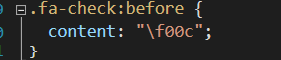
处理成
<system:String x:Key="icon-glass"></system:String>
处理的办法其实还比多,比如可以写个脚本什么的。 我这里介绍直接使用替换的方法
-
在VS里打开font-awesome.css文件。(在下载的css文件夹中)
-
把除下面这种格式的其它CSS样式删掉
.fa-glass:before { content: "f000"; } -
使用
<system:String x:Key="替换. -
使用
">替换:before { -
使用
&#x替换content: " -
使用
;替换"; -
使用
</system:String>替换} -
在资源文件中加入
xmlns:system="clr-namespace:System;assembly=mscorlib"

-
把替换后的内容复制到资源文件中,处理报错的行
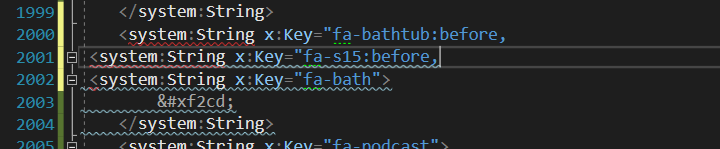
如图中,删掉2000和2001行
使用
完成上面的操作后,我们就可以在应用程序中使用了。
-
在App.xaml文件中,引入资源
<Application.Resources> <ResourceDictionary> <ResourceDictionary.MergedDictionaries> <ResourceDictionary Source="/IconFontSample;component/fonts/IconFontDictionary.xaml"></ResourceDictionary> </ResourceDictionary.MergedDictionaries> </ResourceDictionary> </Application.Resources> -
在应用程序中,就可以用使用资源的方式使用了
     <TextBlock Style="{DynamicResource IconStyle}" FontSize="26"
                 Text="{DynamicResource fa-recycle}" Foreground="Brown"></TextBlock>
可以通过设置fontsize和foreground来设置图标的大小和颜色