zoukankan      html  css  js  c++  java
  • 在Idea中创建项目,直接提交到Git远程仓库步骤

    目的大概是这样子的,就是在idea上创建号项目,然后在git创建号仓库,直接将本地的项目初始化push到仓库中去。

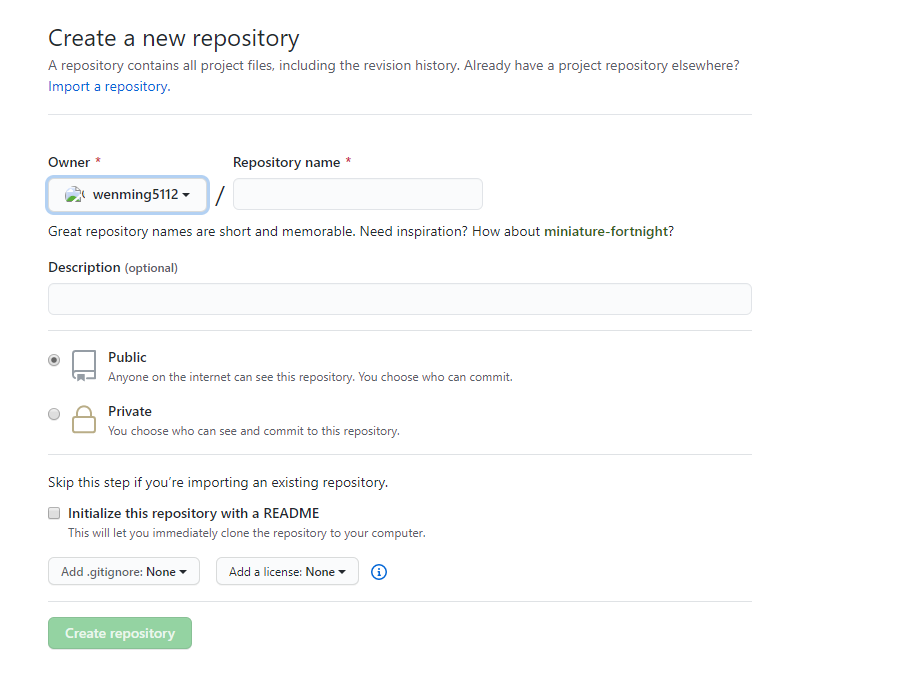
    在GitHub上创建仓库

    输入你的仓库名,最好与项目名相同。
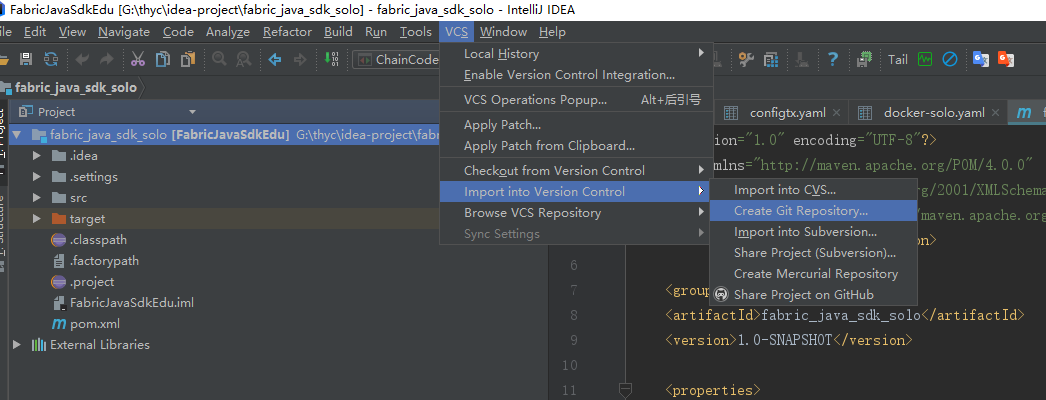
    创建本地仓库

    VCS --> Import into Version Control --> Create Git Repository
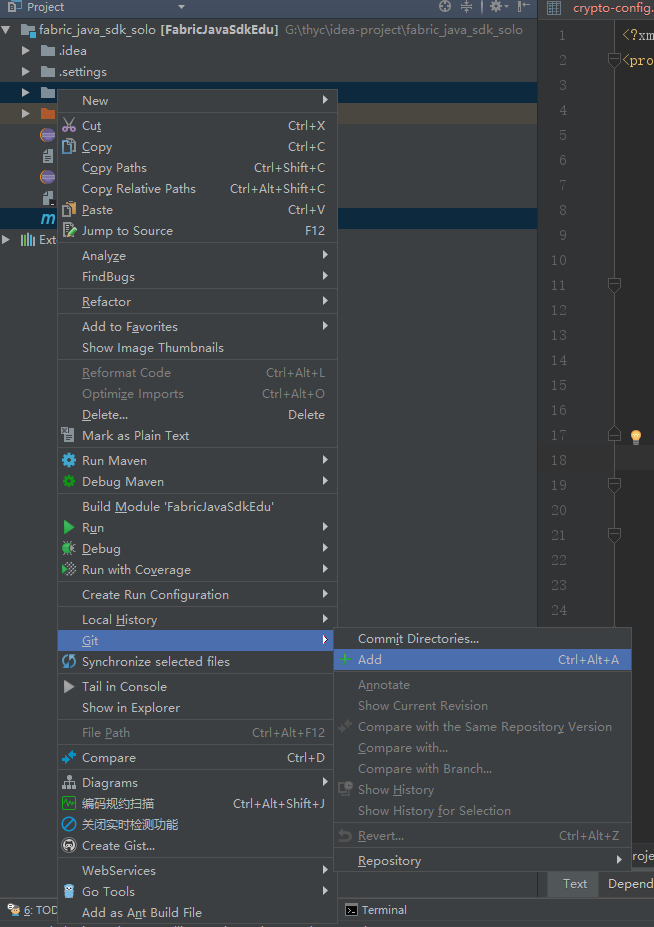
    提交代码到git

    这步相当于在添加。选中你要上传的目录和文件,然后 Git --> add 添加。
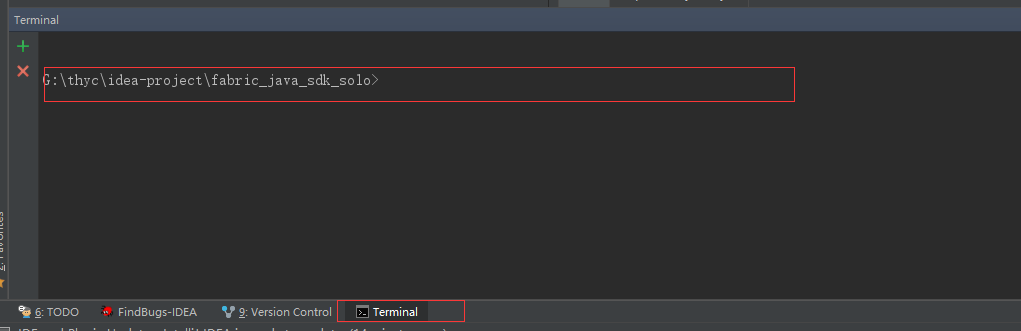
    在本地项目下开启 git bash 命令
    # 添加远程仓库地址
    git remote add origin https://github.com/******/******.git
    
    # 添加文件
    git add ./src/* pom.xml README.md
    
    # 提交代码
    git commit -m "init project"
    
    # push 代码
    git push -u origin master
    

    登录git帐号

    根据提示输入GitHub的帐号与密码

  • 相关阅读:
    Disharmony Trees HDU
    Xenia and Bit Operations CodeForces
    Gym
    背包入门
    搜索入门
    Farm Tour POJ
    Flow Problem HDU
    Hie with the Pie POJ
    Building a Space Station POJ
    kuangbin 最短路集合
  • 原文地址:https://www.cnblogs.com/jockming/p/13325258.html
Copyright © 2011-2022 走看看