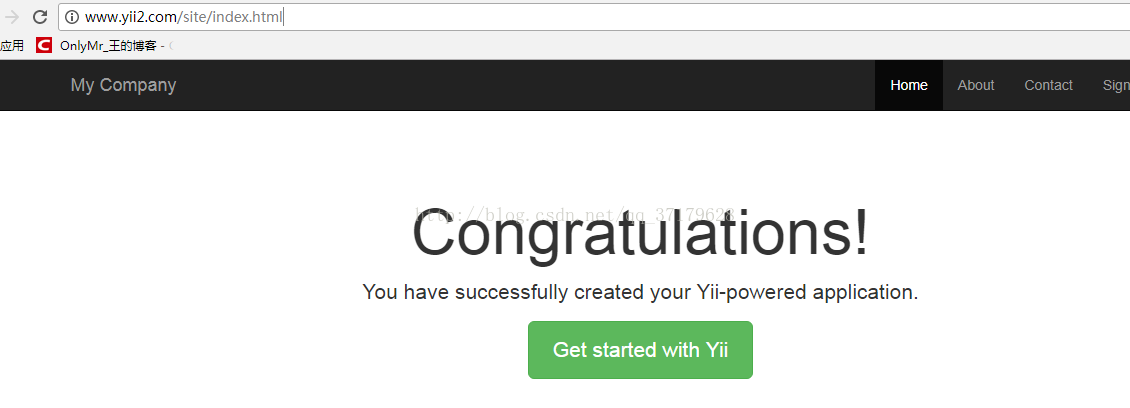
首先我们分步骤来:
安装好 yii 以后 我们看到的url地址如下所示:
http://www.3w.com/MyApp/backend/web/index.php?r=site%2Flogin
我们首先去掉 index.php
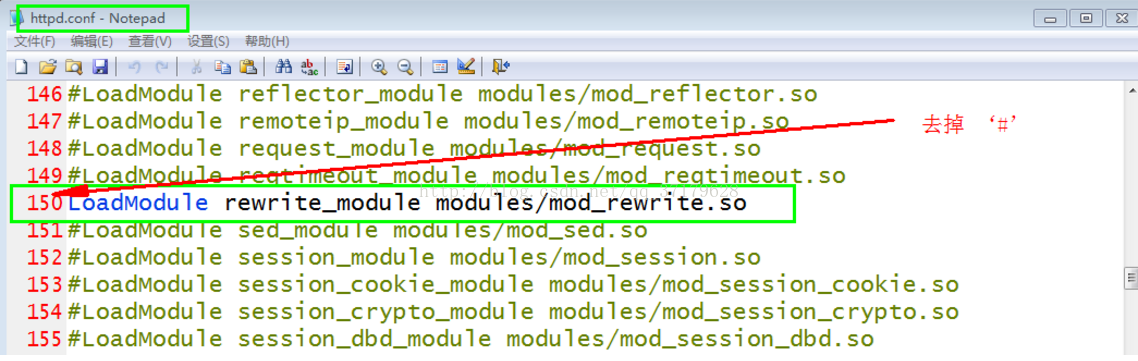
1.去apache配置中开启rewirte模块
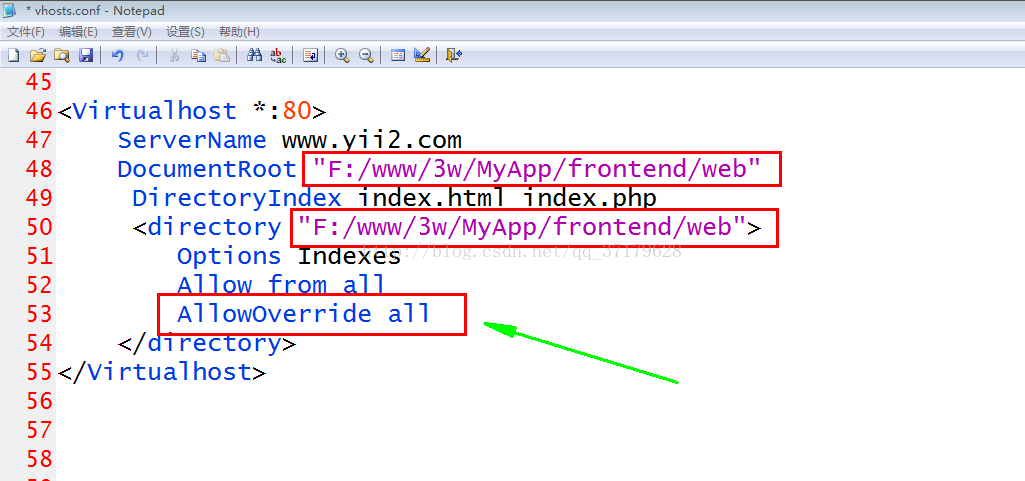
2.配置好我们的虚拟主机 必须开启外部重写规则:
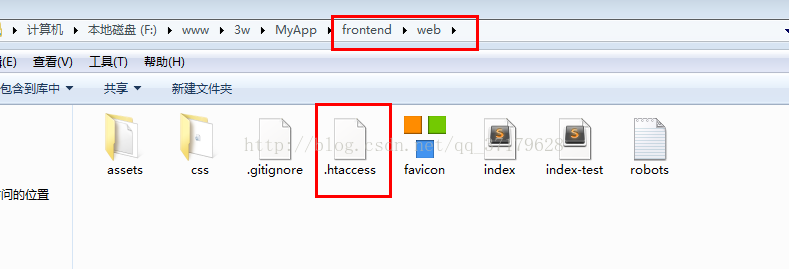
3.在下面的目录下 创建 .htaccess 文件
4. .htaccess文件里内容如下:
- <code class="language-php"><span style="font-size:18px;"><strong>Options +FollowSymLinks
- IndexIgnore */*
- RewriteEngine on
- # if a directory or a file exists, use it directly
- RewriteCond %{REQUEST_FILENAME} !-f
- RewriteCond %{REQUEST_FILENAME} !-d
- # otherwise forward it to index.php
- RewriteRule . index.php </strong></span></code>
-
Options +FollowSymLinks
-
IndexIgnore */*
-
RewriteEngine on
-
-
# if a directory or a file exists, use it directly
-
RewriteCond %{REQUEST_FILENAME} !-f
-
RewriteCond %{REQUEST_FILENAME} !-d
-
-
# otherwise forward it to index.php
-
RewriteRule . index.php
5.现在再次在浏览器 访问我们的项目 我们就可以去掉index.php url 如下:
http://www.3w.com/MyApp/backend/web/?r=site%2Flogin
然后我们 美化 url 如下:
http://www.yii2.com/site/index.html
我们只需要在config目录下配置即可:
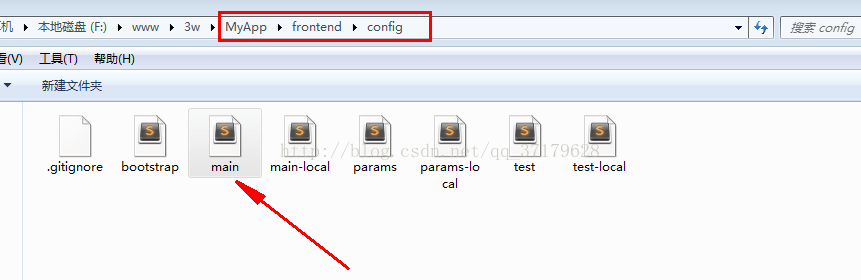
2.添加如下代码:
-
'urlManager' => [
-
'enablePrettyUrl' => true,//开启url美化
-
'showScriptName' => false,//隐藏index.php
-
'suffix' => '.html',//后缀
-
],
3.然后就成功了,试试吧