java实现网络爬虫
爬取单一页面
package liuwenwu.test;

import java.io.*;
import java.net.*;

public class UrlDemo {

    public static void main(String[] args) {
        //确定爬取的网页地址
        String strurl="http://search.dangdang.com/?key=%BB%FA%D0%B5%B1%ED&act=input";

        //建立url爬取核心对象
        try {
            URL url = new URL(strurl);
            //通过url建立与网页的连接
            URLConnection conn = url.openConnection();
            //通过链接取得网页返回的数据
            InputStream is=conn.getInputStream();

            System.out.println(conn.getContentEncoding());
             //一般按行读取网页数据,并进行内容分析
             //因此用BufferedReader和InputStreamReader把字节流转化为字符流的缓冲流
             //进行转换时,需要处理编码格式问题
            BufferedReader br = new BufferedReader(new InputStreamReader(is,"UTF-8"));

            //按行读取并打印
            String line=null;
            while((line=br.readLine())!=null) {
                System.out.println(line);
            }

            br.close();
        } catch (Exception e) {
            // TODO: handle exception
            e.printStackTrace();
        }

    }
}
结果:
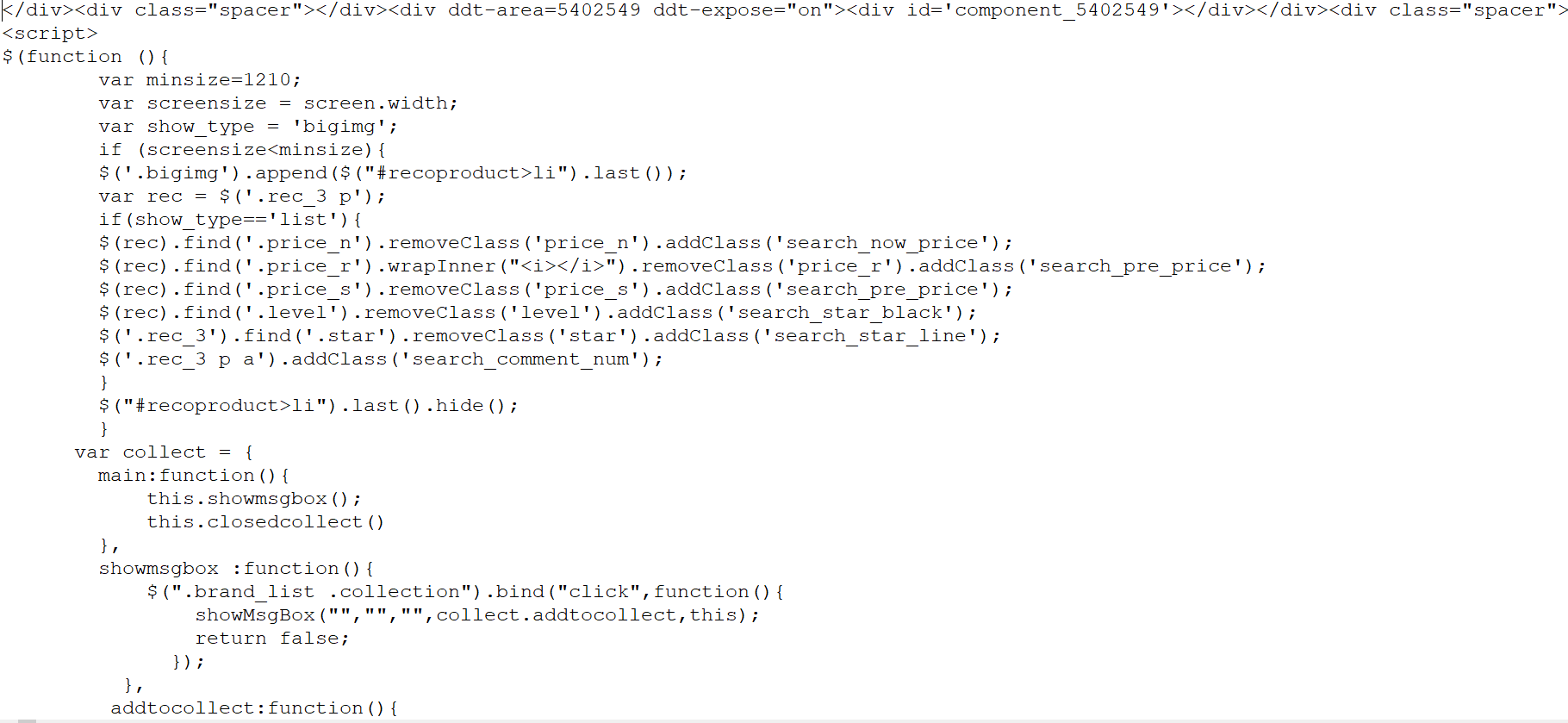
下面尝试将这个网页的源代码保存成为本地的一个文本文件,以便后续做离线分析。
将爬取到时数据保存到F:/papapa/目录下
package liuwenwu.test;

import java.io.*;
import java.net.*;
import java.util.*;
import java.util.regex.*;

/**
 * 读取当当网下首页图书的数据,并进行分析
 * 爬取深度为2
 * 爬去数据存储到F:/papapa/目录下,需自行创建
 * @author ASUS
 *
 */

public class UrlDemo2 {

    //提取的数据存放到该目录下
    private static String savepath="F:/papapa/";
    //等待爬取的url
    private static List<String> allwaiturl=new ArrayList<>();
    //爬取过得url
    private static Set<String> alloverurl=new HashSet<>();
    //记录所有url的深度进行爬取判断
    private static Map<String, Integer> allurldepth=new HashMap<>();
    //爬取的深度
    private static int maxdepth=2;

    public static void main(String[] args) {
        //确定爬取的网址
        String strurl="http://book.dangdang.com/";

        workurl(strurl, 1);
    }

    public static void workurl(String strurl,int depth) {
        //判断当前url是否爬取过
        if(!(alloverurl.contains(strurl)||depth>maxdepth)) {
            //建立url爬取核心对象
            try {
                URL url = new URL(strurl);
                //通过url建立与网页的连接
                URLConnection conn = url.openConnection();
                //通过链接取得网页返回的数据
                InputStream is=conn.getInputStream();

                System.out.println(conn.getContentEncoding());
                //一般按行读取网页数据,并进行内容分析
                //因此用BufferedReader和InputStreamReader把字节流转化为字符流的缓冲流
                //进行转换时,需要处理编码格式问题
                BufferedReader br=new BufferedReader(new InputStreamReader(is,"GB2312"));

                //按行读取并打印
                String line=null;
                //正则表达式的匹配规则提取该网页的链接
                Pattern p=Pattern.compile("<a .*href=.+</a>");
                //建立一个输出流,用于保存文件,文件名为执行时间,以防重复
                PrintWriter pw=new PrintWriter(new File(savepath+System.currentTimeMillis()+".txt"));

                while((line=br.readLine())!=null) {
                    //编写正则,匹配超链接地址
                    pw.println(line);
                    Matcher m=p.matcher(line);
                    while(m.find()) {
                        String href=m.group();
                        //找到超链接地址并截取字符串
                        //有无引号
                        href=href.substring(href.indexOf("href="));
                        if(href.charAt(5)=='"') {
                            href=href.substring(6);
                        }
                        else {
                            href=href.substring(5);
                        }
                        //截取到引号或者空格或者到">"结束
                        try {
                            href=href.substring(0,href.indexOf("""));
                        } catch (Exception e) {
                            try {
                                href=href.substring(0,href.indexOf(" "));
                            } catch (Exception e2) {
                                 href=href.substring(0,href.indexOf(">"));
                            }
                        }
                        if(href.startsWith("http:")||href.startsWith("https:")){
                            //将url地址放到队列中
                            allwaiturl.add(href);
                            allurldepth.put(href,depth+1);
                        }

                    }
                }
                pw.close();
                br.close();

            } catch (Exception e) {
                // TODO: handle exception
                e.printStackTrace();
            }
            //将当前url归列到alloverurl中
            alloverurl.add(strurl);
            System.out.println(strurl+"网页爬取完成,以爬取数量:"+alloverurl.size()+",剩余爬取数量:"+allwaiturl.size());
        }
            //用递归的方法继续爬取其他链接
            String nexturl=allwaiturl.get(0);
            allwaiturl.remove(0);
            workurl(nexturl, allurldepth.get(nexturl));
    }
}
控制台:
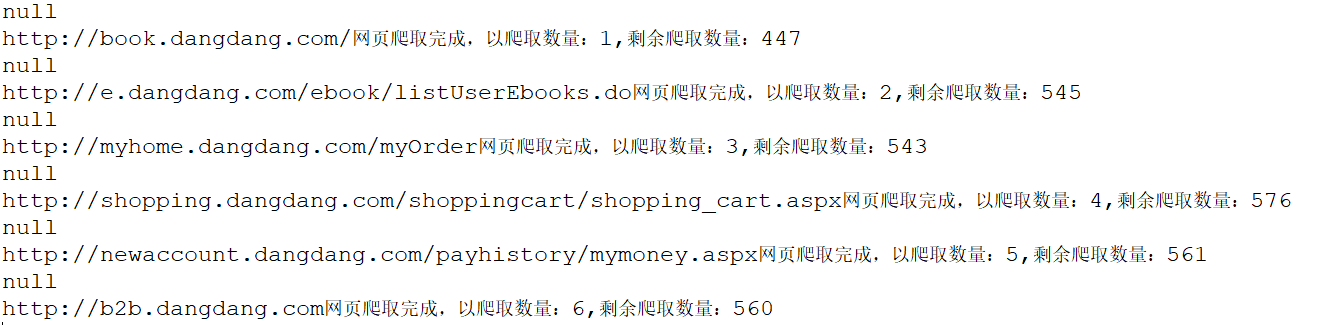
本地目录

如果想提高爬虫性能,那么我们就需要使用多线程来处理,例如:准备好5个线程来同时进行爬虫
操作。
这些线程需要标注出当前状态,是在等待,还是在爬取。
如果是等待状态,那么就需要取得集合中的一个连接,来完成爬虫操作。
如果是爬取状态,则在爬完以后,需要变为等待状态。
多线程中如果想设置等待状态,有一个方法可以实现:wait(),如果想从等待状态唤醒,则可以使用notify()。
因此在多个线程中间我们需要一个对象来帮助我们进行线程之间的通信,以便唤醒其它线程。
多线程同时处理时,容易出现线程不安全的问题,导致数据出现错误。
为了保证线程的安全,就需要使用同步关键字,来对取得连接和放入连接操作加锁。
多线程爬虫实现
需要先自定义一个线程的操作类,在这个操作类中判断不同的状态,并且根据状态来决定是进行wait()等待,还是取得一个新的url进行处理。
package liuwenwu.test;

import java.io.*;
import java.net.*;
import java.util.*;
import java.util.regex.*;
/**
 * 读取当当网下首页图书的数据,并进行分析
 * 爬取深度为2
 * 爬去数据存储到F:papapa2目录下,需自行创建
 * @author ASUS
 *
 */

public class URLDemo3 {
    //提取的数据存放到该目录下
    private static String savepath="F:/papapa2/";
    //等待爬取的url
    private static List<String> allwaiturl=new ArrayList<>();
    //爬取过的url
    private static Set<String> alloverurl=new HashSet<>();
    //记录所有url的深度进行爬取判断
    private static Map<String,Integer> allurldepth=new HashMap<>();
    //爬取得深度
    private static int maxdepth=2;
    //生命对象,帮助进行线程的等待操作
    private static Object obj=new Object();
    //记录总线程数5条
    private static int MAX_THREAD=5;
    //记录空闲的线程数
    private static int count=0;

    public static void main(String args[]){
        //确定爬取网址
        String strurl="http://book.dangdang.com/";

        addurl(strurl,0);
        for(int i=0;i<MAX_THREAD;i++){
            new URLDemo3().new MyThread().start();
        }
    }
    /**
     * 网页数据爬取
     * @param strurl
     * @param depth
     */
    public static void workurl(String strurl,int depth){
        //判断当前url是否爬取过
        if(!(alloverurl.contains(strurl)||depth>maxdepth)){
            //检测线程是否执行
            System.out.println("当前执行:"+Thread.currentThread().getName()+" 爬取线程处理爬取:"+strurl);
        //建立url爬取核心对象
        try {
            URL url=new URL(strurl);
            //通过url建立与网页的连接
            URLConnection conn=url.openConnection();
            //通过链接取得网页返回的数据
            InputStream is=conn.getInputStream();

            //提取text类型的数据
            if(conn.getContentType().startsWith("text")){

            }
            System.out.println(conn.getContentEncoding());
            //一般按行读取网页数据,并进行内容分析
            //因此用BufferedReader和InputStreamReader把字节流转化为字符流的缓冲流
            //进行转换时,需要处理编码格式问题
            BufferedReader br=new BufferedReader(new InputStreamReader(is,"GB2312"));

            //按行读取并打印
            String line=null;
            //正则表达式的匹配规则提取该网页的链接
            Pattern p=Pattern.compile("<a .*href=.+</a>");
            //建立一个输出流,用于保存文件,文件名为执行时间,以防重复
            PrintWriter pw=new PrintWriter(new File(savepath+System.currentTimeMillis()+".txt"));

            while((line=br.readLine())!=null){
                //编写正则,匹配超链接地址
                pw.println(line);
                Matcher m=p.matcher(line);
                while(m.find()){
                    String href=m.group();
                    //找到超链接地址并截取字符串
                    //有无引号
                    href=href.substring(href.indexOf("href="));
                    if(href.charAt(5)=='"'){
                        href=href.substring(6);
                    }else{
                        href=href.substring(5);
                    }
                    //截取到引号或者空格或者到">"结束
                try{
                    href=href.substring(0,href.indexOf("""));
                }catch(Exception e){
                    try{
                        href=href.substring(0,href.indexOf(" "));
                    }catch(Exception e1){
                        href=href.substring(0,href.indexOf(">"));
                    }
                }
                if(href.startsWith("http:")||href.startsWith("https:")){
                    //调用addurl方法
                    addurl(href,depth);
                        }

                    }

                }
            pw.close();
            br.close();
        } catch (Exception e) {
            //e.printStackTrace();
        }
        //将当前url归列到alloverurl中
        alloverurl.add(strurl);
        System.out.println(strurl+"网页爬取完成,已爬取数量:"+alloverurl.size()+",剩余爬取数量:"+allwaiturl.size());
        }

        if(allwaiturl.size()>0){
            synchronized(obj){
                obj.notify();
            }
        }else{
            System.out.println("爬取结束.......");
        }

        }
    /**
     * 将获取的url放入等待队列中,同时判断是否已经放过
     * @param href
     * @param depth
     */
    public static synchronized void addurl(String href,int depth){
        //将url放到队列中
        allwaiturl.add(href);
        //判断url是否放过
        if(!allurldepth.containsKey(href)){
            allurldepth.put(href, depth+1);
        }
    }
    /**
     * 移除爬取完成的url,获取下一个未爬取得url
     * @return
     */
    public static synchronized String geturl(){
        String nexturl=allwaiturl.get(0);
        allwaiturl.remove(0);
        return nexturl;
    }
    /**
     * 线程分配任务
     */
    public class MyThread extends Thread{
        @Override
        public void run(){
            //设定一个死循环,让线程一直存在
            while(true){
                //判断是否新链接,有则获取
                if(allwaiturl.size()>0){
                    //获取url进行处理
                    String url=geturl();
                    //调用workurl方法爬取
                    workurl(url,allurldepth.get(url));
                }else{
                    System.out.println("当前线程准备就绪,等待连接爬取:"+this.getName());
                    count++;
                    //建立一个对象,让线程进入等待状态,即wait()
                    synchronized(obj){
                        try{
                            obj.wait();
                        }catch(Exception e){

                        }
                    }
                    count--;
                }
            }
        }

    }
}
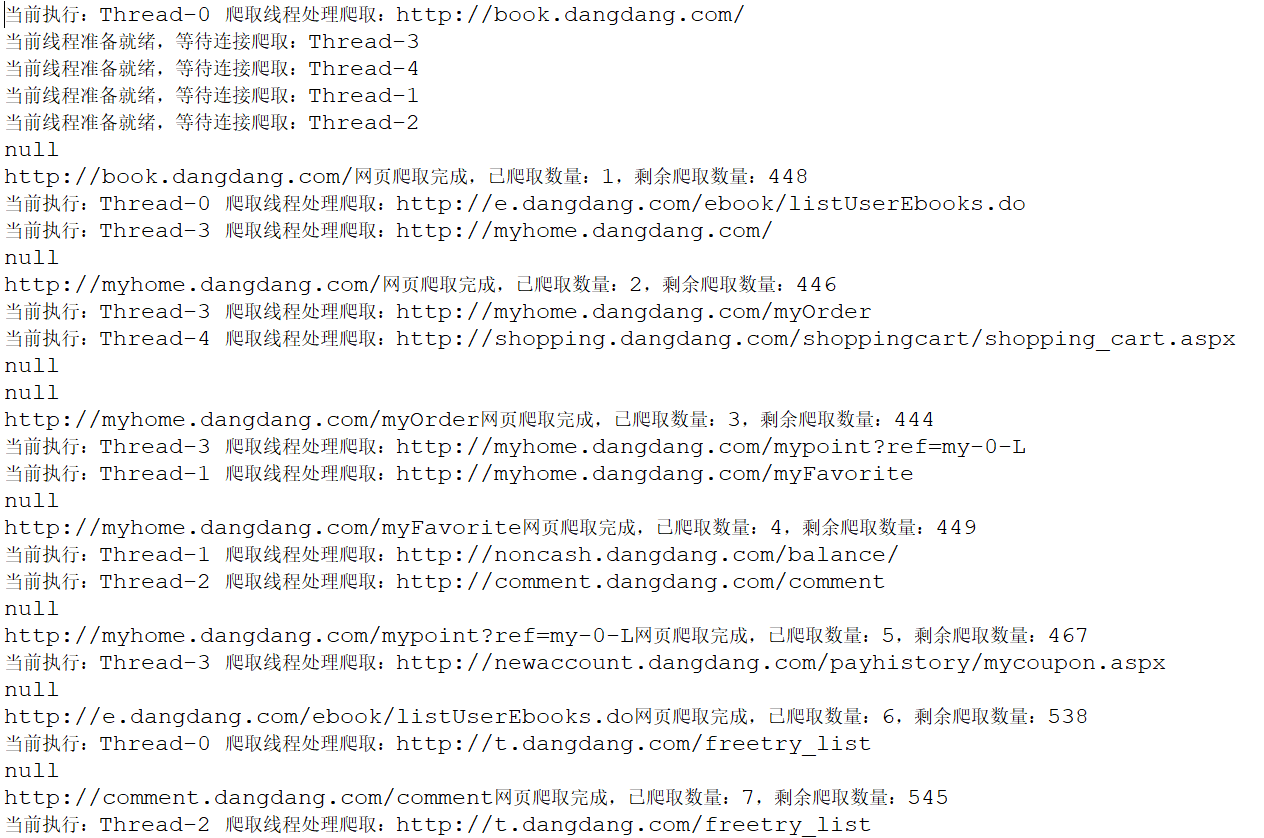
控制台:
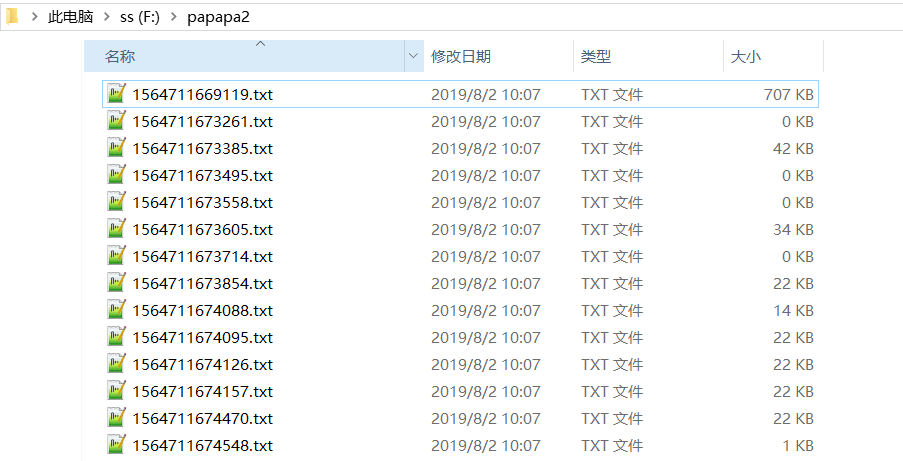
本地目录:
总结:
1、给出一个网页链接,创建一个本地目录;
2、用URL类本地连接,用字符流进行读取,并写入到本地;
3、利用正则表达式在按行读取时获取该网页所存在的所有链接,以便进行深度+1的数据收集;
4、利用递归的方法,借助容器list,Set,Map来对链接进行爬取和未爬取得划分;
5、每次爬取一个网页时,所获得的所有链接在当前基础上深度+1,并且从未爬取队列中移除,加入到已爬取队列中;
6、为提升性能,在进行递归的时候,可以利用线程,复写Thread的run()方法,用多线程进行网页数据爬取;
7、直到爬取得网页深度达到你期望的深度时,爬取结束,此时可以查看本地目录生成的文件;
8、后续对本地生成的文件进行数据分析,即可获取你想要的信息。
借此,我们就可以对这些数据进行归约,分析,处理,来获取我们想要的信息。
这也是大数据数据收集的一个基础。