对一个视图添加约束,其依赖的约束必须先已经存在,不能依赖该代码后的约束,否则造成不可预料的结果,如下代码能达到预期效果
- (void)makeConstraints {
    __weak typeof(self) weakSelf = self;

    [self.photoMoreButton mas_makeConstraints:^(MASConstraintMaker *make) {
        make.right.equalTo(weakSelf.photoButton).with.offset(-6);
        make.centerY.equalTo(weakSelf.photoButton);
        make.width.and.height.equalTo(@16);
    }];

    [self.photoImageView mas_makeConstraints:^(MASConstraintMaker *make) {
        make.centerY.equalTo(weakSelf.photoButton);
        make.right.equalTo(weakSelf.photoMoreButton.mas_left);
        make.width.and.height.equalTo(@64);
    }];
}
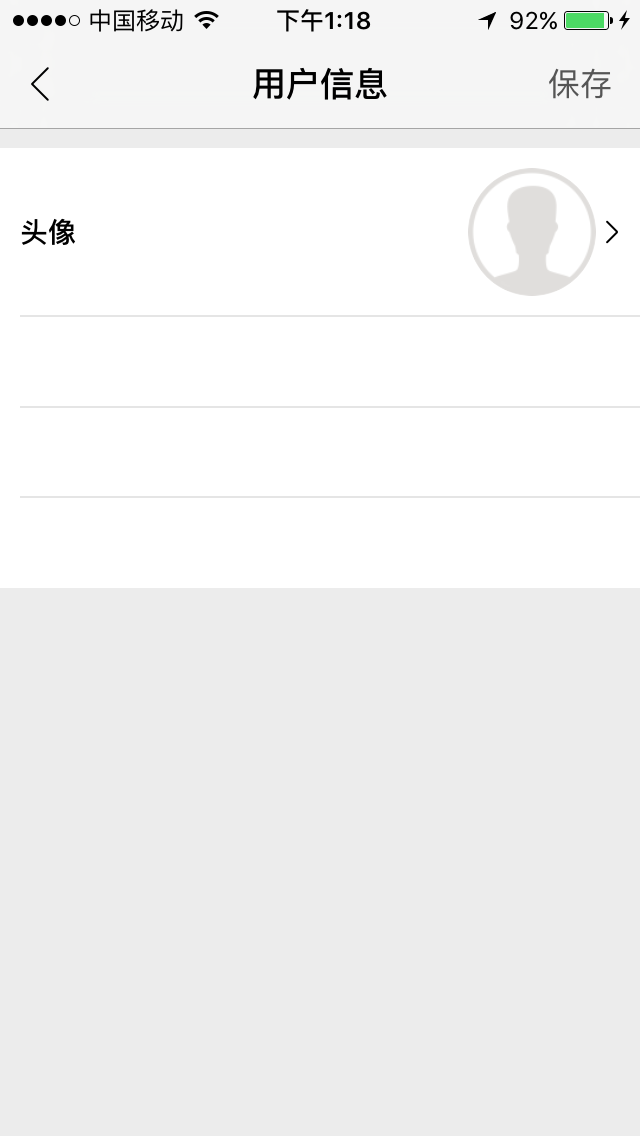
但是如果颠倒添加约束的顺序,如下
- (void)makeConstraints {
    __weak typeof(self) weakSelf = self;

    [self.photoImageView mas_makeConstraints:^(MASConstraintMaker *make) {
        make.centerY.equalTo(weakSelf.photoButton);
        make.right.equalTo(weakSelf.photoMoreButton.mas_left);
        make.width.and.height.equalTo(@64);
    }];

     [self.photoMoreButton mas_makeConstraints:^(MASConstraintMaker *make) {
        make.right.equalTo(weakSelf.photoButton).with.offset(-6);
        make.centerY.equalTo(weakSelf.photoButton);
        make.width.and.height.equalTo(@16);
    }];
}
则得到的效果如下图
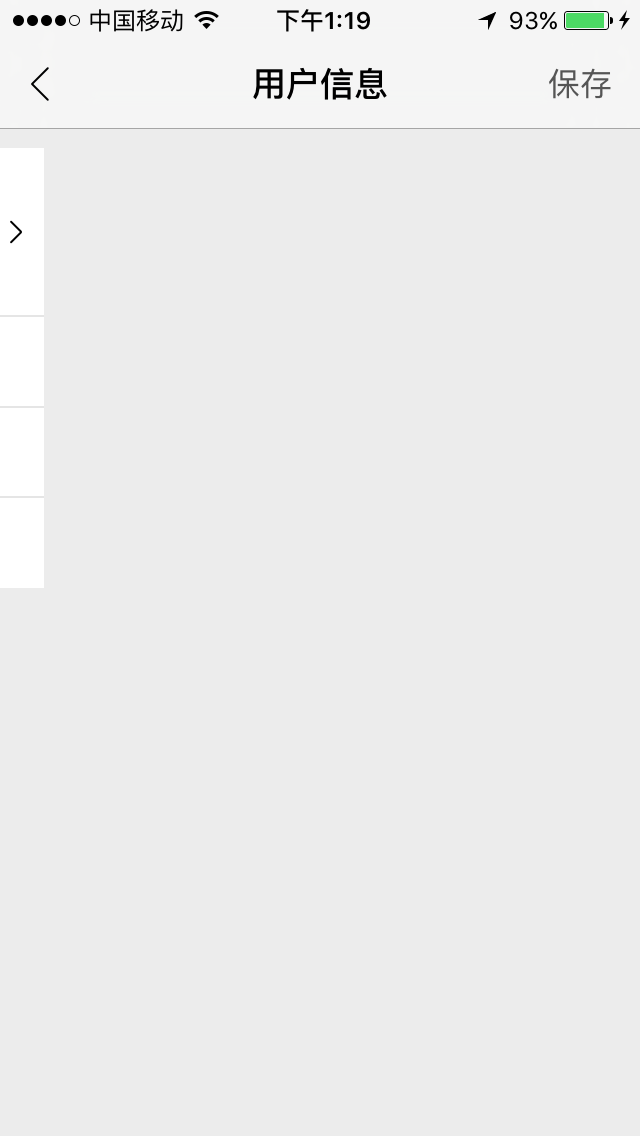
添加约束时 photoImageView 依赖于 photoMoreButton,而当时 photoMoreButton 的约束还未设置,所以导致后面不正确的结果,使用Masonry时要注意这点!