下载FFmpeg
palettegen paletteuse documentation
需要下载 FFmpeg2.6 以上
并FFmpeg.exe所在的目录名添加到系统环境变量PATH中

解压到 D:MPlayer-ww
运行 copy_font.bat 安装字体 LED_font.ttf
双击 MPlayer_ww_openWith.reg 添加右键播放功能
outformat.ini 配置视频分割命令参数

;         往前0.05秒 大概10多个帧
'         往后0.05秒 大概10多个帧
鼠标右键   快速定位

左SHIFT   记录开始时间
左CTRL    记录结束时间

右CTRL    复制开始结束时间 00:00:00.000 00:00:00.000
右SHIFT   生成视频剪切命令保存到 _cut_ffmpeg.bat _cut_mencoder.bat
G         生成GIF动画的批处理命令保存到 _gif_ffmpeg.bat
          outformat.ini中 设置fps和 gif动画的宽度
          [gif]
          fps=10
          width=320

其他功能与 MPlayer-ww 相同
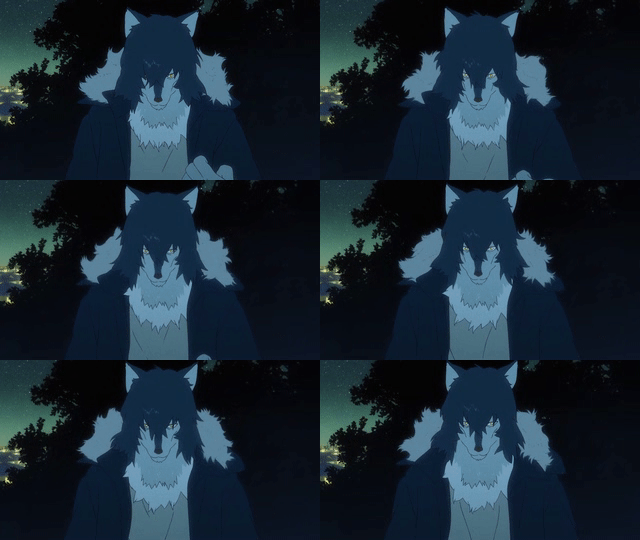
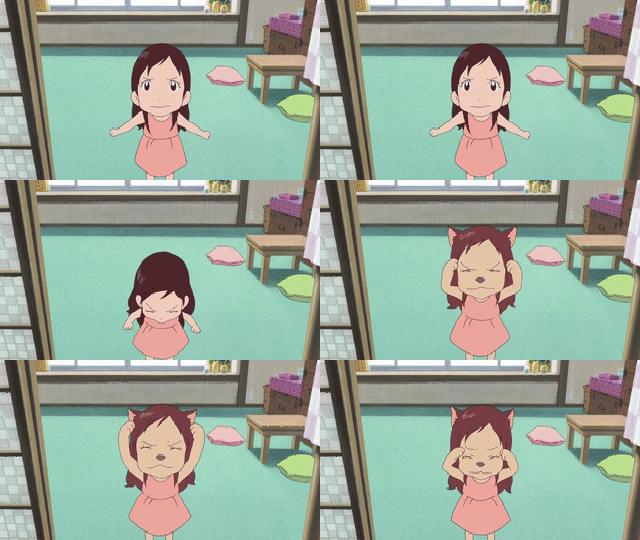
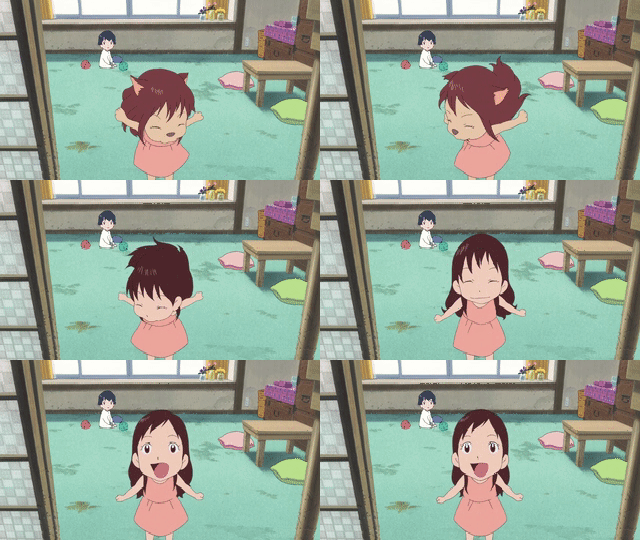
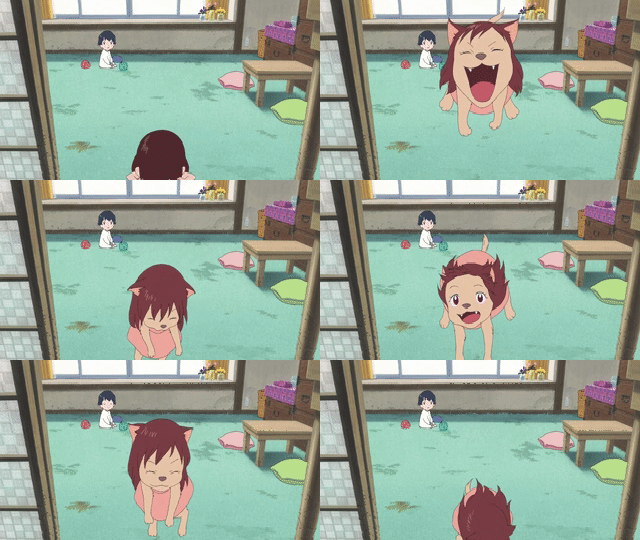
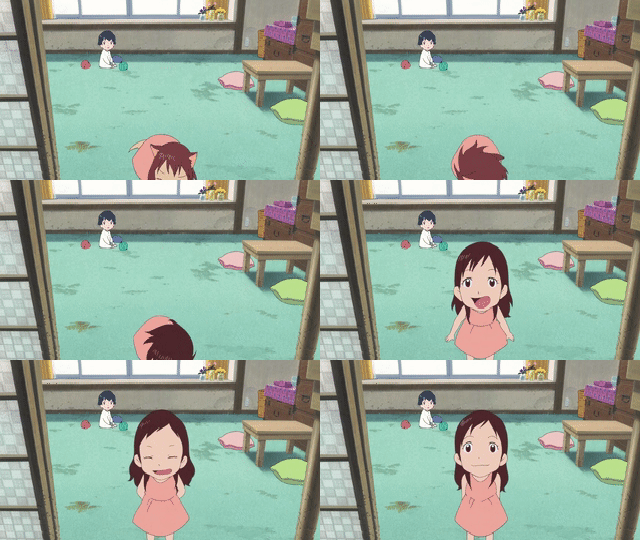
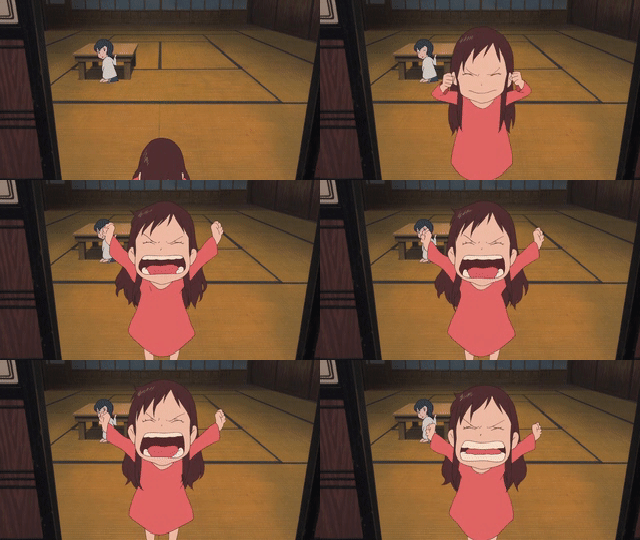
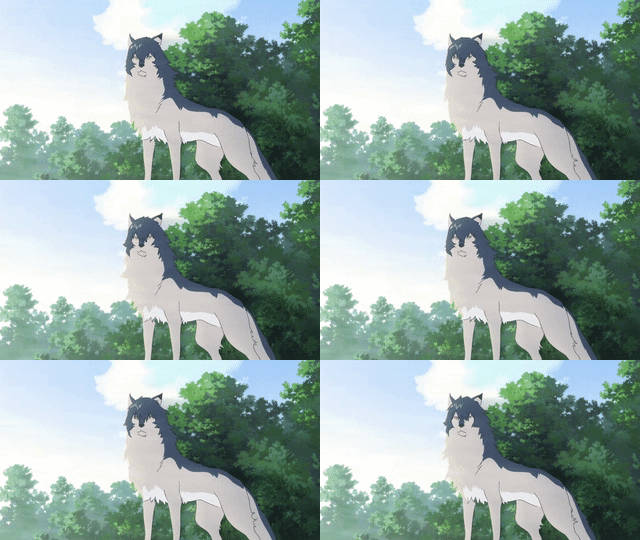
おおかみこどもの雨と雪
- 狼之子雨与雪
- The Wolf Children Ame and Yuki
 |
 |
 |
 |
 |
 |
 |
 |
 |
 |
 |
 |
 |
 |
 |
 |