https://developers.sap.com/tutorials/cp-starter-ibpm-employeeonboarding-1-setup.html
You will use the Boosters to automatically set up the workflow, business rules, process visibility and process flexibility capabilities in your account.
使用 SAP BTP 提供的 Boosters,来自动完成账户工作流,业务规则,process visibility 和 process flexibility capabilities 等相关功能的设置。
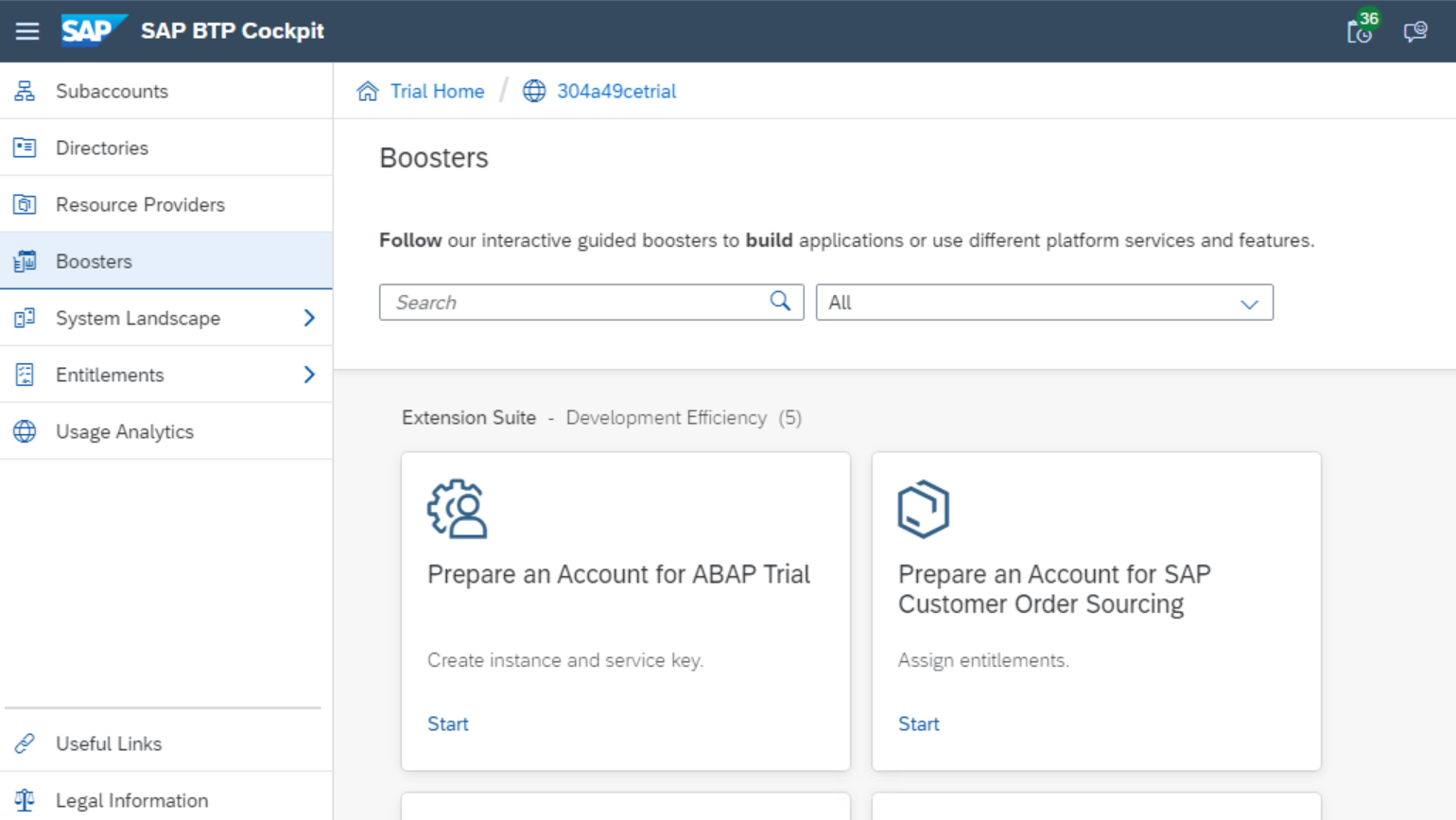
登录 SAP BTP Cockpit,选择 Boosters:
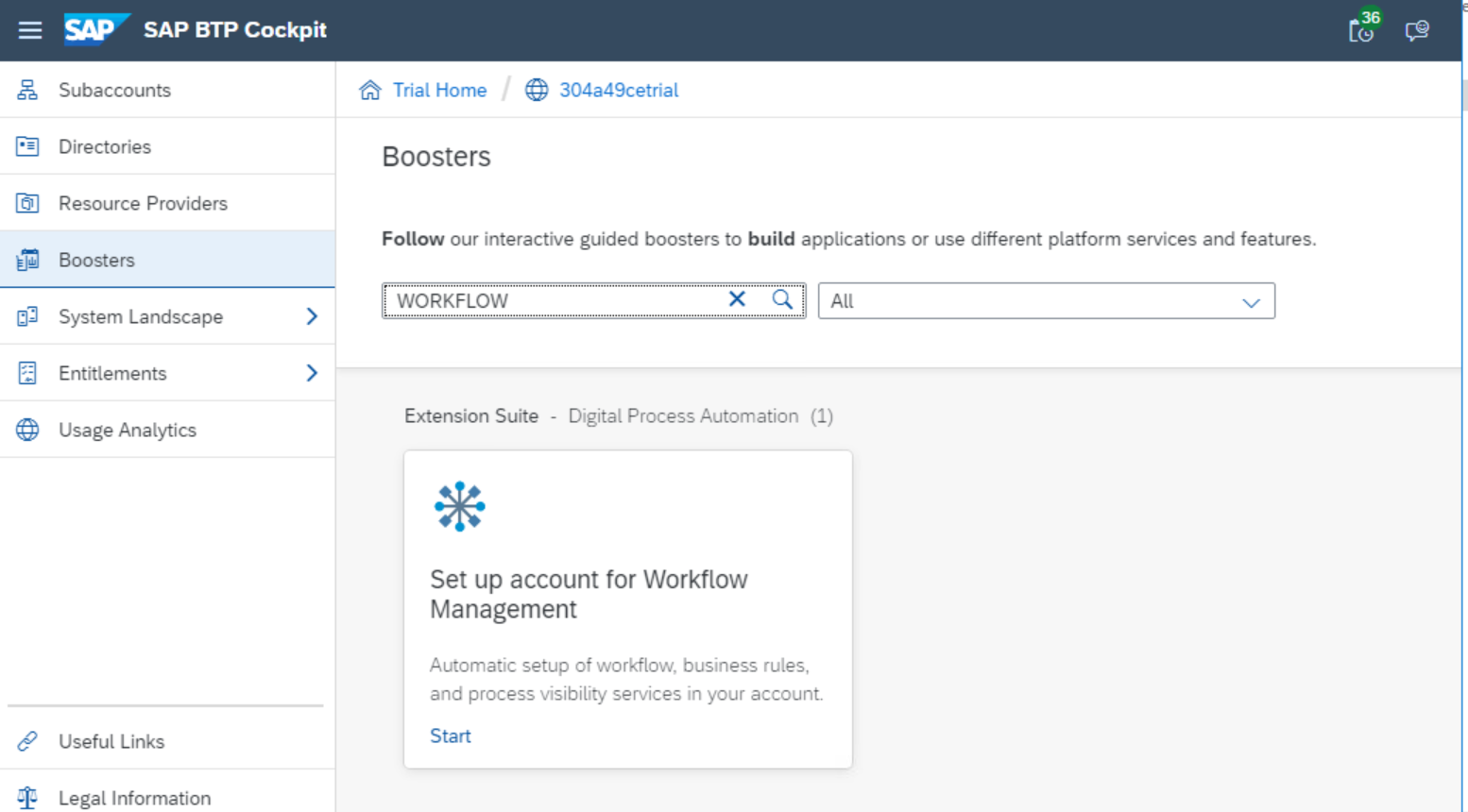
搜索 Workflow 关键字:
点击 Start 超链接:
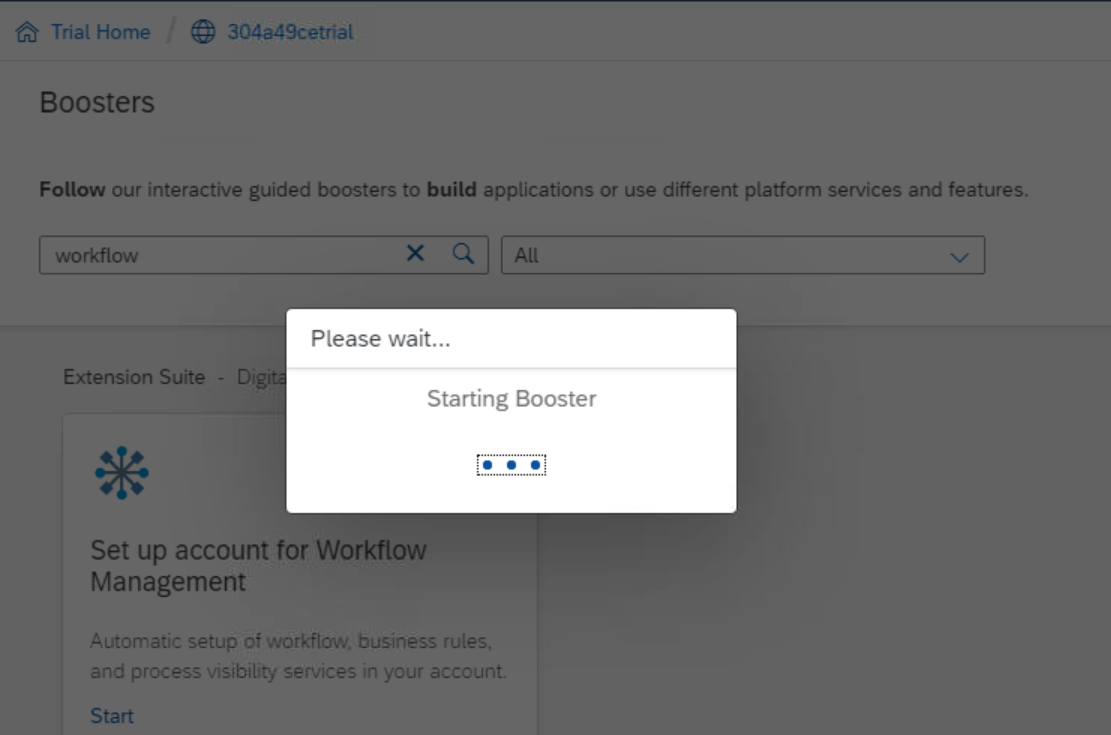
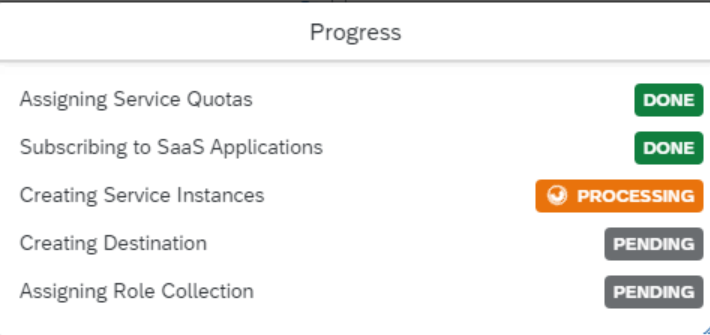
需要花费 4~5分钟完成 Provisioning:
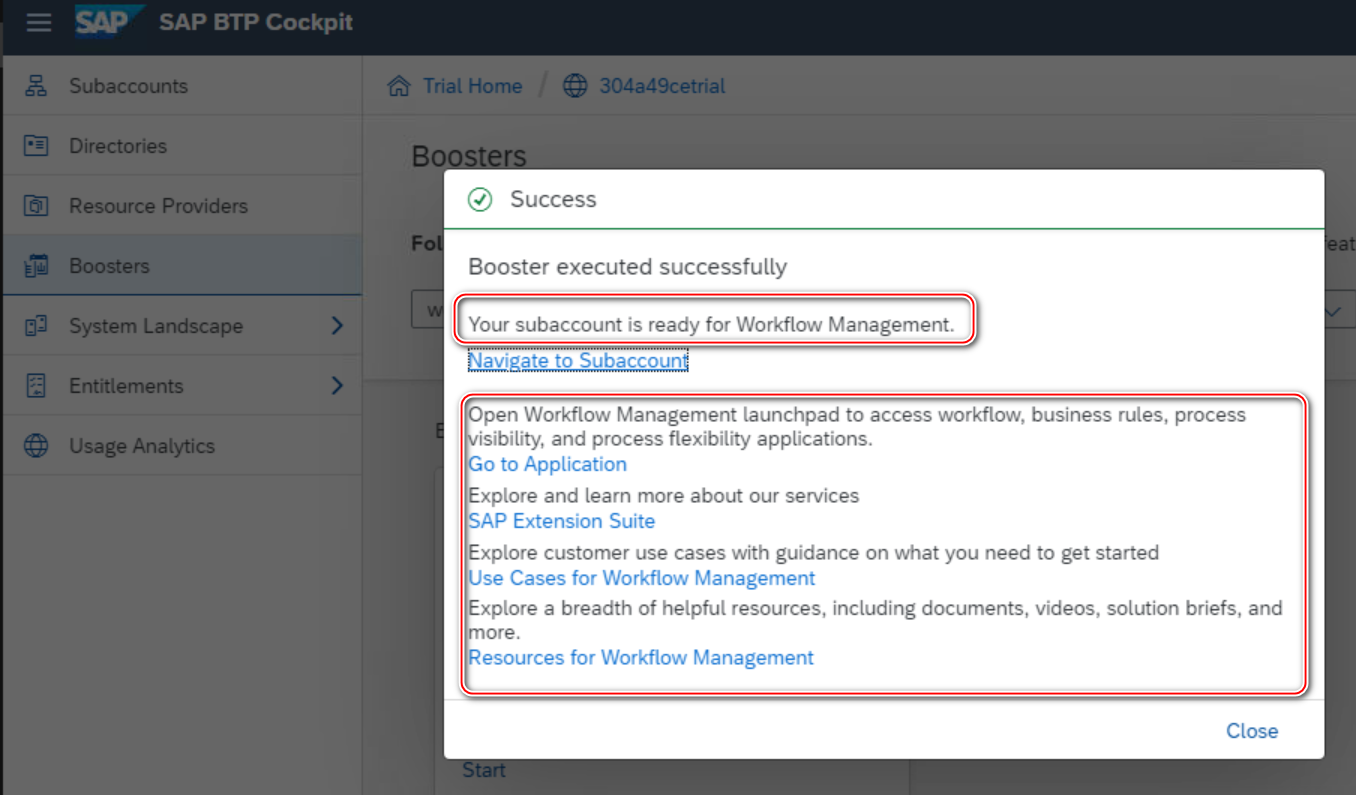
完成之后,提示我的 subaccount,已经可以开始 workflow 相关的开发工作了:
这个 Boosters 自动完成了下列步骤:
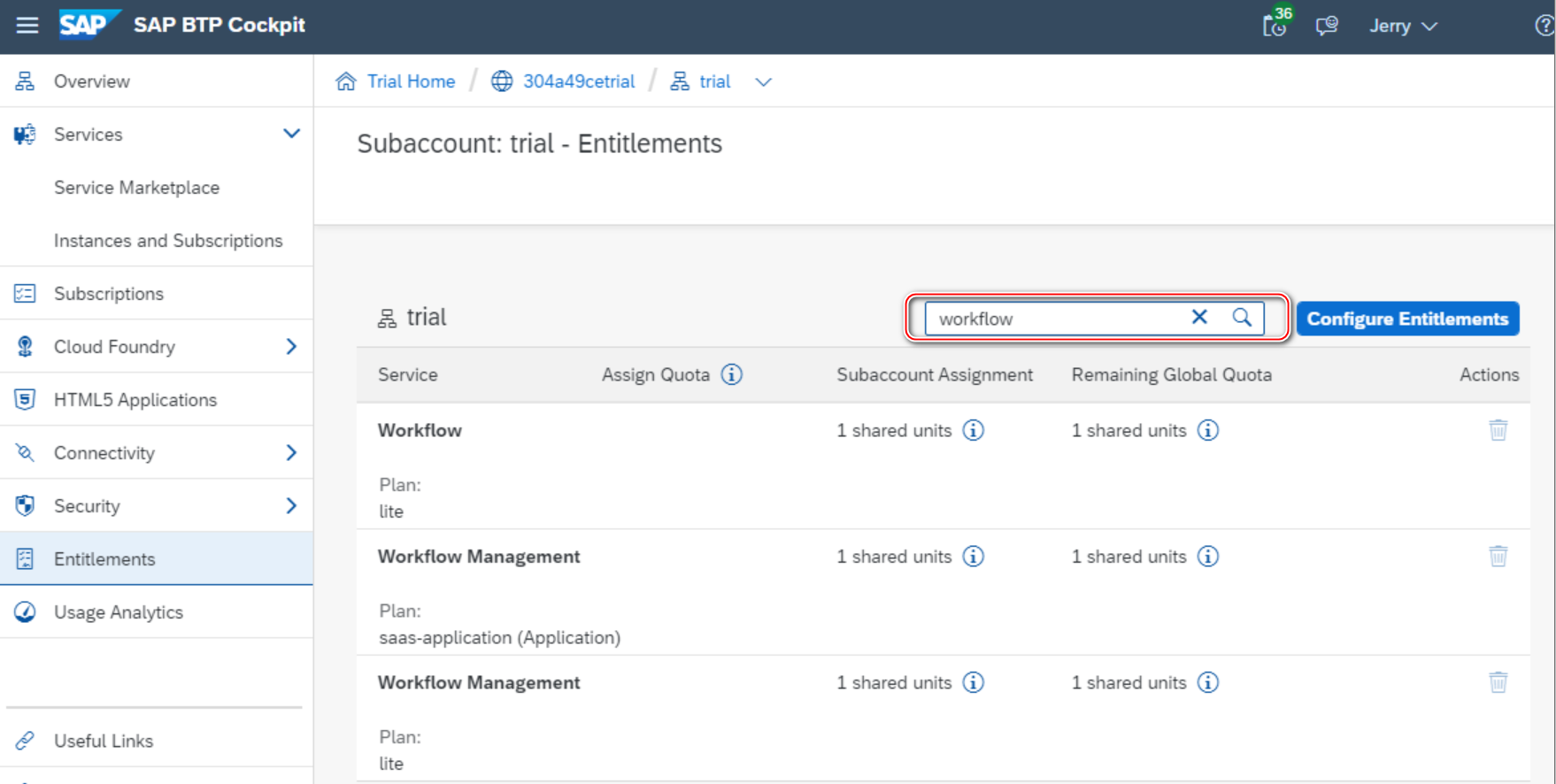
- Add Business Rules, Workflow, Process Visibility and Workflow Management entitlements in your account.
给 subaccount 添加了 Business Rule, workflow 等授权。
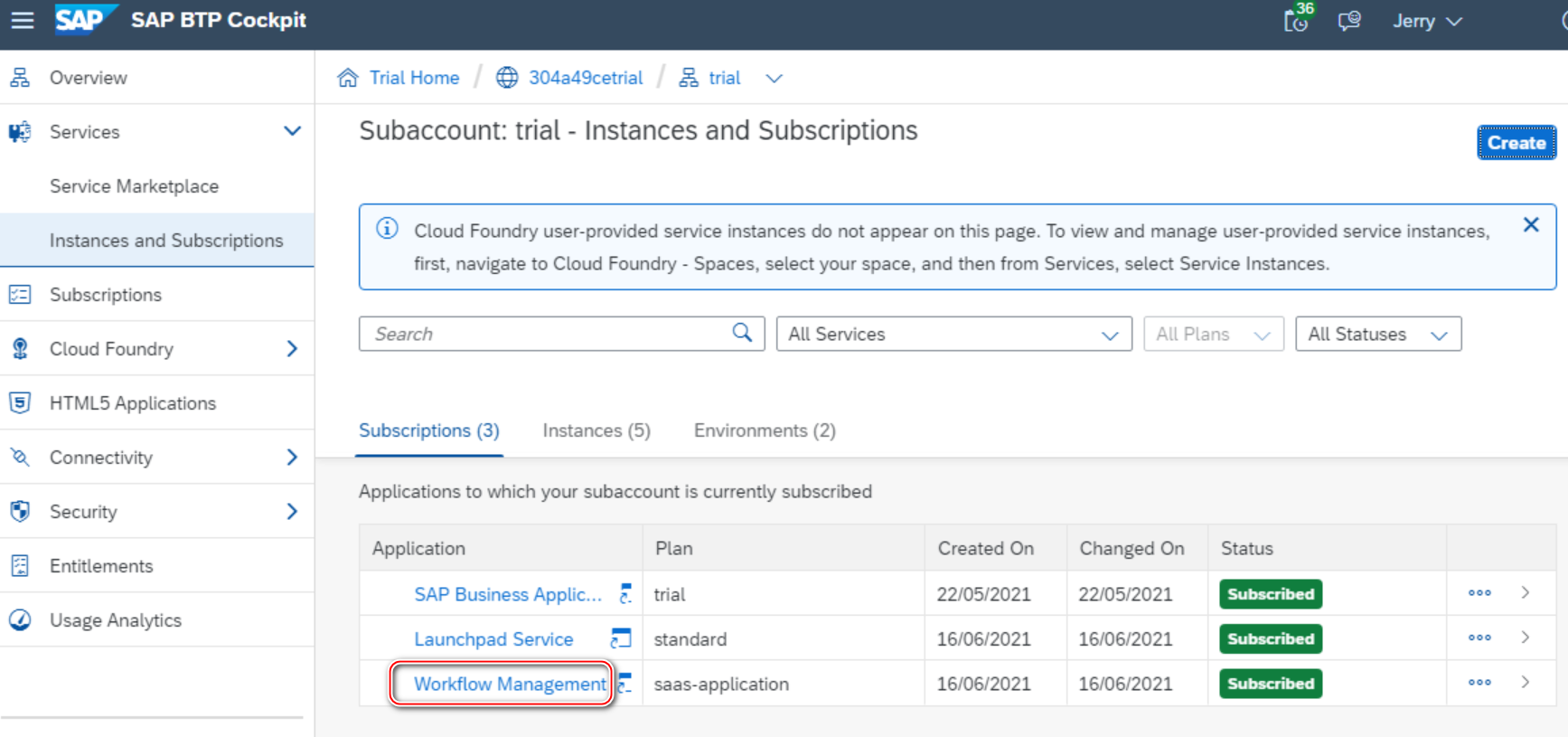
- Enable Workflow Management subscription.
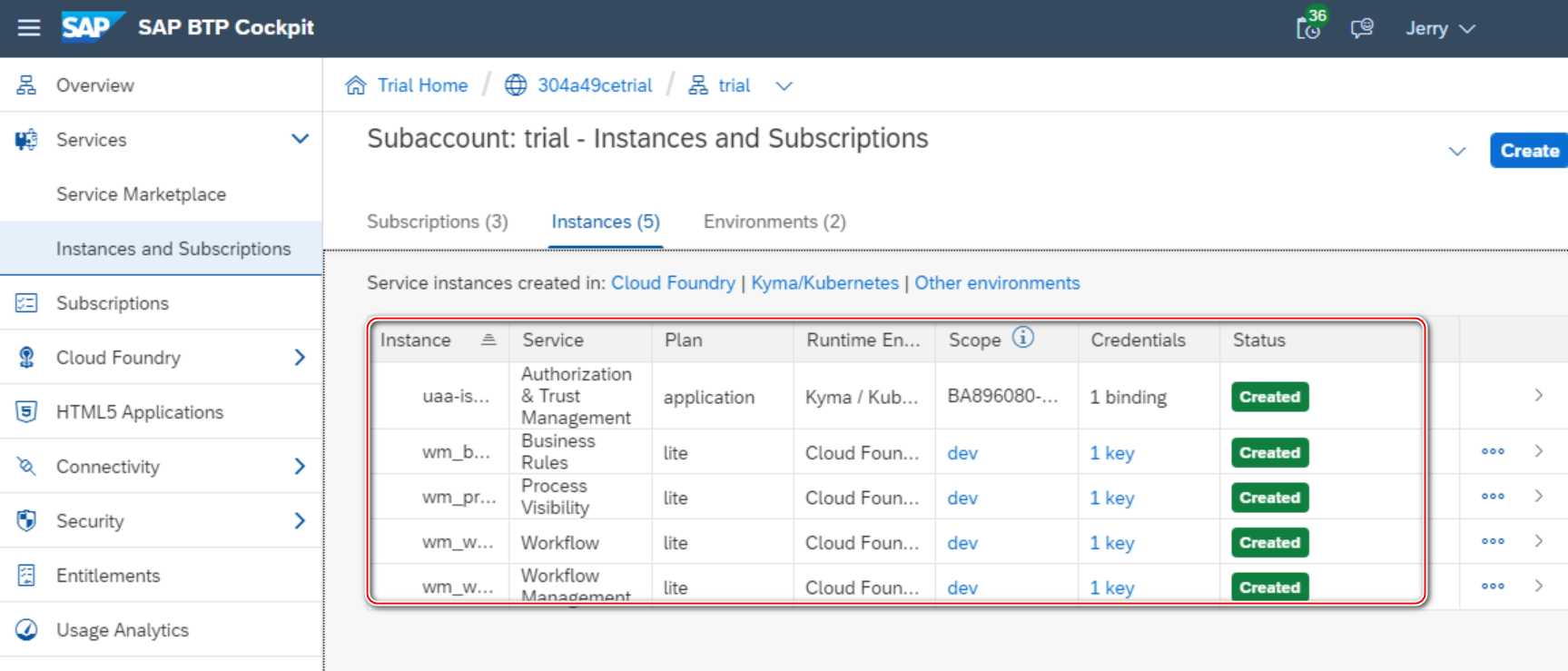
- Create service instance for each of Business Rules, Workflow, Process Visibility and Workflow Management services.
创建好的 service instance 如下图所示:
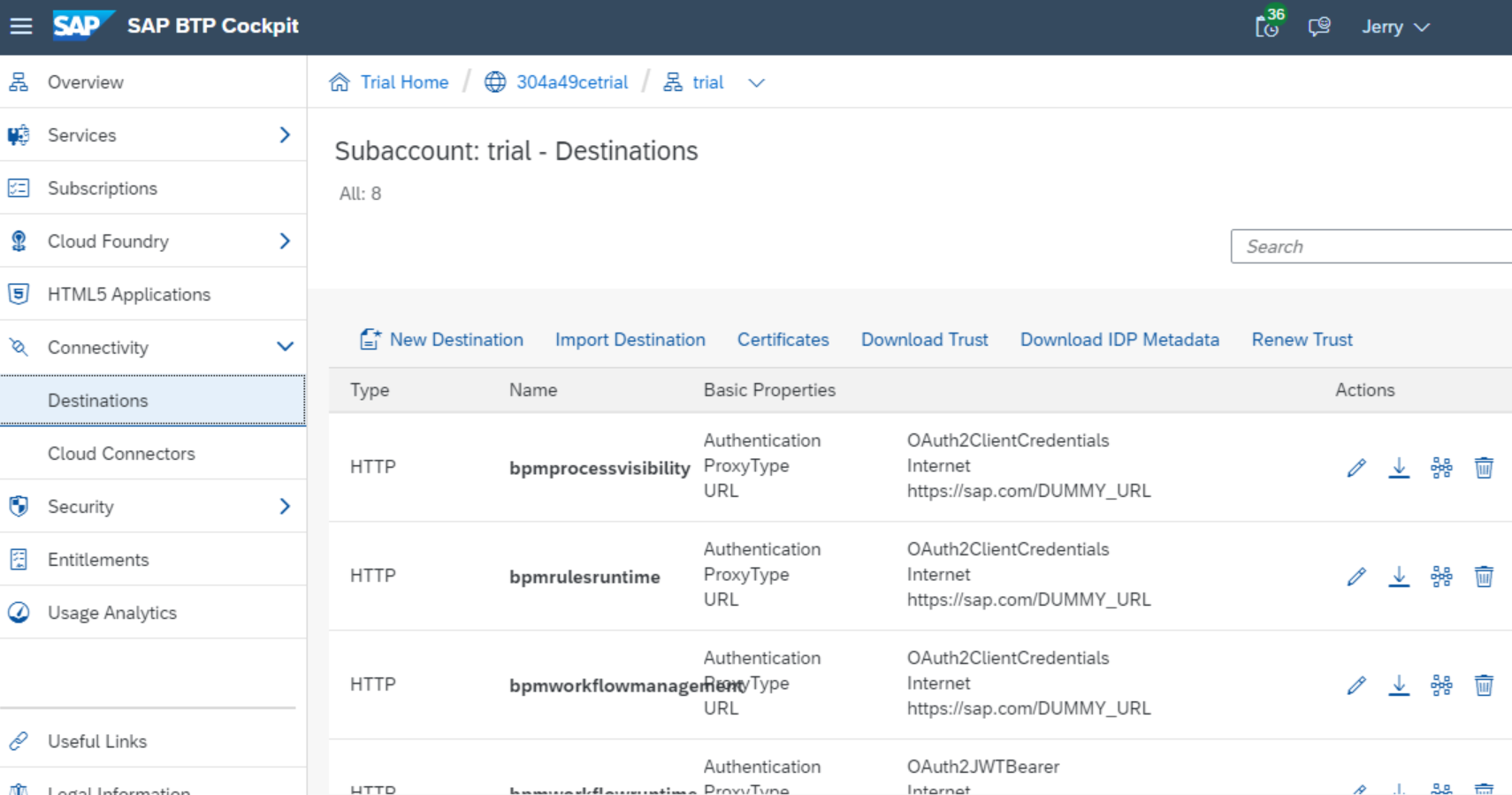
- Create destinations with name BUSINESS_RULES, BUSINESSRULES_APIHUB and WM_CF_SPACE_PROVIDER. These destinations will be used while integrating business rules with workflow, importing business rules project from API Hub and importing live process content from process hub respectively.
自动创建好的 destination 如下图所示:
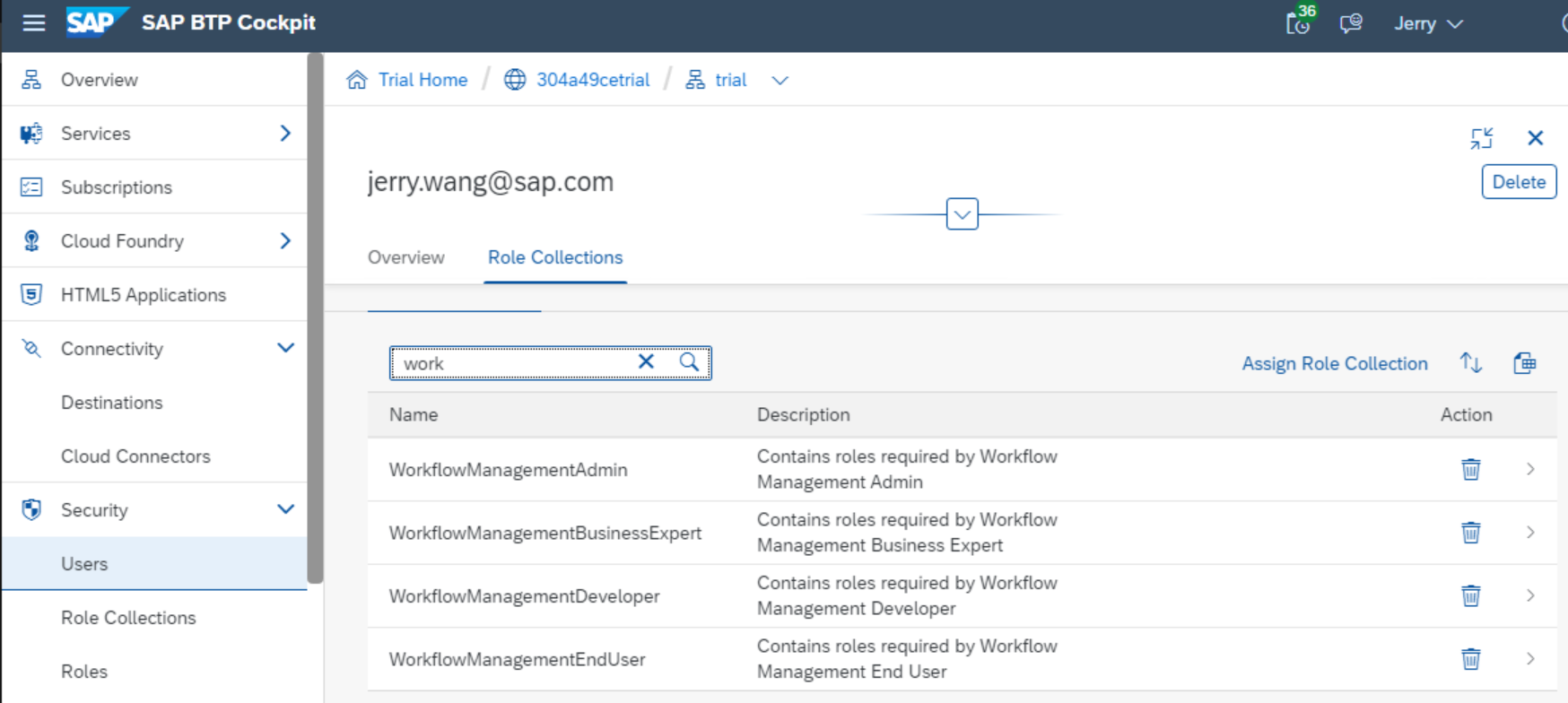
- Add all the needed Workflow Management roles collections to your user.
添加了所有需要进行工作流管理的 role:
进入 subaccount,点击 Instances and subscriptions,选择 Workflow management application:
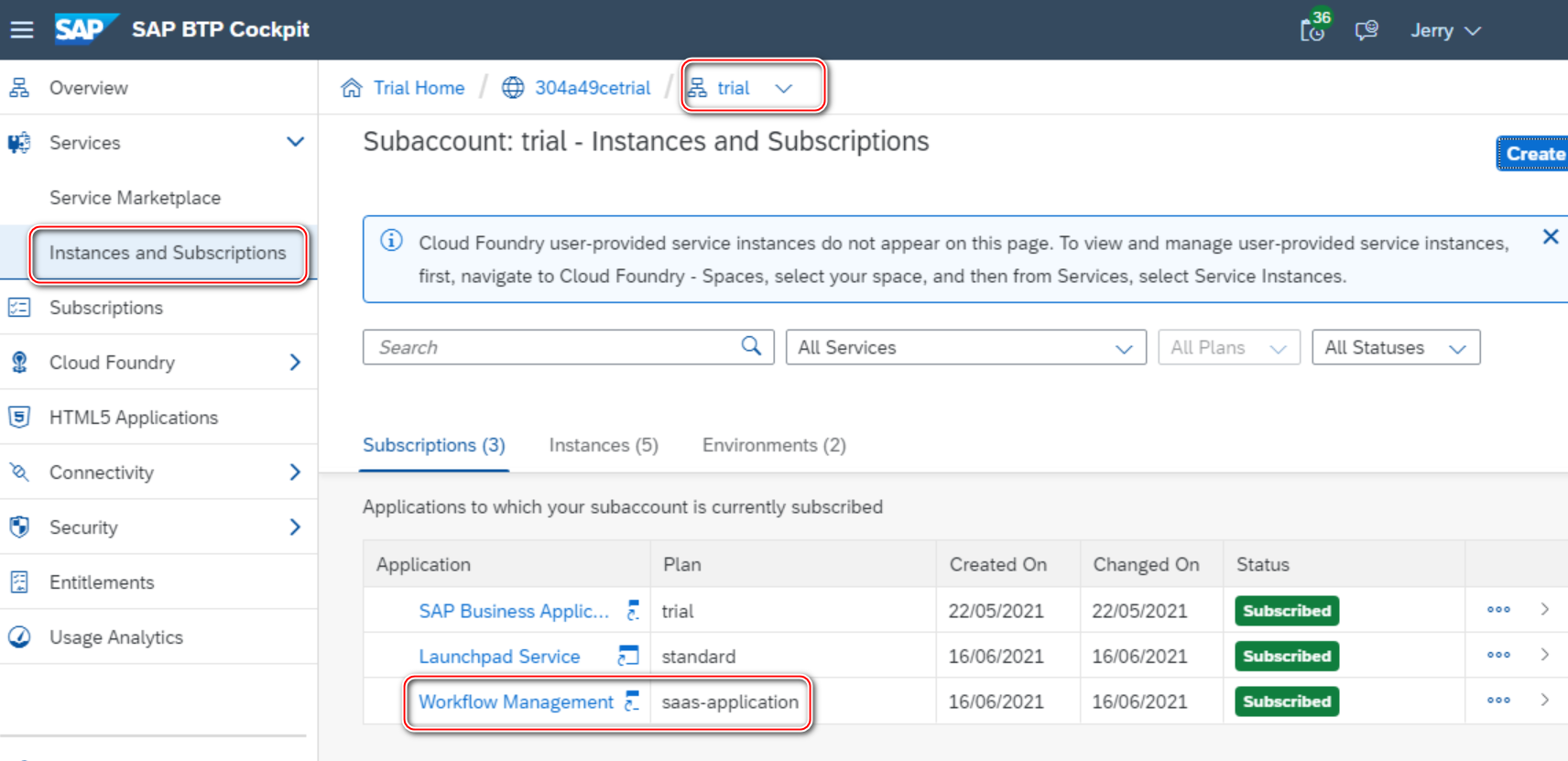
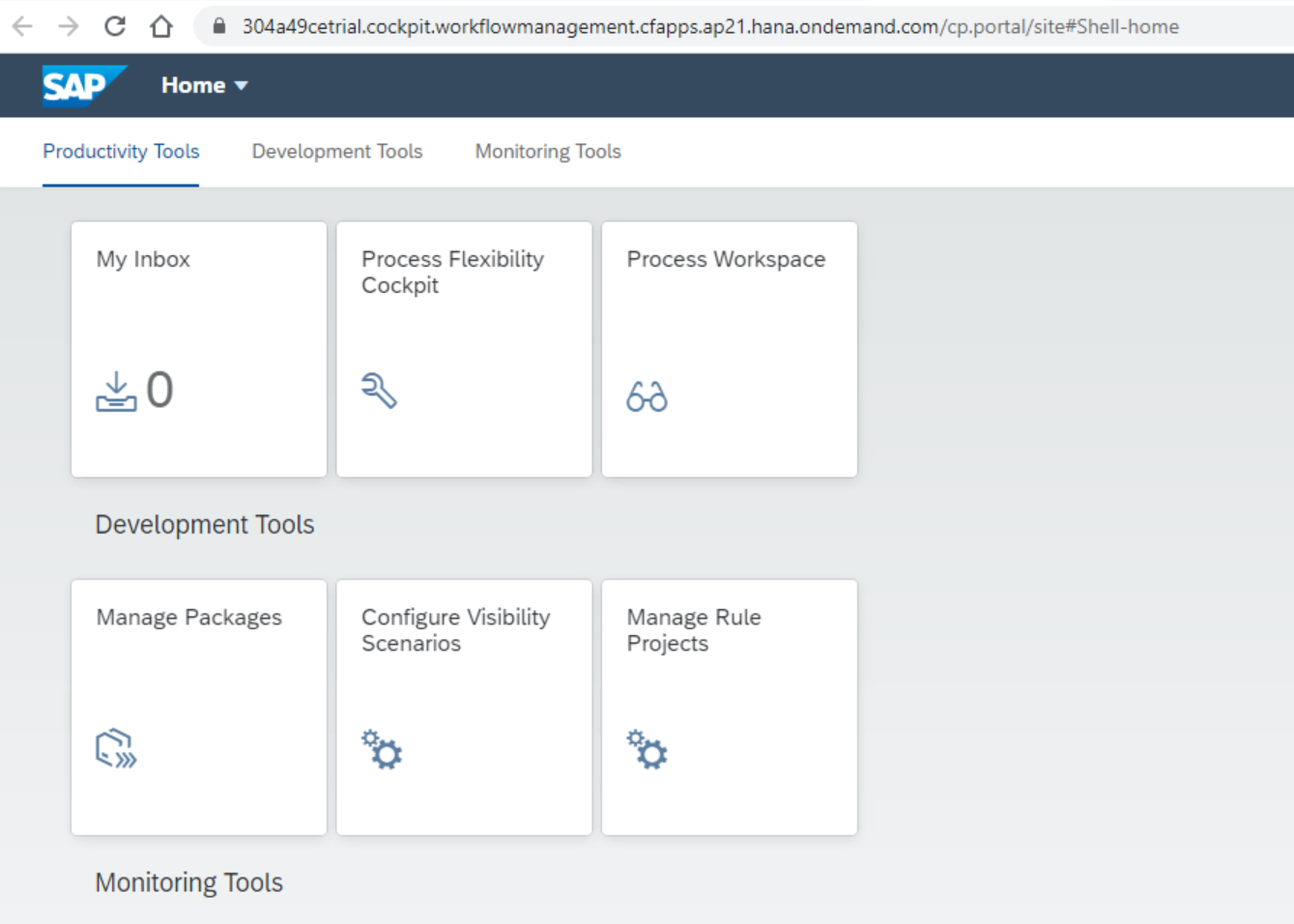
就登录到 workflow Launchpad 了:
更多Jerry的原创文章,尽在:"汪子熙":