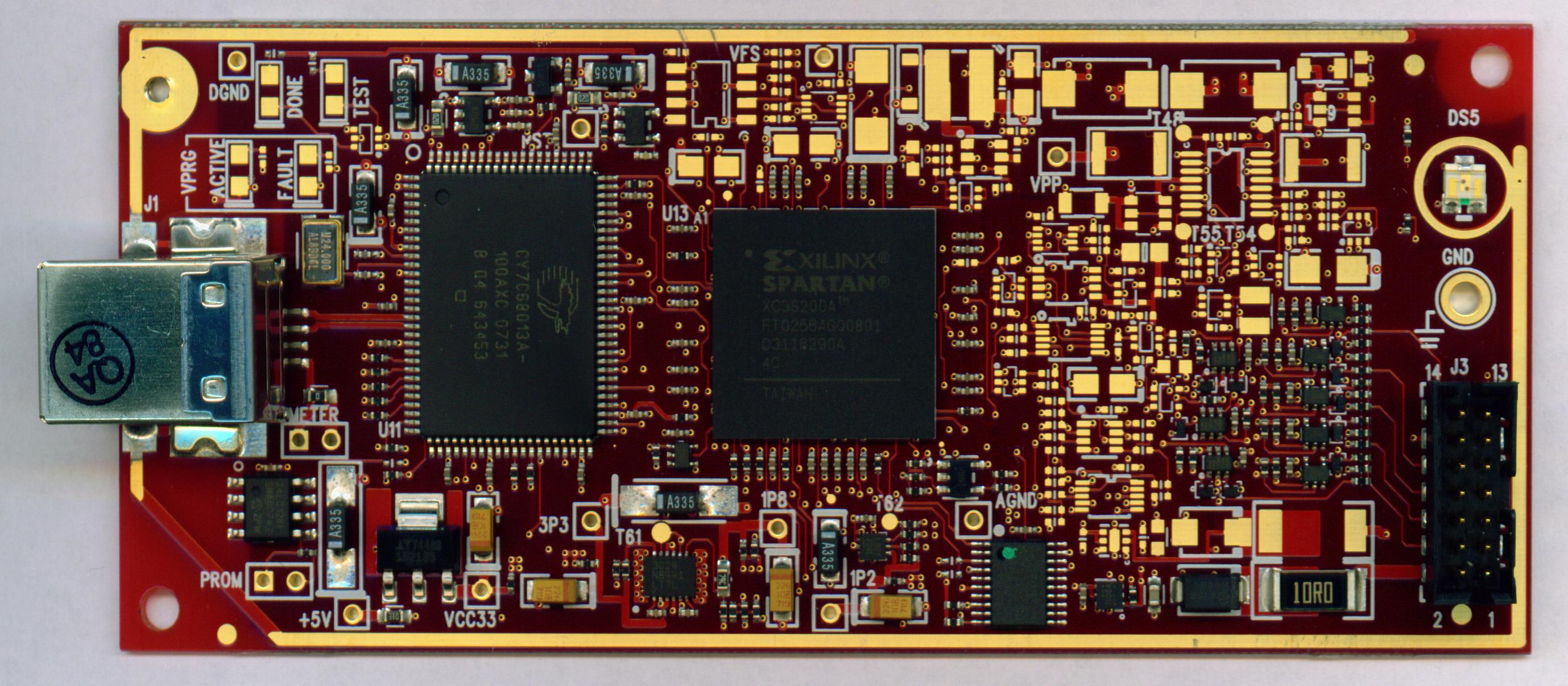
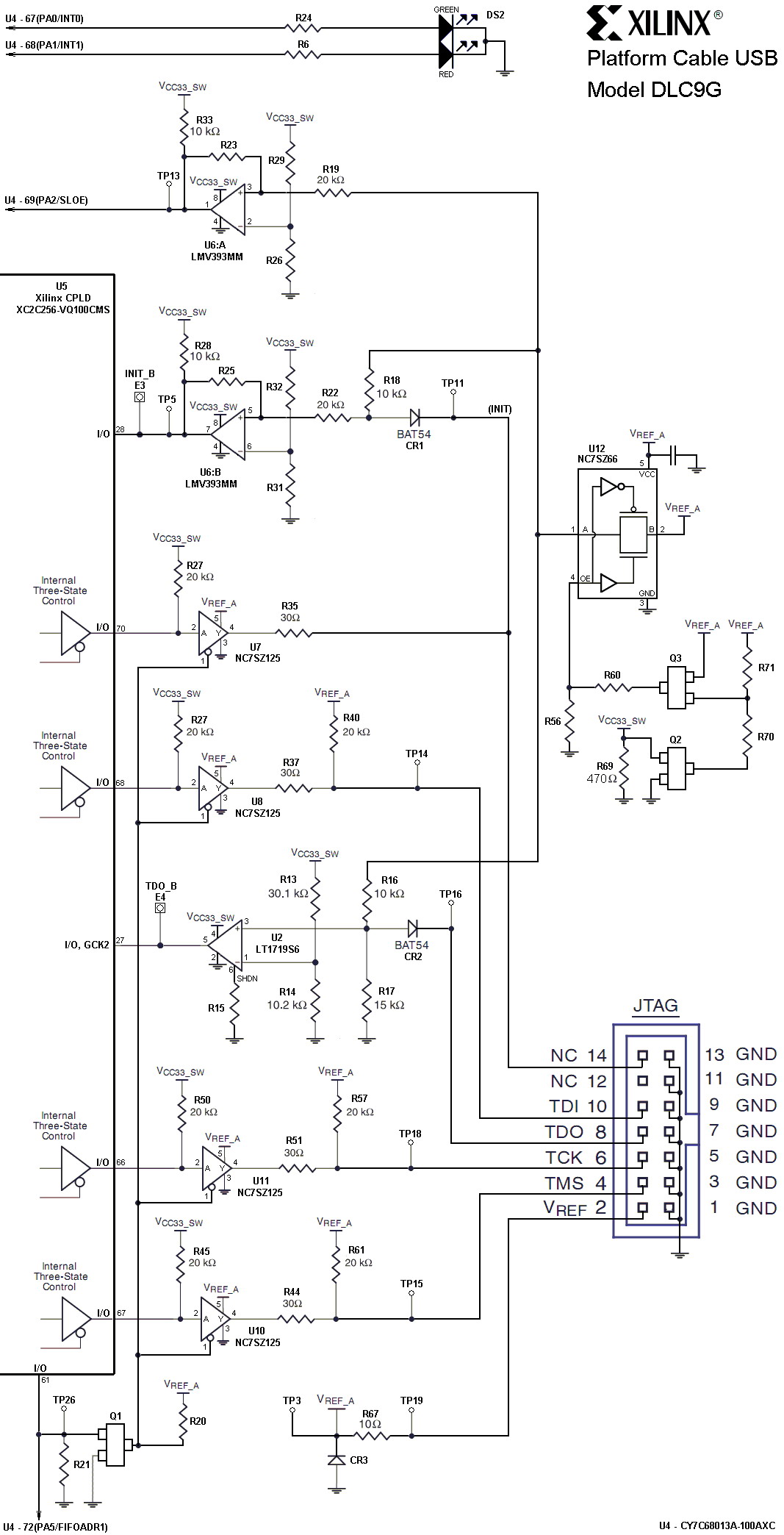
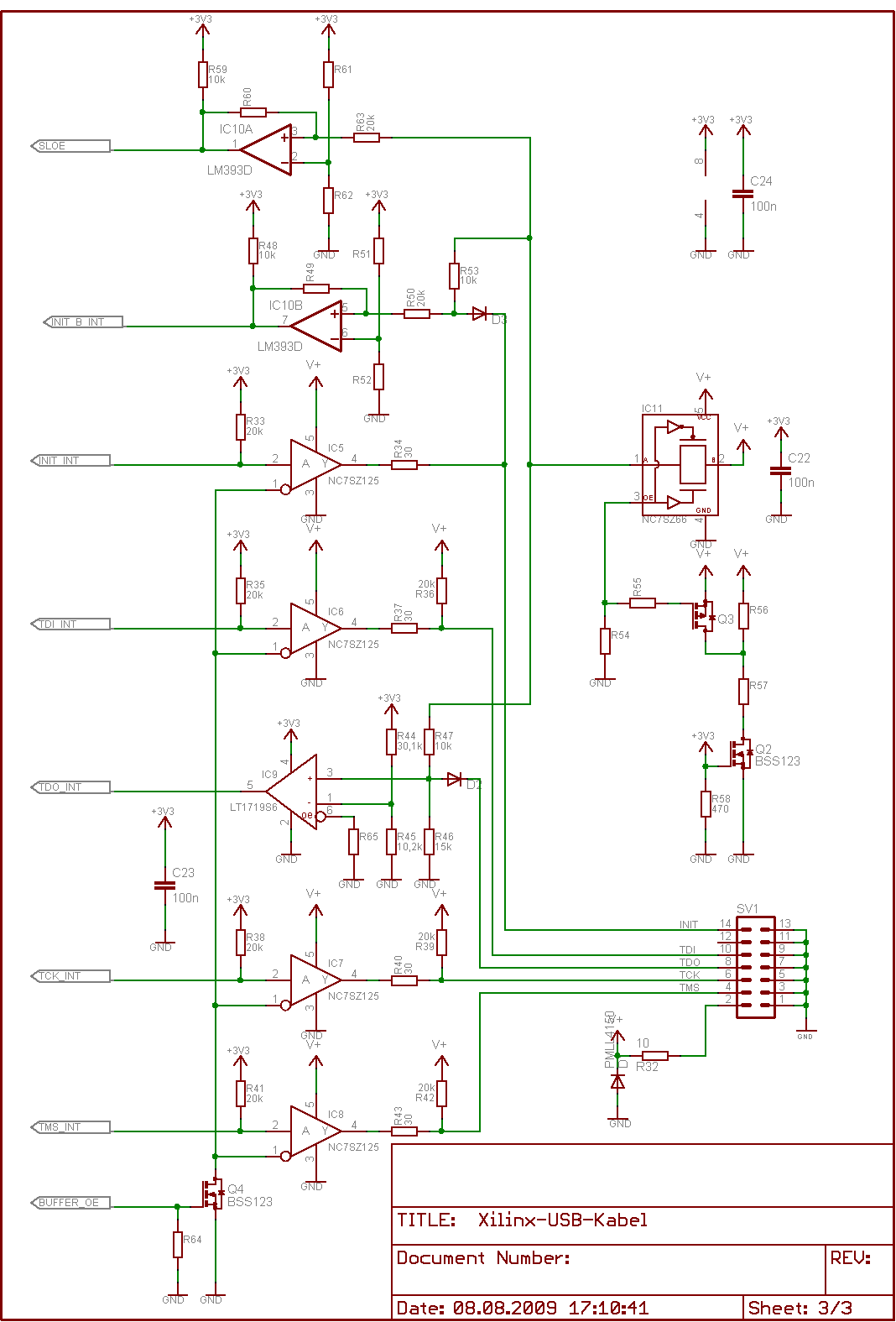
Key Features
- High-performance FPGA configuration and PROM/CPLD programming
- Includes innovative FPGA-based acceleration firmware encapsulated in a small
form factor pod attached to the cable - Supports JTAG and Slave-Serial programming topologies
- Firmware downloadable over cable
- Includes innovative FPGA-based acceleration firmware encapsulated in a small
- Easy to use
- Fully integrated and optimized for use with Xilinx iMPACT software
- Intuitive multiple cable management from a single application
- Compatible with Windows and Linux operating systems
- Automatically senses and adapts to target I/O voltage
- Interfaces to devices operating at 5V (TTL), 3.3V (LVCMOS), 2.5V, 1.8V and 1.5V
- Bus-powered USB device (no power supply required)
- Flyleads compatible
- Target power status LED
- Firmware updates are transparent to the user
- Reliable
- Backwards compatibility with Platform Cable USB, including Pb-Free (RoHS-compliant)
- USB Integrators Forum (USB-IF) certified
- CE and FCC compliant
- Leverages industry standards, including JTAG Boundary-Scan IEEE 1149.1, SPI and USB 2.0
- Compatible with Full-Speed and Hi-Speed USB ports
- Programs and configures all Xilinx devices**
- Third-party PROM device programming support
- Directly programs selected Serial Peripheral Interface (SPI) flash memory devices
- Indirectly programs selected SPI or parallel flash memory devices via FPGA JTAG port
- Highly optimized for use with Xilinx design tools - ISE® Foundation™ Software, Embedded Development Kit, ChipScope Pro Analyzer and System Generator for DSP.
- Pb-Free (RoHS-compliant)
- Recommended for prototyping use only
** Note: Xilinx iMPACT software is required for programming and configuration
Platform Cable USB 功能概述
- 采用CY7C68013A+XC2C256方案,与原装Platform Cable USB完全兼容
- 支持所有Xilinx器件下载,包括FPGA / CPLD / ISP Configuration PROM所有器件
- 支持JTAG / Slave Serial / SPI下载模式,可配置所有Xilinx器件
- 支持目标系统的下载接口电压:5V / 3.3V / 2.5V / 1.8V / 1.5V
- 支持Xilinx ISE / iMPACT / ChipScope
- 目标器件下载时钟可选,且支持XILINX软件的自动调速
支持的软件
- Xilinx ISE
- iMPACT
- ChipScope
支持的器件
- 支持所有Xilinx器件下载,包括FPGA / CPLD / ISP Configuration PROM所有器件
产品特性
- 采用CY7C68013A+XC2C256方案,与原装Platform Cable USB完全兼容
与PC机的连接
- 通过USB接口与计算机连接
与目标板的连接
- 通过 JTAG、Slave Serial、SPI 接口与目标板连接
硬件开发环境
通过Platform Cable USB连接“FPGA/CPLD目标板”和“PC”,建立完整的硬件开发环境,对目标芯片进行编程、调试
连接目标板
Platform Cable USB可以通过三种接口连接至目标板,接口定义如下:

Platform Cable USB状态灯说明
- 红紫色:接入了USB
- 紫色:接入了USB,且Vref有电供入(连接的开发板有上电)