ng-switch
 1 <head>
 2     <meta charset="UTF-8">
 3     <title>Document</title>
 4     <style>
 5          div{
 6              height:200px;
 7              border:1px dotted green;
 8          }
 9     </style>
10     <script src='bower_components/angular/angular.js'></script>
11 </head>
12 <body ng-app='test' ng-controller="msg">
13     <button ng-click='show(1)'>one</button>
14     <button ng-click='show(2)'>one</button>
15     <button ng-click='show(3)'>one</button>
16     <div ng-switch="selected">
17         <div ng-switch-when='1'>i am one</div>
18         <div ng-switch-when='2'>i am two</div>
19         <div ng-switch-when='3'>i am three</div>
20         <div ng-switch-default>i am default</div>
21     </div>
22     <script>
23         angular.module('test',[]).controller('msg',['$scope',function($scope){
24             $scope.show=function(num){
25                 $scope.selected = num;
26             }
27         }]);
28     </script>
29 </body>
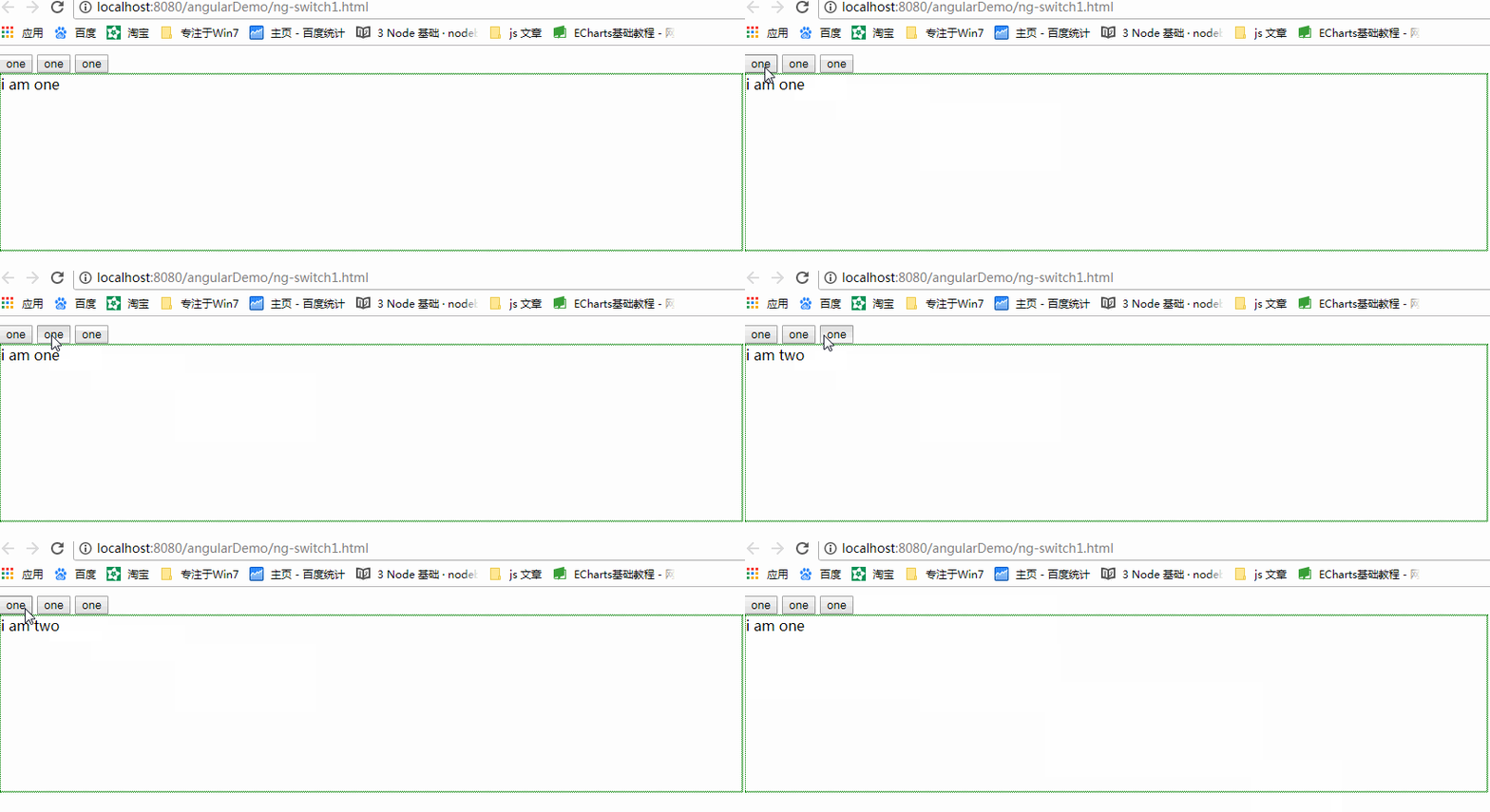
其中ng-swicth-whern 相当于switch语句中的case,ng-switch-default相当于default。根据数据的双向绑定,来做选项卡切换非常方便。