Language Tool ,a plugin for TeXStudio
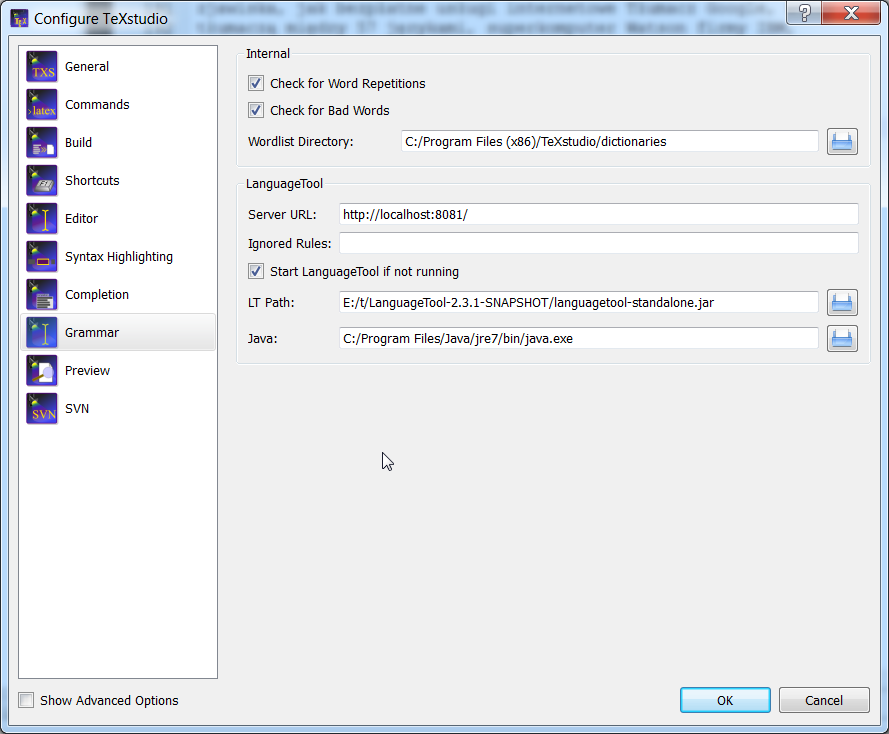
TexStudio supports LanguageTool as an inline grammar checker. Note that you need to configure TXS first, by using Options > Configure TexStudio… > Grammar like this:
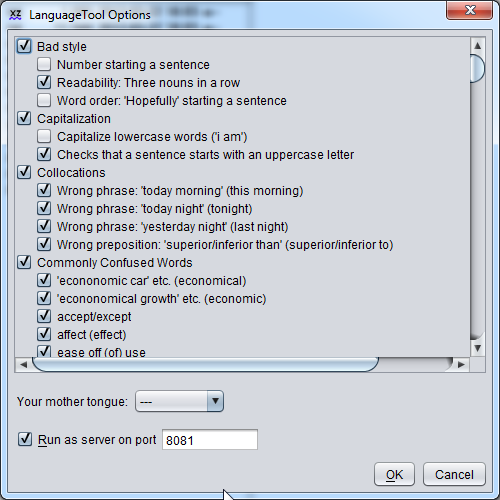
You should start LanguageTool GUI (which is contained in LanguageToolGUI.jar in the .oxt file, which is simply a zip file) and start it. Then simply open Options and select the option to run it as HTTP server. By default, it uses port 8081, which is also the default for TXS:
If TexStudio is configured to use inline grammar checking (which is the default, see Options > Configure TexStudio… > Editor > Inline Checking > Grammar), you should see grammar checks immediately:
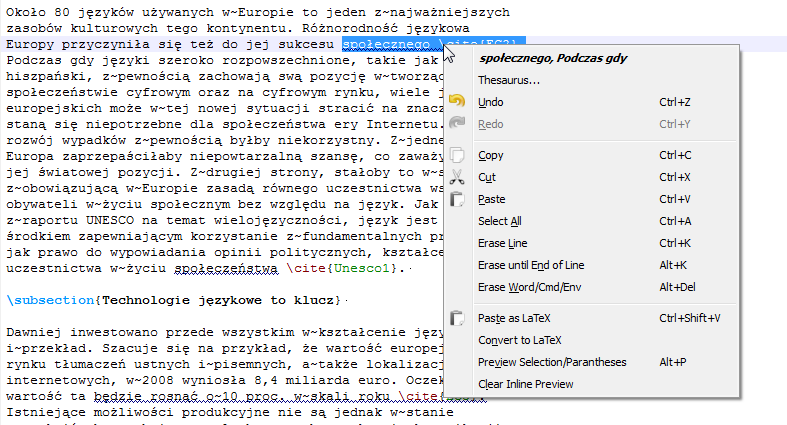
As you can see, there are still some quirks (cite is incorrectly treated in the example above) but it's still much easier to use than other options.