一、环境
tensorflow2.3.1 matplotlib-1.5.1 numpy-1.18.5 python3.5
二、代码


import numpy as np
import tensorflow as tf
import matplotlib.pyplot as plt
plt.rcParams["figure.figsize"] = (14,8)

n_observations = 100
xs = np.linspace(-3, 3, n_observations)
ys = np.sin(xs) + np.random.uniform(-0.5, 0.5, n_observations)
plt.scatter(xs, ys)
plt.show()
X = tf.placeholder(tf.float32, name='X')
Y = tf.placeholder(tf.float32, name='Y')
W = tf.Variable(tf.random_normal([1]), name='weight')
b = tf.Variable(tf.random_normal([1]), name='bias')
Y_pred = tf.add(tf.multiply(X, W), b)

loss = tf.square(Y - Y_pred, name='loss')

learning_rate = 0.01
optimizer = tf.train.GradientDescentOptimizer(learning_rate).minimize(loss)
n_samples = xs.shape[0]
with tf.Session() as sess:
    # 记得初始化所有变量
    sess.run(tf.global_variables_initializer())

    writer = tf.summary.FileWriter('./graphs/linear_reg', sess.graph)

    # 训练模型
    for i in range(50):
        total_loss = 0
        for x, y in zip(xs, ys):
            # 通过feed_dic把数据灌进去
            _, l = sess.run([optimizer, loss], feed_dict={X: x, Y: y})
            total_loss += l
        if i % 5 == 0:
            print('Epoch {0}: {1}'.format(i, total_loss / n_samples))

    # 关闭writer
    writer.close()

    # 取出w和b的值
    W, b = sess.run([W, b])
print(W,b)
print("W:"+str(W[0]))
print("b:"+str(b[0]))
plt.plot(xs, ys, 'bo', label='Real data')
plt.plot(xs, xs * W + b, 'r', label='Predicted data')
plt.legend()
plt.show()
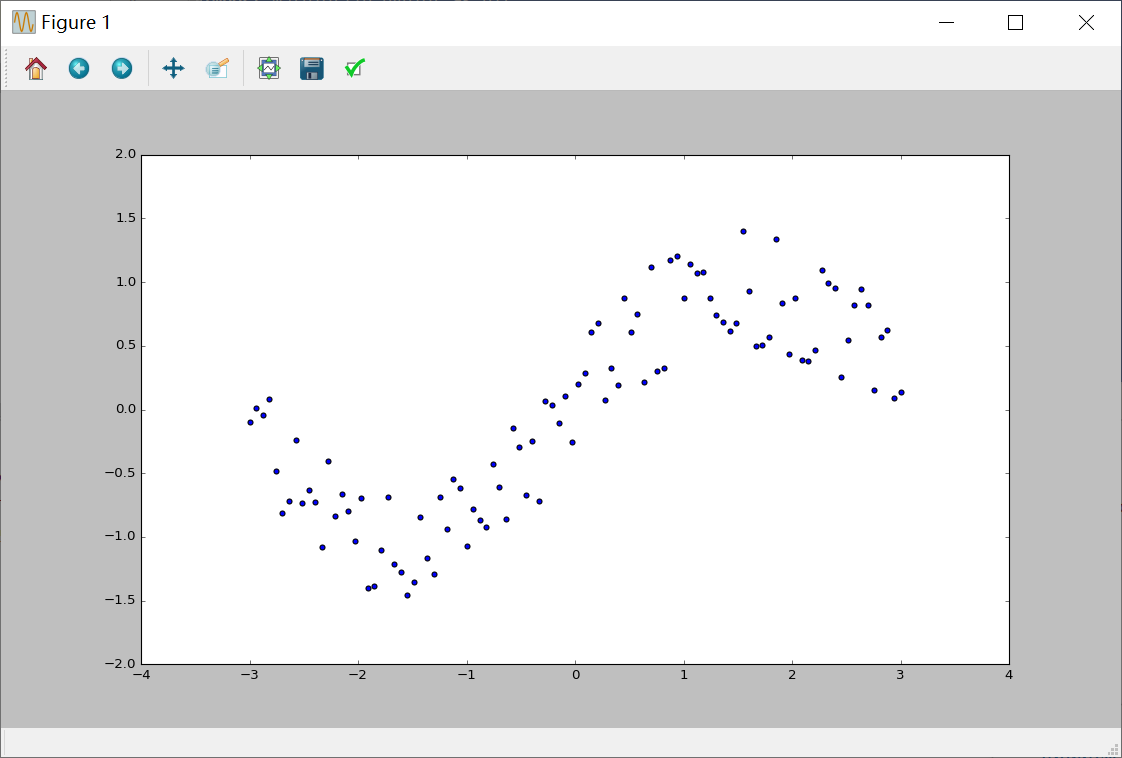
三、运行结果
四、遇到的问题
4.1 numpy.core.umath failed to import
numpy版本问题。我的解决方法是安装最新版本的 numpy
在Anaconda Prompt的tensorflow模式下输入以下两条命令
pip uninstall numpypip install numpy
4.2 No module named 'tensorflow‘
配置python解释器的问题
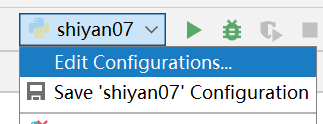
选择Anaconda下的envs ersorflowpython.exe
