码云地址 https://gitee.com/wjxxxxx/JingZiQi/tree/master/%E4%BA%95%E5%AD%97%E6%A3%8B
 -*- coding: cp936 -*-
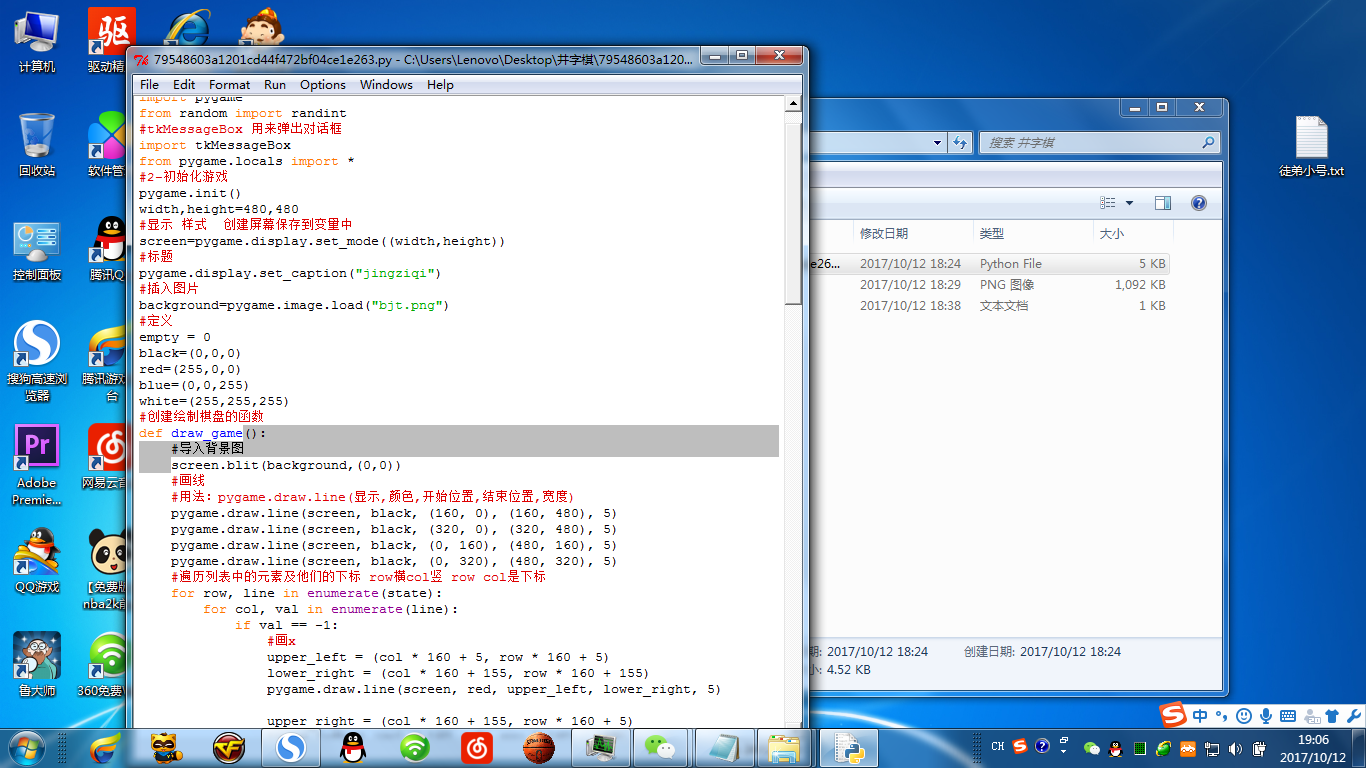
#1-导入库
import pygame
from random import randint
#tkMessageBox 用来弹出对话框
import tkMessageBox
from pygame.locals import *
#2-初始化游戏
pygame.init()
width,height=480,480
#显示 样式  创建屏幕保存到变量中
screen=pygame.display.set_mode((width,height))
#标题
pygame.display.set_caption("jingziqi")
#插入图片
background=pygame.image.load("bjt.png")
#定义
empty = 0
black=(0,0,0)
red=(255,0,0)
blue=(0,0,255)
white=(255,255,255)
#创建绘制棋盘的函数
def draw_game():
    #导入背景图
    screen.blit(background,(0,0))
    #画线
    #用法:pygame.draw.line(显示,颜色,开始位置,结束位置,宽度)
    pygame.draw.line(screen, black, (160, 0), (160, 480), 5)
    pygame.draw.line(screen, black, (320, 0), (320, 480), 5)
    pygame.draw.line(screen, black, (0, 160), (480, 160), 5)
    pygame.draw.line(screen, black, (0, 320), (480, 320), 5)
    #遍历列表中的元素及他们的下标 row横col竖 row col是下标
    for row, line in enumerate(state):
        for col, val in enumerate(line):
            if val == -1:
                #画x
                upper_left = (col * 160 + 5, row * 160 + 5)
                lower_right = (col * 160 + 155, row * 160 + 155)
                pygame.draw.line(screen, red, upper_left, lower_right, 5)

                upper_right = (col * 160 + 155, row * 160 + 5)
                lower_left = (col * 160 + 5, row * 160 + 155)
                pygame.draw.line(screen, red, upper_right, lower_left, 5)
            elif val == 1:
                #创建一个矩形.在矩形里画圆
                rect = (col * 160 + 5, row * 160 + 5, 150, 150)
                pygame.draw.ellipse(screen, blue, rect, 5)
            else:
                assert val == empty
                continue
    pygame.display.flip()
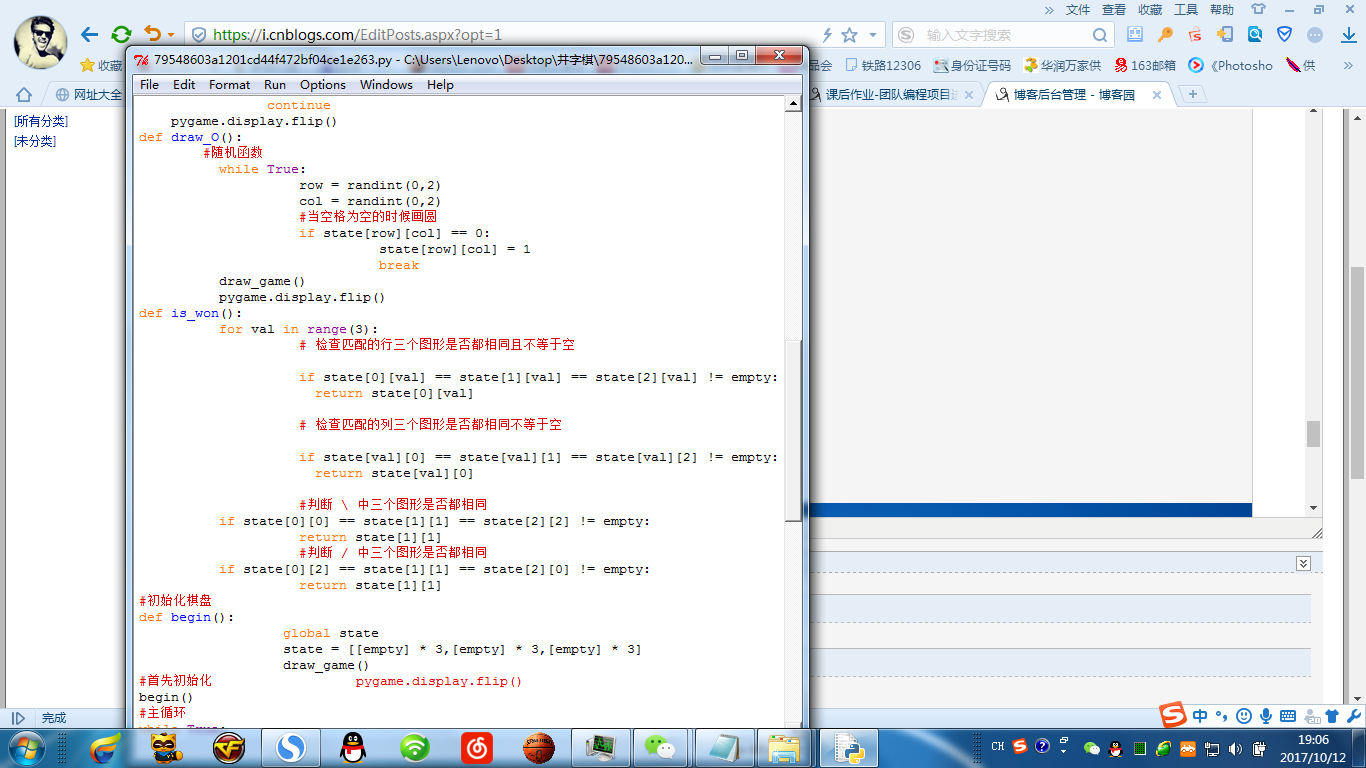
def draw_O():
        #随机函数
          while True:
                    row = randint(0,2)
                    col = randint(0,2)
                    #当空格为空的时候画圆
                    if state[row][col] == 0:
                              state[row][col] = 1
                              break
          draw_game()
          pygame.display.flip()
def is_won():
          for val in range(3):
                    # 检查匹配的行三个图形是否都相同且不等于空

                    if state[0][val] == state[1][val] == state[2][val] != empty:
                      return state[0][val]

                    # 检查匹配的列三个图形是否都相同不等于空

                    if state[val][0] == state[val][1] == state[val][2] != empty:
                      return state[val][0]

                    #判断  中三个图形是否都相同
          if state[0][0] == state[1][1] == state[2][2] != empty:
                    return state[1][1]
                    #判断 / 中三个图形是否都相同
          if state[0][2] == state[1][1] == state[2][0] != empty:
                    return state[1][1]
#初始化棋盘
def begin():
                  global state
                  state = [[empty] * 3,[empty] * 3,[empty] * 3]
                  draw_game()
#首先初始化                  pygame.display.flip()
begin()
#主循环
while True:
    event=pygame.event.wait()
    #初始化
    pos = None
    temp = 0
    #接收到退出事件后退出程序
    if event.type == pygame.QUIT:
                    pygame.quit()
                    exit(0)
    #加入了按键功能
    elif event.type == KEYDOWN:
        if event.key == K_a:
                begin()
                draw_game()
                pygame.display.flip()
        elif event.key == K_s:
                pygame.event.post(pygame.event.Event(QUIT))
    #接受鼠标点击事件
    elif event.type == MOUSEBUTTONDOWN and event.button == 1:
        #event.pos[0]代表x轴坐标 event.pos[1]代表y轴坐标
        pos = (event.pos[1]/160, event.pos[0]/160)
        row,col=pos
        #if pygame.mouse.get_rel()==(0,0):
        # continue
        #加一个条件让它只能在空的时候画x
        if state[row][col]==0:
            state[row][col] = -1
        else:
            continue
        print pos
        draw_game()
        draw_O()
    #判断属性接受返回值
    if is_won() == -1:
                    tkMessageBox.showinfo(title='win',message='win')
                    pygame.quit()
                    exit(0)
    elif is_won() == 1:
                    tkMessageBox.showinfo(title='lose',message='lose')
                    pygame.quit()
                    exit(0)

-*- coding: cp936 -*-
#1-导入库
import pygame
from random import randint
#tkMessageBox 用来弹出对话框
import tkMessageBox
from pygame.locals import *
#2-初始化游戏
pygame.init()
width,height=480,480
#显示 样式 创建屏幕保存到变量中
screen=pygame.display.set_mode((width,height))
#标题
pygame.display.set_caption("jingziqi")
#插入图片
background=pygame.image.load("bjt.png")
#定义
empty = 0
black=(0,0,0)
red=(255,0,0)
blue=(0,0,255)
white=(255,255,255)
#创建绘制棋盘的函数
def draw_game():
#导入背景图
screen.blit(background,(0,0))
#画线
#用法:pygame.draw.line(显示,颜色,开始位置,结束位置,宽度)
pygame.draw.line(screen, black, (160, 0), (160, 480), 5)
pygame.draw.line(screen, black, (320, 0), (320, 480), 5)
pygame.draw.line(screen, black, (0, 160), (480, 160), 5)
pygame.draw.line(screen, black, (0, 320), (480, 320), 5)
#遍历列表中的元素及他们的下标 row横col竖 row col是下标
for row, line in enumerate(state):
for col, val in enumerate(line):
if val == -1:
#画x
upper_left = (col * 160 + 5, row * 160 + 5)
lower_right = (col * 160 + 155, row * 160 + 155)
pygame.draw.line(screen, red, upper_left, lower_right, 5)
upper_right = (col * 160 + 155, row * 160 + 5)
lower_left = (col * 160 + 5, row * 160 + 155)
pygame.draw.line(screen, red, upper_right, lower_left, 5)
elif val == 1:
#创建一个矩形.在矩形里画圆
rect = (col * 160 + 5, row * 160 + 5, 150, 150)
pygame.draw.ellipse(screen, blue, rect, 5)
else:
assert val == empty
continue
pygame.display.flip()
def draw_O():
#随机函数
while True:
row = randint(0,2)
col = randint(0,2)
#当空格为空的时候画圆
if state[row][col] == 0:
state[row][col] = 1
break
draw_game()
pygame.display.flip()
def is_won():
for val in range(3):
# 检查匹配的行三个图形是否都相同且不等于空
if state[0][val] == state[1][val] == state[2][val] != empty:
return state[0][val]
# 检查匹配的列三个图形是否都相同不等于空
if state[val][0] == state[val][1] == state[val][2] != empty:
return state[val][0]
#判断 中三个图形是否都相同
if state[0][0] == state[1][1] == state[2][2] != empty:
return state[1][1]
#判断 / 中三个图形是否都相同
if state[0][2] == state[1][1] == state[2][0] != empty:
return state[1][1]
#初始化棋盘
def begin():
global state
state = [[empty] * 3,[empty] * 3,[empty] * 3]
draw_game()
#首先初始化 pygame.display.flip()
begin()
#主循环
while True:
event=pygame.event.wait()
#初始化
pos = None
temp = 0
#接收到退出事件后退出程序
if event.type == pygame.QUIT:
pygame.quit()
exit(0)
#加入了按键功能
elif event.type == KEYDOWN:
if event.key == K_a:
begin()
draw_game()
pygame.display.flip()
elif event.key == K_s:
pygame.event.post(pygame.event.Event(QUIT))
#接受鼠标点击事件
elif event.type == MOUSEBUTTONDOWN and event.button == 1:
#event.pos[0]代表x轴坐标 event.pos[1]代表y轴坐标
pos = (event.pos[1]/160, event.pos[0]/160)
row,col=pos
#if pygame.mouse.get_rel()==(0,0):
# continue
#加一个条件让它只能在空的时候画x
if state[row][col]==0:
state[row][col] = -1
else:
continue
print pos
draw_game()
draw_O()
#判断属性接受返回值
if is_won() == -1:
tkMessageBox.showinfo(title='win',message='win')
pygame.quit()
exit(0)
elif is_won() == 1:
tkMessageBox.showinfo(title='lose',message='lose')
pygame.quit()
exit(0)