GitLab仓库管理
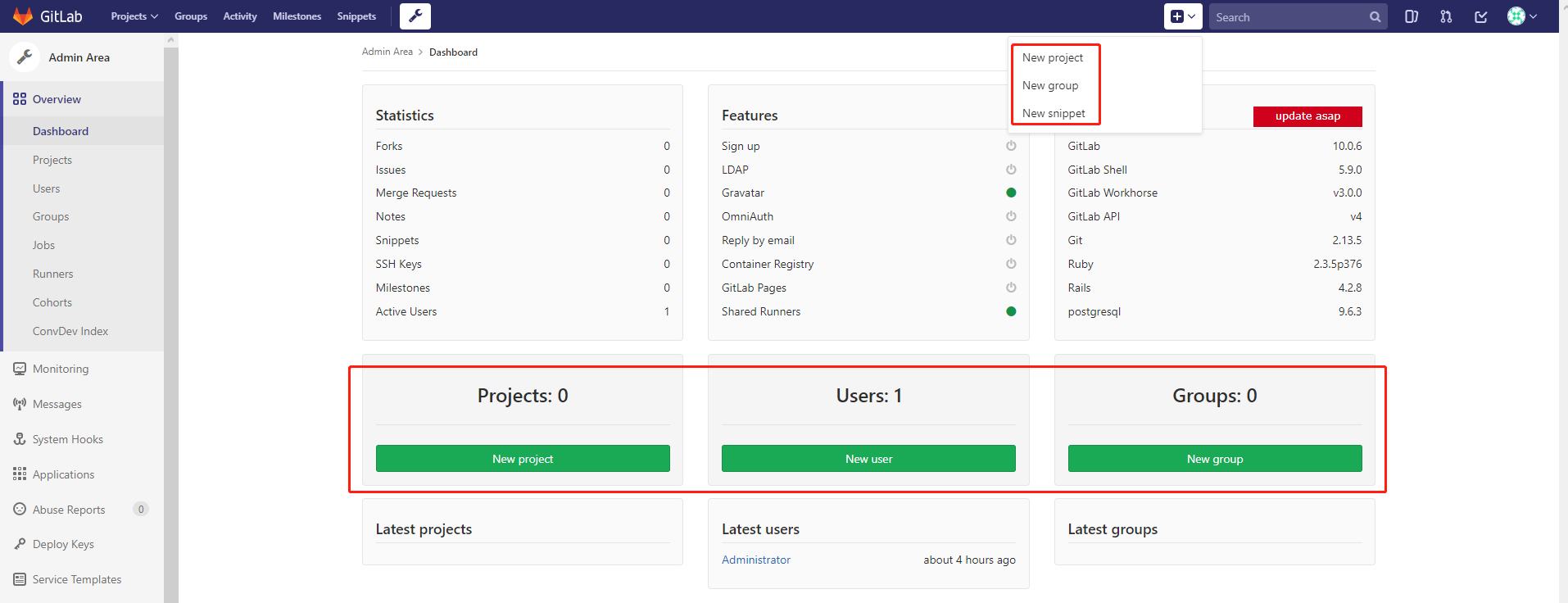
创建组
创建组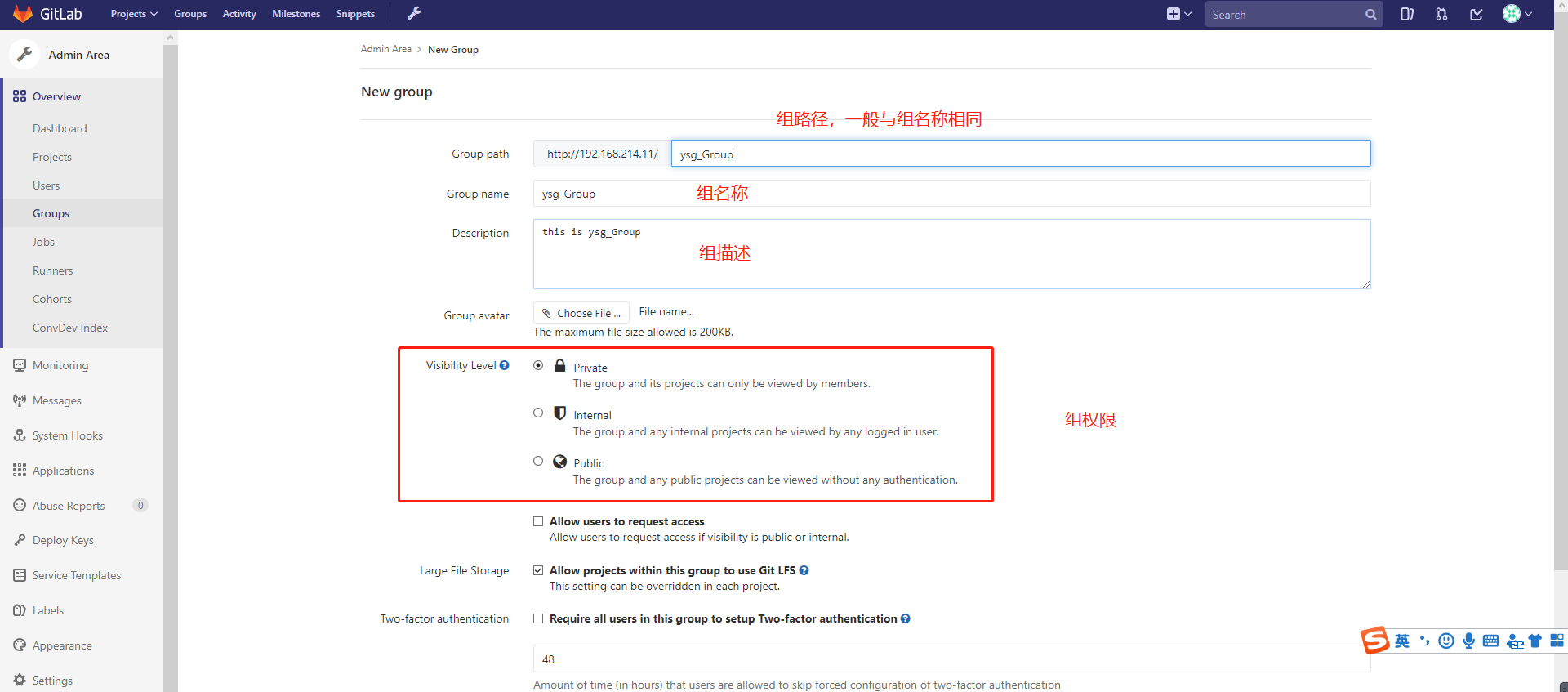
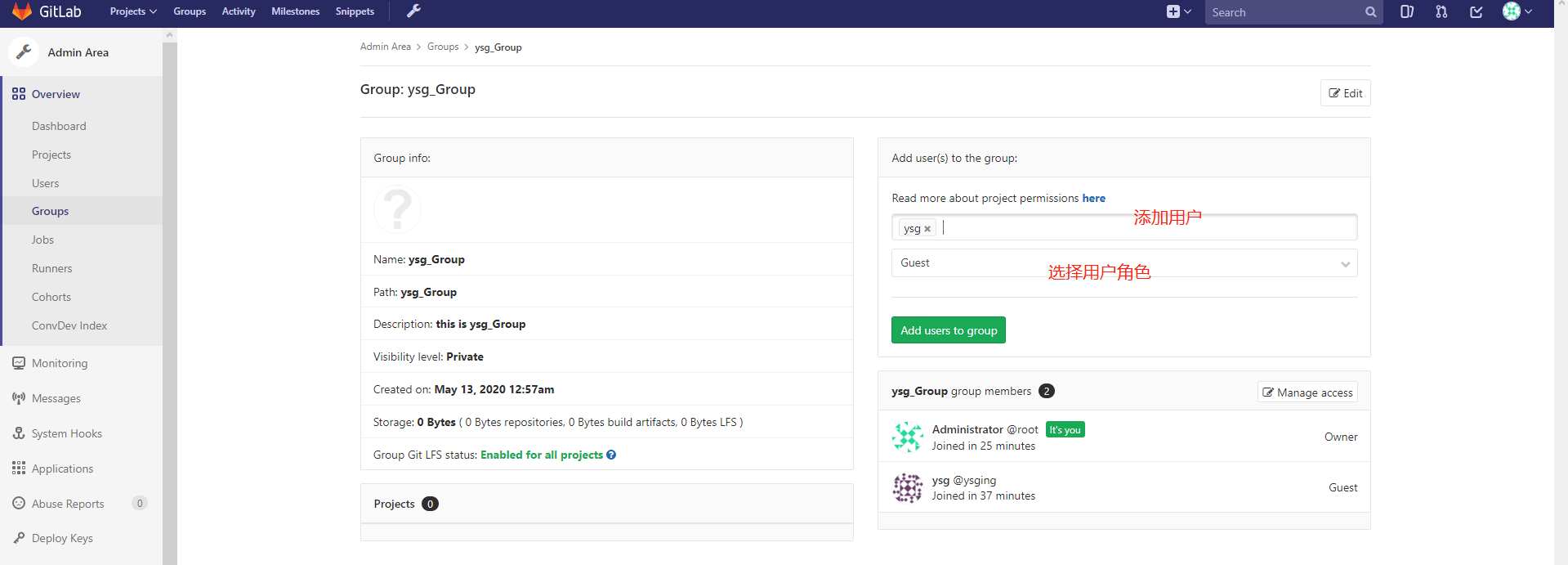
向组内添加用户
创建用户
创建用户
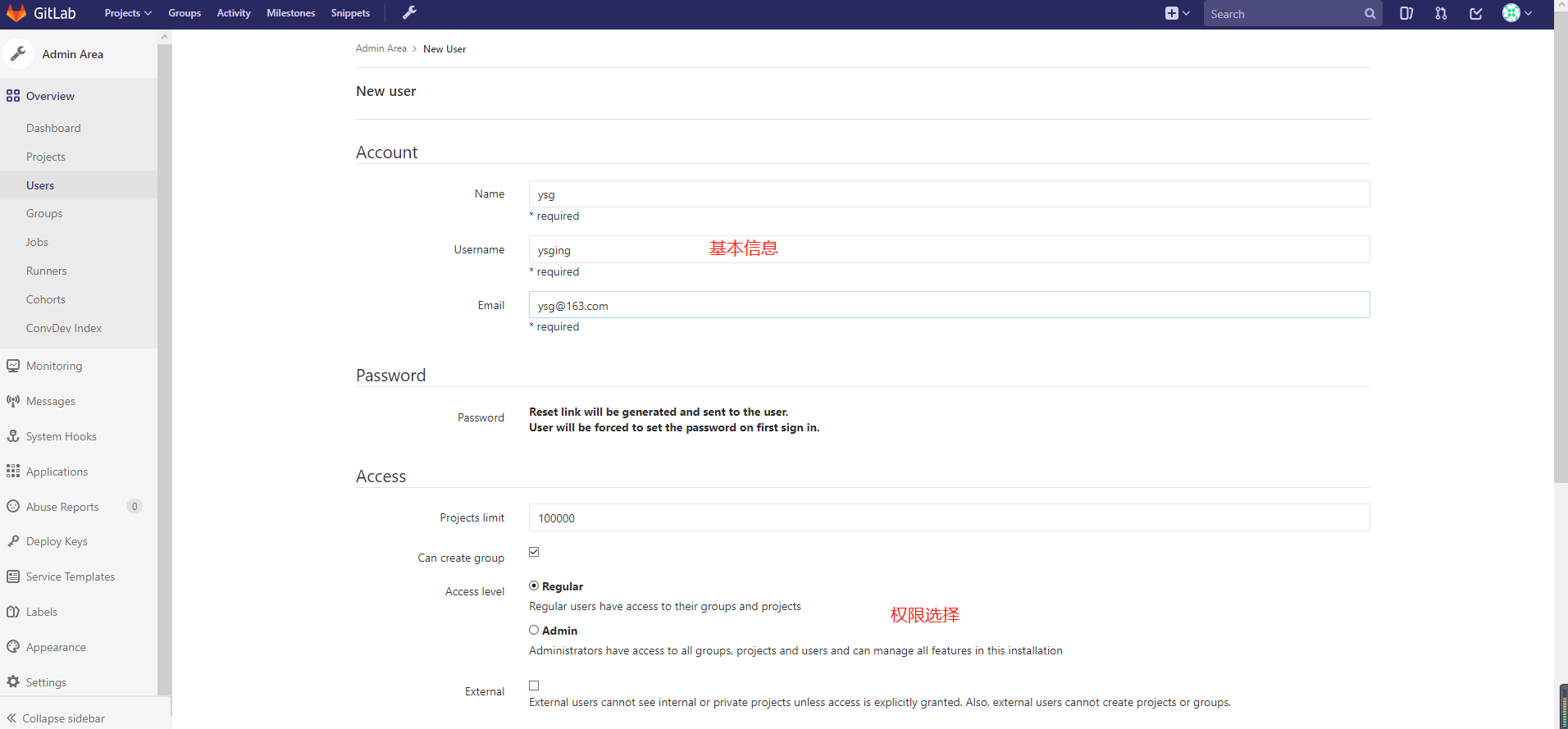
查看用户信息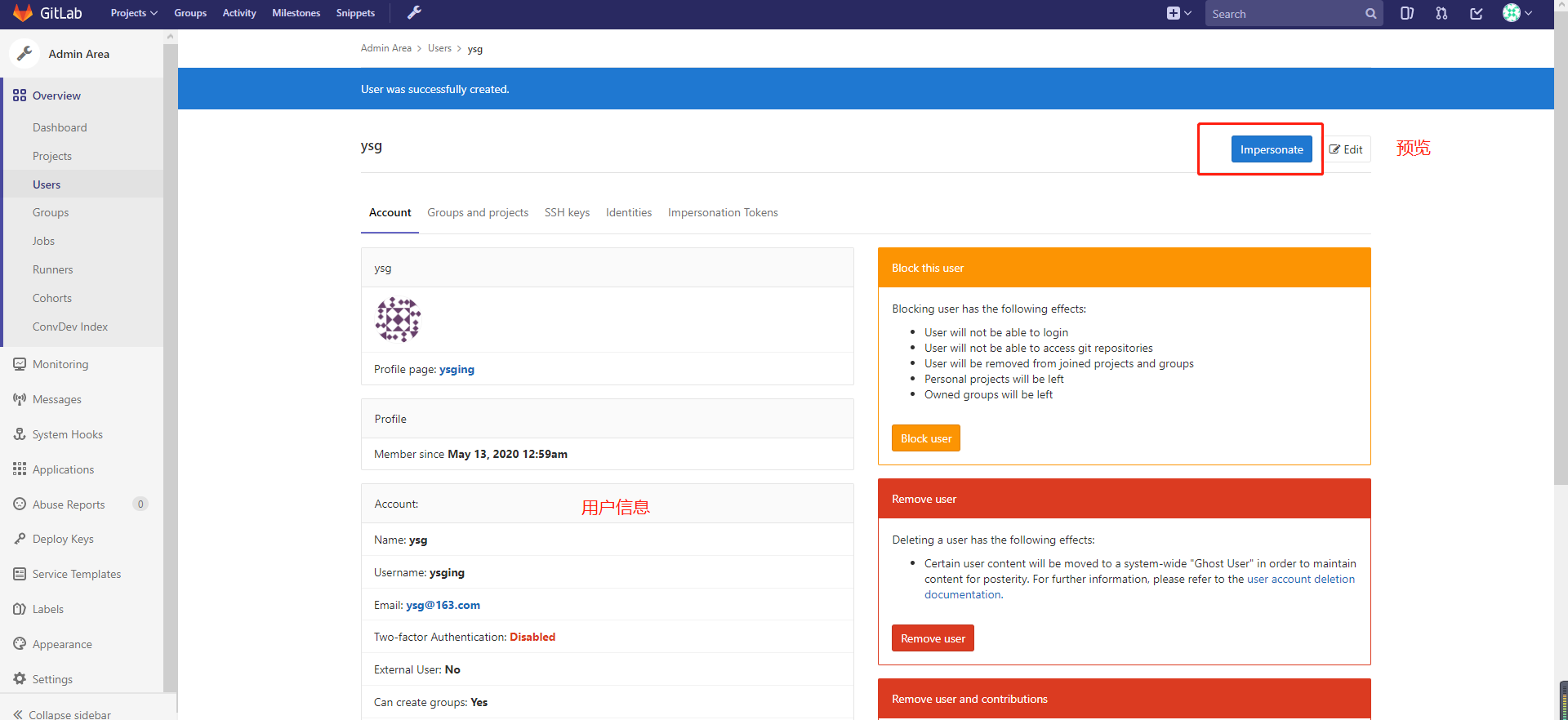
给用户设置初始密码

创建仓库
创建仓库
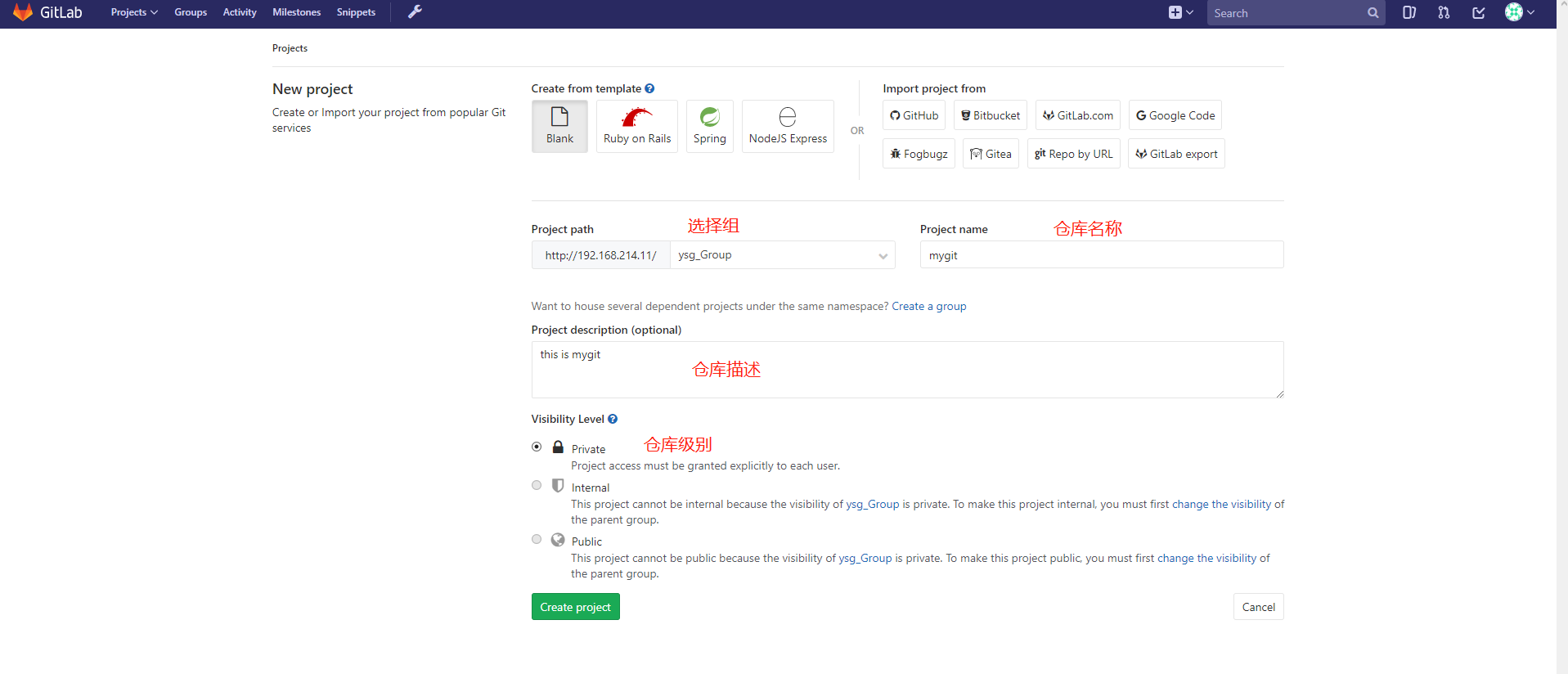
仓库主页面
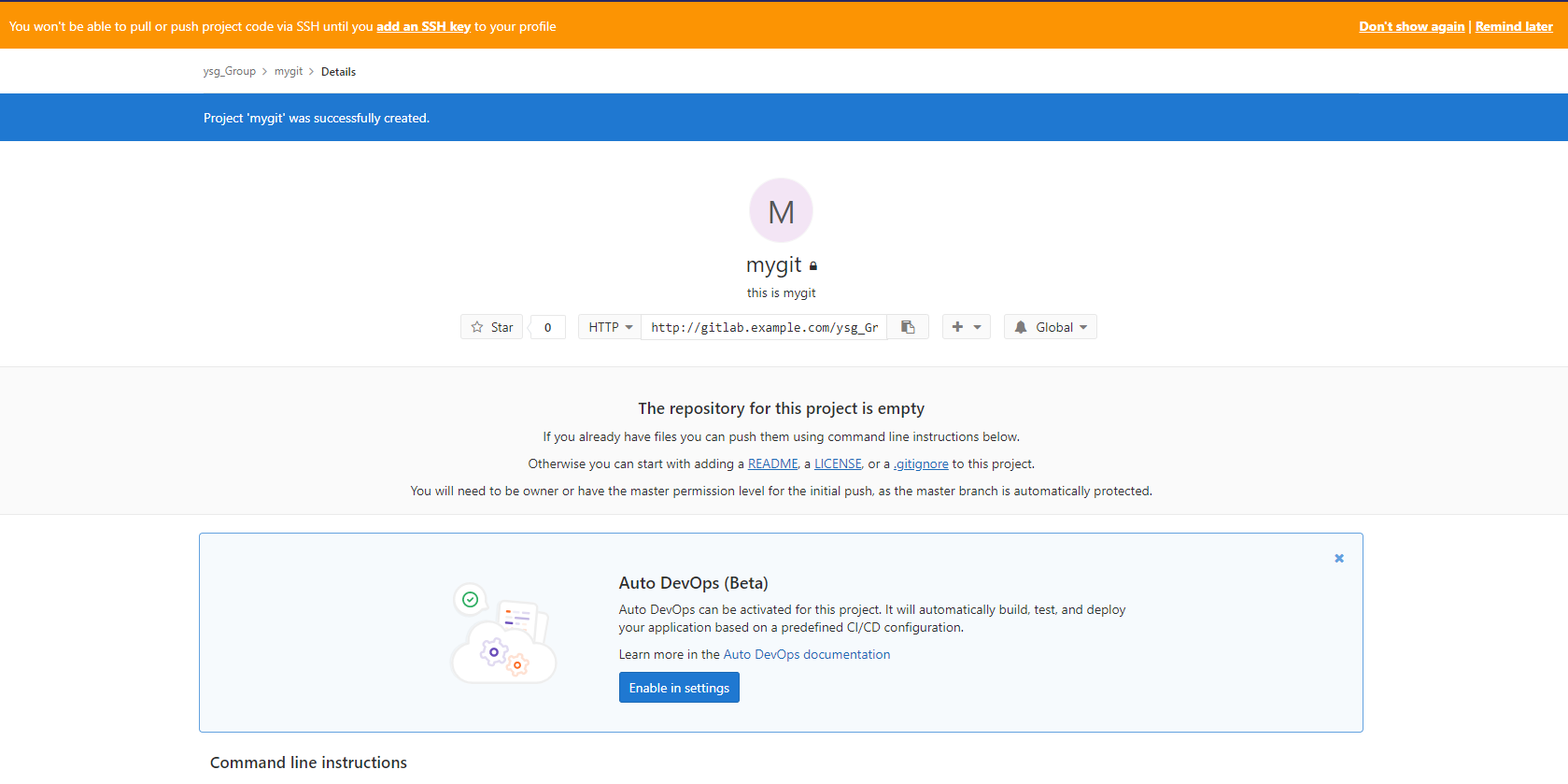
本地仓库与GitLab的推拉
添加SSH认证
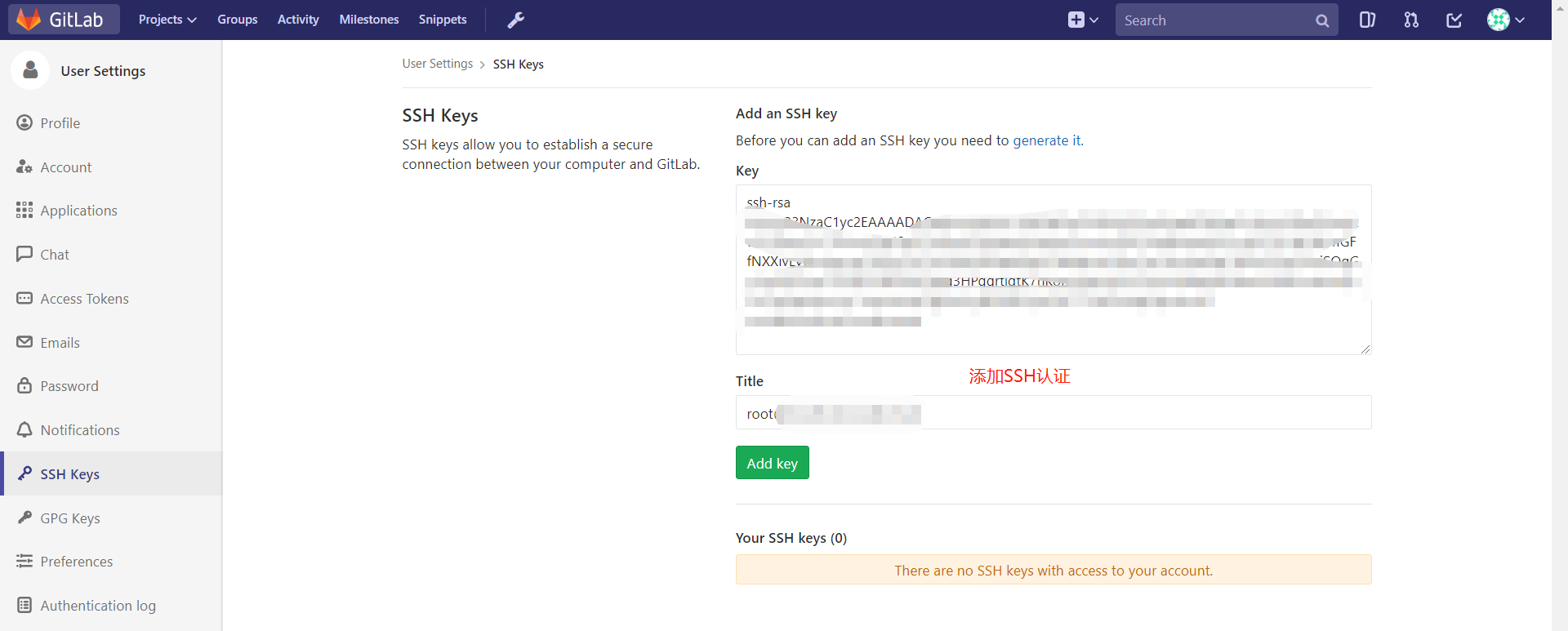
本地仓库推送到gitlab
本地测试的坑:
# 问题
[root@git-01 mygit]# git push -u gitlab master
ssh: Could not resolve hostname gitlab.example.com: Name or service not known
fatal: Could not read from remote repository.

Please make sure you have the correct access rights
and the repository exists.

# 解决
echo '192.168.214.11 gitlab.example.com' >> /etc/hosts
推送
git remote add gitlab git@gitlab.example.com:ysg_Group/mygit.git
git remote
git push -u gitlab master
拉取
git clone git@gitlab.example.com:ysg_Group/mygit.git
git remote
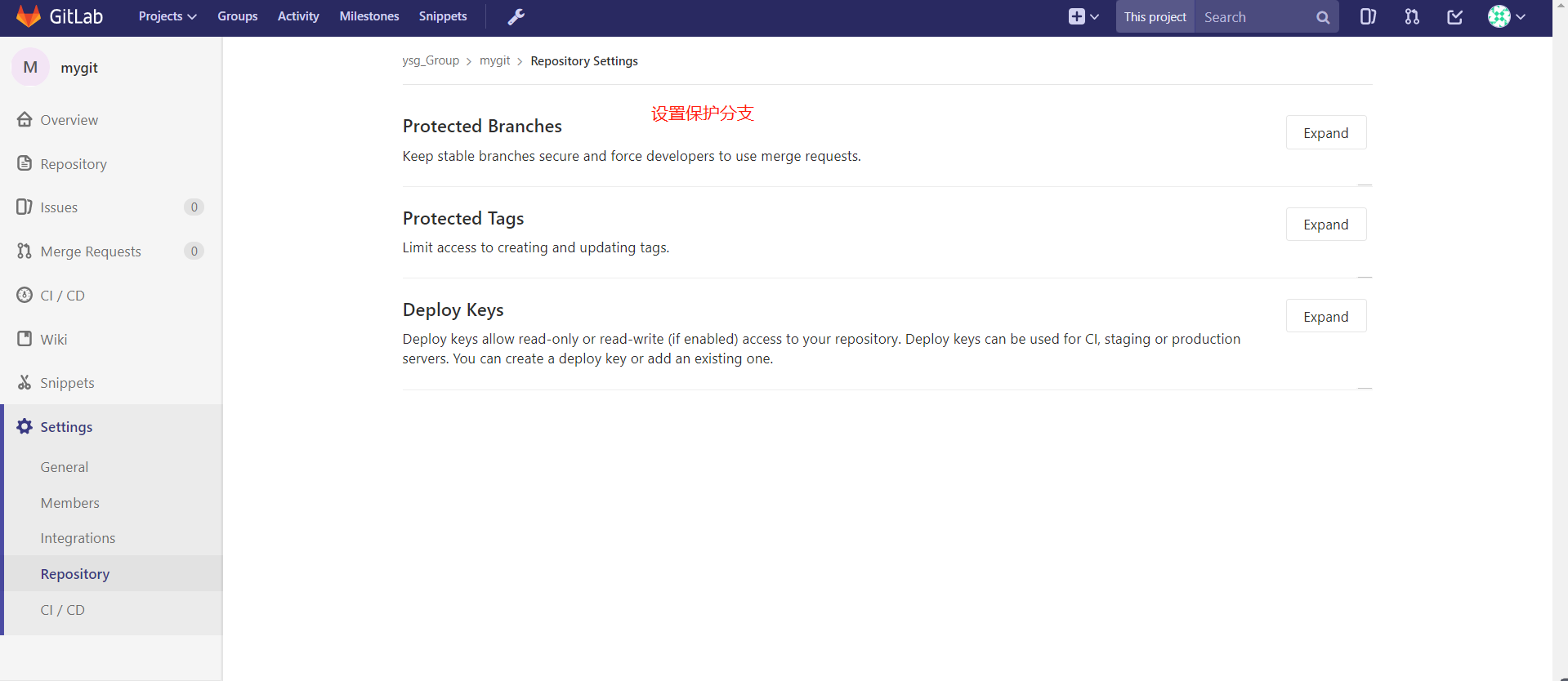
设置保护分支
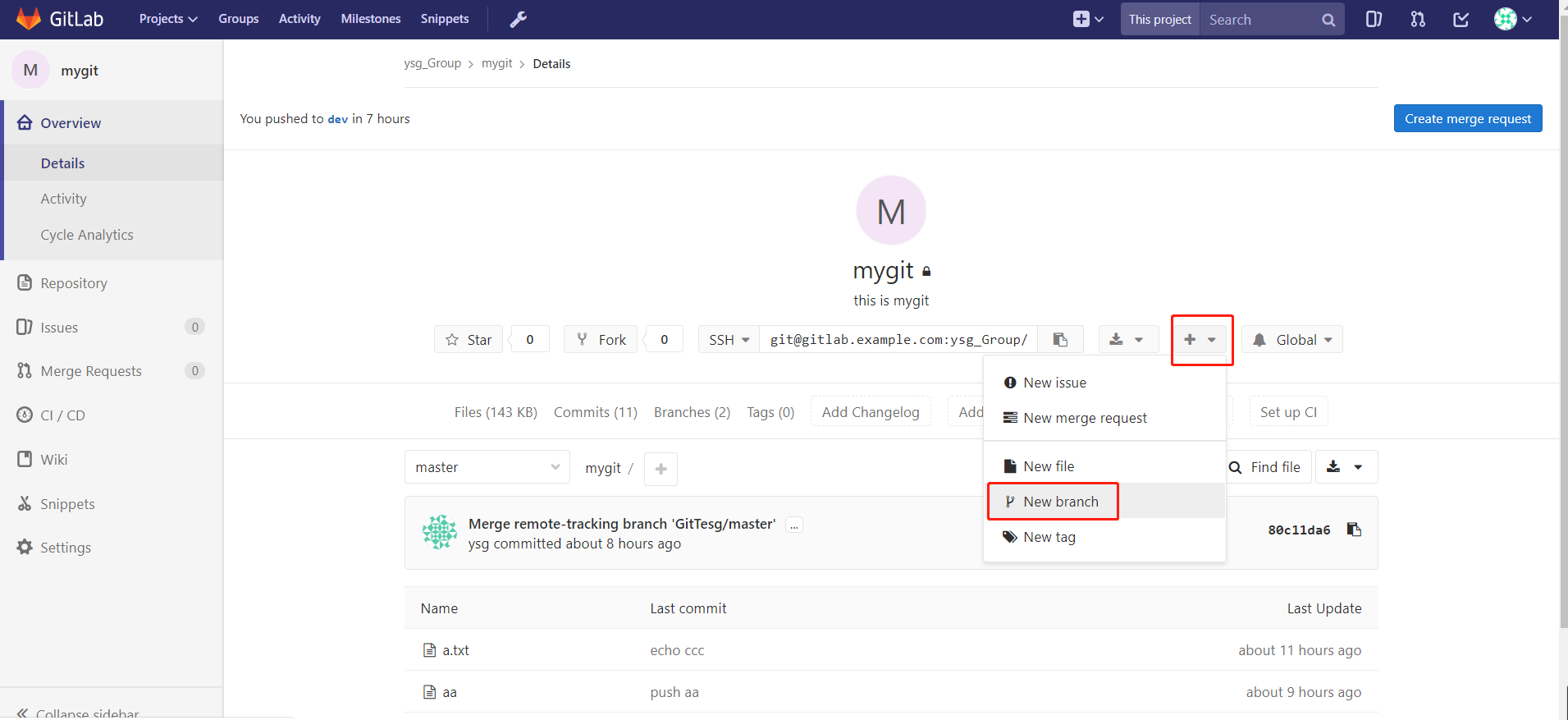
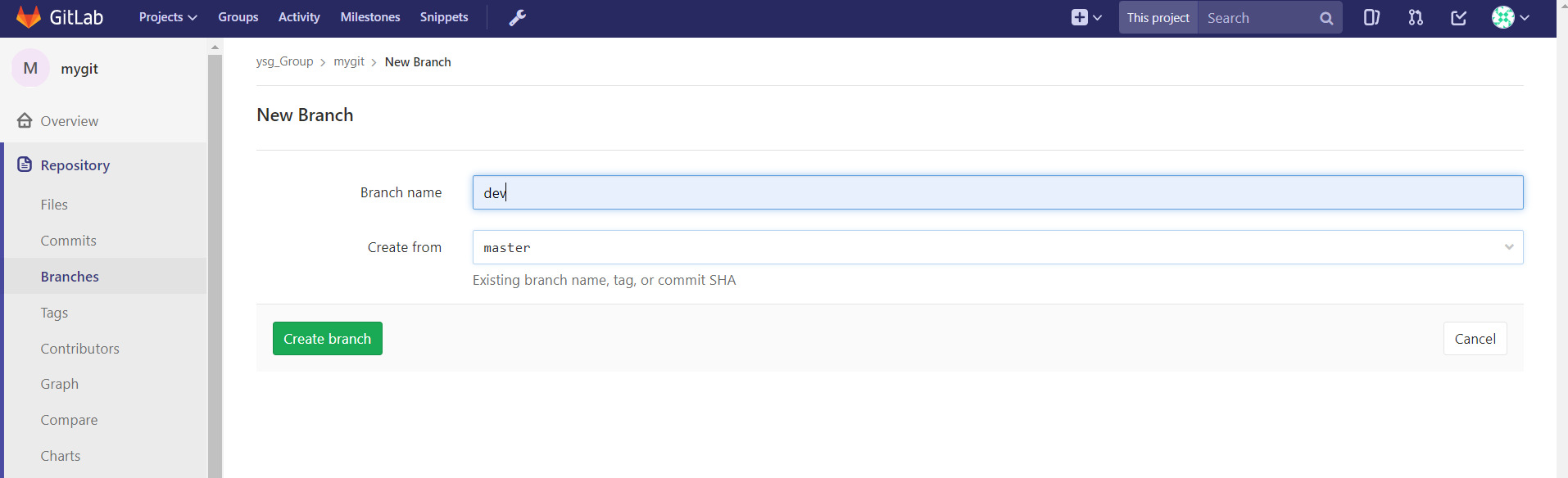
创建分支
GitLab 备份、恢复、升级
对 gitlab 进行备份将会创建一个包含所有库和附件的归档文件。对备份的恢复只能恢复到与备份时的 gitlab 相同的版本。将 gitlab 迁移到另一台服务器上的最佳方法就是通过备份和还原。gitlab 提供了一个简单的命令行来备份整个 gitlab,并且能灵活的满足需求。
备份
默认的备份文件目录为:/var/opt/gitlab/backups,如果自定义备份目录需要赋予目录 git 权限,具体操作如下:
# 配置文件
vim /etc/gitlab/gitlab.rb

# 在配置文件中加入以下两行
gitlab_rails['backup_path'] = '/data/backup/gitlab'
gitlab_rails['backup_keep_time'] = 604800            #备份保留的时间(以秒为单位,这个是七天默认值),

# 在命令行执行如下命令,执行 gitlab-ctl reconfigure 后,重新配置后,系统自动创建了目录和授权就不用操作这两步了。
mkdir /data/backup/gitlab -p
chown -R git.git /data/backup/gitlab
gitlab-ctl reconfigure

# 手动备份
gitlab-rake gitlab:backup:create
ll /data/backup/gitlab/

# 添加定时任务 实现自动备份
vim  /etc/crontab
0 2 * * * /opt/gitlab/bin/gitlab-rake gitlab:backup:create CRON=1
恢复
# 恢复时,停止连接到数据库的进程(也就是停止数据写入服务),但是保持 GitLab 是运行的。
gitlab-ctl stop unicorn
gitlab-ctl stop sideki
gitlab-ctl status

# 接下来执行 gitlab 恢复操作
gitlab-rake gitlab:backup:restore BACKUP=1589370855_2020_05_13_10.0.6

# 重新配置 gitlab 并启动
gitlab-ctl reconfigure
gitlab-ctl restart
升级
首先,下载新版本的 RPM 包,可以通过官网或者清华镜像站获取。
# 其次关闭部分 gitlab 服务
gitlab-ctl stop unicorn
gitlab-ctl stop sidekiq
gitlab-ctl stop nginx

# 执行升级操作
rpm -Uvh gitlab-ce-10.0.4-ce.0.el7.x86_64.rpm

#重新配置 gitlab 并启动
gitlab-ctl reconfigure
gitlab-ctl restart
注:升级操作不建议进行。如果确实需要,也可以采取在一台新的服务器上安装新版本
的 Gitlab,然后采用导入库的方式将旧系统的代码仓库导入到新 Gitlab 上。