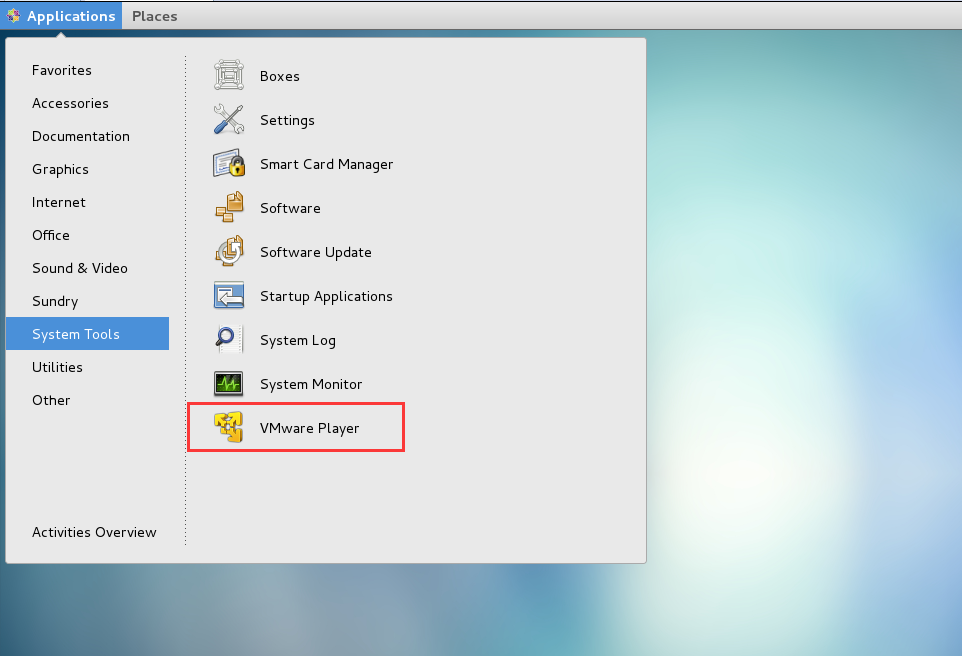
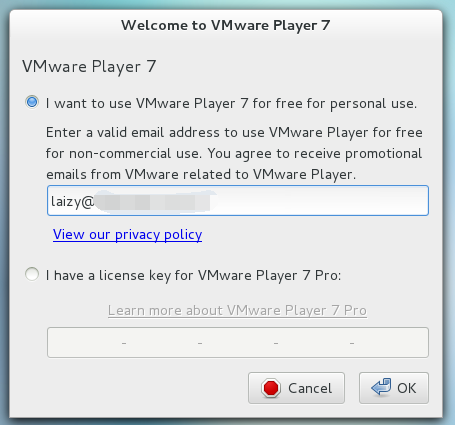
1、下载VMware-Player-7.1.2安装包
百度网盘下载地址:
链接:http://pan.baidu.com/s/1nudfo6H 密码:oemc
直接下载地址:
https://download3.vmware.com/software/player/file/VMware-Player-7.1.2-2780323.x86_64.bundle
2、安装
将按照包拷贝到某个目录下,例如:/home,更改安装包权限,并执行:
# chmod +x VMware-Player-7.1.2-2780323.x86_64.bundle
# ./VMware-Player-7.1.2-2780323.x86_64.bundle
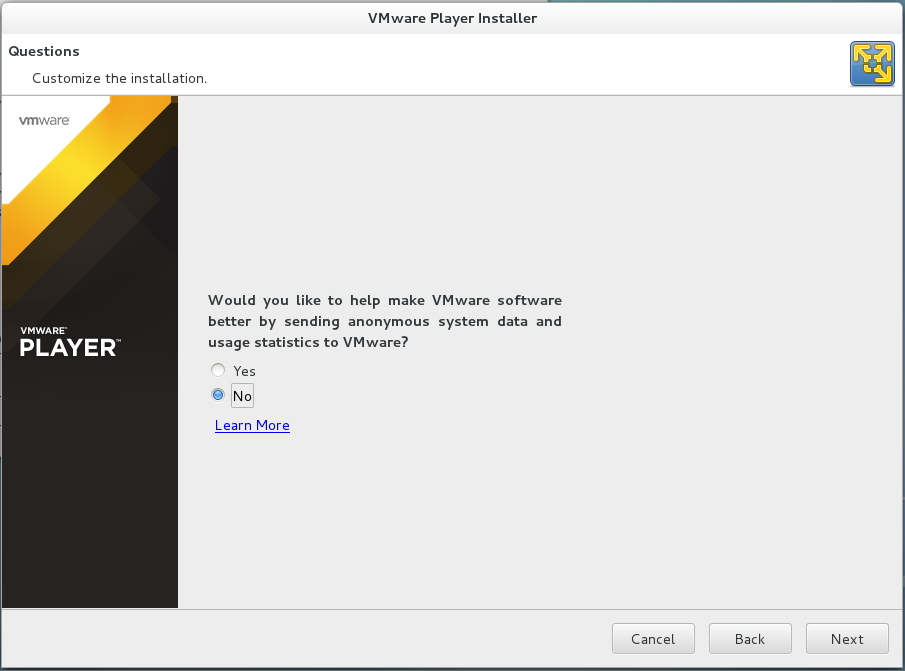
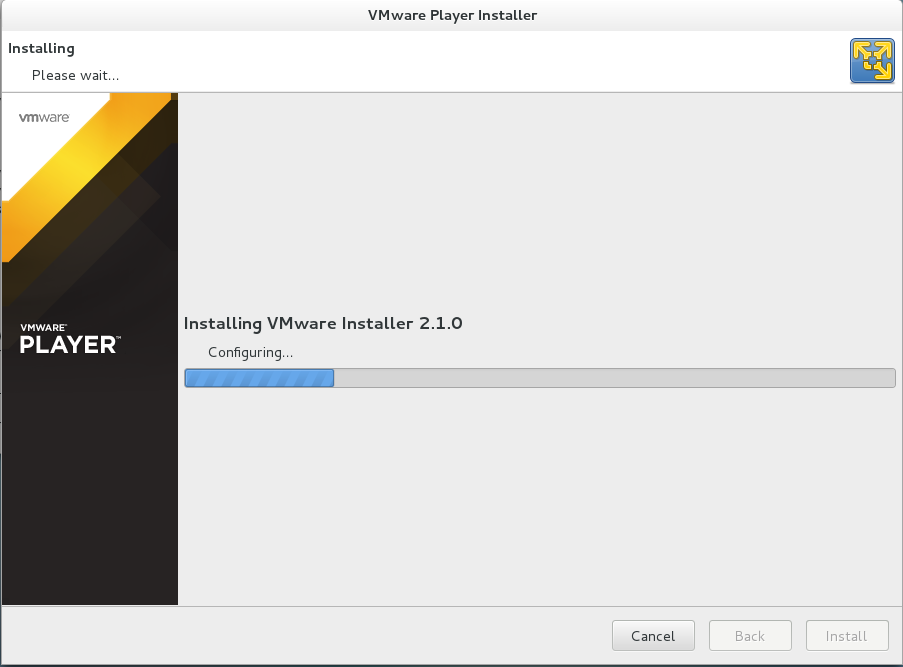
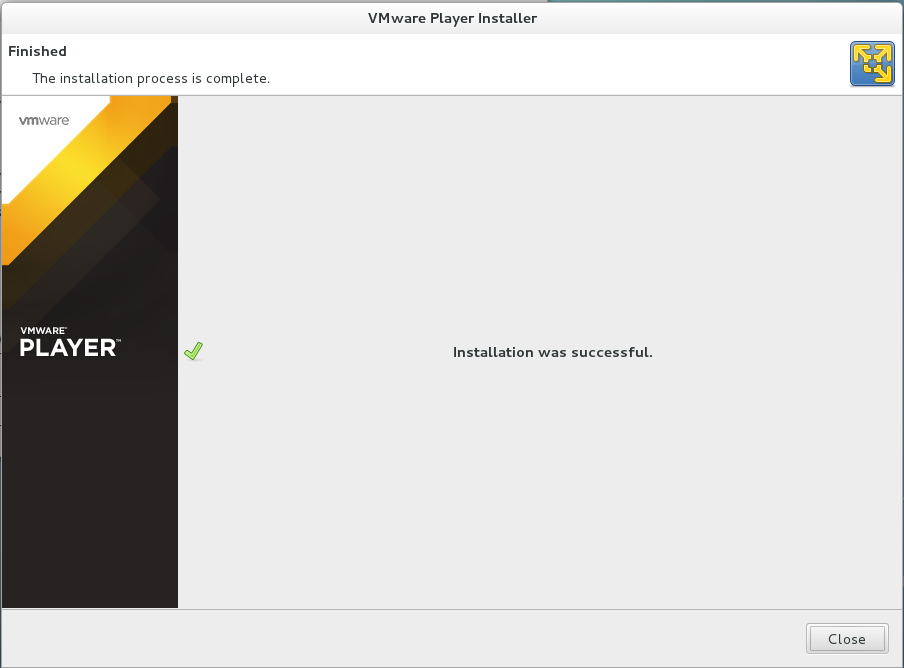
安装界面大体如下: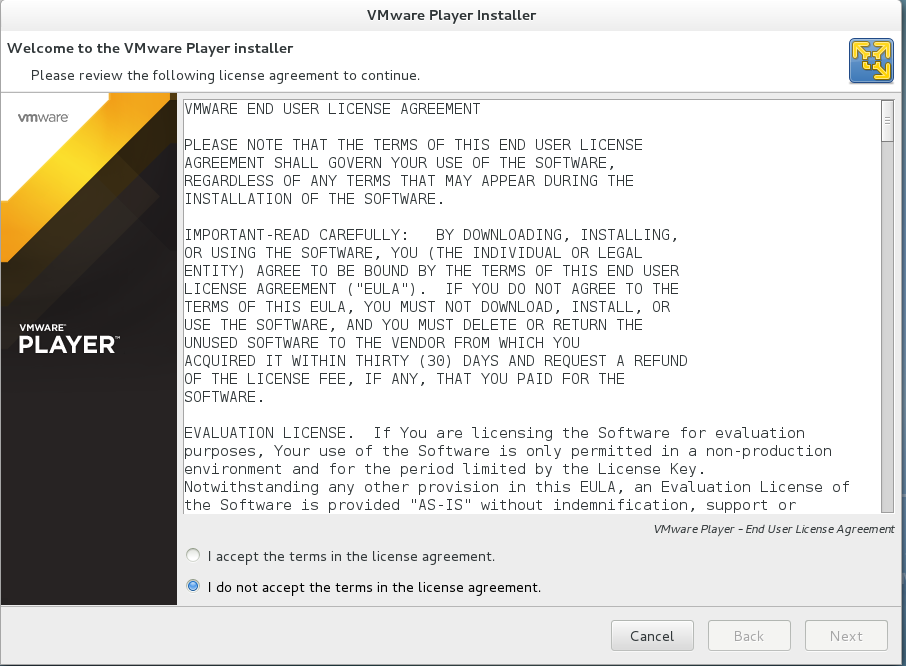
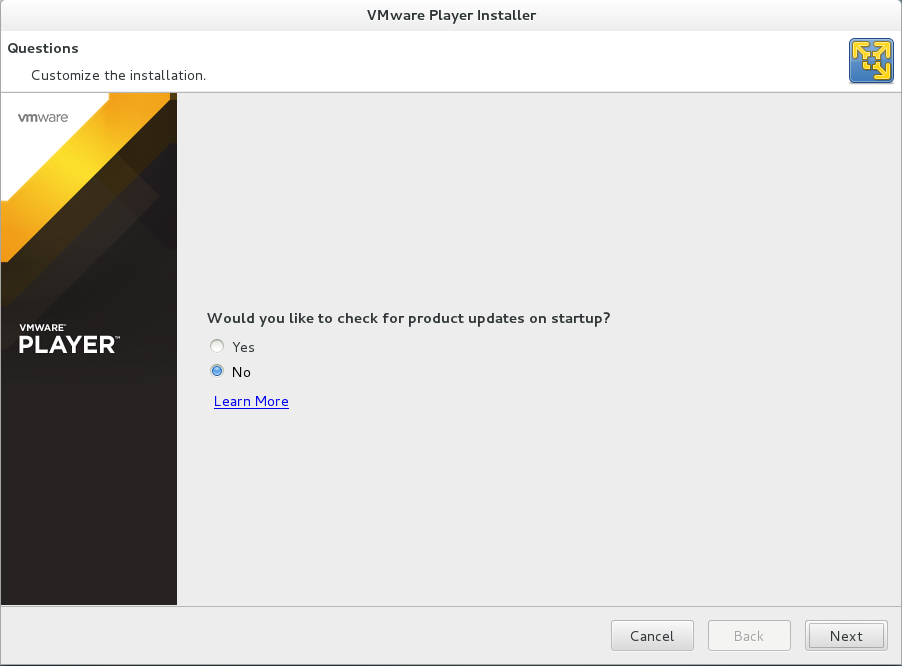
3、打开虚拟机
VMware Player支持ovf、ova、vmx类型的虚拟机,只要将创建好的虚拟机拷贝到某个目录下,Player就能够将其运行起来。如图: