[已知宽高]
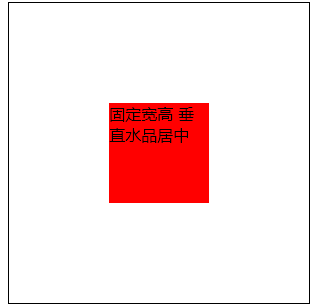
- 已知宽高 [父元素相对定位,子元素绝对定位 top left margin-top margin-left]
    .box {
        position: relative;
         300px;
        height: 300px;
        border: 1px solid #000;
    }
    .center {
        background-color: red;
         100px;
        height: 100px;
        position: absolute;
        top: 50%;
        left: 50%;
        margin-top: -50px;
        margin-left: -50px;
    }
2.已经知宽高[父元素相对定位,子元素绝对定位 top为0,bottom为0,left为0,right为0,margin为auto]
    .box{
        300px;
        height:300px;
        border:1px solid black;
        position: relative;
    }
    .center{
        background: red;
        100px;
        height:100px;
        margin:auto;
        bottom: 0;
        top:0;
        left:0;
        right:0;
        position: absolute;
    }
[未知宽高]
1.未知宽高[CSS3的transform,绝对定位,top为50%,left为50%] transform只兼容到IE9
 .box{
        300px;
        height:300px;
        border:1px solid black;
        position: relative;
    }
    .center{
        background: red;
        position: absolute;
        top: 50%;
        left: 50%;
        transform: translate(-50%,-50%)
    }
2.未知宽高[flex布局,justify-content: center;align-items: center;] flex只兼容到IE10
 .box{
        300px;
        height:300px;
        border:1px solid black;
        display: flex;
        justify-content: center;
        align-items: center;
    }
    .center{
        background: red;
    }
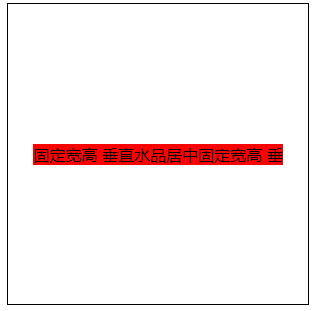
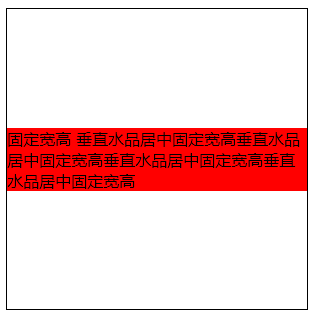
有两种情况:
情况一:内容不过多,可是实现垂直水平居中 情况二:内容过多的话,只能实现垂直居中(如果想实现水平垂直居中,需要定宽)