此次安装在phpstudy本地集成环境上进行:
1、下载ecshopv3.6
https://pan.baidu.com/s/1zjHkPgjAwgrSAA3XrhigLw
2、下载完成,解压获得两个文件目录。上面为文档目录文件。下面的source为安装包资源文件

3、打开source文件,如下图所示,再打开,ecshop目录,把里面文件全选复制到。phpstudy的根目录中。

再回到此目录,复制appserver,到phpstudy的根目录中。
4、输入地址,进行安装。
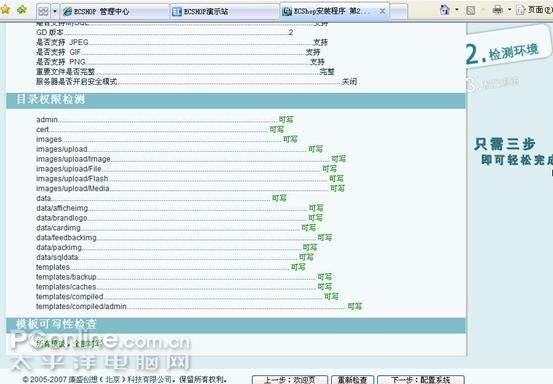
5、如果出现,安装数据错误。
Warning: date_default_timezone_get(): It is not safe to rely on the system’s timezone settings. You are *required* to use the date.timezone setting or the date_default_timezone_set() function. In case you used any of those methods and you are still getting this warning, you most likely misspelled the timezone identifier. We selected ‘UTC’ for ‘8.0/no DST’ instead in D:wapmwwwECShopuploadinstallincludeslib_installer.php on line 223
Warning: date_default_timezone_get(): It is not safe to rely on the system’s timezone settings. You are *required* to use the date.timezone setting or the date_default_timezone_set() function. In case you used any of those methods and you are still getting this warning, you most likely misspelled the timezone identifier. We selected ‘UTC’ for ‘8.0/no DST’ instead in
一般都会在页面的顶部有显示。
找到php安装目录,修改php.ini 中的;date.timezone = 改为 date.timezone =Asia/Shanghai
具体为
[Date]
; Defines the default timezone used by the date functi**
date.timezone =Asia/Shanghai
解决办法:打开phpstudy主菜单->其它选项菜单->打开配置文件->Php.ini。找到;date.timezone = 改为 date.timezone =Asia/Shanghai。
重启apache。重新安装成功。

6、安装完成
