1、已安装jdk版本
[root@localhost ~]# java -version
java version "1.8.0_121"
Java(TM) SE Runtime Environment (build 1.8.0_121-b13)
Java HotSpot(TM) 64-Bit Server VM (build 25.121-b13, mixed mode)
2、安装jenkins
wget -O /etc/yum.repos.d/jenkins.repo http://pkg.jenkins-ci.org/redhat/jenkins.repo
rpm --import https://jenkins-ci.org/redhat/jenkins-ci.org.key
(wget -O /etc/yum.repos.d/jenkins.repo http://pkg.jenkins-ci.org/redhat-stable/jenkins.repo
rpm --import http://pkg.jenkins-ci.org/redhat-stable/jenkins-ci.org.key)jenkins稳定版本
sudo yum install jenkins
3、启动jenkins
首先重启jenkins并设置其开机启动
service jenkins restart
chkconfig jenkins on
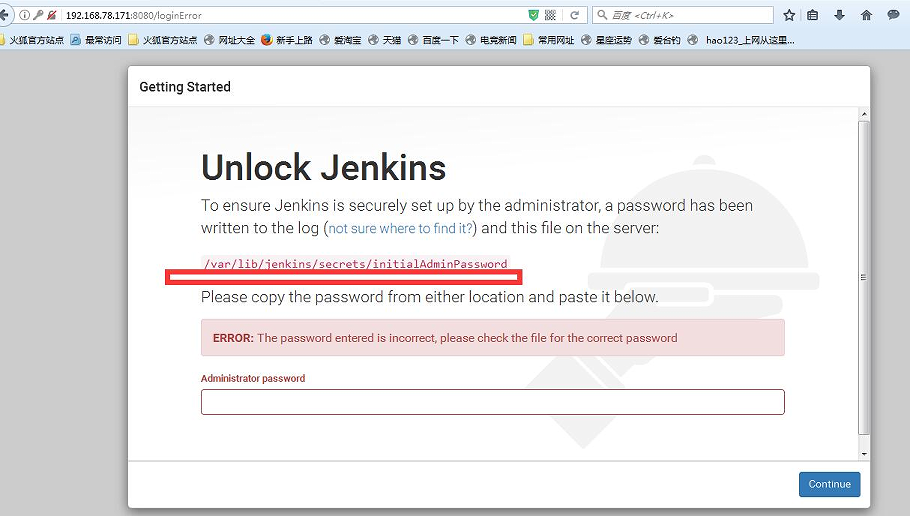
4、第一次web登录需要找到密码登录
5、选择相应控件安装即可
