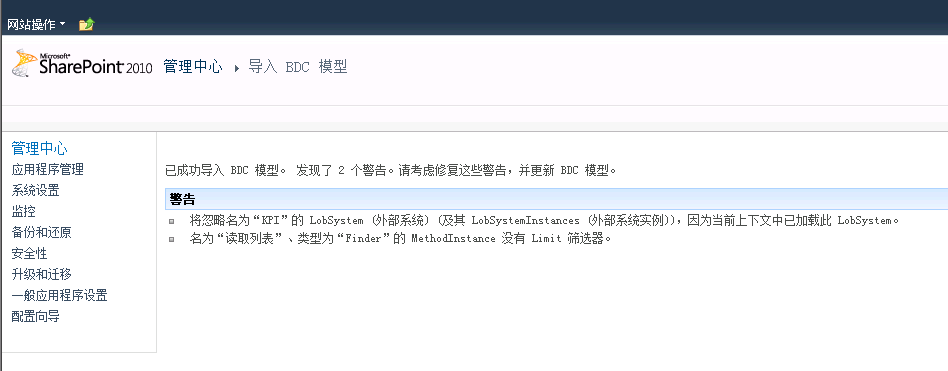
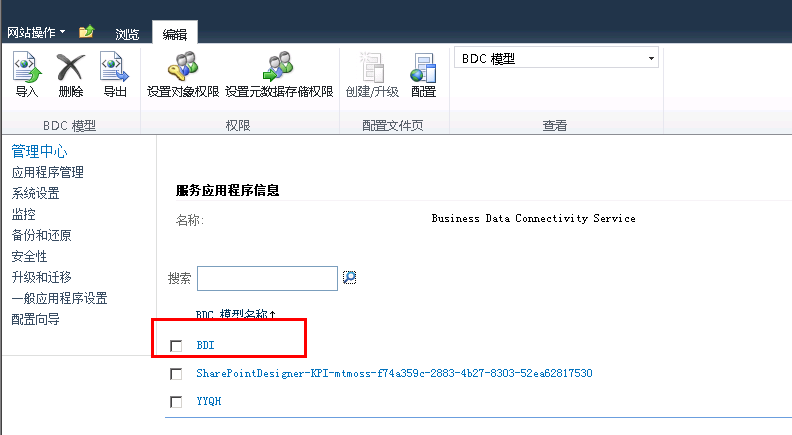
datetime字段在列表中带了时区,比如插入12-6号的数据,在sql中显示的是12-5


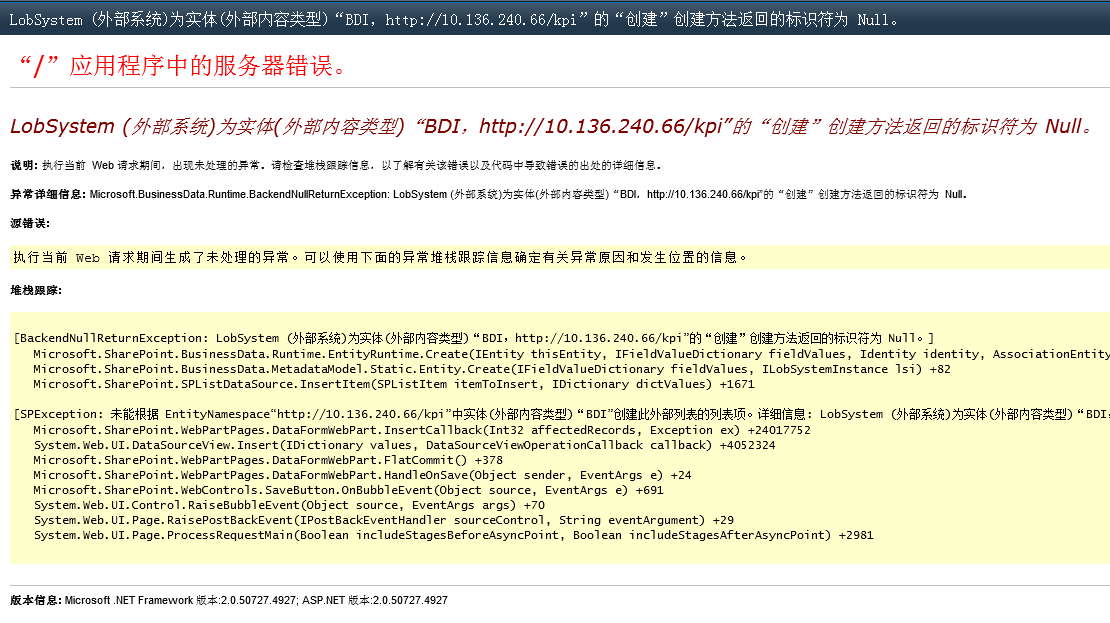
date类型字段无法正确识别,插入成功但报错
LobSystem (外部系统)为实体(外部内容类型)“BDI,http://10.136.240.66/kpi”的“创建”创建方法返回的标识符为 Null。
解决:
1.SPD导出BDC模型,并从SPD中删除

2.VS打开编辑


3.修改以下内容
本地时区:<NormalizeDateTime LobDateTimeMode="UTC" /> 为 <NormalizeDateTime LobDateTimeMode="Local" />
只显示日期部分:<Property Name="Format" Type="System.String">DateOnly</Property>
显示两位小数:<Property Name="Decimal Digits" Type="System.Int32">4</Property>修改为<Property Name="Decimal Digits" Type="System.Int32">2</Property>
<Parameter Direction="In" Name="@PublicDate">
<TypeDescriptor TypeName="System.DateTime" CreatorField="true" IdentifierName="PublicDate" Name="PublicDate" DefaultDisplayName="日期">
<Interpretation>
<NormalizeDateTime LobDateTimeMode="UTC" />
</Interpretation>
</TypeDescriptor>
</Parameter>
改为
<Parameter Direction="In" Name="@PublicDate">
<TypeDescriptor TypeName="System.DateTime" CreatorField="true" IdentifierName="PublicDate" Name="PublicDate" DefaultDisplayName="日期">
<Properties>
<Property Name="Format" Type="System.String">DateOnly</Property>
</Properties>
<Interpretation>
<NormalizeDateTime LobDateTimeMode="Local" />
</Interpretation>
</TypeDescriptor>
</Parameter>
4.保存文件并在管理中心导入