一、创建一个空maven parent模板
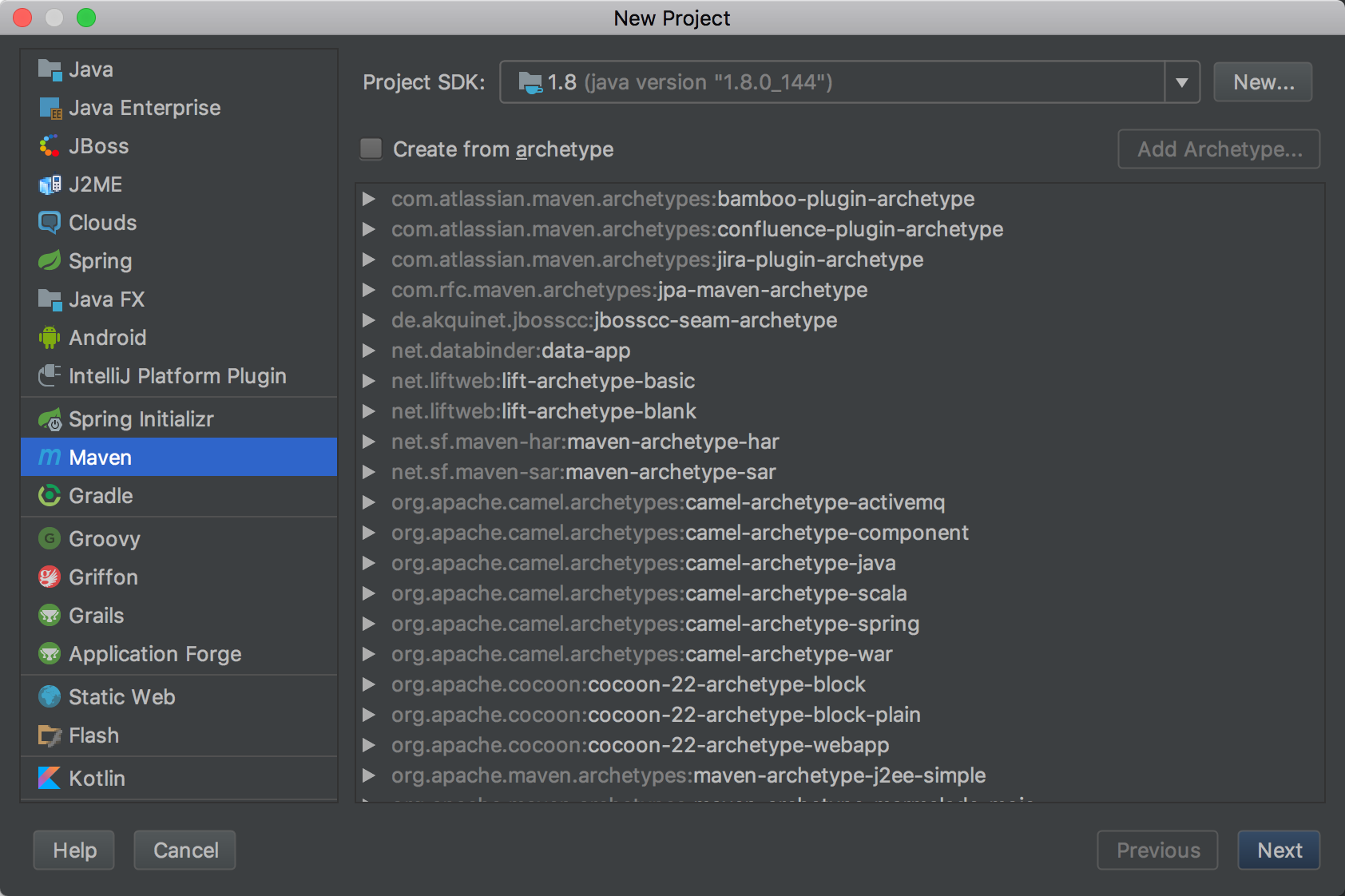
1-1、新建project,选择maven
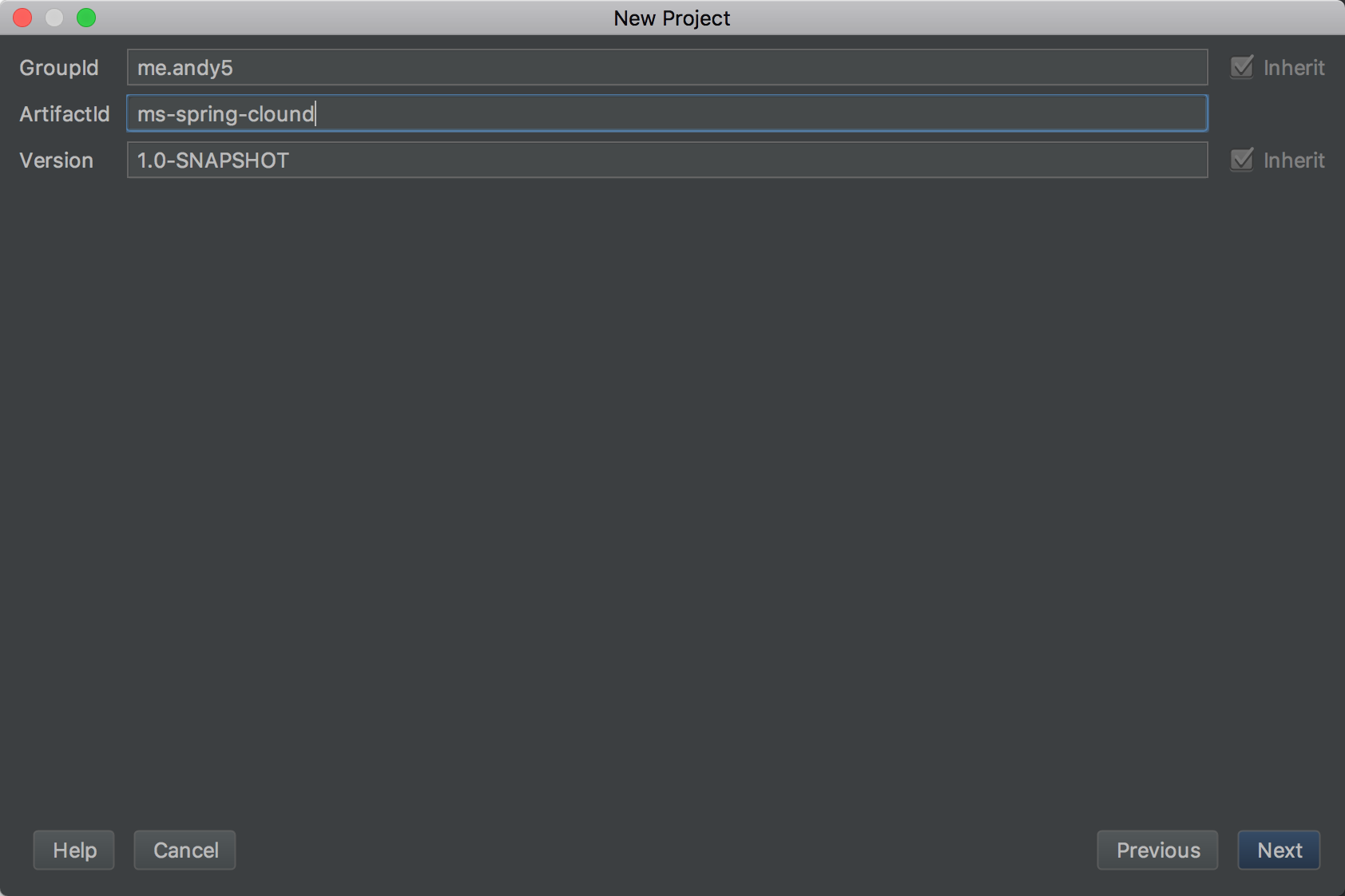
1-2、给此模板起名
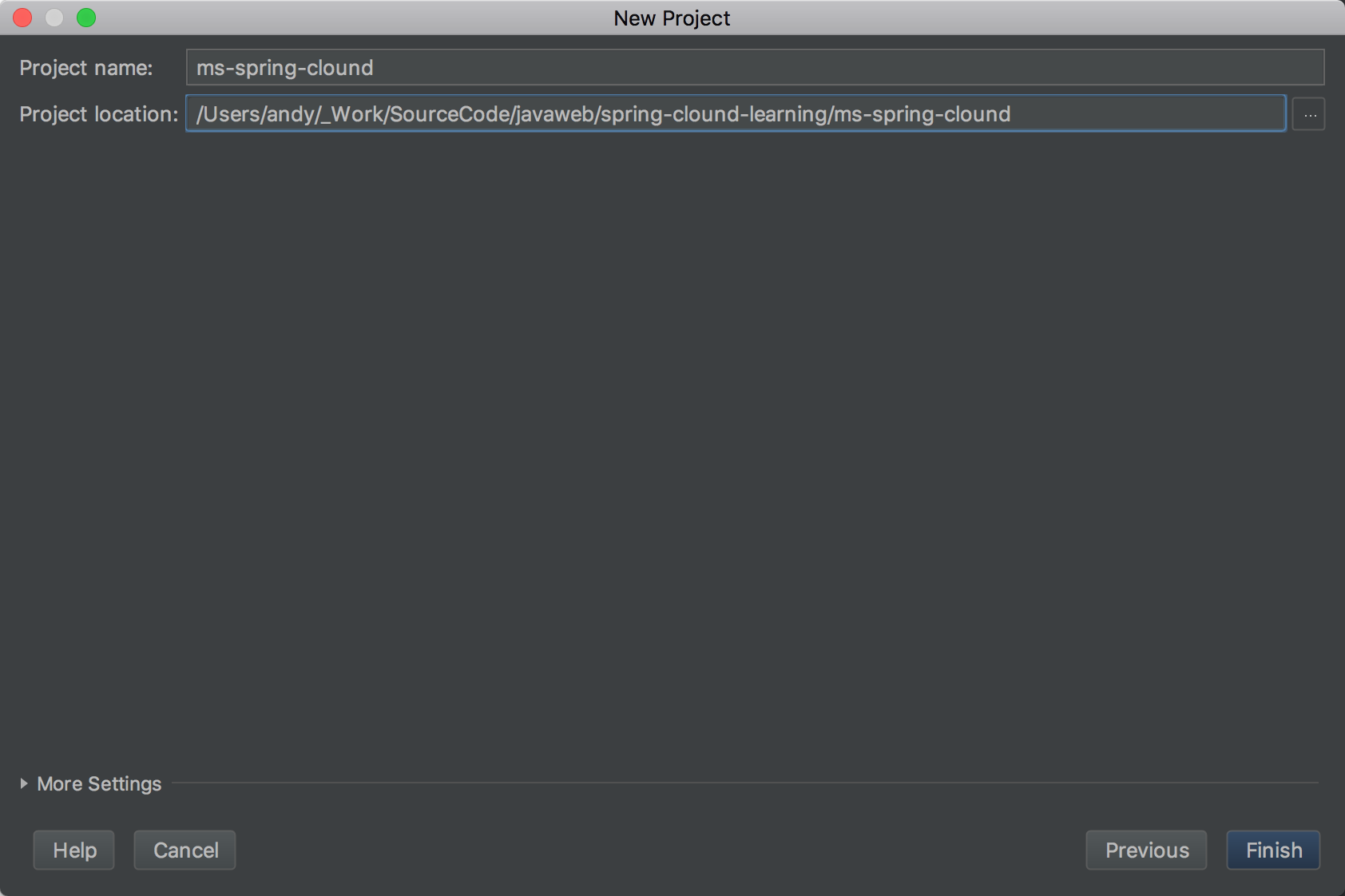
1-3、此模板的保存位置,此处放入我的git项目spring-clound-learning下面
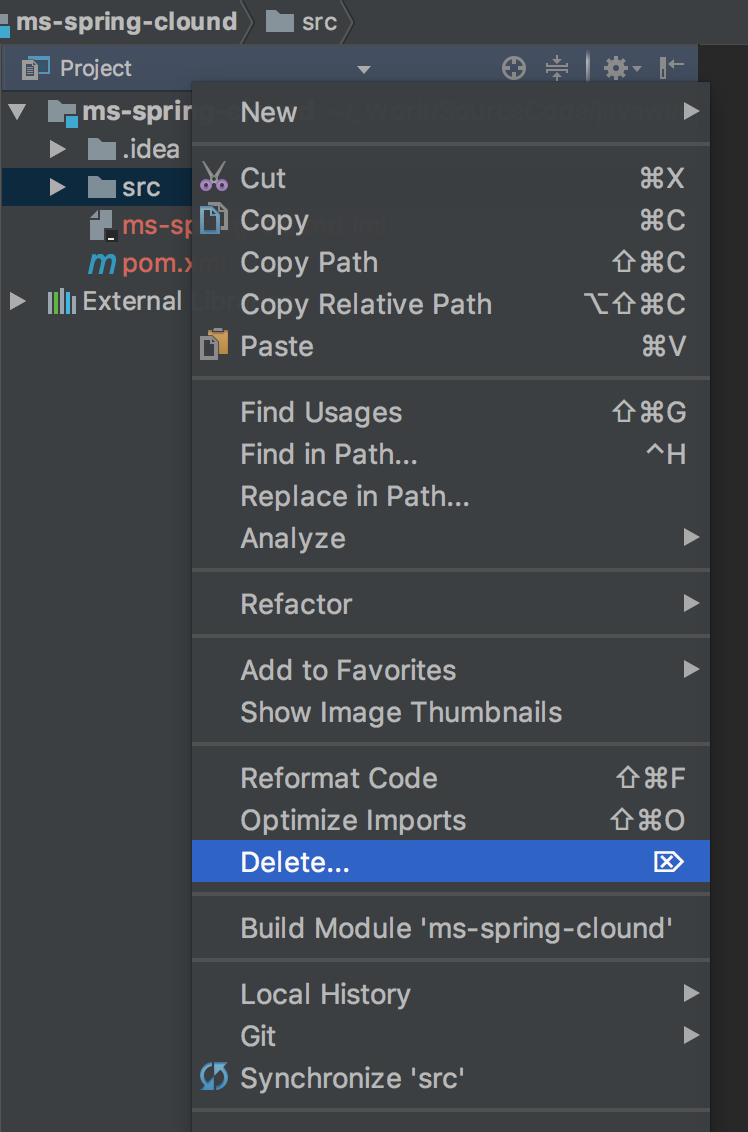
1-4、删掉src,后续我们对每个服务新建一个子模块
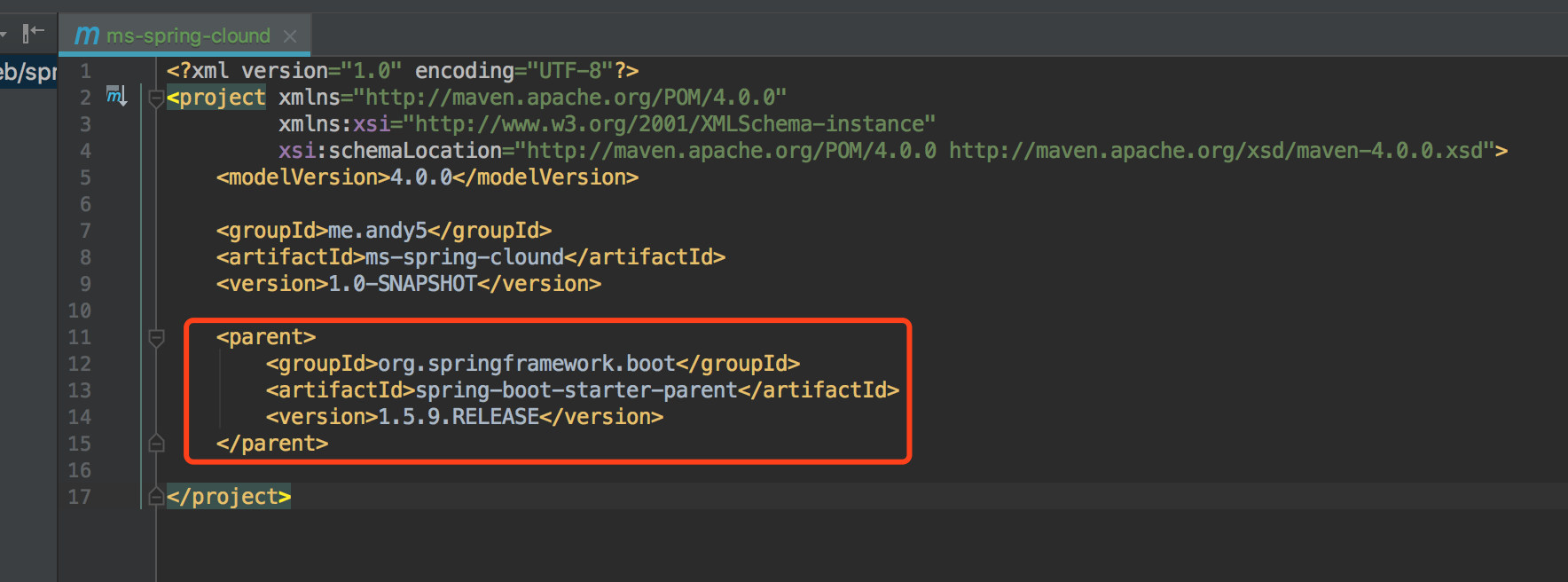
1-5、在pom.xml增加spring-boot-starter-parent为parent
二、新建一个注册中心模块
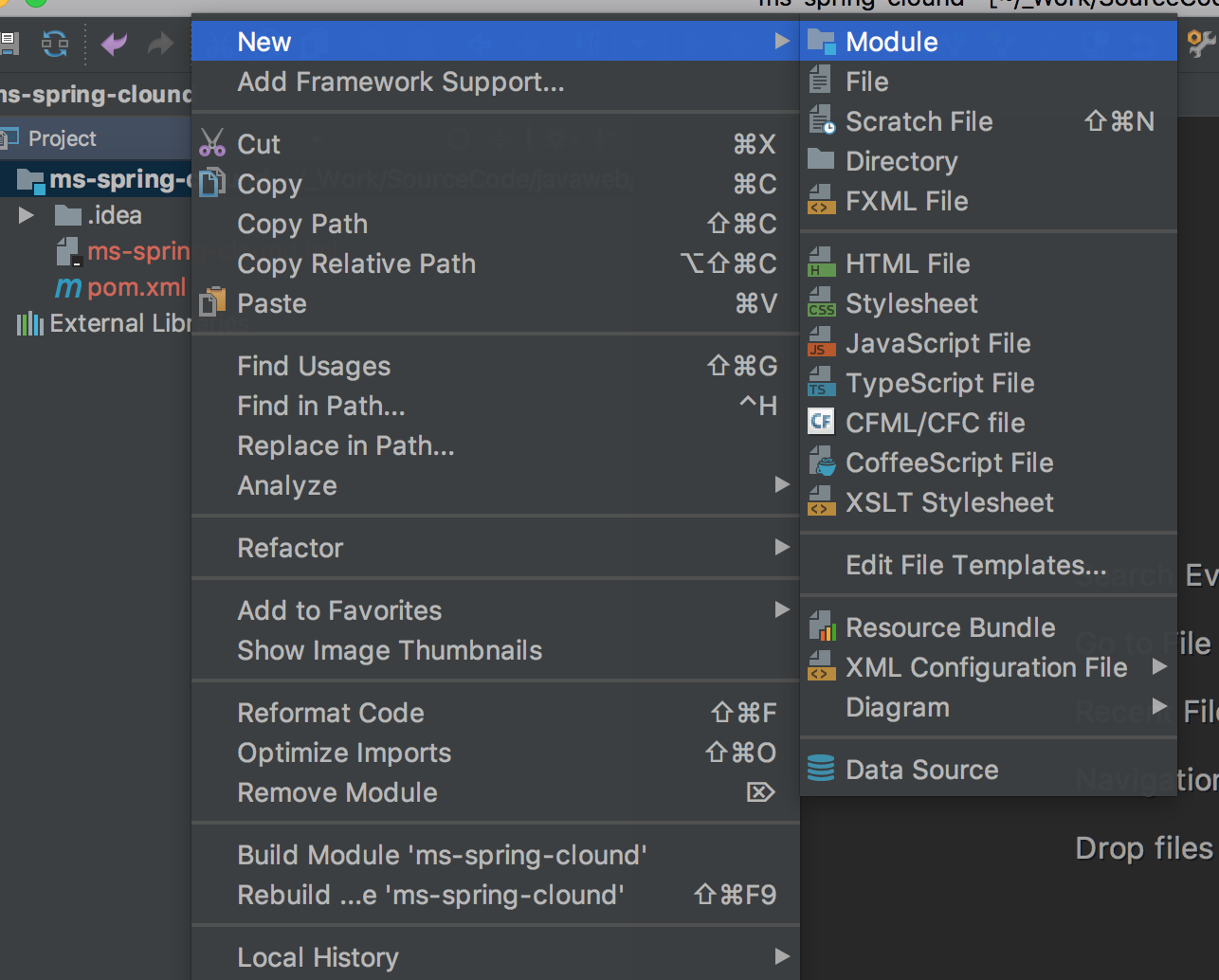
2-1、新建module
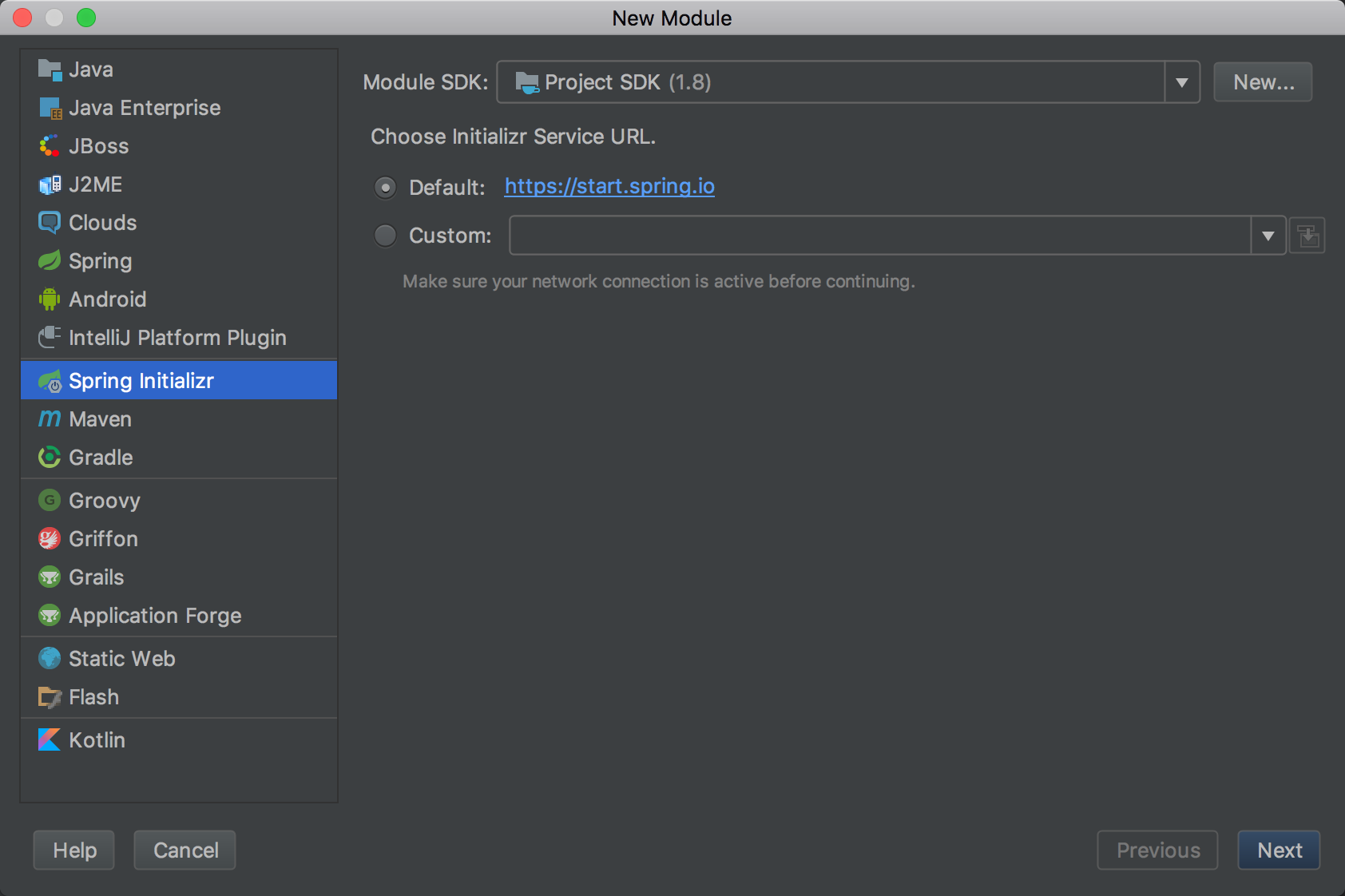
2-2、选择spring initializr
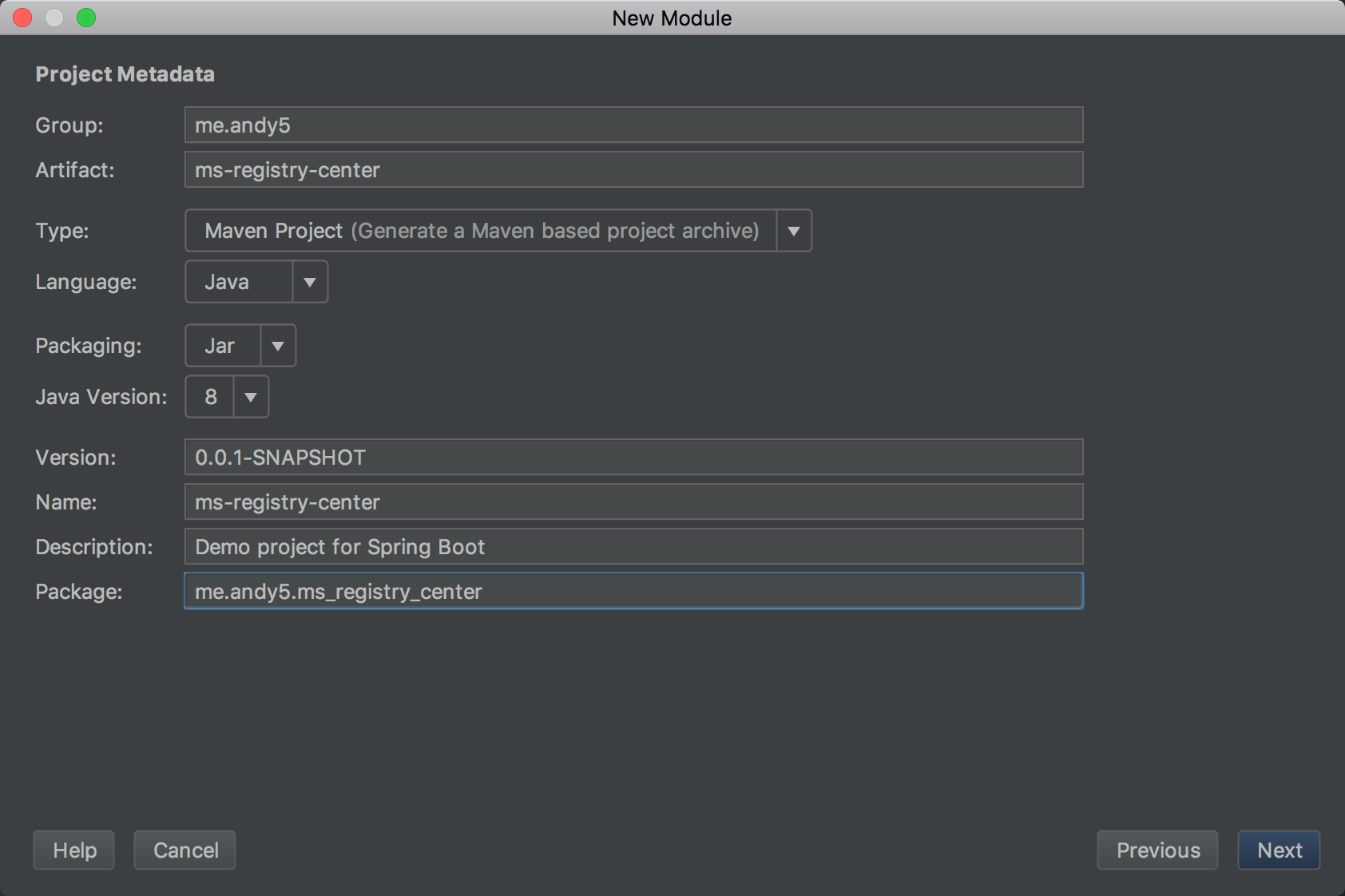
2-3、注册中心模块信息填充
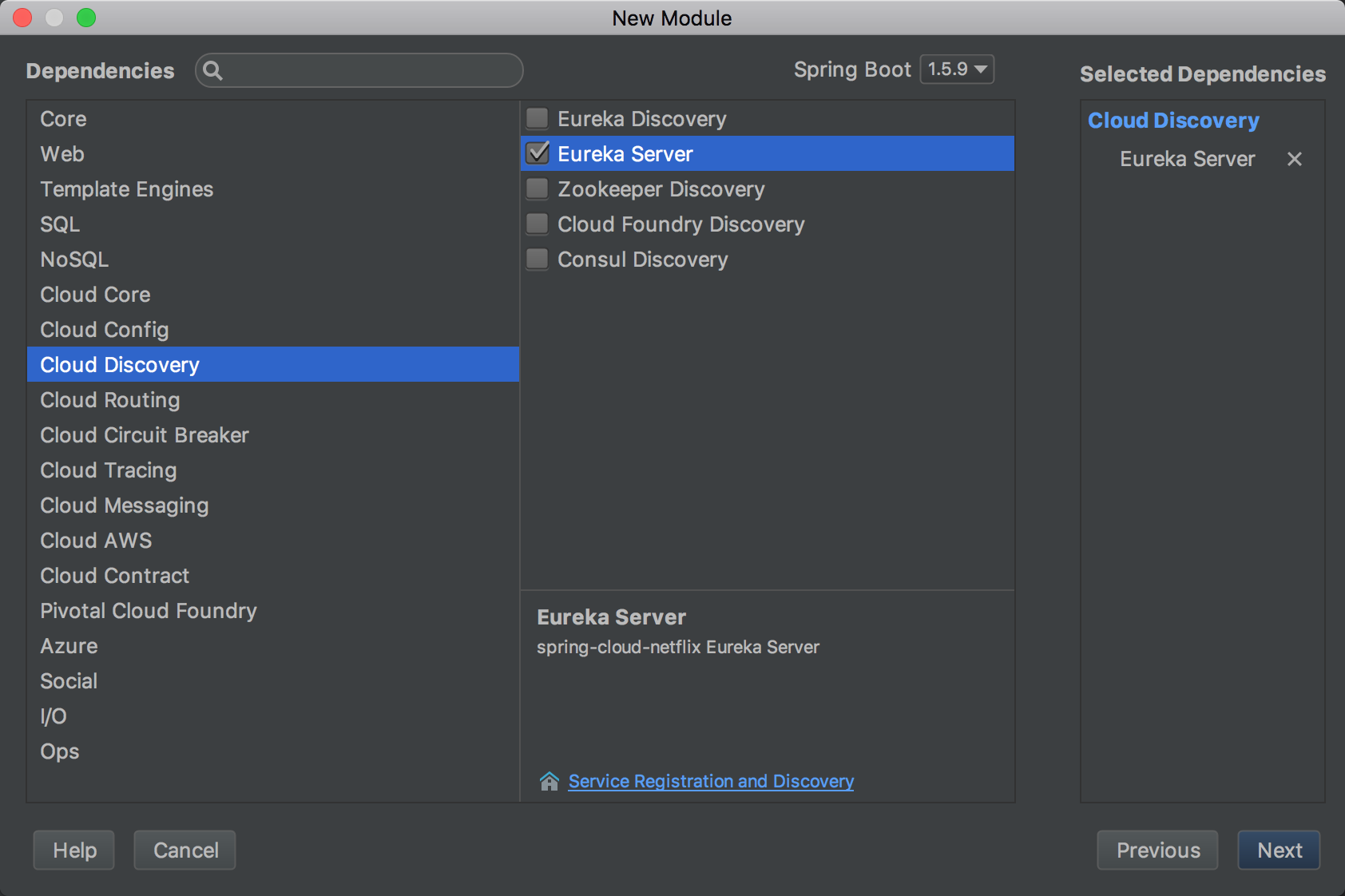
2-4、选择clound discovery
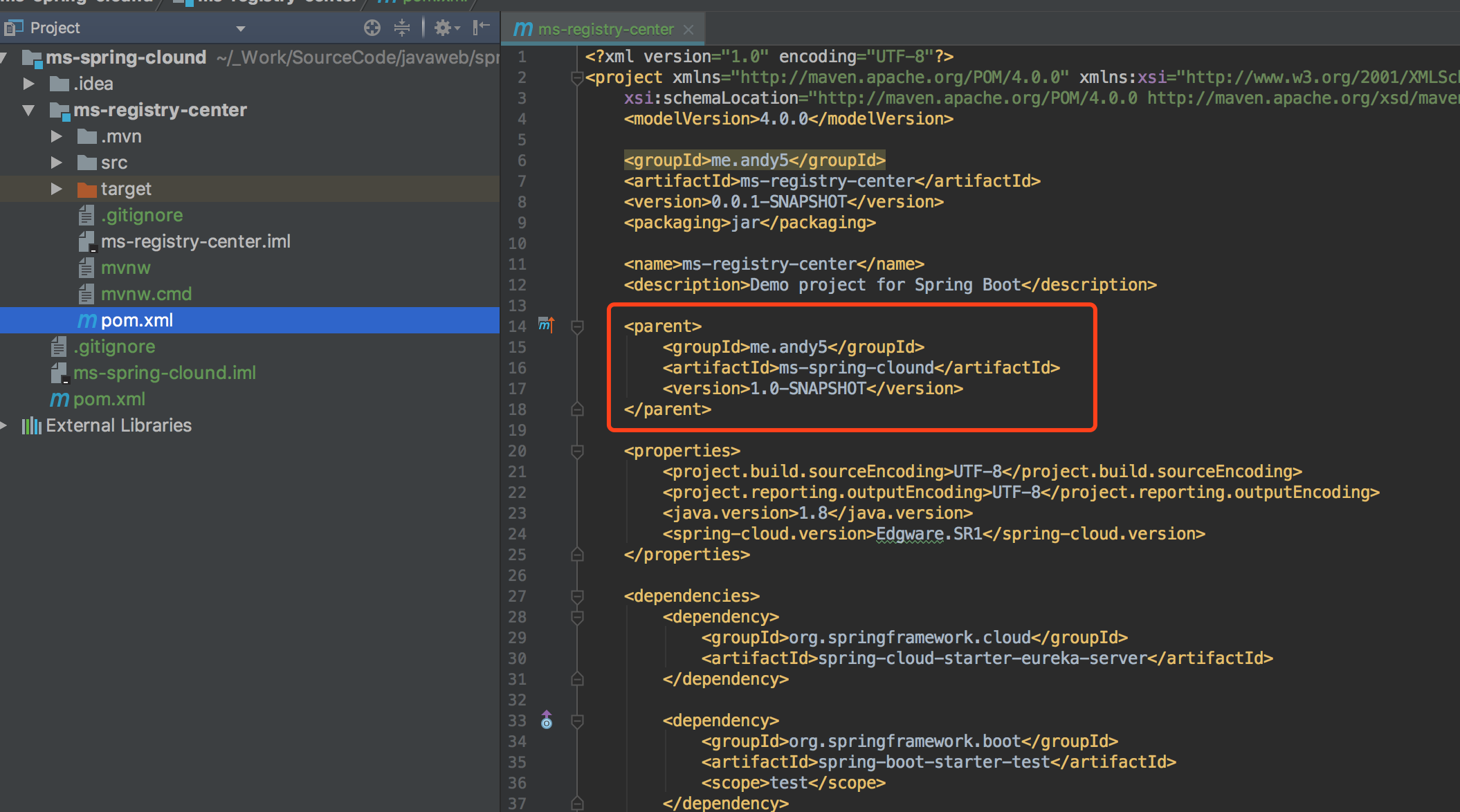
2-5、如果ms-registry-center项目pom文件中没有parent或者parent不是ms-spring-clound,则添加或修改parent为ms-spring-clound
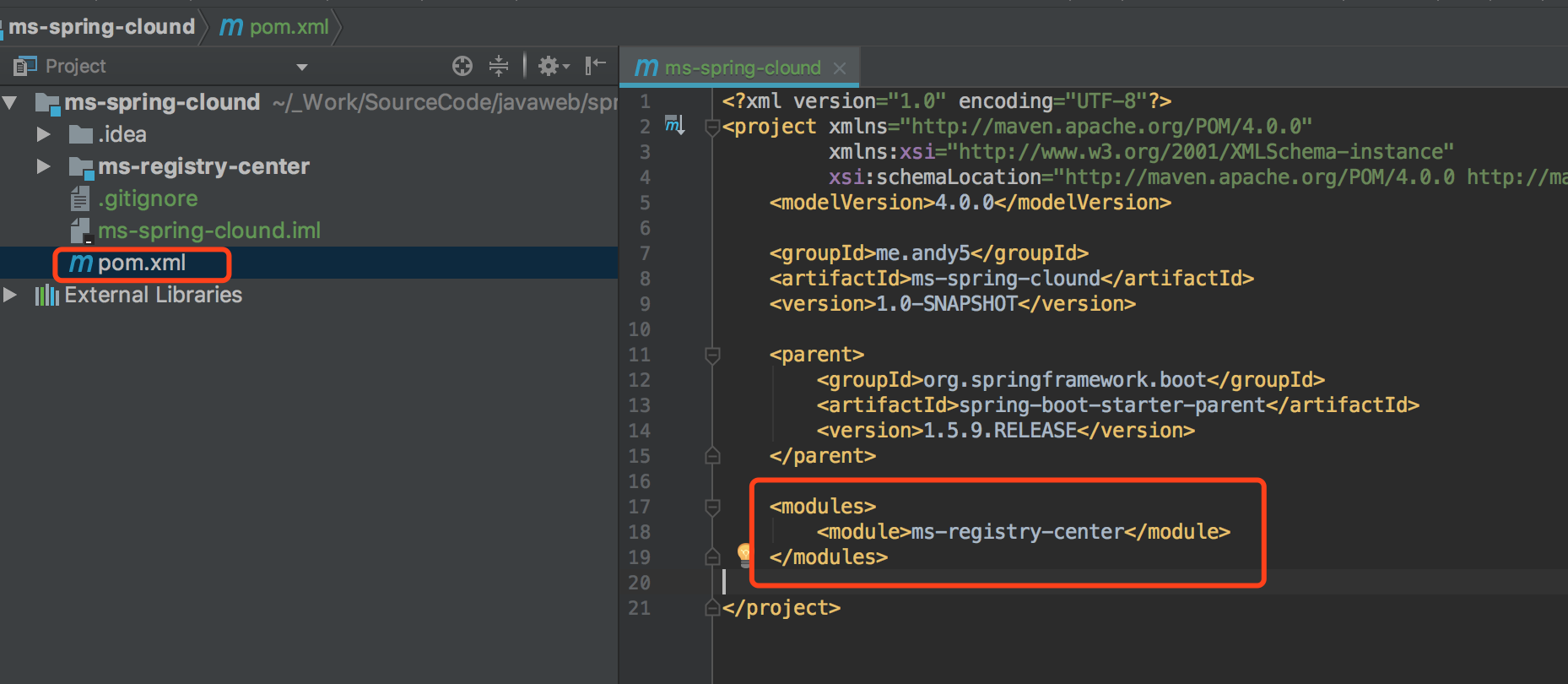
2-6、如果ms-spring-clound的pom文件中没有自动在<modules>下面添加ms-registry-center,则手动添加上去
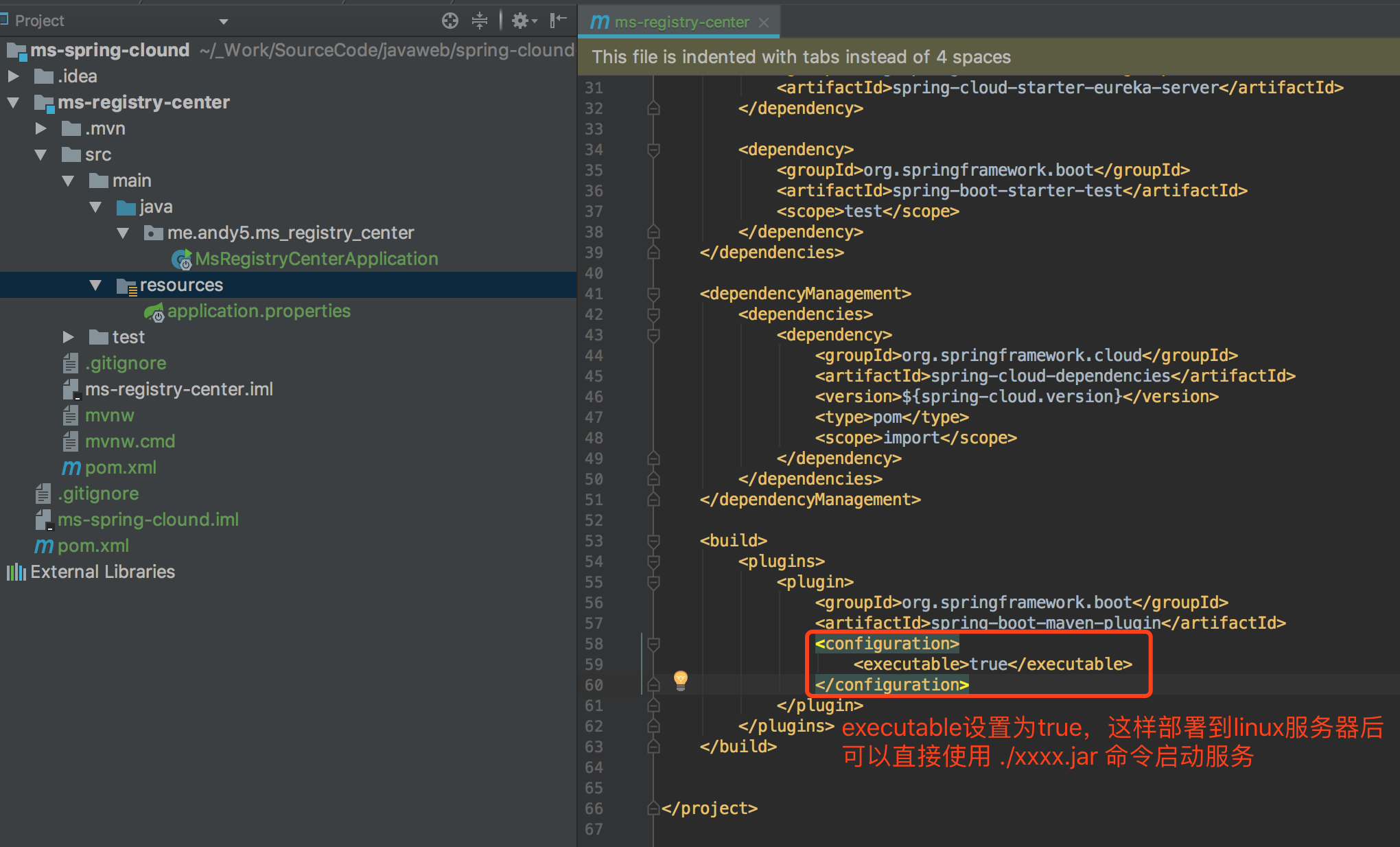
2-7、将打出来的jar包设置可执行(后续微服务一律使用jar包部署,不再放入tomcat容器)
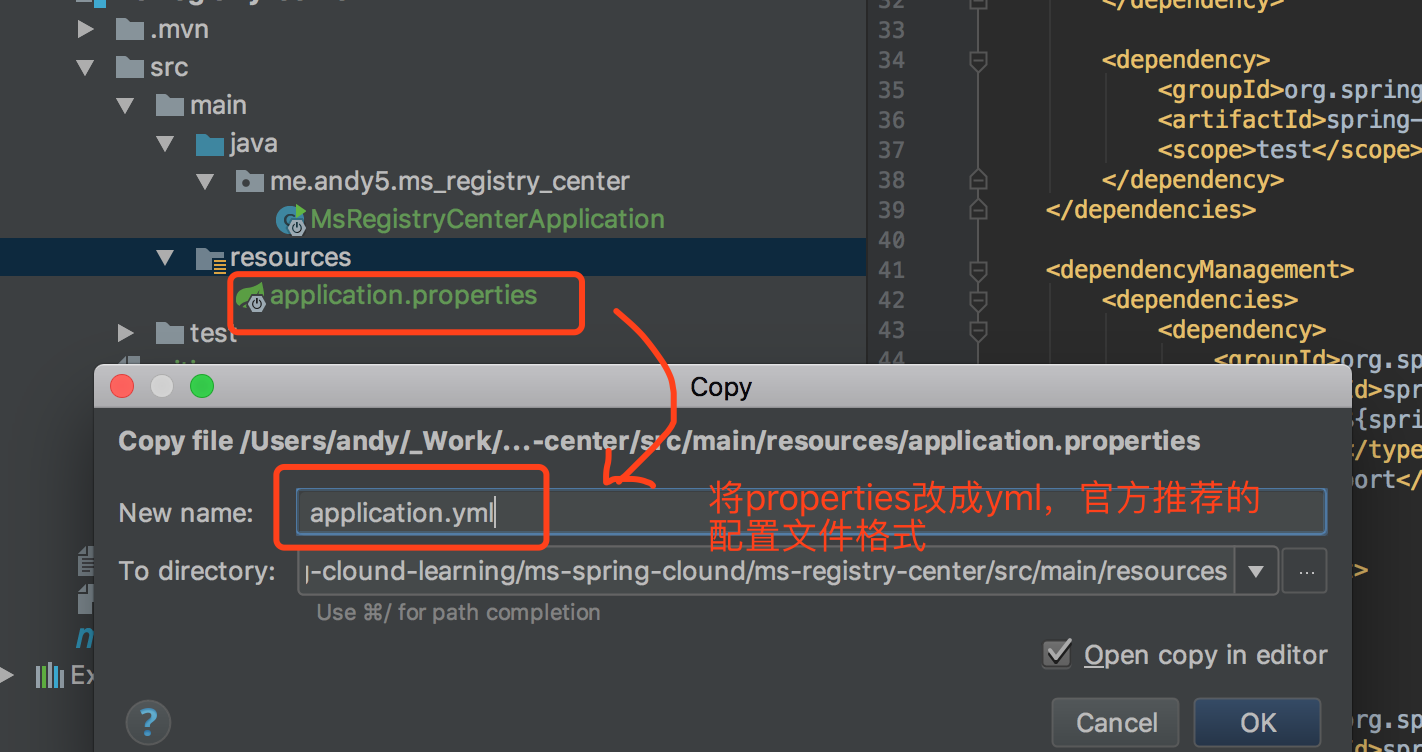
2-8、删掉properties的配置文件,新增yml的配置文件(后续配置文件一律使用官方推荐的yml,不在使用properties)
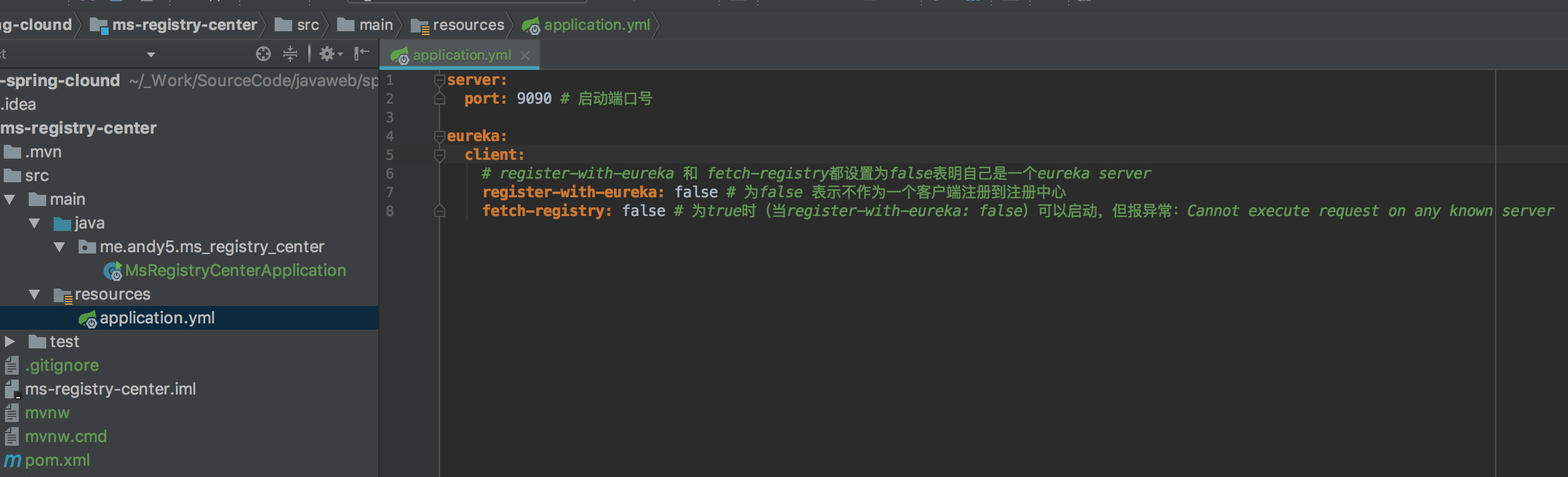
2-9、编辑application.yml文件,添加server.port和eureka.client.register-with-eureka和fetch-registry,并把register-with-eureka和fetch-registry同时设置为false以表明自己是个纯eureka server
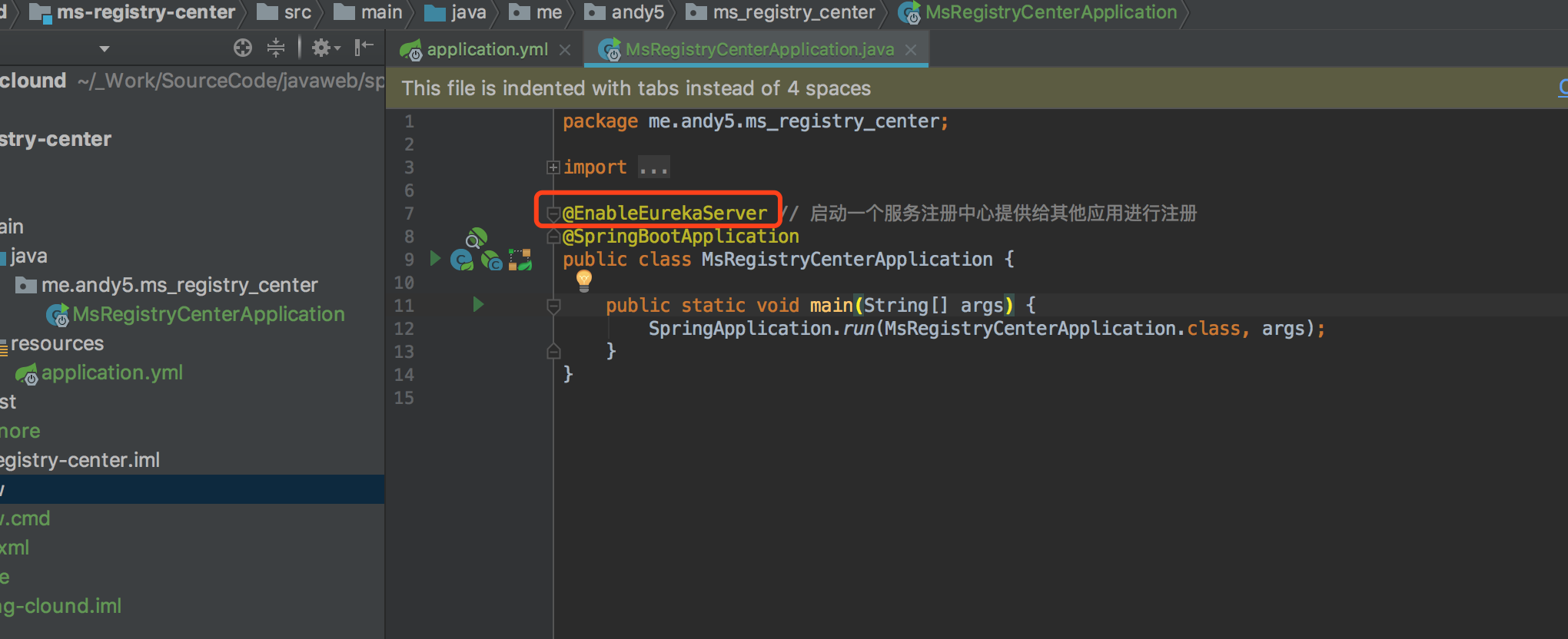
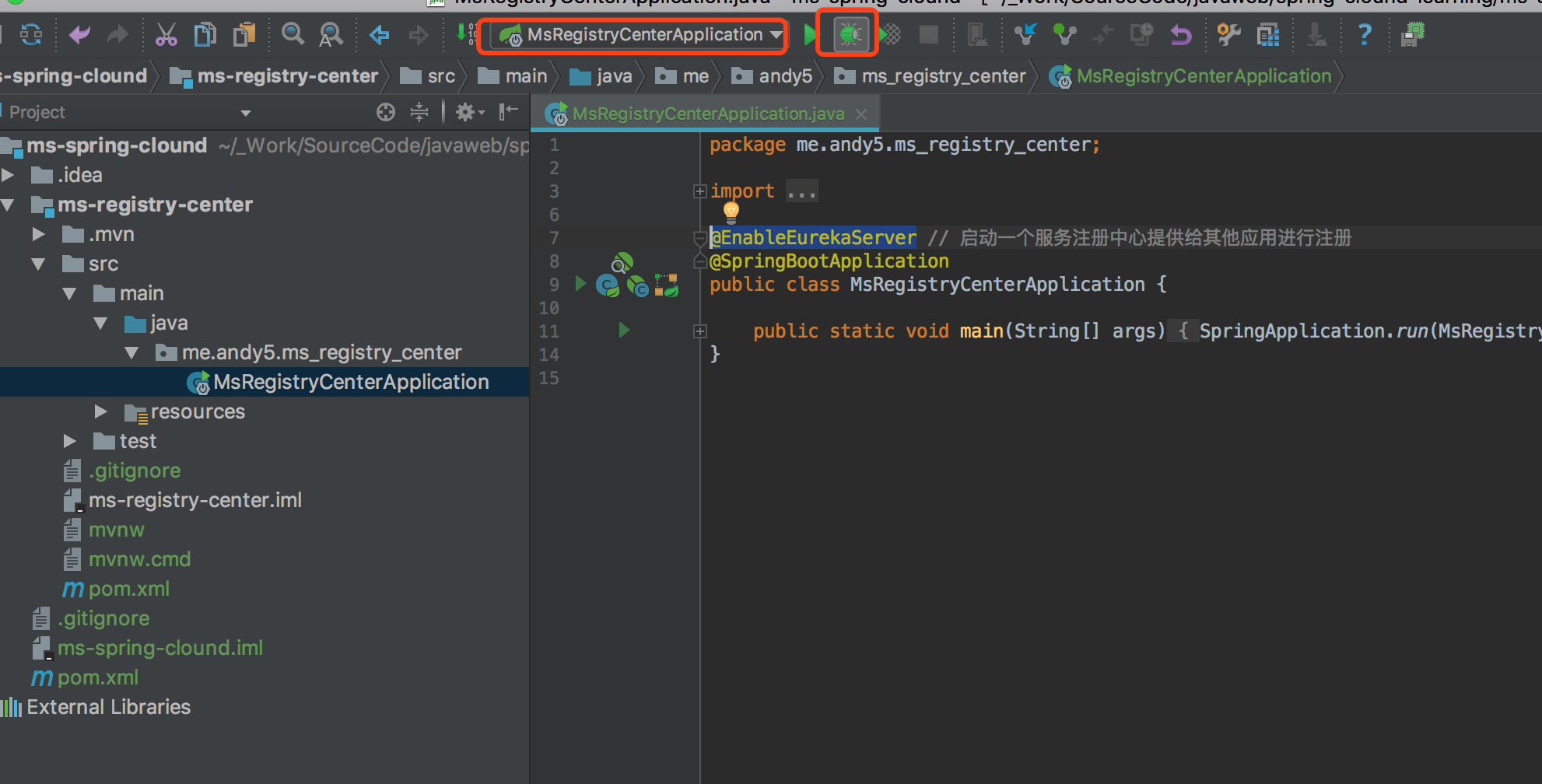
2-10、在MsRegistryCenterApplication中使用@EnableEurekaServer表明当前是一个Eureka注册中心
2-11、点击调试运行MsRegistryCenterApplication
2-12、不过很遗憾,第一次没成功,报了java.lang.NoClassDefFoundError: ch/qos/logback/classic/Level异常
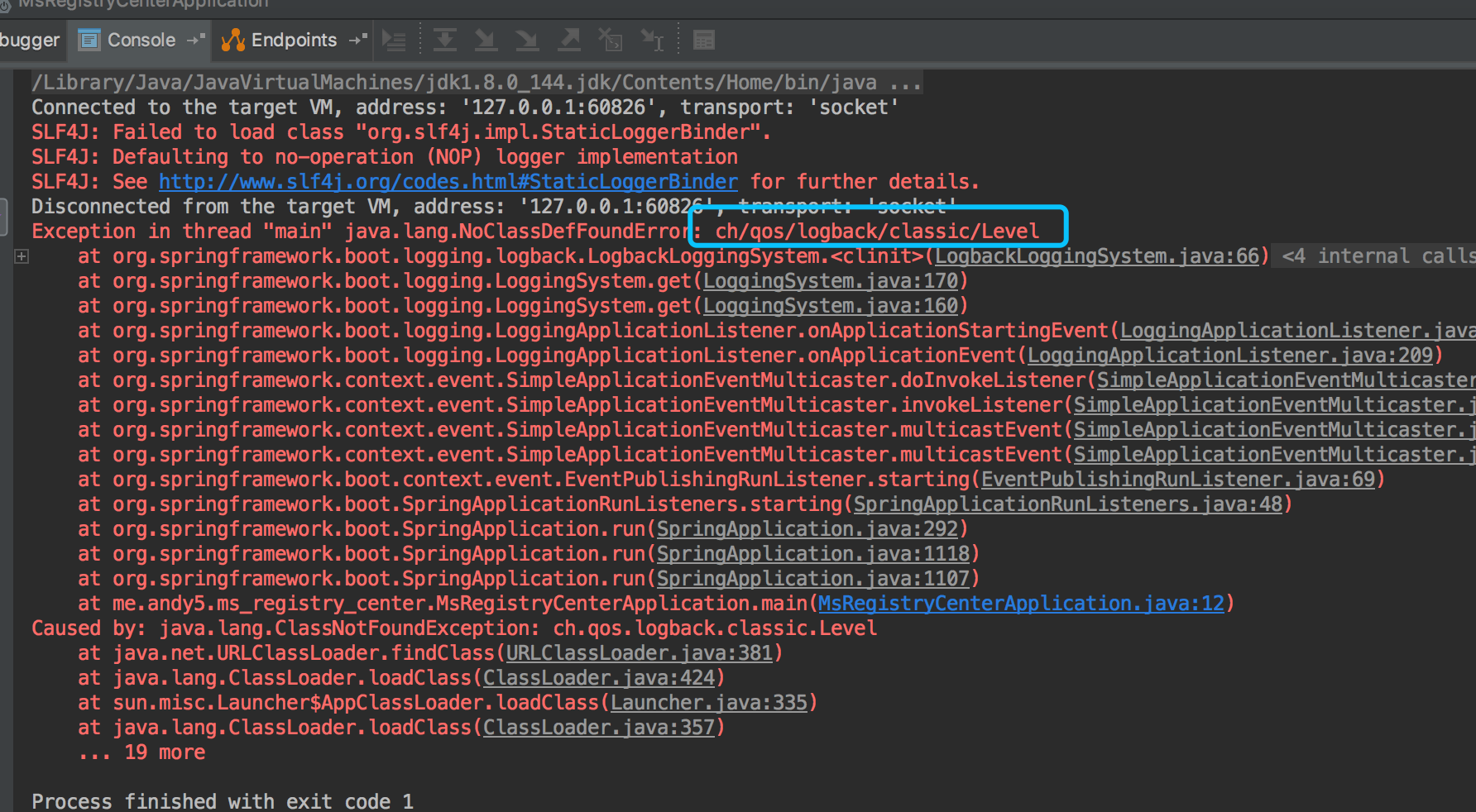
2-13、上面的异常实际上是漏了一个第三方logback依赖包,为了不用每个module的pom文件中都加入这个依赖,最佳做法在父module的pom中加入,即在ms-spring-clound的pom中加入

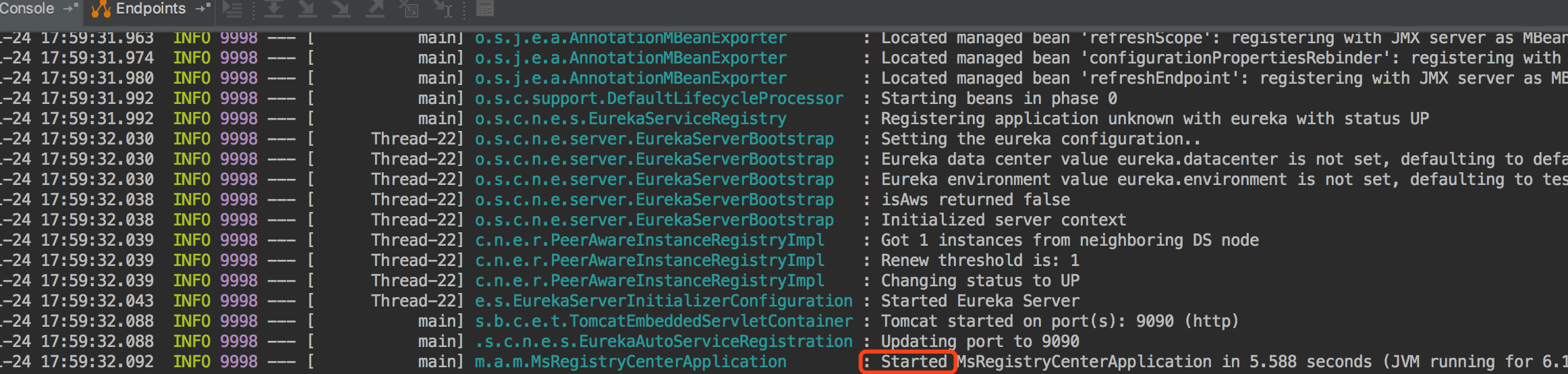
2-14、启动成功
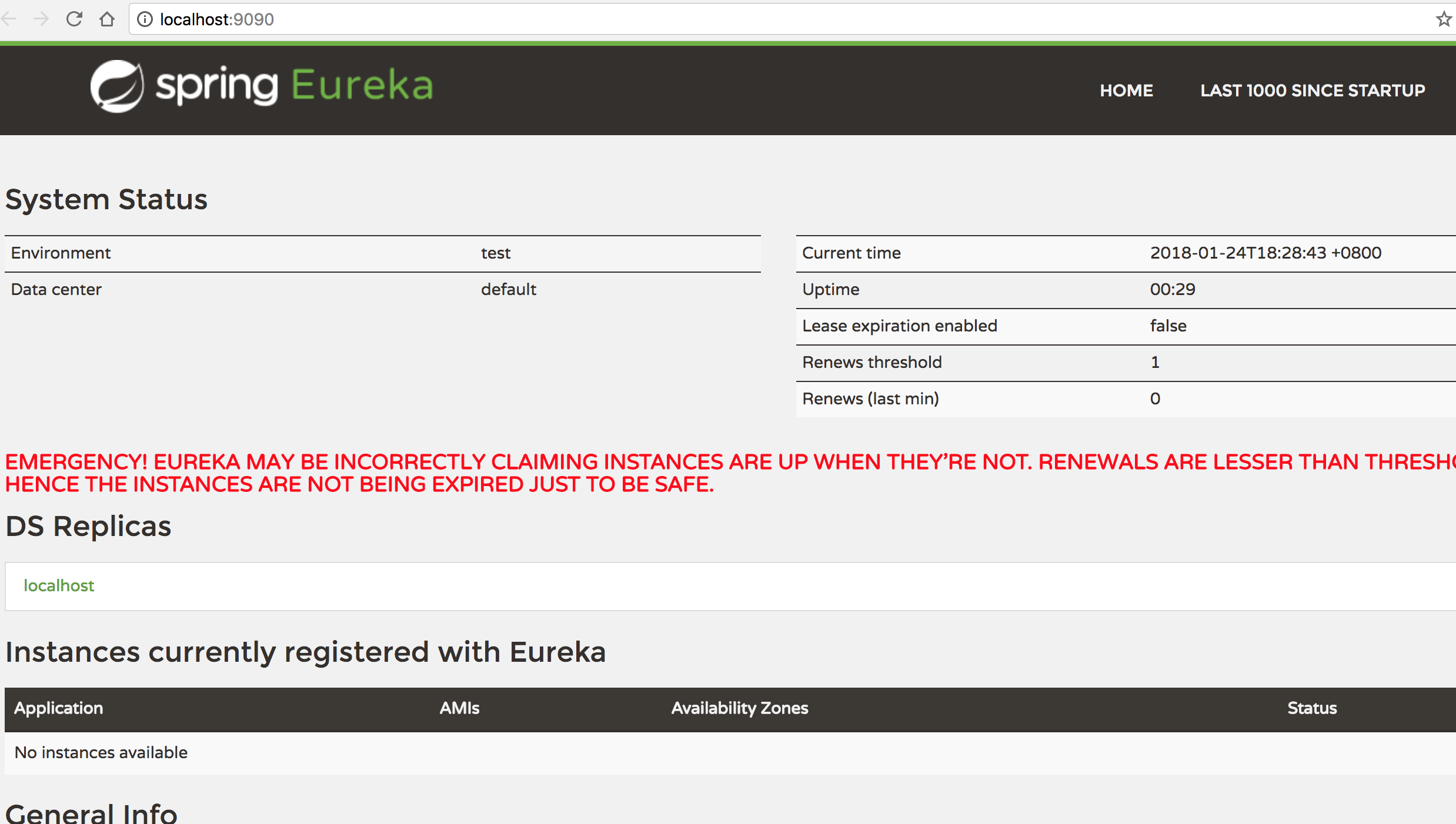
2-15、访问后端管理界面,localhost:9090,界面如下,到此,ms-registry-center已经随时可以注册微服务了,下一步就需要将我们的微服务注册进来和在微服务使用注册中心注册的微服务