1.同时收集/var/log/messages日志和secure日志
#vim /etc/logstash/conf.d/system.conf
input {
        file {
                path => "/var/log/messages"
                type => "system"
                start_position => "beginning"
                stat_interval => "2"
        }
        file {
                path => "/var/log/secure"
                type => "secure"
                start_position => "beginning"
                stat_interval => "2"
        }
}

output {
        if [type] == "system" {
                elasticsearch {
                        hosts => ["192.168.1.31"]
                        index => "systemlog-%{+YYYY.MM.dd}"
                        }
                }
        if [type] == "secure" {
                elasticsearch {
                        hosts => ["192.168.1.31"]
                        index => "securelog-%{+YYYY.MM.dd}"
                        }
                }
        }
2.检测配置文件语法和启动
logstash -f /etc/logstash/conf.d/system.conf -t					//检测配置文件语法是否有问题
ll /var/log/messages 	 /var/log/secure						//这里可以看到该日志文件是600权限,而elasticsearch是运行在elasticsearch用户下,这样elasticsearch是无法收集日志的。所以这里需要更改日志的权限,否则会报权限拒绝的错误。在日志中查看/var/log/logstash/logstash-plain.log 是否有错误。
chmod 644 /var/log/messages /var/log/secure
systemctl restart logstash										//启动
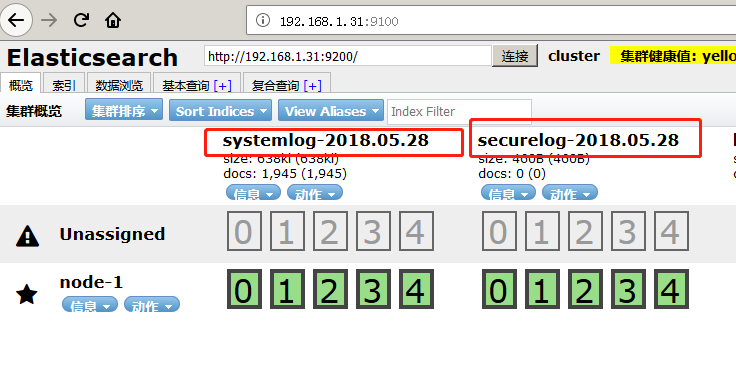
3.通过head插件查看索引
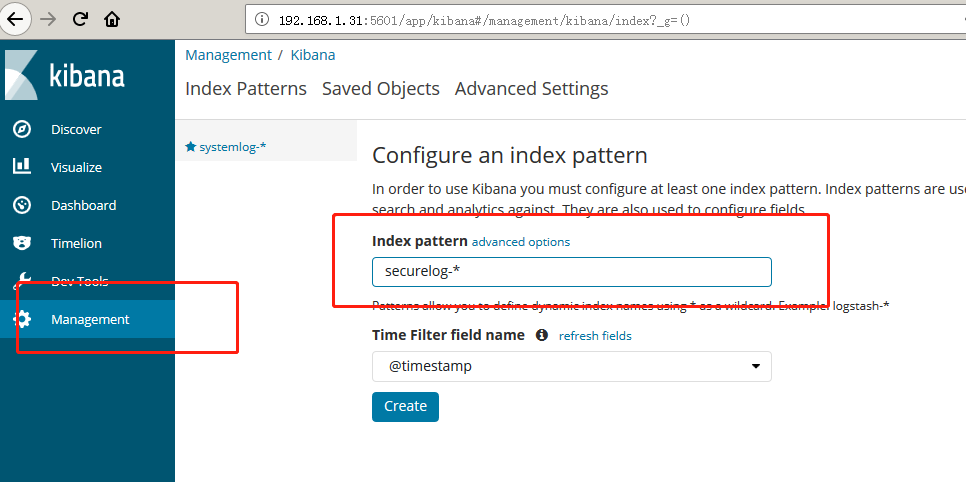
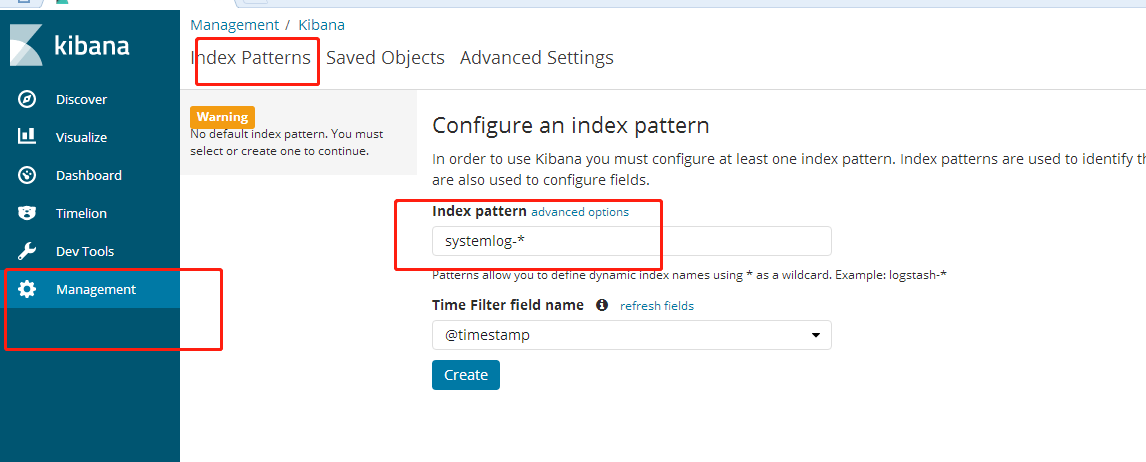
4.在kibana上添加索引
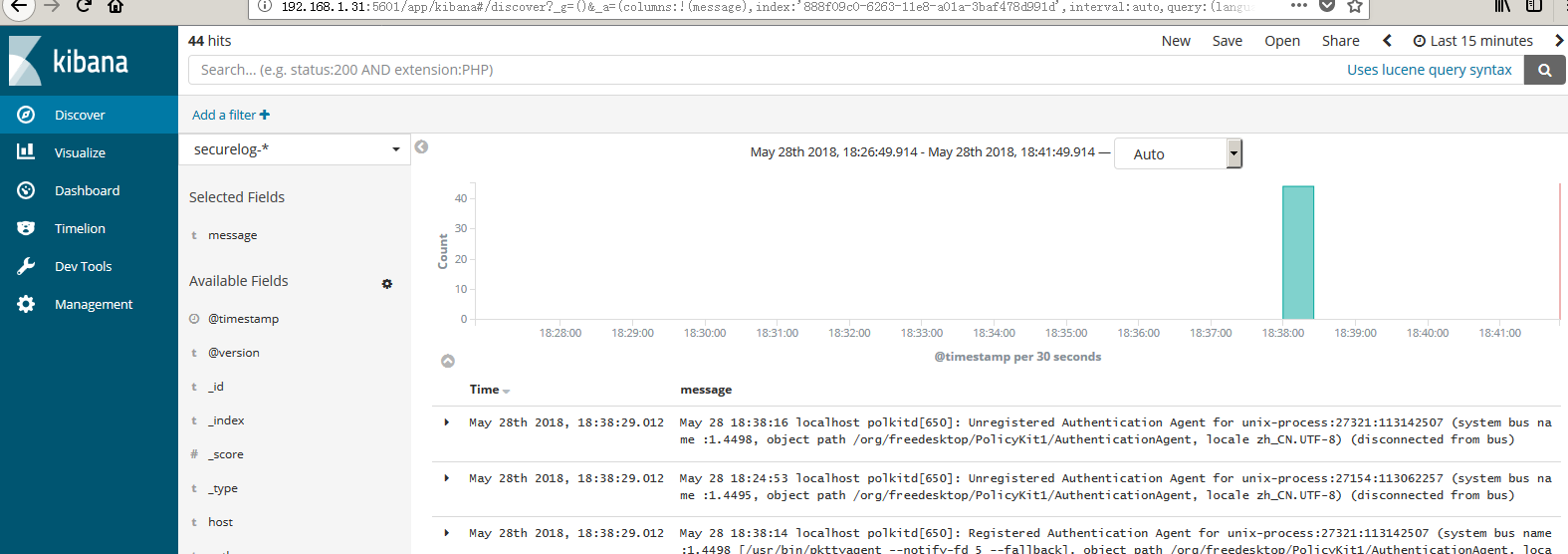
5.验证日志