IE浏览器
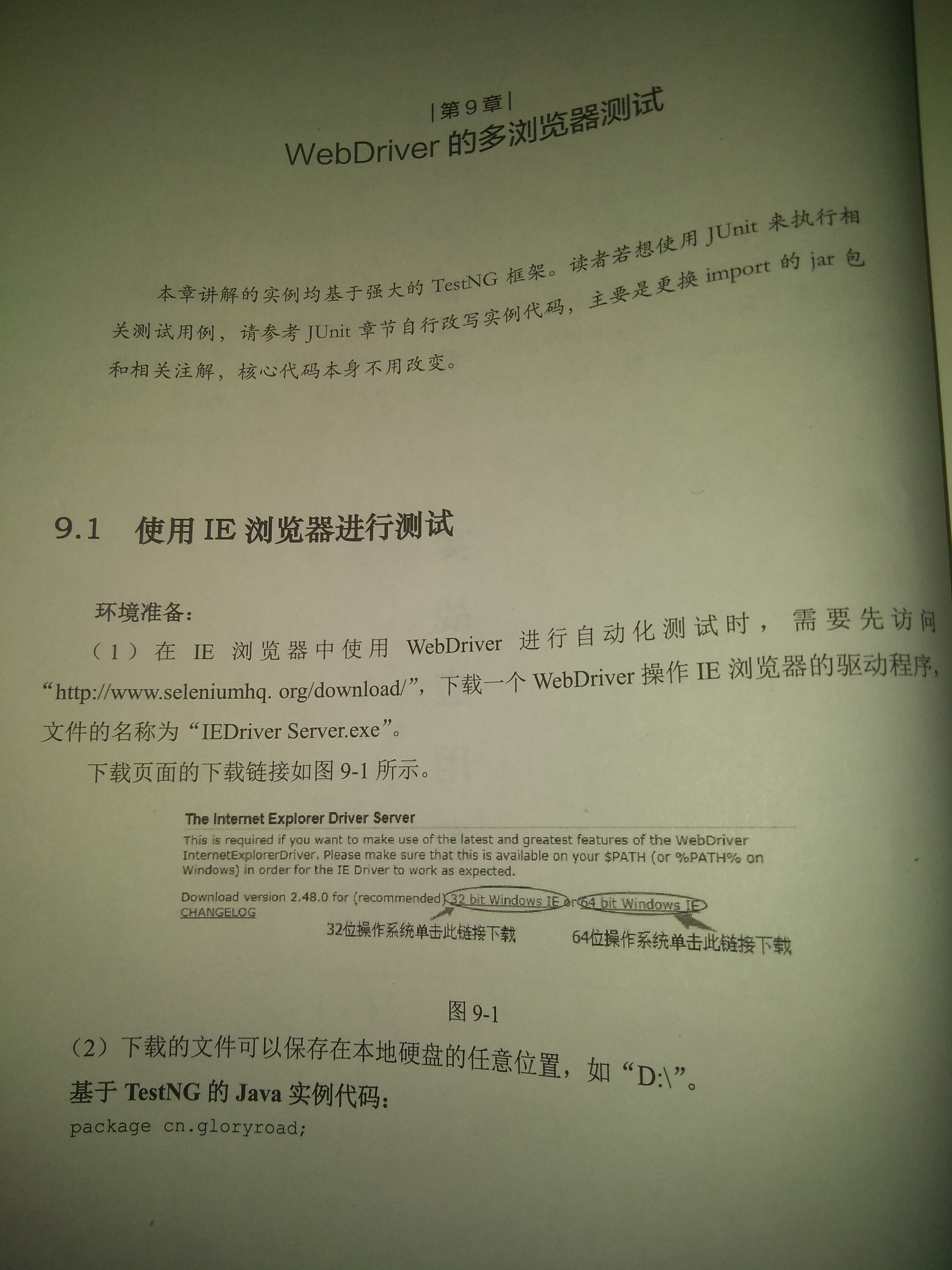
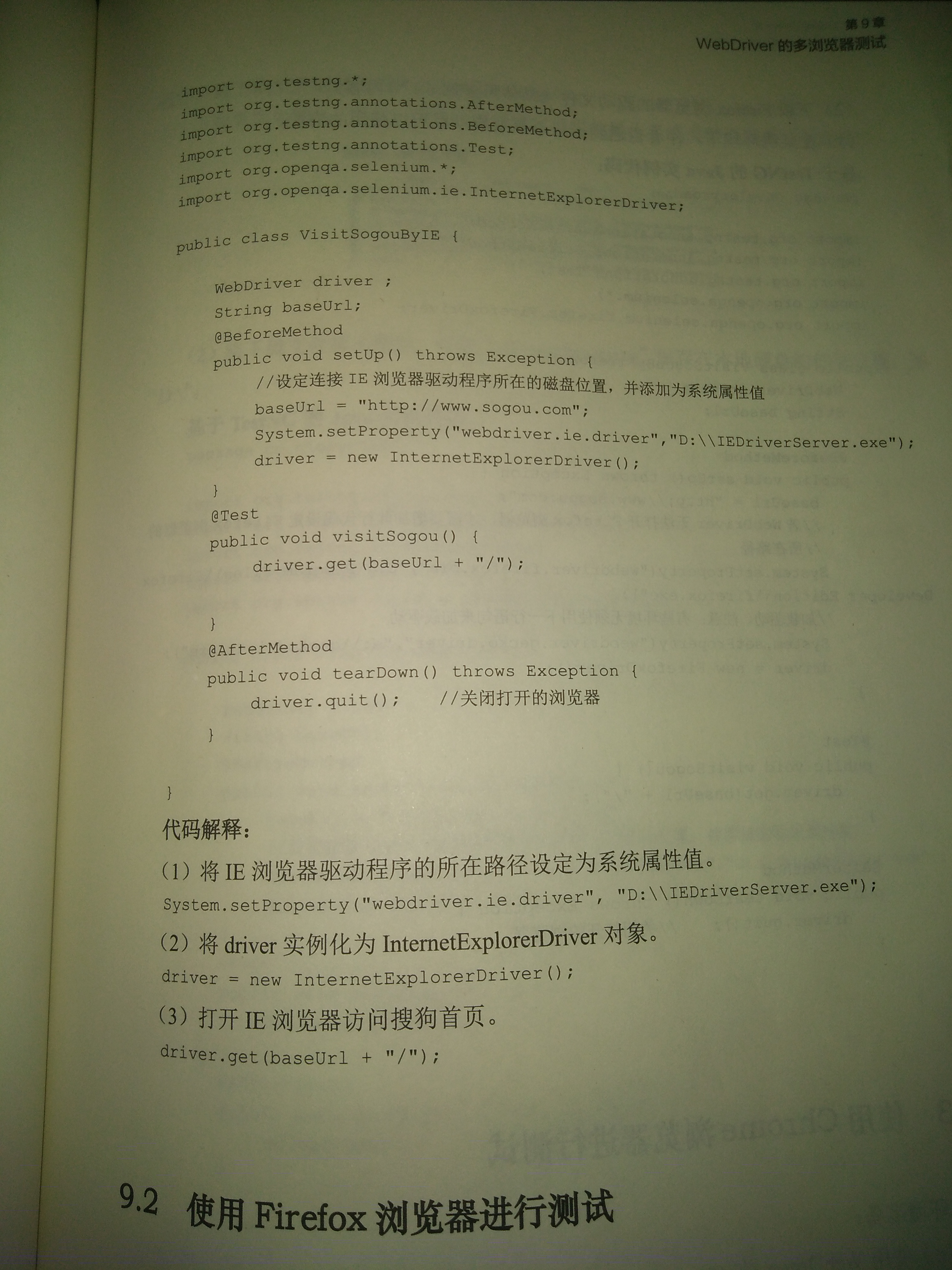
import org.openqa.selenium.ie.InternetExplorerDriver;
System.setProperty("webdriver.ie.driver","D:\\IEDriverServer.exe");
driver = new InternetExplorerDriver();
driver.get("http://www.baidu.com");
====================================================================================
Firefox浏览器
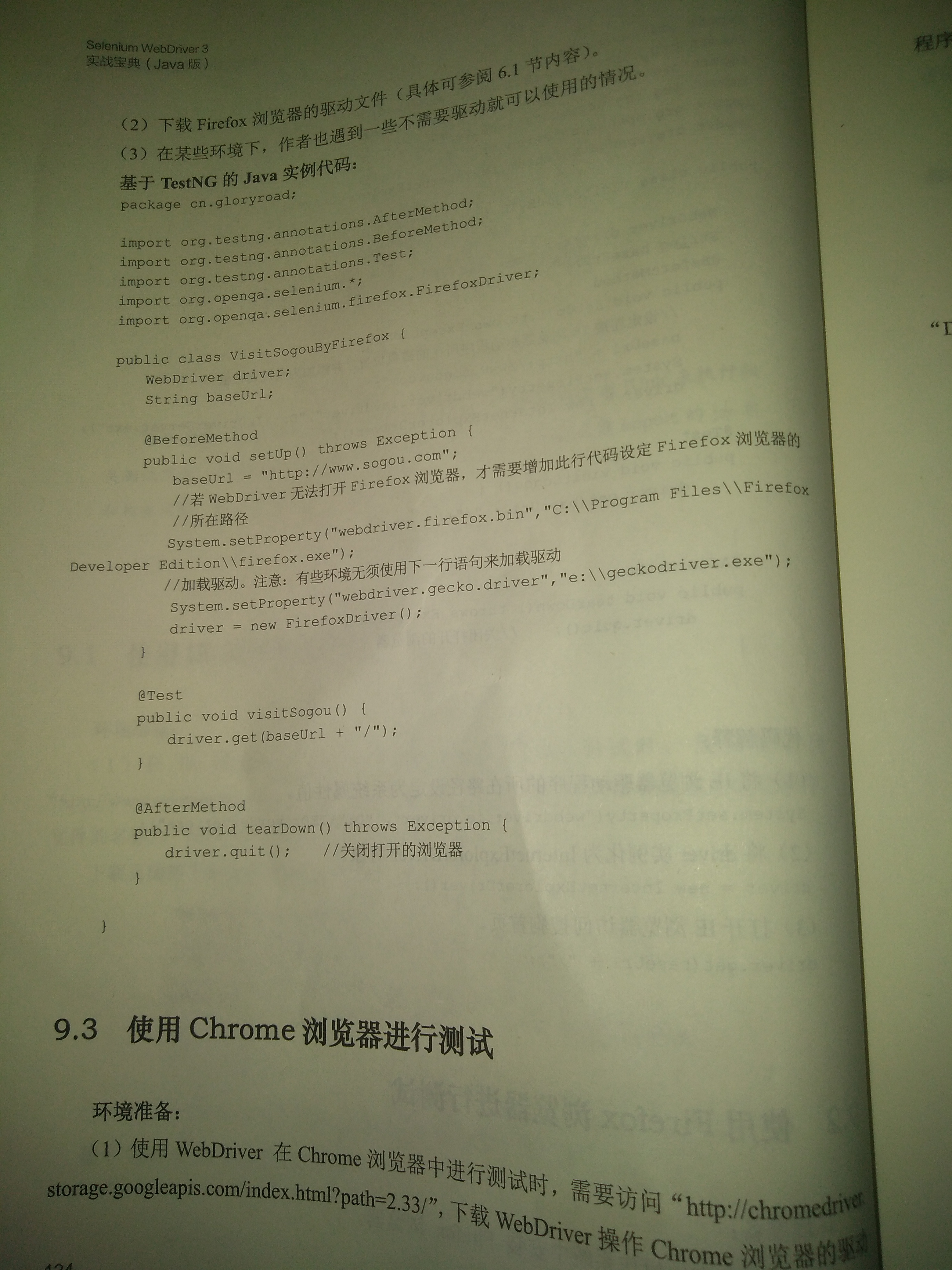
import org.openqa.selenium.firefox.FirefoxDriver;
System.setProperty("webdriver.firefox.bin","C:\\Program Files (x86)\\Mozilla Firefox\\firefox.exe"); //设置火狐的安装路径,防止系统找不到
System.setProperty("webdriver.gecko.driver","D:\\geckodriver.exe"); //有些环境之下无需使用此语句
FirefoxDriver driver = new FirefoxDriver(); //初始化FireFox浏览器实例,并打开浏览器
driver.get("https://www.baidu.com");
====================================================================================================
Chrome浏览器
import org.openqa.selenium.chrome.ChromeDriver;
System.setProperty("webdriver.chrome.driver","D:\\chromedriver.exe");
driver = new ChromeDriver();
driver.get("http://www.baidu.com");
====================================================================================================
Safari浏览器
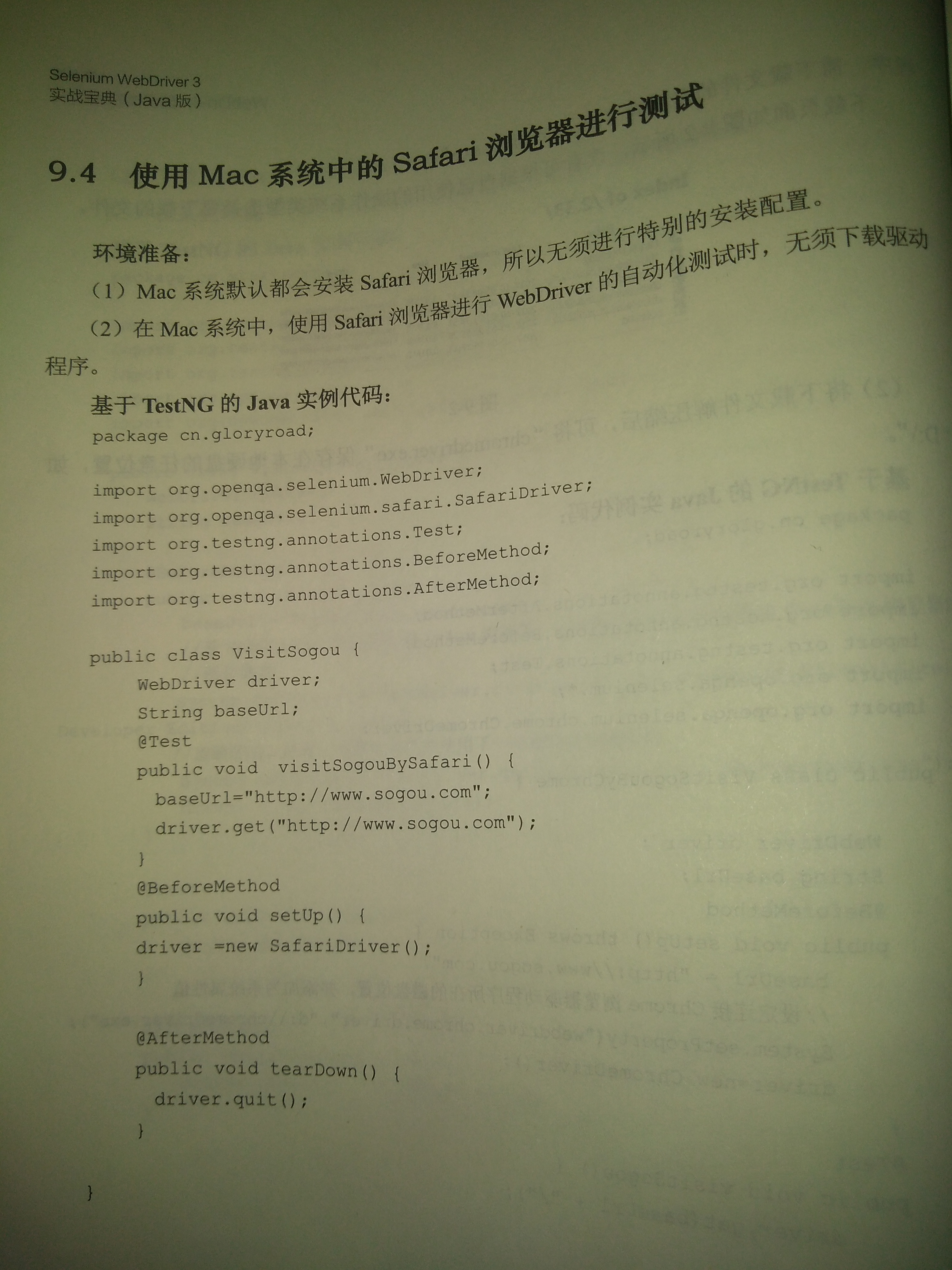
import org.openqa.selenium.safari.SafariDriver;
driver.get("http://www.baidu.com"); //直接使用,因为一般苹果系统里都会默认按照Safari浏览器
====================================================================================================