最近,不小心将自己的Ubuntu-12.04桌面系统搞坏了,主要是由于改变了/var目录下文件的属主,结果桌面系统崩溃了,启动都成问题了。不过还算幸运,可以通过其他的机器登录到我的系统上。根据别人的系统/var目录下的文件属主信息,一点点还原回去了,但是没有彻底解决问题:每次启动电脑时,都提示错误“The system is running in low-graphics mode”,如图所示:
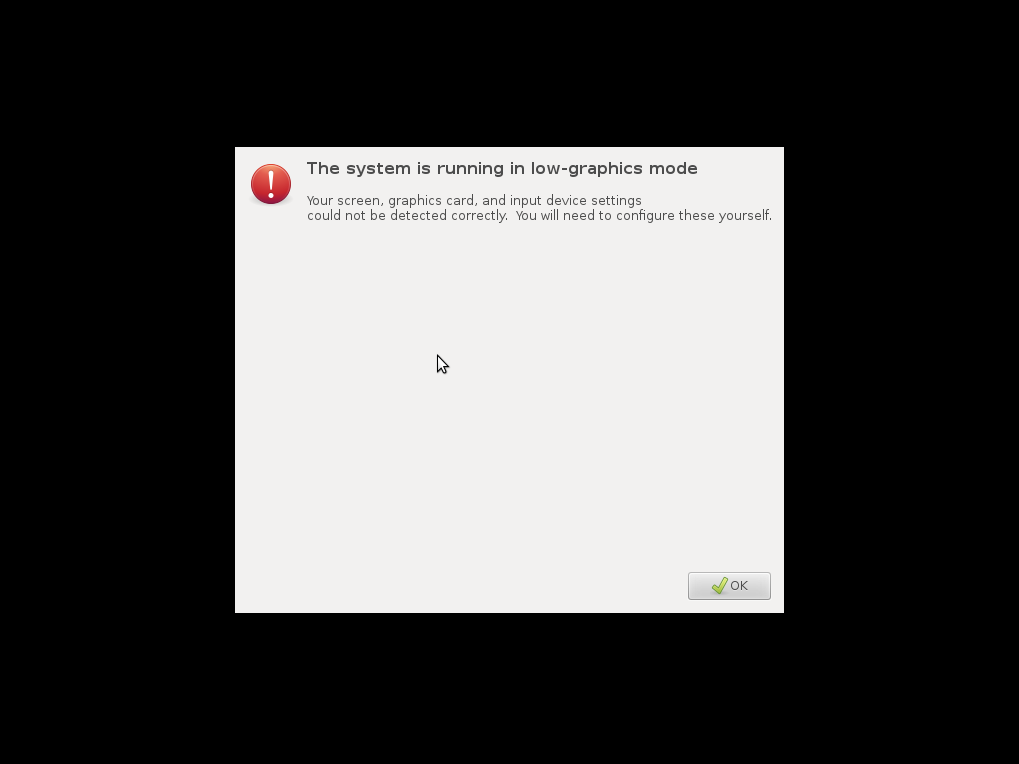
然后,你点击“OK”按钮,只能通过一个单一的会话选项进入到桌面系统,很是不方便。
在网上查了一下,解决的方法很多,终于找到了一个适合我这里问题的方案,引用如下:
I have recently received a similar issue with myPangolin Performance laptop. The folks at System 76 told me to do the following:
Click Okay and then select the option to get a terminal. (alternatively you can press ctr+alt+f1 to bring up another tty)
sudo chown lightdm:lightdm -R /var/lib/lightdm
sudo chown avahi-autoipd:avahi-autoipd -R /var/lib/avahi-autoipd
sudo chown colord:colord -R /var/lib/colord
reboot
These commands did the trick for me.