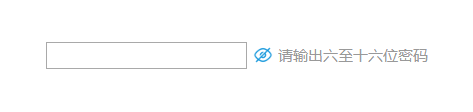
下面是某浪的登录框下面我们就要模仿下密码设置输出这一块!
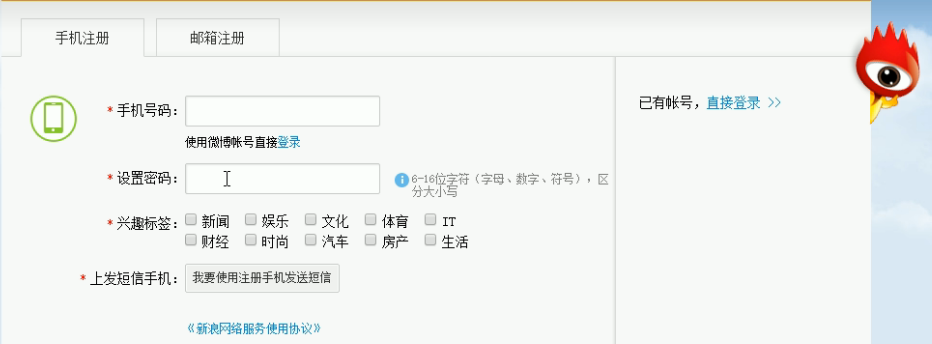
依旧会用到表单元素
和p标签提示主要是用到
p.className = "a a1";给元素添加类名的属性:
<!DOCTYPE html>
<html lang="zh">
<head>
    <meta charset="UTF-8" />
    <meta name="viewport" content="width=device-width, initial-scale=1.0" />
    <meta http-equiv="X-UA-Compatible" content="ie=edge" />
    <style type="text/css">
        div{
             600px;
            margin:90px auto;
        }
        .a{
            display:inline-block;
            font-size: 12px;
            color: #999;
            background: url(img/b.png) no-repeat left center;
            background-size: contain;
            padding-left: 20px;
        }
        .a1{
            color: red;
            background-image: url(img/k.png);
        }
        .a3{
            color: green;
            background: url(img/b.png);
        }
    </style>
    <title>Document</title>
</head>
<body>
    <div class="">
        <input type="password" name="" id="" value="" class="a2"/>
        <p class="a">请输出六至十六位密码</p>
    </div>

    <script type="text/javascript">
        var ipt = document.querySelector("input");
        var p = document.querySelector("p");
        ipt.onblur = function(){
            if(ipt.value.length > 16 || ipt.value.length < 6){
                p.className = "a a1";
                p.innerHTML = "请输入正确密码"
            }
            else{
                p.className = "a a2";
                p.innerHTML = "格式正确"
            }
        }
    </script>
</body>
</html>
下面是页面原图大家可以换个原版叉号图片效果会更好!